0:59
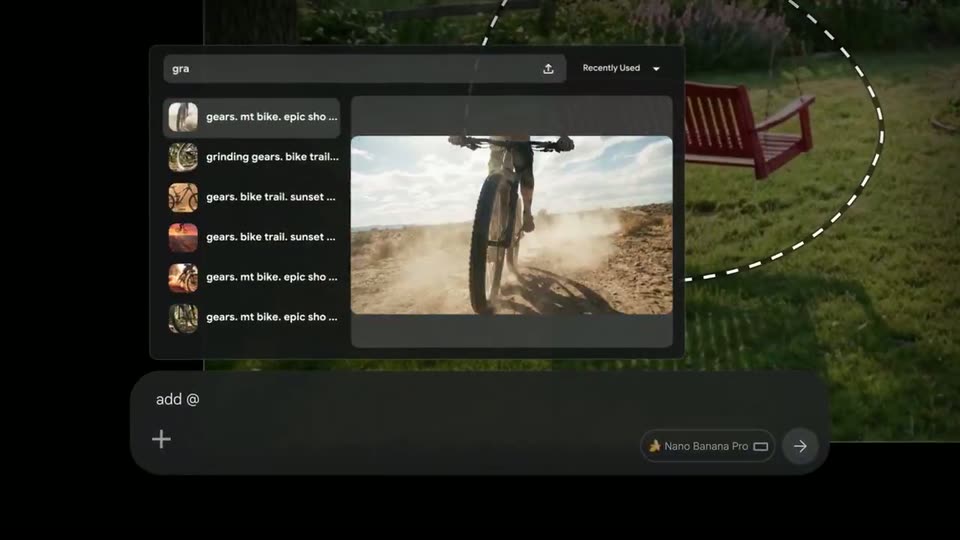

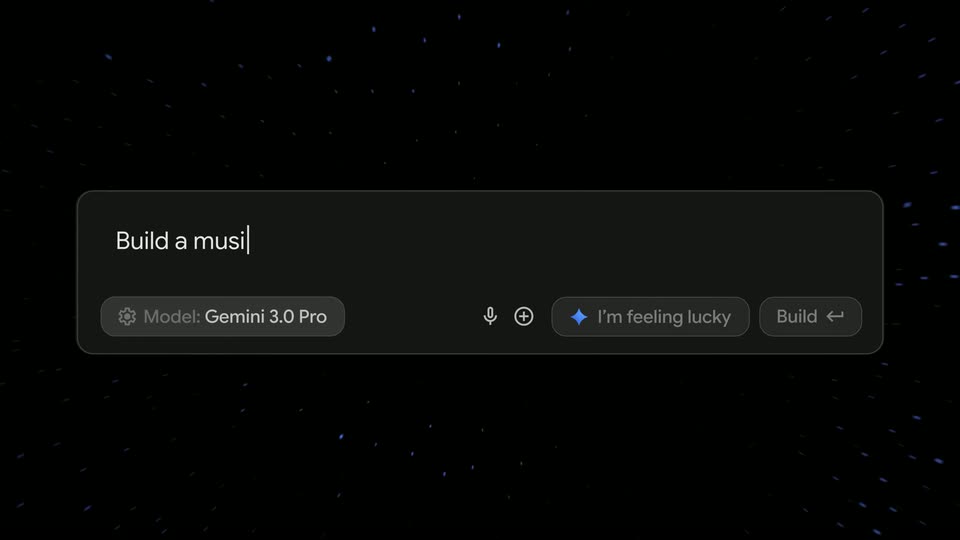
Google Flow - Today we're expanding Flow into a full AI creative studio. We’ve rede
Google · AI · Feb 2026
Rive · Mar 2021 · 2:06 · Full motion · AI-annotated
Rive’s 2:06 launch film runs 52 scenes, about 2.4 s each. The product shows up at 0:00 and 6 features are revealed. The call to action lands at 1:56 (92% in), over a voiceover. The video opens on a black field with the RIVE wordmark, then moves into a fast feature-by-feature montage where each feature is shown either as a 3D-tilted app window or as a flat vector demo on a solid color field. Pacing is quick (about 13 cuts a minute at 140 bpm) with signature moves of morphing shapes, perspective UI, and a recurring cast of stylized characters and objects.
Is this your launch? to your site or press kit.
Google · AI · Feb 2026
Runway · AI · Oct 2026
Google · AI · Nov 2025
Films whose music sounds like this one, voice left out
Apple · Modern electronic
Interact AI · Electronic
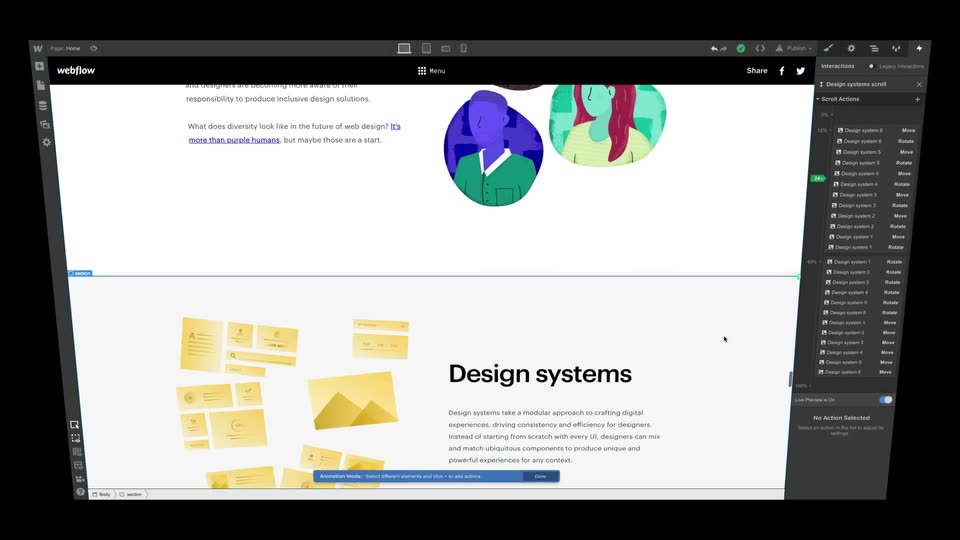
Webflow · Electronic
On a black field, thin pink and blue lines bloom outward into a horizontal row of small glossy pink and purple spheres, with short cyan dashes at each end. The forms swell from flat strokes into rounded 3D blobs in a quick pulse.
Techniques: Morph
Camera: Static
On a black background, a row of small glowing colored glyphs morphs into the thin white wordmark RIVE, which then holds centered and static for the rest of the clip.
On-screen text: “RIVE”
Techniques: Morph
Camera: Static
The white RIVE wordmark sits centered on a near-black frame as a dark 3D scene with a checkered floor and stylized figures fades in behind it.
On-screen text: “RIVE”
Camera: Static
A dark neon 3D scene holds the white word RIVE static in the center. A stylized character with blue hair stands at right, a pink aircraft marked 119 sits at left, and the backdrop brightens as a small drone drifts into view.
On-screen text: “RIVE”
Camera: Static
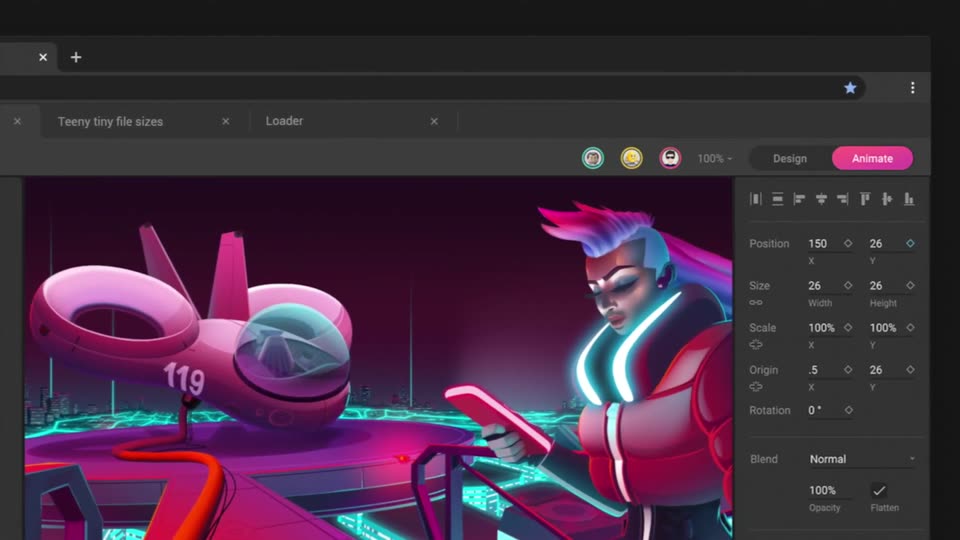
A neon 3D illustration of a character holding a tablet beside a pink hover-vehicle fills the frame, the thin RIVE wordmark centered. The view reframes to reveal the design-tool interface around it, with a properties panel at right and a timeline below.
On-screen text: “RIVE”
Camera: Pull out
A browser window showing the Rive design tool, with a stylized pink-haired character beside a pink vehicle on a neon platform, floats in 3D perspective and scales down to reveal the full app frame.
Techniques: 3D mockup
Camera: Pull out
A 3D-tilted window of the Rive design app floats on a black background. Inside, the central canvas loops a playful animation of pink, blue and white cartoon shapes, while layer, property and timeline panels remain static.
Techniques: 3D mockup
Camera: Static
A flat browser window of the Rive design tool sits on a dark background. In the teal canvas, a green and teal potion bottle with a pink stopper tilts and settles upright, looping its idle animation while the layers, properties and timeline panels hold still.
Camera: Static
A black Apple Watch on a dark background shows a teal screen with a green-and-teal flask icon. The watch morphs into a black iPhone, the same icon now centered on its teal display.
Techniques: Morph
Camera: Static
A black handheld console shows a green flask on a teal screen, then swaps to a laptop with a gamepad in front. The flask bobs gently on the display while the device changes.
Techniques: 3D mockup
Camera: Static
The Rive web editor fills the screen inside a browser window. The view pans left to right across the dark interface, sliding from the layer panel to the canvas showing a pink ship and a neon ranger character, then to the properties panel with a pink Animate button.
Camera: Pan
A dark design-tool window floats and tilts in 3D perspective on a black background. It rotates from a canvas showing a pink-haired 3D character beside a pink ship to a file browser with a left sidebar listing teams and folders.
Techniques: 3D mockup
Camera: Static
A light web editor window sits at a slant on a dark backdrop, then rotates to face the camera. The left sidebar lists navigation items and a blue Rive button; the main pane holds folder chips and a grid of project cards with character and potion thumbnails.
Techniques: 3D mockup
Camera: Pan
A dark design tool interface floats in 3D perspective, tilted against a black void. A pink gradient square rotates on the canvas while three collaborator cursors, labeled Janine, Dana and Winston, drift around it. A properties panel with position and size fields sits to the right.
Techniques: 3D mockup
Camera: Static
A flat purple house illustration with a blue roof and pink windows sits above a dark control bar holding a slider. The whole panel scales down into a rounded card floating in a starry void as the counter drops from 4 to 3 and the slider thumb slides left, dimming one window.
Camera: Static
A flat vector space scene in a circular vignette: a pink rounded robot with an X button drifts down from the top across a starry sky, while two pink fan-shaped hands rise from the bottom edge around a pale blue dome.
On-screen text: “3 ROOMS”, “DRAG TO CHANGE ROOMS”
Camera: Pan
A pink cartoon submarine with a round porthole and a crosshair panel floats in a starry black space, framed by a dark red vignette. Two pale pink hands with white fingers reach up from the bottom edge. The submarine bobs gently in place.
Camera: Static
A blocky robot with a white head and glowing red torso stands in a dark purple room, shifting from a crouch to an upright pose. A thin blue artboard outline fades in around it, then the robot vanishes, leaving the empty frame.
Camera: Pull out
A purple file icon with a folded corner fades in at the center of a dark background and scales up. It then replicates into a horizontal row of thirteen identical icons, the middle one glowing brighter than the rest.
Camera: Static
A row of small purple file tiles sits on a black background. The tiles flanking a brighter center tile slide inward and stack into a dense pile, while the rest stay evenly spaced.
Camera: Static
On a dark canvas a maroon square morphs into a gray pointer that grows and rotates like a clock hand, a properties panel beside it updates its rotate value, then the frame tilts into a 3D view of a menu list next to a pink shape.
Techniques: Morph, 3D mockup
Camera: Pan
A dark layer panel lists the robot's parts while a pink 3D robot head with red glowing eyes fills the right side. The cursor hovers down the list, and each highlighted name outlines the matching part of the model in blue.
Techniques: 3D mockup, Cursor demo, UI zoom
Camera: Push in
A close-up of a vector editor shows a gray shape on a pink body morphing from a thin sliver into a large rounded mass while a cursor drags its handles. The scene cuts to a 3D blue van on a pink plane with a small measurement tooltip.
Techniques: Morph, Cursor demo, 3D mockup
Camera: Static
An isometric teal van with a mint roof rotates slowly on a pink field while pale pentagons drift at different depths. A dark control panel slides in at the bottom right; a cursor drags the Playback Speed slider from 1x to 0.75x and the van's rotation eases off.
Techniques: 3D mockup, Parallax, Cursor demo
Camera: Static
A blue van with a teal roof bobs in isometric 3D on a flat pink field. A dark control panel in the lower right shows Playback Speed stepping down from 0.69x to 0.27x, slowing the van's motion, then the panel fades out. Faint pink polygons drift in the background.
Techniques: 3D mockup, Speed ramp
Camera: Static
A flat pastel illustration shows a knight on a pink carousel horse bobbing up and down, a small green dinosaur beside him, as a green tree on a pole orbits the ride. A dark panel titled ANIMATIONS with Idle, Day, Night slides in lower left, cursor near Night.
On-screen text: “ANIMATIONS”, “Idle”, “→ Day”, “→ Night”
Techniques: Cursor demo
Camera: Pull out
A cursor hovers the Night row in a dark ANIMATIONS panel on the left, while the central illustration of a knight on a carousel horse wipes from a bright daytime backdrop to a starry night sky on the right.
Techniques: Cursor demo, Masking
Camera: Static
A dark ANIMATIONS dropdown sits at left, its cursor resting on the highlighted Night row. A white diagonal shape slides out of the left edge as the scene shifts to night: a knight with a pink mohawk rides a blue horse beneath a glowing moon and scattered stars.
Techniques: Cursor demo
Camera: Static
A flat night scene shows a pink-crested knight riding a blue carousel horse under a glowing moon, while a dark ANIMATIONS panel lists Idle, Day and Night on the left. A white cursor hovers over Night, then moves to Day as green trees slide in from the edges.
Techniques: Cursor demo
Camera: Static
A night illustration shows a knight on a rocking horse with a small green dragon beneath a glowing moon, a dark control panel and cursor on the left. A white diagonal wipe sweeps in from the right to reveal a daytime rooster and sun.
Techniques: Cursor demo, Masking
Camera: Static
A dark starry diagonal panel slides off toward the lower left, revealing a flat illustration of a helmeted knight on a pink carousel horse under pale clouds. A dark ANIMATIONS menu with Idle, Day and Night rows sits bottom left, a cursor resting on Day.
Techniques: Cursor demo, Masking
Camera: Static
A flat illustration of a knight on a pink carousel horse sits in a rounded frame beside a dark panel listing animation options. The cursor selects Day and the scene brightens: the sun turns yellow, the tree shrinks, the sky lightens.
Techniques: Cursor demo
Camera: Static
A dark rounded-square icon with a white up arrow bounces gently at center of a lavender gradient. A cursor clicks a Pressed keycap in the corner; the icon turns red, morphs into a rocket, and a red ring pulses out before it returns.
On-screen text: “Pressed”, “Q”
Techniques: Cursor demo, Morph
Camera: Static
A dark design-tool workspace frames a light lavender canvas; a dark rounded square with a white up arrow sits centered, the arrow scaling gently in place. Layer and timeline panels flank the canvas.
Camera: Static
A dark motion-tool interface fills the frame, with an Animations panel left and a diamond-marked timeline right. A cursor clicks the plus icon, opening a dropdown menu, then hovers over the State Machine option as the menu narrows.
Techniques: Cursor demo
Camera: Static
A design tool screen with a lavender artboard holding a dark rounded button with a white up arrow. A cursor glides to the Roll over node in the bottom state machine panel and clicks it, the node lighting up with a small label.
Techniques: Cursor demo
Camera: Static
A dark state-machine editor fills the lower half, its preview panel above showing a purple button with a white up arrow. A cursor glides to the Press node and drags it downward, the connecting lines rerouting as it moves.
Techniques: Cursor demo
Camera: Static
A dark interface shows a node graph of connected state boxes on the left and a settings panel on the right. A white cursor clicks the Conditions field, selects Press from a dropdown, then flips its value from true to false.
Techniques: Cursor demo
Camera: Static
A flat character on white, a ring head with a cyan crescent and a dark dot, above a pink three-lobed body. The dot orbits the head while the ring unwinds into a spiral and the body tilts to the side.
Techniques: Morph
Camera: Static
On a flat blue background, a white download icon, a circle with a down arrow, rotates and its ring thins into a partial arc, becoming a loading spinner.
Techniques: Morph
Camera: Static
On a flat blue field, a thin light-blue circle holds a pale blue wave that undulates across its lower half, while a short bright white arc spins around the ring's rim. The motion is slow and continuous.
Techniques: Morph
Camera: Static
A rounded-square 3D character with two dot eyes and thin stick legs bounces across a plain teal background. It hops from left to right, its body shifting from dark to light blue and its legs bending as it lands.
Camera: Static
On a purple stage, a smiling orange slice character with tiny arms and legs scales down and morphs into a watermelon slice with the same face and legs, the ground shadow holding its place.
Techniques: Morph
Camera: Static
A smiling cartoon glass of orange drink with a striped straw sits on teal beside a color palette; a cursor taps the magenta swatch and the liquid turns pink. It cuts to a 3D night rooftop where a blue-haired character in a cyan suit views a phone.
On-screen text: “3”
Techniques: Cursor demo, Kinetic type
Camera: Static
A stylized illustration frames a pink-haired figure in a glowing jacket holding a red tablet on a rooftop, beside a pink drone marked 119 with an orange cable. A teal circuit city glows below under a dark sky; the figure's hand and hair drift slightly.
Camera: Static
A stylized warrior illustration in a white robe and red, gold armor stands on a dark gray canvas, holding a round shield. A mouse cursor moves around her while the figure subtly shifts, tilting its head and body in place.
Techniques: Cursor demo
Camera: Static
A small dark box with orange stripes rests low on a plain slate-blue field, morphs into a wheeled cart with a handle loop, then flattens into a low platform.
On-screen text: “4”
Techniques: Morph
Camera: Static
A small dark robot with orange hazard stripes sits on a slate background. A white disc with a spinning wedge appears above it, morphs into a draped tablecloth, and a purple vase with a white flower rises from its center before the table lifts away.
Techniques: Morph
Camera: Static
Flat browser window of the Rive homepage on a wavy pink, blue, and orange gradient. The dark page shows the RIVE wordmark, a tagline, two pill buttons, and a red dot character with glowing eyes and striped circles. It opens with a brief double-image dissolve, then holds locked-off.
Camera: Static
A flat browser window sits on a colorful abstract gradient background, showing the Rive landing page. An illustrated robot with red circular eyes animates in the center, its eyes glowing brighter while the frame holds still.
Camera: Static
A browser window on a colorful gradient background shows the Rive login page. On the left, a 3D cartoon boy in a red vest bobs on a pink skateboard; on the right, a white form carries the RIVE wordmark and login fields.
Camera: Static
A near-black field holds the white Rive.app wordmark dead center, locked off and motionless for the entire shot.
On-screen text: “Rive.app”
Camera: Static