1:35
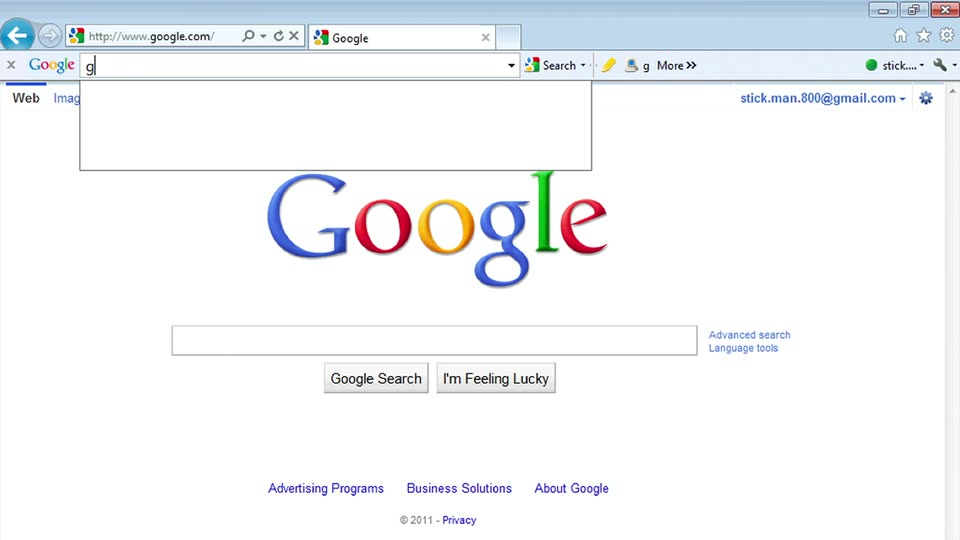

Introducing Google Toolbar 7
Google · AI · Apr 2011
Retool · Jan 2023 · 4:29 · Full motion · AI-annotated
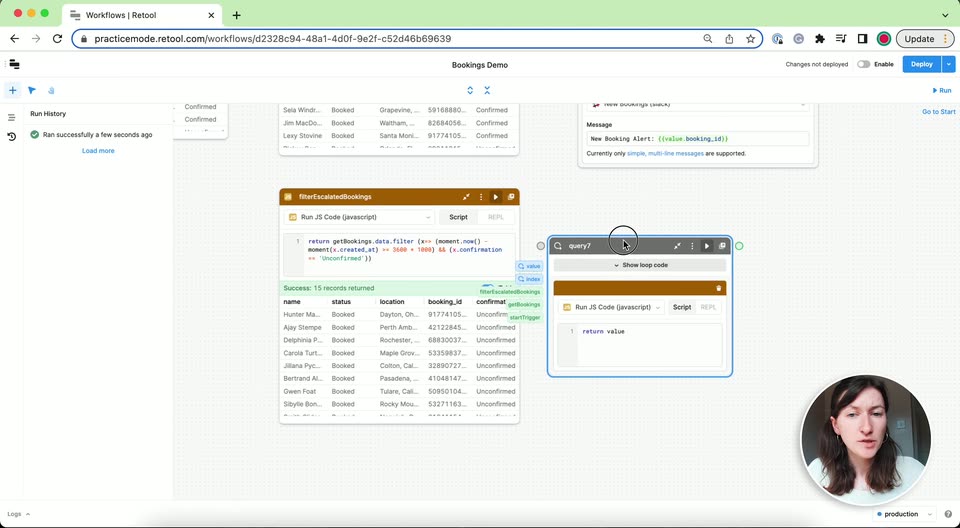
Retool’s 4:29 launch film runs 8 scenes, about 34 s each. The product is on screen from the first frame and 4 features are revealed. There is no explicit call to action; a voiceover carries the film. A single continuous screen recording of the Retool Workflows canvas, with a circular presenter webcam pinned to the corner, builds one booking-alert workflow step by step: query, filter, loop, run, schedule, branch, webhook, then code. Pacing is steady and tutorial-like, with the cursor driving attention across the dotted grid and color-coded node cards (green start, blue query, orange code, maroon alerts) marking each step.
Is this your launch? to your site or press kit.
Google · AI · Apr 2011
Amby Health · Healthcare · Feb 2025
Salesforce
A browser window displays the Retool Workflows canvas, a flow diagram of connected nodes labeled Start, getBookings, filter and notify steps. A circular webcam inset of a woman anchors the bottom right corner. The mouse cursor drifts across the dotted canvas, pausing on individual nodes.
Techniques: Cursor demo
Camera: Static
A locked-off screen recording of the Retool Workflows canvas. The cursor renames a query block to getBookings, types a SQL select, runs it into a results table, then drags in a filter block and a loop block. A presenter's webcam plays in a circular inset at bottom right.
Techniques: Cursor demo, UI zoom
Camera: Static
Browser screen of the Retool Workflows canvas with a circular webcam feed of a woman in the bottom right. The cursor clicks Run; Slack booking alerts pop into the top right corner while the log panel fills with entries along the bottom and the run history flips to success.
Techniques: Cursor demo
Camera: Static
A screen recording of the Retool workflow editor with a circular presenter video in the corner. The cursor sets the Start block to run every hour, pans the canvas to the Slack block, and types a filter into a code editor. The view then cuts to a second workflow canvas.
Techniques: Cursor demo, UI zoom
Camera: Pan
A workflow canvas on a dotted grid holds a green Start node, a center If/Else card, and two maroon Slack alert cards. A cursor types a filter line in the Else If field, runs the right node, then opens the Start schedule panel. A circular presenter webcam sits bottom right.
Techniques: Cursor demo
Camera: Static
A 'Start' workflow card sits on a dotted canvas beside a small circular presenter video. A cursor clicks the Webhook tab, swapping the schedule form for a cURL field and parameters list, then types 'severity' and 'customer' into two key fields. The view cuts to the node canvas.
Techniques: Cursor demo
Camera: Static
A workflow editor interface fills the screen with a circular presenter video in the corner. A parameters dialog is open over the canvas; a cursor clicks its close button, the dialog fades, and the view pans right to the code editor where the cursor lands in the script field.
Techniques: Cursor demo
Camera: Pan
A dotted-grid workflow editor shows a branch node and two orange JavaScript nodes. A cursor types code into each, autocomplete menus pop up, and the layout shifts as focus moves. A circular webcam feed of a woman sits in the lower right, then the screen fades to black.
Techniques: Cursor demo
Camera: Static