2:15
Introducing Dreamteam: $53M to build an AI-native CRM
Dreamteam · Nov 2026
Numtera · Jan 2026 · 1:35 · Code only · AI-annotated
studio ObiN Studio
Numtera’s 1:35 launch film runs 35 scenes, about 2.7 s each. The product shows up at 0:09 and 2 features are revealed. The call to action lands at 1:26 (91% in), over a voiceover. The video alternates short typed-on text cards with 3D-tilted interface mockups that rotate flat and snap from blur into focus. Pacing runs about seven cuts per minute, with blur-to-sharp reveals and a blinking typing caret as the signature moves.
Is this your launch? to your site or press kit.
Dreamteam · Nov 2026
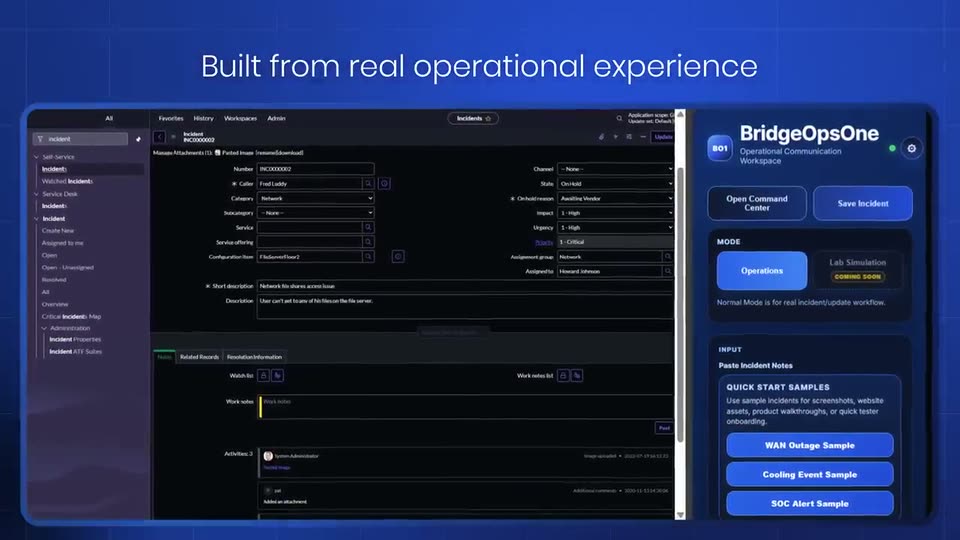
BridgeOpsOne
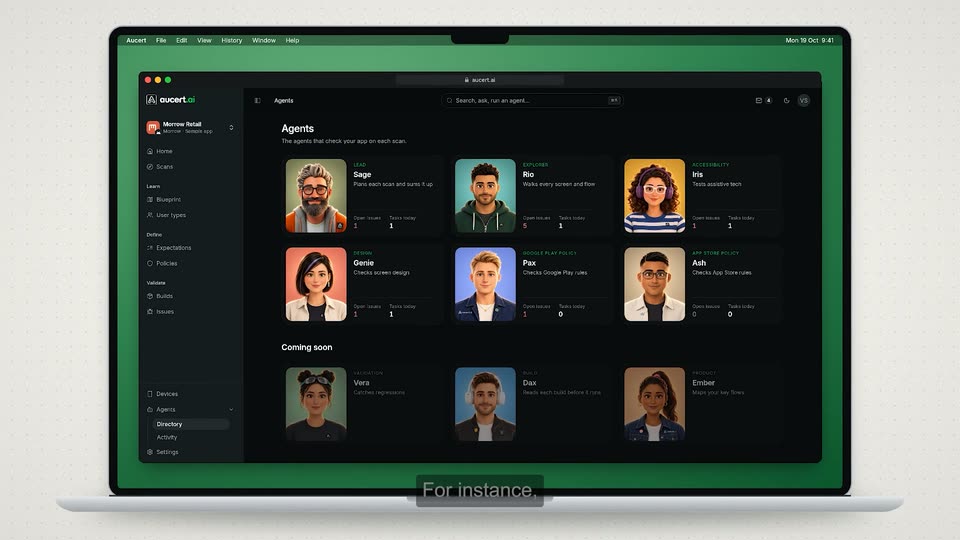
Aucert · B2B · Oct 2026
Films whose music sounds like this one, voice left out
Retrofit · Electronic dance music
ZoomInfo · Electronic dance music, Latin urban, trap
OJO plugin · Electronic, House
On a plain white field, the words “The same” type on in black at center, a thin vertical cursor bar trailing the last letter as each character appears in sequence.
On-screen text: “The same”
Techniques: Kinetic type
Camera: Static
Black sans-serif text types out at the center of a white frame, then shrinks and rises as a gray pill, a dark card and a white card with a loading spinner slide up from the bottom edge.
On-screen text: “The same issue, Different D”
Techniques: Kinetic type
Camera: Static
Light stage with tilted UI mockups in 3D, tagged by blue name bubbles. A dark “Unresolved Tickets” pill slides in. Centered black headline “The same issue, Different channels” gets blue highlight boxes behind selected words.
On-screen text: “The same issue, Different channels”
Techniques: 3D mockup
Camera: Static
Blurred interface panels float at the four corners of a white canvas while a centered headline types out, first reading The same issue, then clearing to Same in. A blue text caret blinks at the end of each line as the characters appear.
On-screen text: “The same issue”, “Same in”
Techniques: Kinetic type
Camera: Push in
A black headline types out letter by letter in the center of a white field, ending with a blinking cursor. Faint UI mockups, a card, a contact list and a browser window, sit ghosted in the corners.
On-screen text: “Same investigation... again?”
Techniques: Kinetic type
Camera: Push in
On a white background with thin blue curves, the word Stop appears large and blurred, then scales down to sharp as Managing tickets fades in beside it in blue.
On-screen text: “Stop”, “Stop Managing tickets”
Techniques: Kinetic type
Camera: Static
On a blue gradient, the word Meet resolves from a soft blur, then a blue app icon and the word Numtera scale in beside it. The card cuts to The in black on the left while AI-powered blurs in on the right.
On-screen text: “Meet”, “Numtera”, “The”, “AI-powered”
Techniques: Kinetic type
Camera: Pull out
On a soft blue gradient, the headline appears large and soft-focused, completing to the full sentence while sharpening and scaling down. A tilted, blurred 3D mockup of the support interface rises from the lower edge beneath the locked-off text.
On-screen text: “The AI-powered self-learning support OS”
Techniques: Kinetic type, 3D mockup
Camera: Static
A 3D-tilted view of the Numtera inbox flattens toward the camera as the blue headline For Complex Operations scrolls off the top right. The camera then pushes in on the ticket list, blurring the side panel.
On-screen text: “For Complex Operations”
Techniques: 3D mockup, UI zoom
Camera: Push in
A support UI floats on a blue gradient: inbox list left, incident message card center, asset profile panel right. Panels sharpen from blur, a 'Resolving in progress...' badge pops in bottom right, then a dark half wipes in from the right, revealing faint gray text.
On-screen text: “ted to your infrastructure”
Techniques: Masking
Camera: Pan
Split screen: a light ticket list scrolls slowly on the left, holding ticket #442 centered with a blue diamond connector; on the right, a dark panel stacks status lines in sequence, ending with a blue Resolved: Case #442 bar and the badge flipping to green.
Techniques: Split screen
Camera: Pan
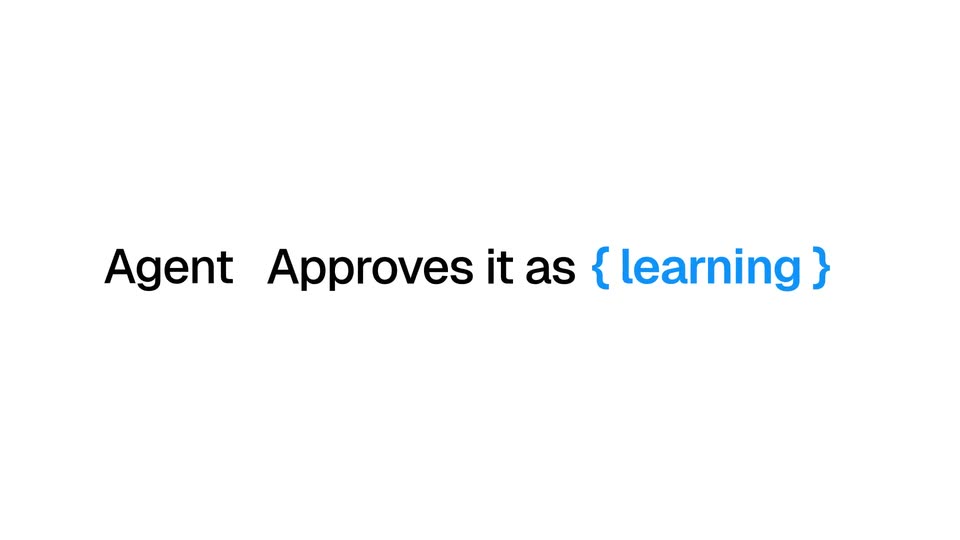
On a plain white card, the line “Agent Approves it as { learning }” sits centered and fades from light gray to full black and blue, while a small caption “Connected to your infrastructure” slides in near the bottom.
On-screen text: “Connected to your infrastructure”, “Agent Approves it as { learning }”
Camera: Static
On a white field, the gray words “it” and “as” sit beside the blue code-style tag “{ learning }”. The text clears and a blue rounded slider bar with a white knob and black track slides in from the right, stretching left across the frame.
On-screen text: “it as { learning }”
Camera: Static
A blue 'learning...' progress bar scales down from a wide left-aligned bar to a small centered chip, its percentage ticking up. A white ticket card eases in beneath it, carrying a yellow blob, two pill tags, and a bold headline.
Camera: Static
A blue progress bar fills from 41% to 100% across the top of a pale blue gradient. Below, a support ticket card fades out as a monospace console types status lines, then the card swaps to a Knowledge Unit Created panel listing Internal Memory +1 and Verified Fixes 442.
Camera: Static
On a deep blue gradient, “it turns” sharpens from blur, then “the solution into” slides in beside it. The line swaps to “Reusable knowledge” in bright blue, framed by bracket shapes that draw in, then the words fade out leaving the brackets.
On-screen text: “it turns the solution into”, “Reusable knowledge”
Techniques: Kinetic type
Camera: Static
A tilted Numtera inbox interface, blurred and washed in blue, rotates flat and snaps into focus as the frame tightens on the ticket list. A cursor drifts across the rows.
Techniques: 3D mockup, Cursor demo, UI zoom
Camera: Push in
On a blue gradient, the light blue word Auto-resolved holds center as a darker rounded pill fades in behind it and the type scales down. The frame then cuts to a large white And, its final letter soft in focus, scaling up.
On-screen text: “Auto-resolved”, “And”
Techniques: Kinetic type
Camera: Pull out
White text on a blue gradient: a large 'And' scales down, then 'when you know the outcome' slides in centered, followed by 'You can define the response' with 'define' in blue. The camera zooms into 'define', revealing a faint rounded button with a check icon.
On-screen text: “And”, “when you know the outcome”, “You can define the response”
Techniques: Kinetic type
Camera: Static
A small 'Numtera' button on a blue gradient expands downward into a dropdown menu of operations, with a cursor hovering one item. The menu then rotates away as a white workflows panel tilts into 3D perspective, revealing an empty state.
Techniques: Cursor demo, 3D mockup
Camera: Static
A tilted 3D mockup of the Numtera dashboard sits on a soft blue gradient. The camera pushes in on the Workflows page as a cursor glides to the New Workflow button in the top right.
Techniques: 3D mockup, UI zoom, Cursor demo
Camera: Pull out
A translucent form card titled Edit Workflow sits tilted in 3D on a blue gradient, then flattens as the view zooms into the name field. The field shows Manufacturing: Production Status while the labels enlarge and slide off the frame.
Techniques: 3D mockup, UI zoom
Camera: Pan
A close-up of a form field labeled Icon (Lucide Name) with the value Factory zooms out to reveal the full Edit Workflow card on a blue gradient. A headline reading Manufacturing: Production Status appears on the right.
On-screen text: “Manufacturing: Production Status”
Techniques: UI zoom
Camera: Static
On a blue gradient, a workflow editor shows a 'Manufacturing: Production Status' card above numbered steps whose message text types in one by one; the view then zooms to the bottom as a cursor clicks the Save Workflow button.
Techniques: UI zoom, Cursor demo
Camera: Push in
A white workflow editor panel, showing an Add Step field and a blue Save Workflow button, slides out to the left. A blurred dashboard titled Your Workflows with two workflow cards appears behind it. A cursor hovers the button, then rests in the center.
Techniques: Cursor demo
Camera: Static
A light dashboard interface titled Your Workflows floats in 3D perspective on a blue field, showing a left sidebar and a grid of workflow cards. The camera eases from an angled view to a flat front-on framing.
Techniques: 3D mockup
Camera: Pan
On a soft blue gradient, a white line starts with wide word spacing, tightens into place, then adds the word forever. and scales down. The frame stays locked off throughout.
On-screen text: “The system gets smarter — forever.”
Techniques: Kinetic type
Camera: Static
A black sans-serif headline, “They close tickets,” sits centered on a white field with a soft blue glow at the edges. The line scales down smoothly, then a second, smaller line appears in the same spot to close the shot.
On-screen text: “They close tickets”, “The system gets smarter — forever.”
Techniques: Kinetic type
Camera: Static
On a blue-to-white radial gradient, black text 'They close tickets' sits centered and scales. It is replaced by blue text 'We Eliminate them', which starts blurred and sharpens into focus while scaling.
On-screen text: “They close tickets”, “We Eliminate them”
Techniques: Kinetic type
Camera: Pull out
A blue rounded-square icon with a white N sits centered on a soft white-to-blue gradient. The wordmark Numtera stretches in beside the icon, a tagline scales up, then a white bar wipes the frame to black.
On-screen text: “Numtera”, “We Eliminate them”
Techniques: Kinetic type, Masking
Camera: Static
A white vertical bar holds the center of a black screen as the headline types out across it, letter by letter. The bar then drops away and a soft blue glow fades in at the top-right and bottom-left corners.
On-screen text: “The self-learning support OS”
Techniques: Kinetic type
Camera: Static
Centered light text on a dark blue gradient background types out with a blinking cursor, then the line is cleared and a new phrase begins typing in place.
On-screen text: “The self-learning support”, “Start a”
Techniques: Kinetic type
Camera: Static
A black screen with soft blue glow in the top-left and bottom-right corners holds centered white text reading “Start a free trial now!” with a blinking cursor at the end. A smaller white URL sits at the bottom. The frame stays locked and still.
On-screen text: “Start a free trial now!”, “www.Numtera.com”
Camera: Static
A deep blue gradient holds a centered white line reading Start a free trial now, with the small URL www.Numtera.com beneath it. The card holds for a beat, then the whole frame fades to black.
On-screen text: “Start a free trial now!”, “www.Numtera.com”
Camera: Static
A plain black frame holds a small URL, www.Numtera.com, static and locked off for the full shot.
On-screen text: “www.Numtera.com”
Camera: Static