
1:39
Explore
Microsoft Edge - Features for Work
Microsoft · Feb 2026 · 1:00 · Full motion · AI-annotated
studio MotionCue
- Length
- 1:00
- Scenes
- 22 · 2.7 s avg
- Product on screen
- 0:00
- Features shown
- 7
- Call to action
- 0:50 · 83%
- Voiceover
- No
- Views
- 6.1K on YouTube
as of November 27, 2026
00:00:00 / 01:00:03
- Length
- 1:00
- Scenes
- 22 · 2.7 s avg
- Product on screen
- 0:00
- Features shown
- 7
- Call to action
- 0:50 · 83%
- Voiceover
- No
- Views
- 6.1K on YouTube
as of November 27, 2026
Microsoft’s 1:00 launch film runs 22 scenes, about 2.7 s each. The product is on screen from the first frame and 7 features are revealed, with social proof. The call to action lands at 0:50 (83% in). The video opens with a title card over a still lake, then tours one feature at a time, each announced by a typed headline and a tilted 3D browser mockup that rotates into place on a light studio backdrop. Pacing is brisk with cuts every few seconds, transitions use diagonal wipes and sliding isometric panels, and it closes on the Edge lockup with a URL followed by the Microsoft mark.
No filming indicatedEstimated needs: 1 official logo — reused across the film · 19 3D passages — build or supply
Is this your launch? to your site or press kit.
More like this
1:33
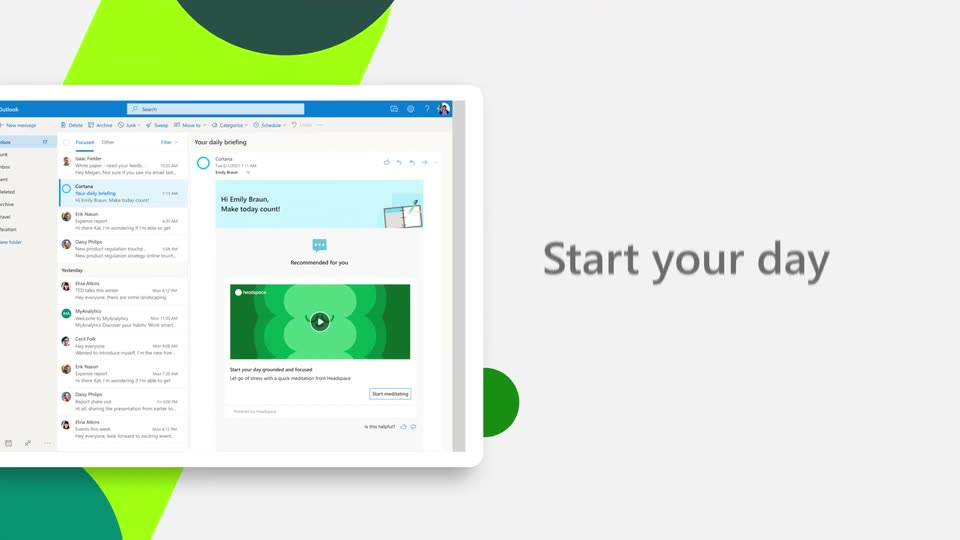
Introducing Headspace meditations and music in Microsoft Viva Insights
Microsoft · AI · Jun 2021
0:32
Similar soundtrack
Films whose music sounds like this one, voice left out
1:06
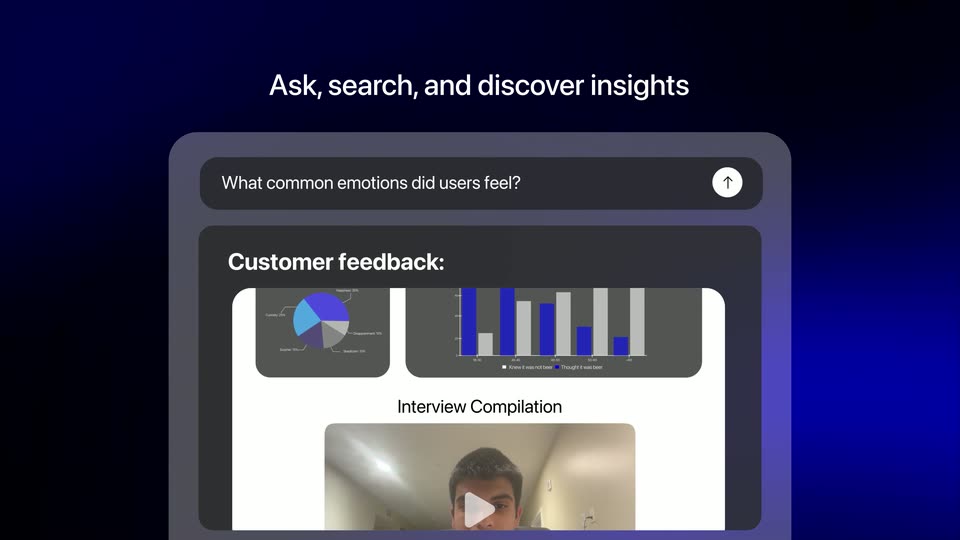

Stratify Demo Video
stratify · High-energy electronic dance music with Latin influences, including dembow and reggaeton elements.
0:54
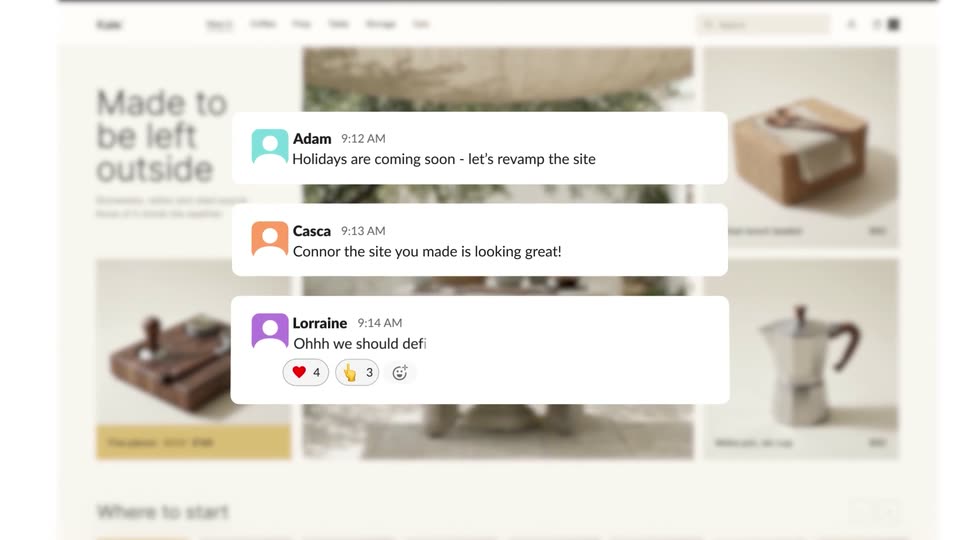
1:20
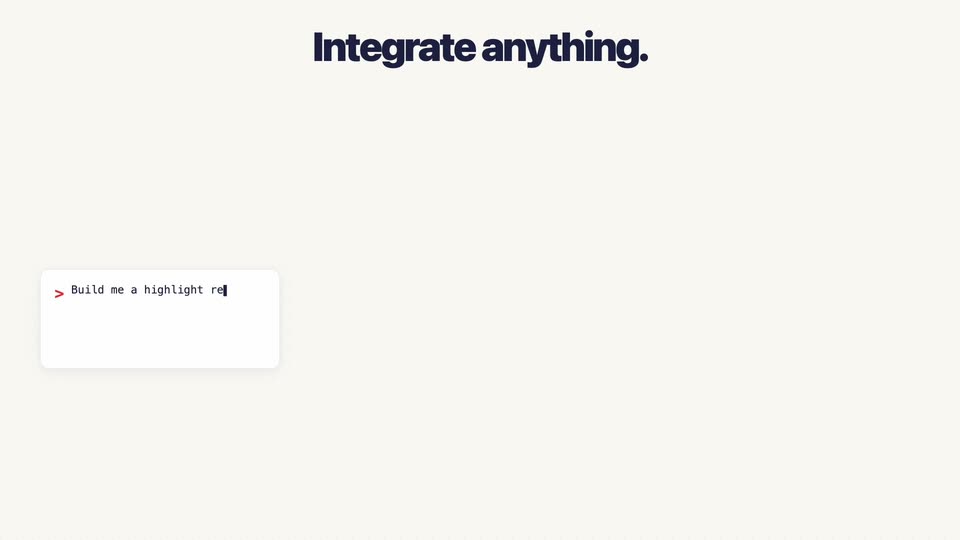
Jeremy Yudkin - Today, @editframe emerges from stealth. Agents need video. Editframe
editframe · Electronic dance music, UK Garage, Latin urban
Microsoft Edge - Features for Work, scene by scene
· 22 scenes as text
01 · Product intro · 0:00–0:01
A still lake framed by low hills under a clear blue sky. The blue-green Edge logo hovers at center with a faint reflection, while the brand name and tagline sit above it; both the logo and the text scale up slowly.
On-screen text: “Microsoft Edge”, “at work”
Techniques: Kinetic type
Camera: Pull out
02 · Product intro · 0:01–0:02
A flat Edge new tab page with a lake wallpaper and centered white title tilts into 3D perspective, zooms out, and reveals a white panel beneath it. The motion is quick and settles into a tilted browser mockup.
On-screen text: “Microsoft Edge”, “at work”
Techniques: 3D mockup
Camera: Pull out
03 · Product intro · 0:02–0:03
A browser window with a lake wallpaper, search bar and app shortcut icons tilts into 3D perspective on a plain white background. Above it, a dark headline types in word by word while the window rotates.
On-screen text: “A browser proven to save you time”
Techniques: Kinetic type, 3D mockup
Camera: Pull out
04 · Product intro · 0:03–0:05
A 3D Edge browser window tilts and rotates in perspective on a pale background, a floating logo tile hovering at its corner. Above it, the headline fades out word by word as the camera orbits the mockup.
On-screen text: “A browser proven to save you time”
Techniques: 3D mockup, Kinetic type
Camera: Static
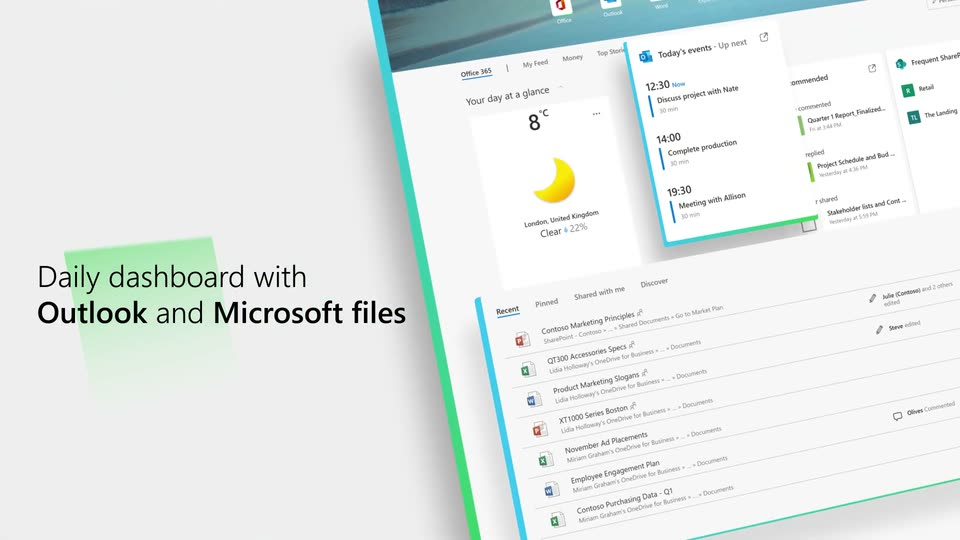
05 · Feature reveal · 0:05–0:10
A Microsoft 365 dashboard in 3D perspective, tilted on its edge, rotates toward the camera to reveal weather, calendar and recent-file panels. A black headline with bold product names holds on the left.
On-screen text: “Daily dashboard with Outlook and Microsoft files”
Techniques: 3D mockup
Camera: Push in
06 · Feature reveal · 0:10–0:11
A tilted browser window in 3D perspective shows the Office 365 new tab page on a pale background, easing into place as the black two-line headline builds word by word on the left.
On-screen text: “Microsoft 365 apps just a click away”
Techniques: 3D mockup, Kinetic type
Camera: Static
07 · Feature reveal · 0:11–0:14
A tilted 3D browser window shows the Microsoft 365 dashboard over a pale background with soft color blocks. A cursor opens the apps menu, then the view reframes onto the highlighted Recommended card as the headline text changes.
On-screen text: “Microsoft 365 apps just a click away”, “See updates from collaborators”
Techniques: 3D mockup, Cursor demo, Parallax, UI zoom, Kinetic type
Camera: Pull out
08 · Feature reveal · 0:14–0:18
A tilted 3D browser window displays a Recommended feed card; list items swap in as new collaborator updates, then the camera pulls back to reveal a second window and colored background panels.
On-screen text: “See updates from collaborators”
Techniques: 3D mockup, Parallax
Camera: Pan
09 · Feature reveal · 0:18–0:23
A tilted 3D browser window sits on a light backdrop. A cursor clicks the search bar and types a name, a suggestion list drops down, the cursor selects an entry. The view flattens to a work search results page. A headline reads top right.
On-screen text: “Spend less time looking for information at work...”, “With”
Techniques: 3D mockup, Cursor demo
Camera: Pull out
10 · Feature reveal · 0:23–0:26
A 3D browser window showing a Microsoft Search person profile tilts and flips edge-on, then a 3D isometric calendar grid slides across the frame. The heading With Microsoft Search holds at the top.
On-screen text: “With Microsoft Search”
Techniques: 3D mockup
Camera: Pull out
11 · Social proof · 0:26–0:31
An isometric white calendar sheet with a teal edge floats on a light gray background. A teal line draws across the grid, then a block of nine tiles lifts with a soft glow. The black headline sits left; blue and green gradient shapes drift behind.
On-screen text: “Save up to 5–10 days a year”, “using search at work”, “Source: Forrester Consulting, The Projected Total Economic Impact™ Of Microsoft Search In Bing”
Techniques: 3D mockup
Camera: Static
12 · Feature reveal · 0:31–0:32
Two gradient panels, green and blue, swing through 3D perspective on a light background, settling to reveal a contact card for Amanda Goetz on the right.
On-screen text: “Save up to 5-10 days a year”, “Source: Forrester Consulting, The Projected Total Economic Impact™ Of Microsoft Search In Bing”
Techniques: 3D mockup
Camera: Static
13 · Feature reveal · 0:32–0:34
A field of profile cards floats in 3D perspective on a white ground. The camera pushes in toward the central Megan Bowen card as the Find People headline fades, and the card switches from the Overview tab to a Recent files list.
On-screen text: “Find People”
Techniques: 3D mockup
Camera: Pan
14 · Feature reveal · 0:34–0:35
A white SharePoint files page floats in 3D perspective over a pale green surface, angled toward the viewer. The page shows a user profile and two file entries. A bold Files label sits top left while the card eases into place.
On-screen text: “Files”
Techniques: 3D mockup
Camera: Static
15 · Feature reveal · 0:35–0:37
A white Files interface card floats in 3D perspective, rotating from a steep tilt to a flatter angle over a plain background. A cursor hovers on the Recent files tab while the black heading Files holds at the top left.
On-screen text: “Files”
Techniques: 3D mockup, Cursor demo
Camera: Static
16 · Feature reveal · 0:37–0:39
A SharePoint site list, tilted in 3D perspective, floats over soft colored blocks while the headline “and internal websites” fills in above it. The word “internal” fades from white to black as the scene drifts slowly.
On-screen text: “and internal websites”
Techniques: Kinetic type, 3D mockup, Parallax
Camera: Static
17 · Feature reveal · 0:39–0:40
A tilted 3D SharePoint site list under the heading “and internal websites” slides away as a red panel wipes diagonally across the frame, ending on a white field with a red corner.
On-screen text: “and internal websites”, “Learn more about Microsoft 365”
Techniques: 3D mockup, Masking
Camera: Static
18 · Feature reveal · 0:40–0:44
A red browser warning page reading 'This site has been reported as unsafe' floats in 3D perspective over a light backdrop with soft green and blue shapes. A black headline fades in word by word above it, then the shot cuts to a flat Edge new tab page showing a calendar.
On-screen text: “Protect yourself with the highest-rated protection against malware and phishing scams”, “Learn more: aka.ms/EdgeMoreSecure”
Techniques: 3D mockup, Kinetic type
Camera: Pan
19 · Feature reveal · 0:44–0:45
A white laptop sits in 3D perspective on a plain light gray background, its screen showing a browser new-tab dashboard with weather, events and file tiles. The camera pulls back from a tight close-up of the screen to reveal the full device and keyboard.
Techniques: 3D mockup
Camera: Pull out
20 · Feature reveal · 0:45–0:50
A white laptop and smartphone in 3D perspective on a light background with soft blue and green gradients. The laptop shows a browser dashboard, the phone a home screen; a profile card with avatar and name slides in at the top right while the headline holds on the left. A slow push-in frames the pair.
On-screen text: “And sync across devices”
Techniques: 3D mockup
Camera: Pull out
21 · CTA · 0:50–0:55
On a light gray studio backdrop, the blue-green Edge swirl scales into the center, leaving a dotted trail, and settles above a soft reflection. The 'Microsoft Edge' wordmark holds above; the tagline and URL wipe in below, then the lockup stays still.
On-screen text: “Microsoft Edge”, “Save time, make the switch to Microsoft Edge”, “https://aka.ms/EdgeAtWork”
Techniques: Masking
Camera: Static
22 · Outro · 0:55–1:00
On a plain white background, the small four-square Microsoft mark fades in at center, its colors deepening from pale to full. The gray Microsoft wordmark appears to its right, and the centered lockup holds steady to the end of the shot.
Camera: Static