0:43


Gemini Notebook - Introducing a more powerful NotebookLM 🚀 Massive upgrades deliver ag
Google · AI · Jun 2026
Microsoft’s 0:11 launch film runs 4 scenes, about 2.9 s each. The product is on screen from the first frame and 1 feature is revealed. There is no explicit call to action; a voiceover carries the film. A single cut-free take on a warm cream field, where monospace UI text assembles and a serif headline builds word by word while sketchy hand-drawn arrows steer the eye and slow zooms move between interface states. The demo closes with a transcription that highlights word by word in sync with a soft Portuguese voiceover, keeping the pace deliberate and the palette strictly beige and brown.
Is this your launch? to your site or press kit.
Google · AI · Jun 2026
Dreamscale Labs · Industrials · Oct 2026
Kimpton · Fintech · Oct 2026
Films whose music sounds like this one, voice left out
Freepik · Ambient electronic
Origami · Electronic
FLORA · Cinematic Electronic
On a cream field, a monospace model list assembles: a 'Choose your model' header, then MAI-Image, MAI-Voice, and a highlighted MAI-Transcribe row with a plus button. A sketchy hand-drawn arrow draws in from the bottom, arcing up and right as the list drifts upward.
Techniques: Kinetic type
Camera: Pan
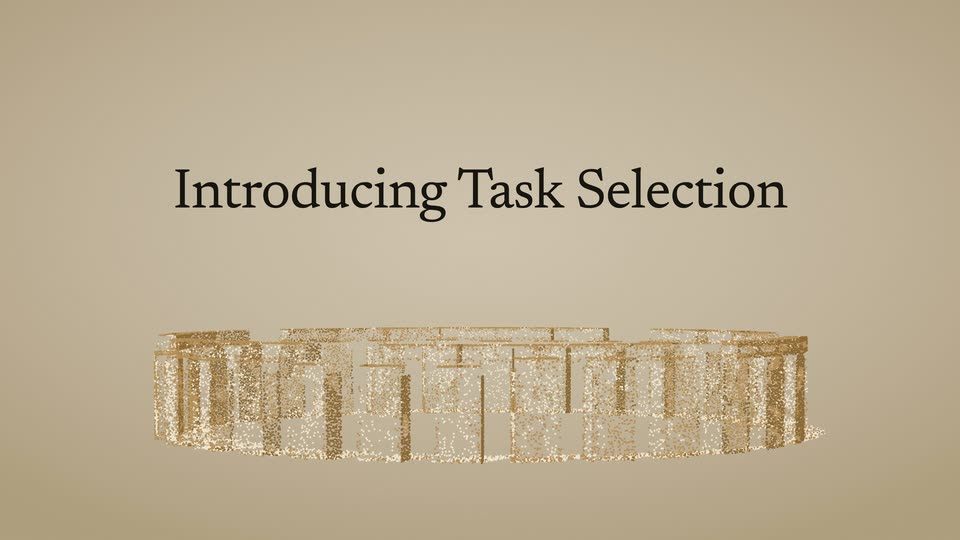
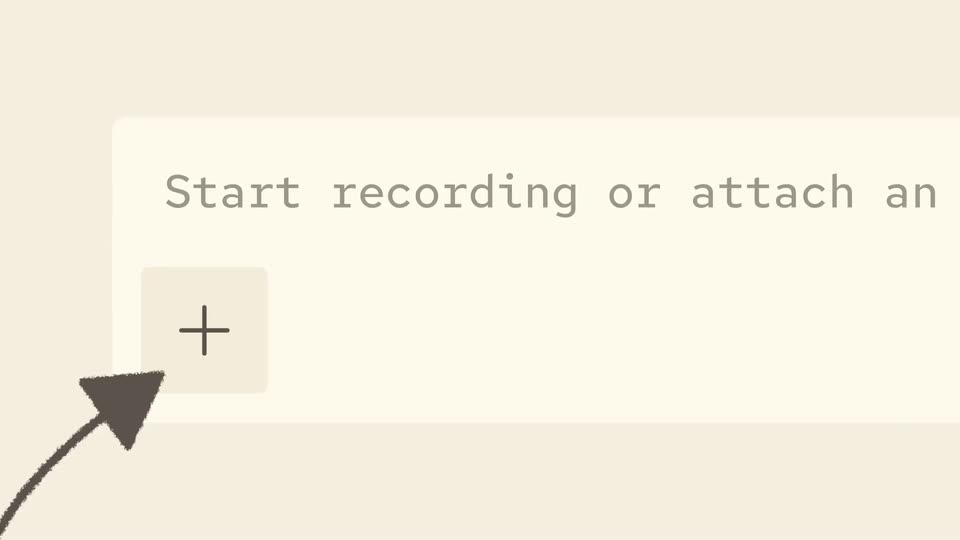
A cream screen shows a serif headline assembling word by word above a flat interface card. The card holds a recording prompt, a plus button, a dark waveform button and four sample chips. A hand-drawn arrow points at the plus as the frame zooms into the card.
On-screen text: “Transcribes audio to text”
Techniques: Kinetic type, UI zoom
Camera: Static
A cream screen holds an audio file icon with a play glyph and the label File Audio Name, ringed by a rough hand-drawn arrow that draws itself around. The icon slides and a Portuguese transcription block scrolls in, alternating dark and light monospace lines.
Camera: Static
A cream background holds five lines of Portuguese monospace text, cropped at the frame edges. The second line is read word by word: each word darkens from light gray to dark brown as a pale highlight box slides along it.
On-screen text: “ndo eu e seu avô éramos jovens na Madeira,”, “Todo dia ele subia pelos caminhos de pedr”, “nte se encontrava perto do mar, olhando pr”, “ca é uma ilha pequena, mas o amor que naso”, “ente para durar a vida toda.”
Techniques: Kinetic type
Camera: Static