
0:18
Explore
Gemini Notebook - Introducing a more powerful NotebookLM 🚀 Massive upgrades deliver ag
NotebookLM · Jun 2026 · 0:43 · AI-annotated
- Length
- 0:43
- Scenes
- 9 · 4.8 s avg
- Product on screen
- 0:00
- Features shown
- 3
- Call to action
- 0:37 · 86%
- Voiceover
- No
00:00:00 / 00:43:15
NotebookLM’s 0:43 launch film runs 9 scenes, about 4.8 s each. The product is on screen from the first frame and 3 features are revealed. The call to action lands at 0:37 (86% in). The video opens on the product name, then runs three back-to-back feature pairs, each a centered headline card followed by a locked-off UI demo, and closes on the brand mark with the URL. Signature moves: keywords sweep from gray into a blue-green gradient fill, every frame stays locked off, and a soft pastel wash sits along the bottom edge of each card.
No filming indicatedEstimated needs: 4 capture groups — your screens or recordings · 1 official logo — reused across the film
Is this your launch? to your site or press kit.
More like this

0:41
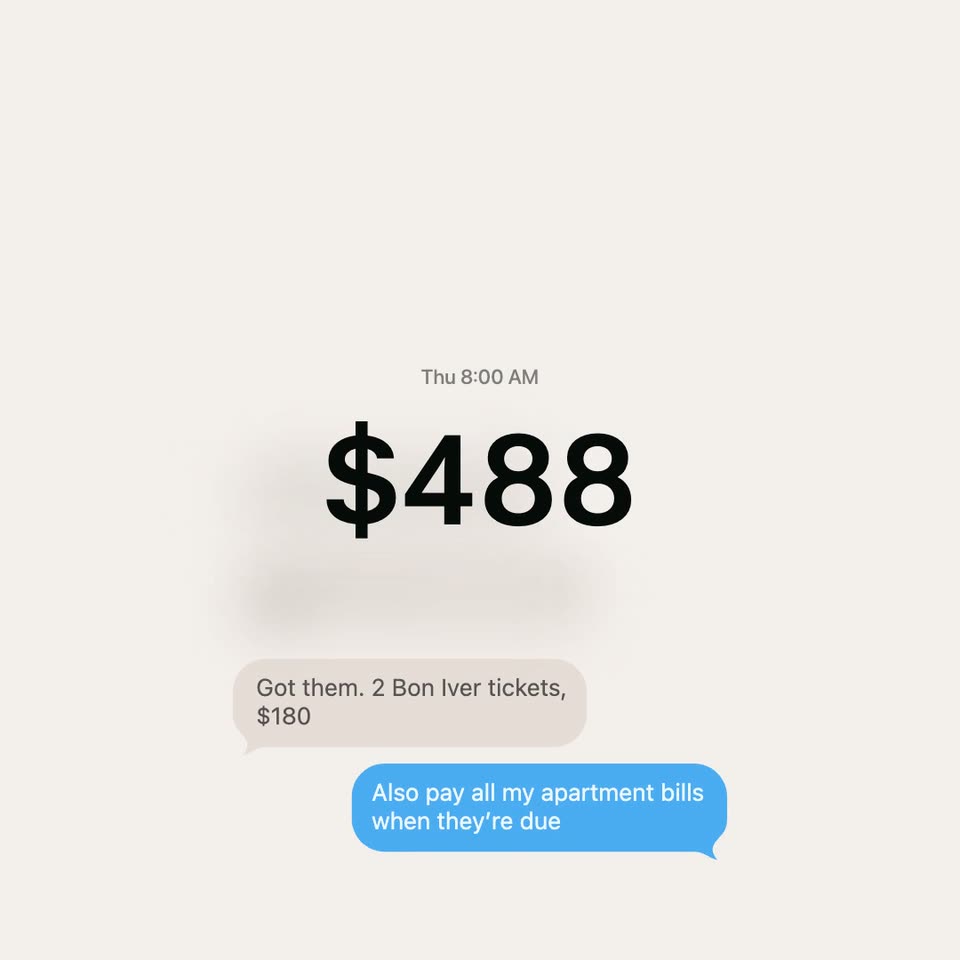

Noah Shinn - Give your Instinct a budget Built with @Stripe and @link, we're laun
Instinct · Fintech · Oct 2026
0:26
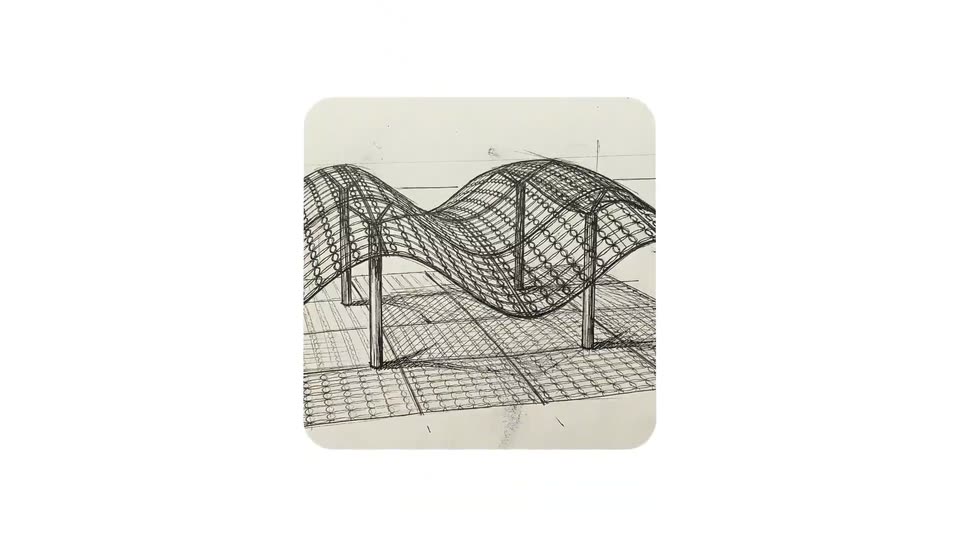
Google Gemini - Gemini 3 Deep Think is here. Deep Think is our most advanced reasoni
Gemini 3 Deep Think · Dec 2025
Gemini Notebook - Introducing a more powerful NotebookLM 🚀 Massive upgrades deliver ag, scene by scene
· 9 scenes as text
01 · Product intro · 0:00–0:02
On a white background with a faint blue-green gradient along the bottom, three centered lines fade in one after another, each shifting from gray or a blue-green gradient to solid black. The frame stays locked off.
On-screen text: “Meet the new,”, “more powerful”, “NotebookLM”
Techniques: Kinetic type
Camera: Static
02 · Product intro · 0:02–0:04
A locked-off shot of the NotebookLM interface: a sources panel on the left, a document titled Modeling Orbital Mechanics and Kepler's Laws of Planetary Motion in the center, and a grid of pastel Studio tiles on the right. The tagline Meet the new, more powerful NotebookLM holds still on screen.
On-screen text: “Meet the new,”, “more powerful”, “NotebookLM”
Camera: Static
03 · Feature reveal · 0:04–0:06
A centered headline on a plain off-white background with a soft pastel wash along the bottom edge. The frame is locked while “Expand” shifts from black to a green-to-blue gradient and “your search” fades from light gray to dark gray.
On-screen text: “Expand your search”
Techniques: Kinetic type
Camera: Static
04 · Feature reveal · 0:06–0:18
A close-up of a chat input field types out a search prompt, then the view pulls back to a three-panel app layout. A loading spinner runs, a response with an import card slides in, and new source rows populate the left panel.
Techniques: UI zoom
Camera: Push in
05 · Feature reveal · 0:18–0:20
A product interface with a sources list and a chat panel fades to a plain white gradient backdrop behind a large two-line headline. The lower line, directly in the chat, shifts from a blue-green gradient to solid gray, then holds still.
On-screen text: “Unlock new artifact types”, “directly in the chat”
Camera: Static
06 · Feature reveal · 0:20–0:25
A light-gray headline reading “Unlock new artifact types directly in the chat” overlays a chat interface, then fades to reveal the full screen. The chat completes a typed prompt and shows a generated image file, while a side panel lists artifact types like Mind Map and Infographics.
On-screen text: “Unlock new artifact types”, “directly in the chat”
Camera: Push in
07 · Feature reveal · 0:25–0:27
On a white background with a soft blue and green gradient along the bottom edge, the line “See the thinking” holds centered while “at work” appears below it, and the word “thinking” fills with a blue-to-green gradient. The frame stays locked off.
On-screen text: “See the thinking”, “at work”
Techniques: Kinetic type
Camera: Static
08 · Feature reveal · 0:27–0:37
A gray headline 'See the thinking at work' fades out over a chat UI as a long prompt is typed and sent. The view reframes onto the chat column, then a list of reasoning steps, each with a gear icon and a sentence, scrolls in one by one.
On-screen text: “See the thinking at work”
Techniques: UI zoom
Camera: Push in
09 · CTA · 0:37–0:43
The tagline “Think bigger. Build faster.” holds centered on a white field with a soft pastel gradient along the bottom, then fades out. Gray concentric arcs rotate in to form the NotebookLM mark, and the “Google NotebookLM” wordmark and “notebooklm.google” URL fade in beneath it.
On-screen text: “Think bigger.”, “Build faster.”, “Google NotebookLM”, “notebooklm.google”
Camera: Static