0:08
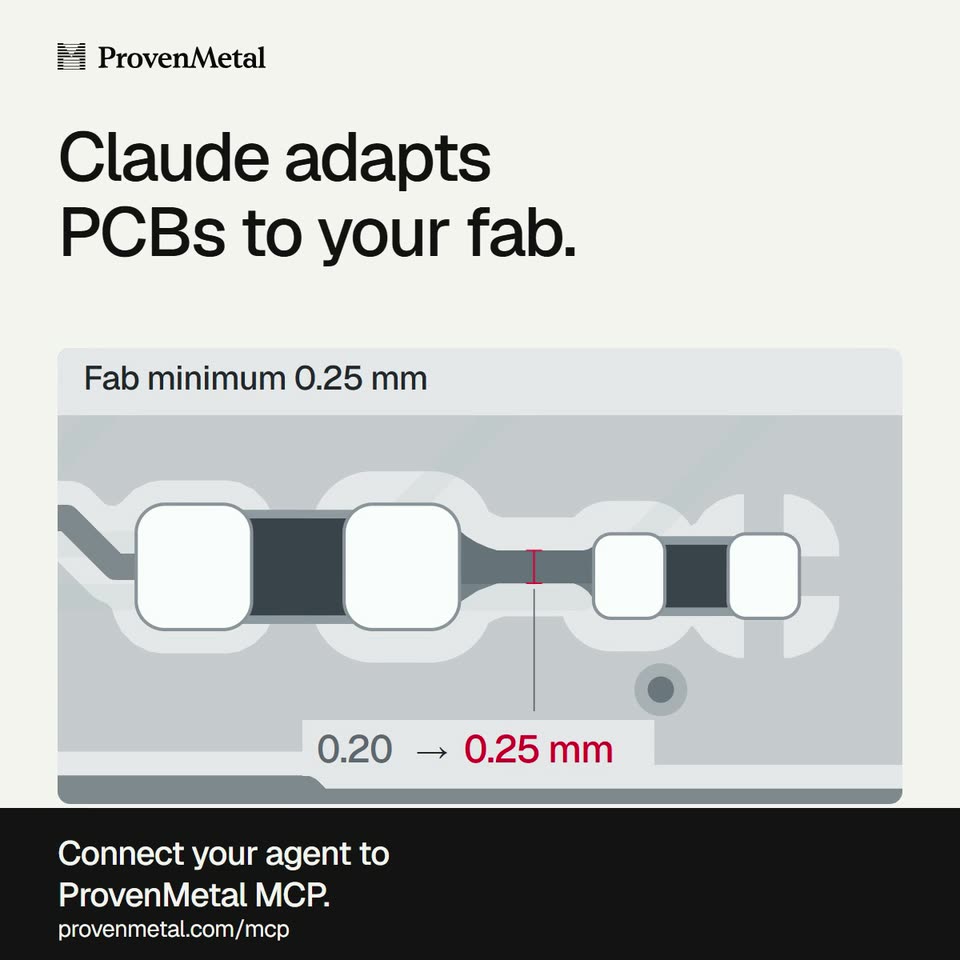
ProvenMetal - Claude adjusts your PCB designs to a manufacturer’s capabilities. Con
ProvenMetal · Industrials · Oct 2026
Microsoft · Jun 2026 · 0:21 · Full motion · AI-annotated
Microsoft’s 0:21 launch film runs 11 scenes, about 1.9 s each. The product is on screen from the first frame and 1 feature is revealed. There is no explicit call to action; a voiceover carries the film. The video is one continuous walkthrough of the MAI-Image model: pick the model, type a prompt, attach a reference image, and watch the generated variations fill the frame. Its style is flat cream panels with monospace UI type, a serif headline, and a hand-drawn arrow that sketches the user's path across every screen.
Is this your launch? to your site or press kit.
ProvenMetal · Industrials · Oct 2026
Microsoft · AI · Jun 2026
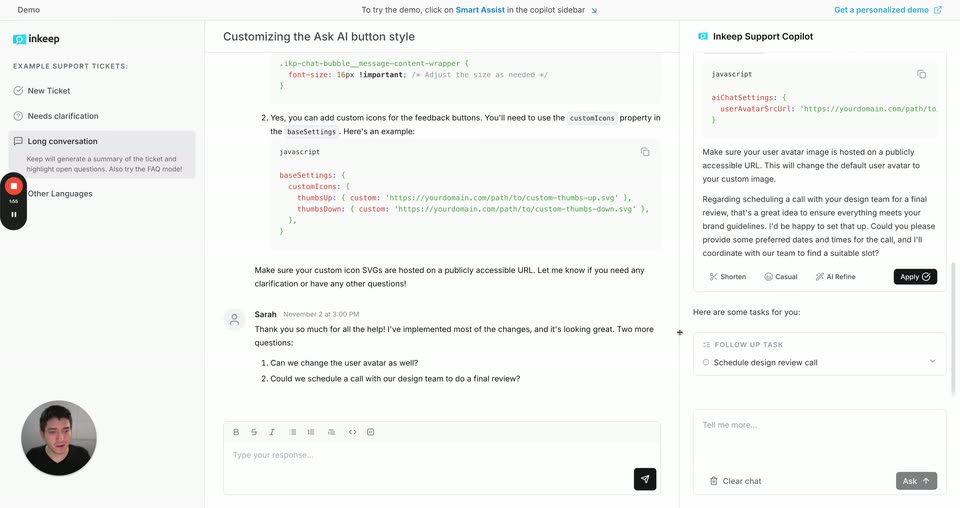
Inkeep · B2B · Nov 2024
Films whose music sounds like this one, voice left out
Google · Upbeat electronic dance music
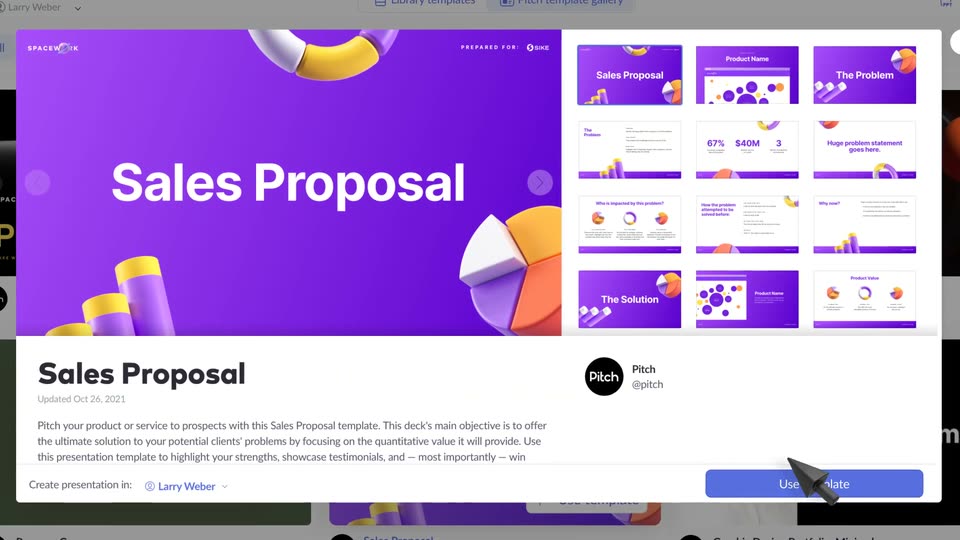
Pitch · Upbeat electronic
Warp · Modern electronic, lo-fi hip-hop, chillwave
A cream card fades in on a beige background, listing three MAI models with line icons. A hand-drawn arrow draws itself from the left, dips under the list, and points up at the highlighted MAI-Image row, where a circled plus icon slides in.
Camera: Static
A white model-selection card listing MAI-Image, MAI-Voice and MAI-Transcribe sits on a beige field. The card slides left and shrinks as a hand-drawn curved arrow extends from the list up to the top-right corner.
Camera: Pan
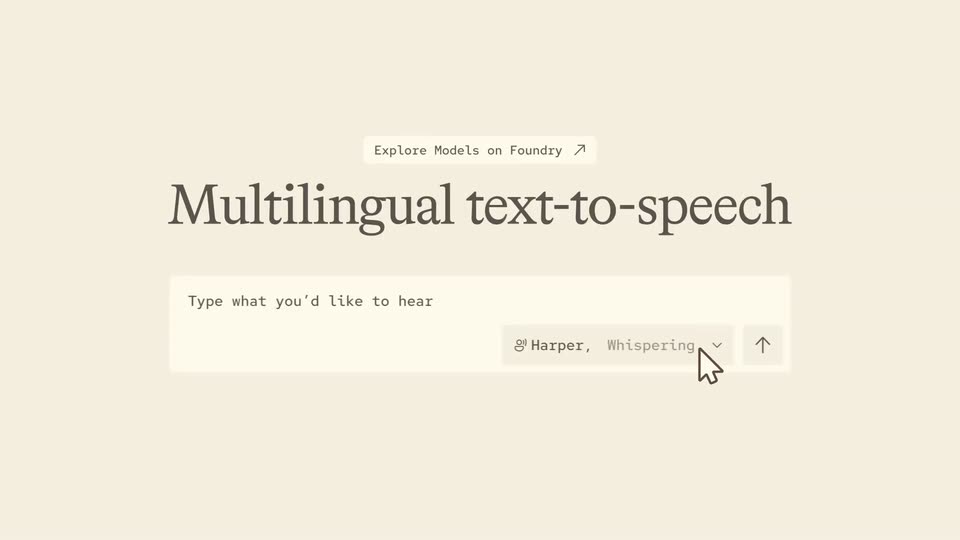
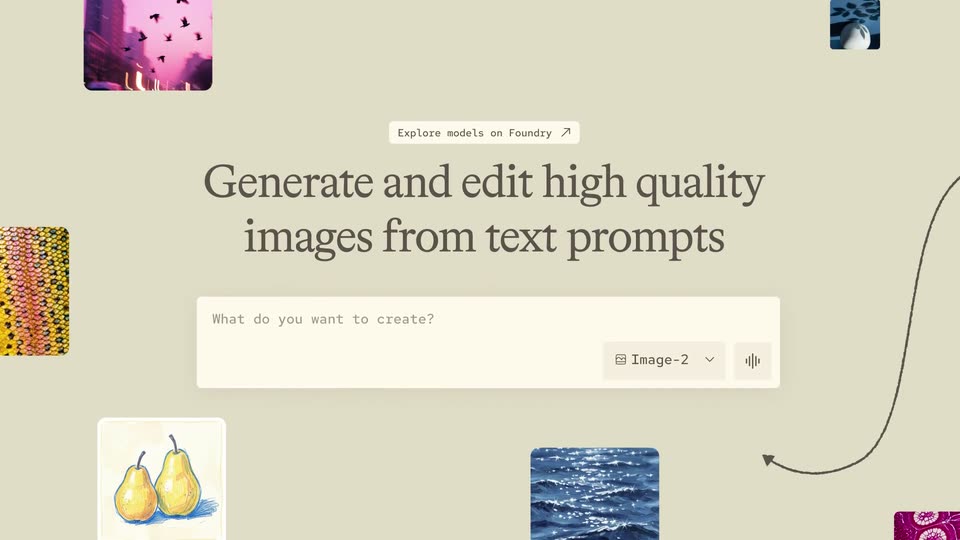
A beige product landing page with a centered serif headline, a pill link above it, and a prompt input bar with a model dropdown. Generated images float around the edges. A cursor clicks the Image-2 dropdown, opening a menu, as a hand-drawn arrow points to it.
On-screen text: “Generate and edit high quality images from text prompts”
Techniques: Cursor demo
Camera: Push in
Flat cream background. A dropdown list of three model options in gray monospace type slides upward; a dark charcoal band marks the last option, and a hand-drawn black arrow points to it.
Camera: Push in
A cream prompt card with gray monospace placeholder text and a small plus button sits on a beige field. A hand-drawn brown arrow strokes in from the lower left, points at the plus, then sweeps up to the text before its tail lifts away.
Camera: Static
A dark hand-drawn line draws itself in a continuous loop around a centered image card of a 3D-rendered terracotta vase, the arrowhead tip leading the stroke, while the filename caption stays still on a cream background.
On-screen text: “GreenwareVase.png”
Camera: Static
A hand-drawn black arrow loops around a square file card showing a chained clay vase on a cream background. The card slides left while the arrow's tail shortens, the sketchy annotation pointing at the asset labeled GreenwareVase.png.
Camera: Static
A cream prompt bar types out a request as a vase photo drops in with a hand-drawn arrow, then settles into a file chip. The frame cuts to a centered result card showing a Creating pill, the prompt as a caption, and reaction icons, framed by loose scribbles.
Camera: Static
A flat post card on a beige background with a sketched arrow. The image pane shows Creating..., then a blue floral vase fades in; the vase restyles into a green sgraffito pattern and the caption swaps; the card slides right to reveal a second card with a brown vase.
Techniques: Morph
Camera: Pull out
Three polaroid-style cards drift slowly on a cream background, each holding a 3D-rendered chain-link vase in brown, black-and-white marbled, and purple finishes. An Edit button, prompt caption, and reaction icons sit beneath each image.
Camera: Static
Seven vase photos on small white pedestals fade in across a cream collage, each with an italic caption that types itself out beneath it. The grid then holds as a locked-off frame.
On-screen text: “can you make this vese in a rustic purple shino finish?”, “Edit”
Camera: Static