
0:45
Explore
Kimpton (YC P26) - Finding out whether a model can do what you need starts with choosing
Kimpton · Oct 2026 · 0:20 · Full motion · AI-annotated
- Length
- 0:20
- Scenes
- 4 · 5.0 s avg
- Product on screen
- 0:17
- Features shown
- 1
- Voiceover
- No
- Views
- 1.1K on X
as of November 25, 2026
00:00:00 / 00:20:02
- Length
- 0:20
- Scenes
- 4 · 5.0 s avg
- Product on screen
- 0:17
- Features shown
- 1
- Voiceover
- No
- Views
- 1.1K on X
as of November 25, 2026
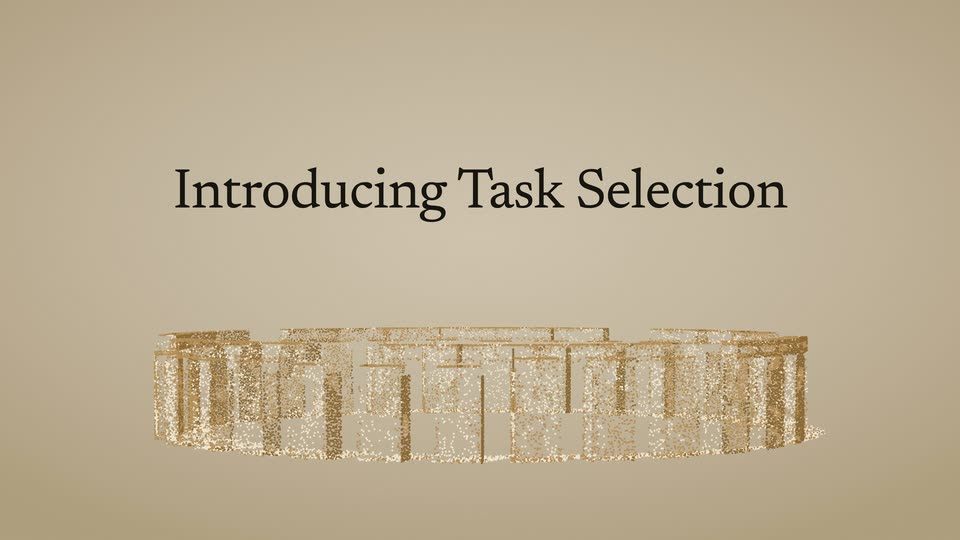
Kimpton’s 0:20 launch film runs 4 scenes, about 5.0 s each. The product shows up at 0:17 and 1 feature is revealed. There is no explicit call to action. The video runs as one continuous feature demo: a serif title card zooms through the golden particle ring into the UI, cursor clicks type terminal flags in sync, and headlines swap in place between beats. It closes on a blurred-in wordmark over the same particle ring, keeping the palette to beige, teal, and ink.
No filming indicatedEstimated needs: 1 capture group — your screens or recordings · 1 graphic passage — draw or supply · 1 3D passage — build or supply
Is this your launch? to your site or press kit.
More like this

0:50
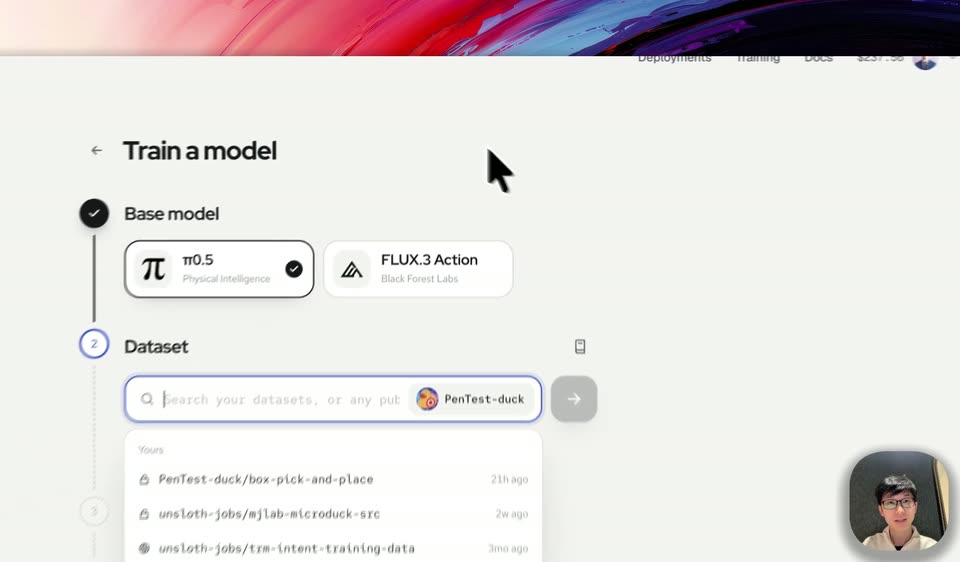

Chris Yoo ⚡ CoRL - Fine-tuning VLAs just got so much easier. Today, we're releasing Tra
Dreamscale Labs · Industrials · Oct 2026
0:29

Similar soundtrack
Films whose music sounds like this one, voice left out
1:11
Glean - The intelligence era is here….and it’s powered by Glean. 💡 Glean’s c
Glean · Lo-fi hip-hop / Chillhop
0:32

Anthropic - We’ve developed Claude for Chrome, where Claude works directly in you
Anthropic · Lo-fi hip-hop
1:01
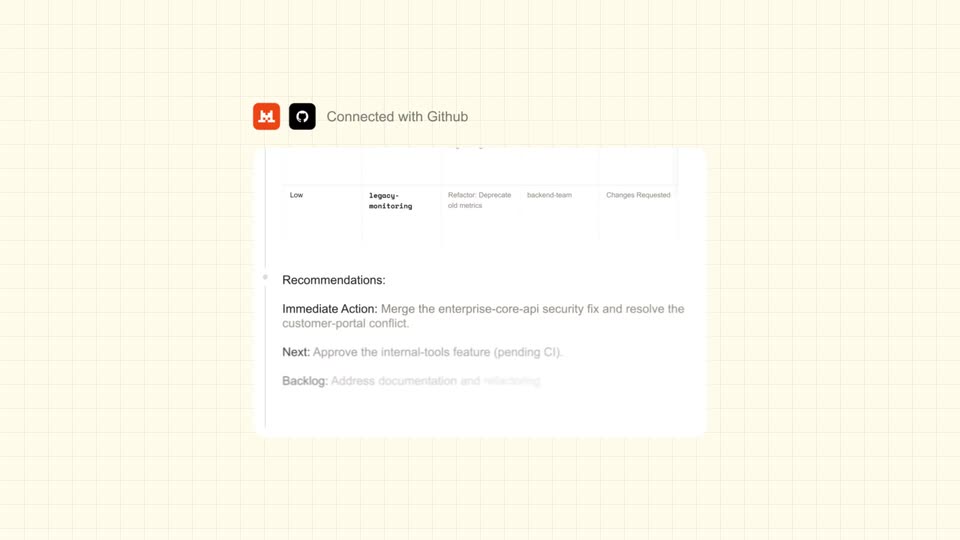

Mistral AI - Introducing 20+ connectors powered by MCP and a fully controllable Me
Mistral AI · Lo-fi hip-hop, funk
Kimpton (YC P26) - Finding out whether a model can do what you need starts with choosing, scene by scene
· 4 scenes as text
01 · Feature reveal · 0:00–0:02
A black serif headline, Introducing Task Selection, sits above a golden particle ring on a beige background. The view then tightens into the particle field, revealing a white HumanEval+ card with a grid of numbered chips on the left.
On-screen text: “Introducing Task Selection”
Techniques: Particles, 3D mockup, UI zoom
Camera: Static
02 · Feature reveal · 0:02–0:09
Under a serif headline, a card of numbered task chips sits beside a dark terminal. A cursor clicks chips, each turning teal as a --task flag types into the terminal and the counter climbs. The headline swaps to “Compare models on the same tasks.” and unselected chips fade out.
On-screen text: “Choose the tasks you care about.”, “Compare models on the same tasks.”
Techniques: Kinetic type, Cursor demo
Camera: Static
03 · Feature reveal · 0:09–0:17
A flat comparison card and terminal sit on a beige field. The task grid fills with green and red result cells as the terminal command types out, then the headline swaps and a fourth model column slides in. A torn-paper wipe closes the scene.
On-screen text: “Compare models on the same tasks.”, “Rerun them after your model updates.”
Techniques: Kinetic type, Masking
Camera: Static
04 · Product intro · 0:17–0:20
On a beige background, the black evalrouter wordmark and tagline sharpen from a soft blur while a ring of gold particles rotates slowly below.
On-screen text: “evalrouter”, “by Kimptoñ”, “Evaluate any model against any benchmark.”
Techniques: Particles
Camera: Static