0:23

Wondering (YC S26) - Wondering is now available in early access, on iOS and web. It's Duo
Wondering · Consumer · Mar 2026
Google’s 0:21 launch film runs 9 scenes, about 2.4 s each. The product is on screen from the first frame. The call to action lands at 0:18 (86% in), over a voiceover. The video opens on centered gray type that builds the pitch line by line, then a rapid montage of gray prompt bubbles on white simulates voice commands, before cutting to a single live-action pizza kitchen shot that carries the Assistant's chat bubble and result cards. Pacing is slow and typographic in the first half, with centered fade and scale text and a locked-off camera, then grounded in real footage; the signature moves are the scaling Hey Google type and the floating chat bubble that lags
Is this your launch? to your site or press kit.
Wondering · Consumer · Mar 2026
Google · AI · Jan 2018
Rivian · Jun 2026
Films whose music sounds like this one, voice left out
Superapp · Modern rock with hip-hop and pop-punk influences
Advanced Metal Research · Electronic rock and cinematic trailer music
SyncMonster.AI · High-energy instrumental rock with funk and new wave influences
Centered gray text on a plain off-white background cycles through four short lines. 'Feeling hungry?' fades in, then two lines scale up highlighting 'Google Assistant' and '1 million Actions' in blue, followed by 'So if you need help with your nom noms' and a final 'Just say'.
On-screen text: “Feeling hungry?”, “The Google Assistant has”, “over 1 million Actions”, “So if you need help”, “with your nom noms”, “Just say”
Techniques: Kinetic type
Camera: Static
A dark gray bold sans-serif phrase reading Hey Google sits centered on a plain white field, then scales up until the letters crop the left and right edges of the frame.
On-screen text: “Hey Google”
Techniques: Kinetic type
Camera: Push in
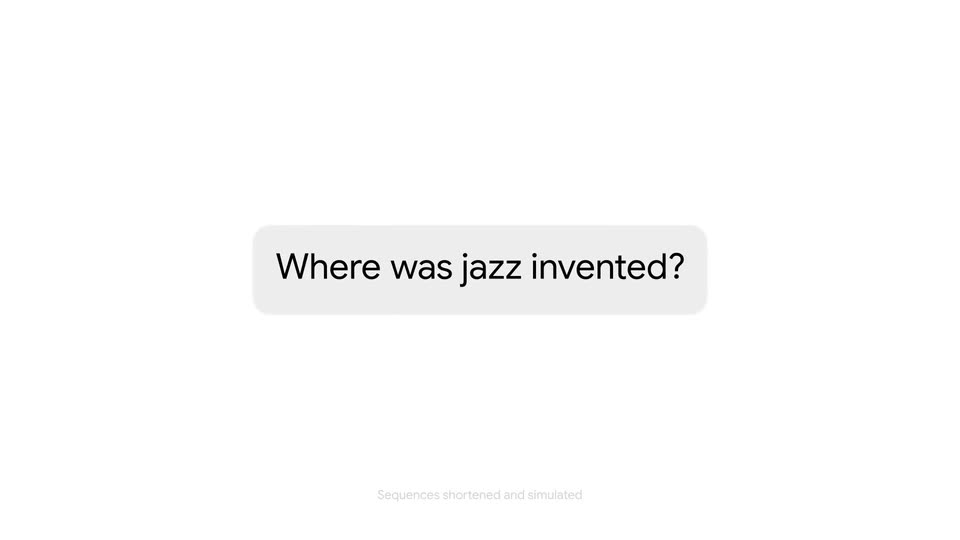
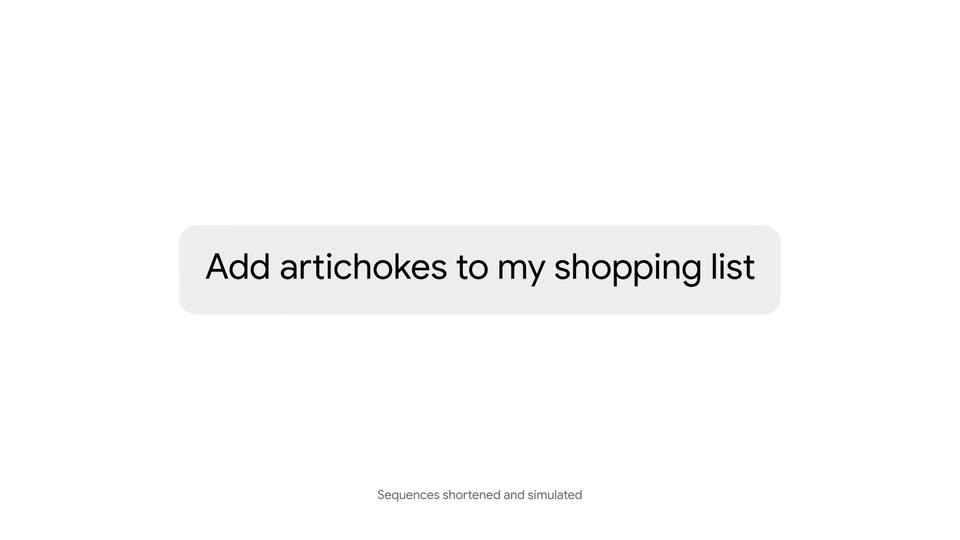
A light gray rounded bubble sits centered on a white field, its black text sliding out and in to swap three voice prompts. A small gray disclaimer fades in below the bubble near the middle of the clip.
On-screen text: “Where's a nearby burger joint?”, “Add artichokes to my shopping list”, “Sequences shortened and simulated”, “Let's make chocolate chip cookies”
Techniques: Kinetic type
Camera: Static
A plain white screen shows a centered prompt line above a rounded gray button. The prompt slides between “Let's make chocolate chip cookies” and “What's a good substitute for cardamom” while the button label switches between Start, Start cooking and Play cooking music.
Techniques: Kinetic type
Camera: Static
A vertical list of gray voice-assistant suggestion phrases scrolls upward on a pale background. Each phrase sits in a rounded pill, the newest highlighted darker at the bottom as older ones fade and exit the top. The camera stays locked off.
Techniques: Kinetic type
Camera: Static
A gray chat bubble holding the question sits centered on a white background. The Gemini logo fades in to its left, and a white reply bubble with the answer appears to the right.
On-screen text: “How do I make pizza?”, “Let's see.”
Camera: Static
A child in a brick pizzeria tosses a round flat dough into the air while a man and a boy watch. Stacks of pizza boxes line the shelves behind them. A white Google chat bubble reading Let's see. overlays the left side.
On-screen text: “Let's see.”
Camera: Static
In a pizza restaurant kitchen, staff toss dough near stacked boxes while a Google Assistant bubble reading “Let's see.” appears at left and two result cards with pizza photos and titles fade in side by side.
On-screen text: “Let's see.”, “How To Make a Pizza”, “Margherita pizza recipe”
Camera: Static
The four-dot Google Assistant logo sits centered on a plain white field, the colored dots gently pulsing in size. Below it, the gray wordmark and the URL remain static and locked off for the full shot.
On-screen text: “Google Assistant”, “assistant.google.com”
Camera: Static