0:36
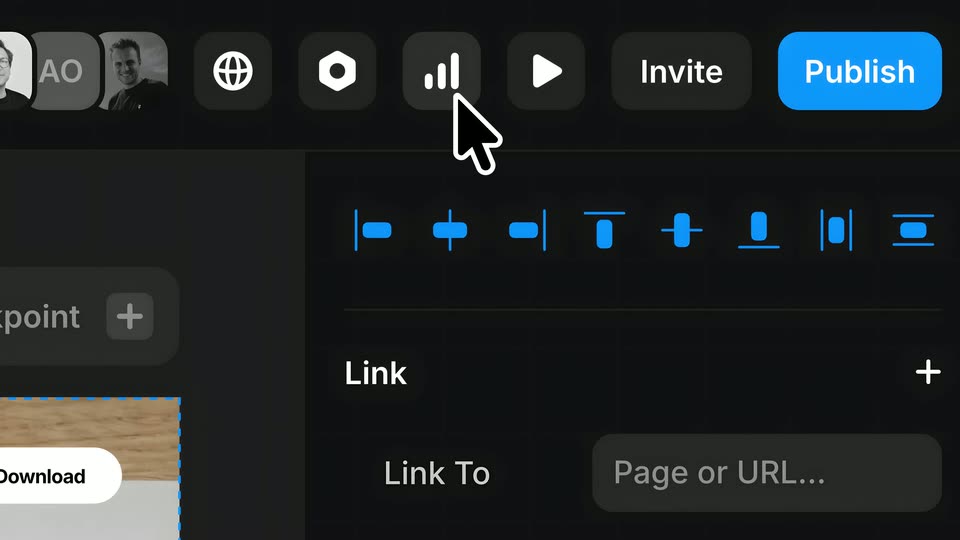

Framer Convert: Understand, Test, and Optimize.
Framer · Design · Mar 2026
GitHub · Mar 2024 · 1:33 · Full motion · AI-annotated
GitHub’s 1:33 launch film runs 9 scenes, about 10 s each. The product is on screen from the first frame and 3 features are revealed. The call to action lands at 1:22 (88% in), over a voiceover. The video is one continuous screen-capture take that walks through Copilot's chat features in order, opening with a product intro and closing on a 3D logo sting. Pacing is slow and deliberate at about one cut per minute, so the self-typing code, the streaming chat text, and the sliding chat panel carry all the motion, with the signature moves being the grey ghost-text completion and the spinning mascot that resolves into the wordmark.
Is this your launch? to your site or press kit.
Framer · Design · Mar 2026
Flock PHP · Oct 2026
A dark IDE displays a Java file beside a project tree. Code lines type themselves into the editor, then a chat panel slides in from the right; a question is typed into its input box and a numbered answer streams in.
Techniques: Split screen, Cursor demo
Camera: Static
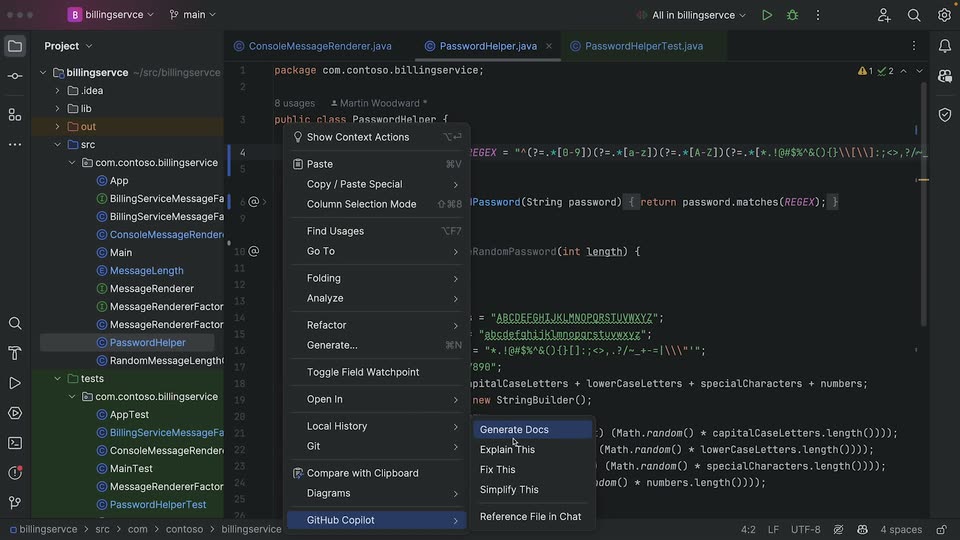
A dark Java editor opens on a password-validation file. The view scrolls down a few lines, then a right-click context menu appears; the cursor opens the Generate submenu and rests on Explain This before the menu closes.
Techniques: Cursor demo
Camera: Static
A screen capture of the IntelliJ IDE shows the GitHub Copilot Chat panel on the right streaming an explanation of the Java code in the editor. A follow-up question is typed, then a cursor moves into the code and opens a right-click context menu.
Techniques: Cursor demo
Camera: Static
A dark IDE screen shows a Java file in the center and a Copilot Chat panel on the right. The chat types a documentation comment, which then appears above the method in the editor. A mouse pointer rests at the top right.
Camera: Static
A dark IDE editor shows a Java test file as code types itself line by line; grey ghost-text suggestions flash in and are accepted. The view scrolls down, then the left project panel collapses to widen the code area.
Techniques: Cursor demo
Camera: Pan
The JetBrains Marketplace page for the GitHub Copilot plugin fills the frame, its header, install button and tabs held static. In the lower right, a dark code editor types a Java method line by line beside a static What is Copilot video thumbnail.
Camera: Pan
A small blue-purple 3D shape with two glowing cyan dots flies in from the left, heavily motion-blurred, trailing a bright cyan light streak across a black background.
Camera: Static
A small purple 3D mascot with glowing cyan eyes spins in place on black. As it blurs, a purple robot head with dark eye sockets and a cyan mouth fades in above it, while the lower object dissolves into a faint circular orbit line.
Camera: Static
A small violet-glowing icon at center resolves into the white Copilot mascot, then the wordmark GitHub Copilot types in beside it, settling into a static white lockup on black.
On-screen text: “GitHub Copilot”
Techniques: Morph, Kinetic type
Camera: Static