1:37
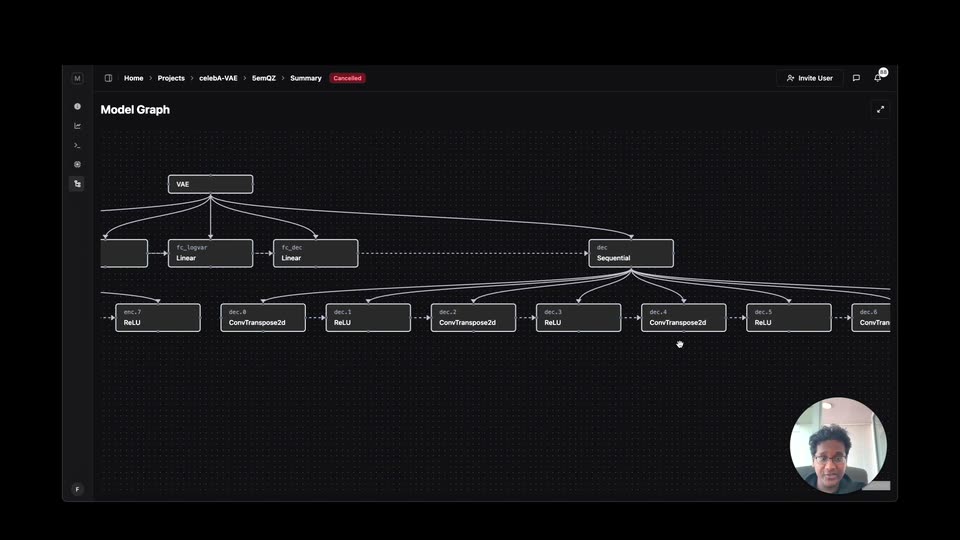

mlop: intro
mlop · B2B · Apr 2025
Clad · Sep 2025 · 2:35 · Full motion · AI-annotated
Clad’s 2:35 launch film runs 40 scenes, about 3.9 s each. The product is on screen from the first frame and 8 features are revealed. There is no explicit call to action; a voiceover carries the film. The video is a single continuous screen capture of the CLAD app, anchored by a fixed presenter webcam tile in the lower-left corner, and cut into short feature beats at a brisk pace of about 13 cuts per minute. Its signature moves are fast zooms and pans across the map and list views, motion-blur transitions between screens, and a cartoon hand cursor that guides every click.
Is this your launch? to your site or press kit.
mlop · B2B · Apr 2025
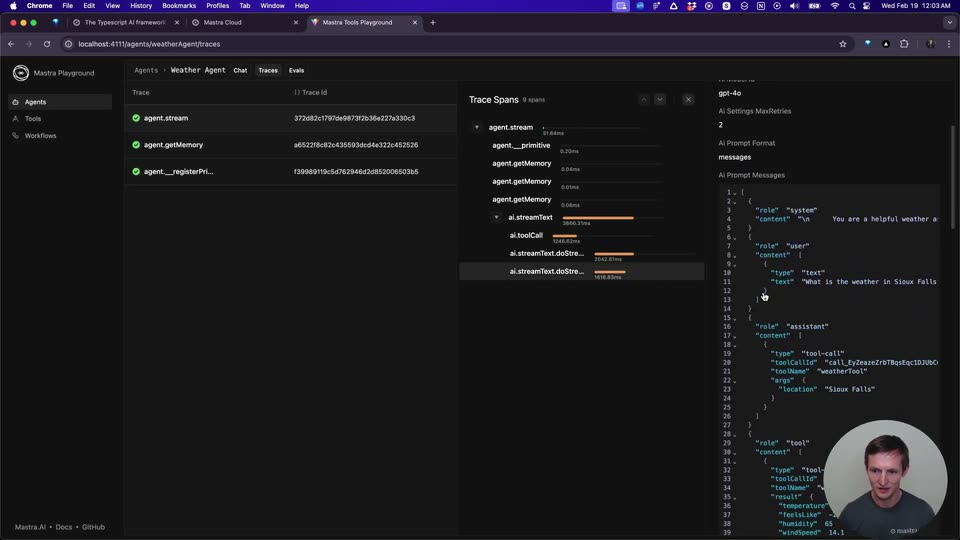
Mastra · B2B · Feb 2025
Alpic · Dec 2025
A flat clad app interface lists locate tickets with status icons and dates over a dark blue background. A presenter's webcam feed sits in a rounded box at lower left. A cursor hovers at top, then moves to the New Locate button as the view zooms into its top-right corner.
Techniques: Cursor demo, UI zoom
Camera: Pan
A product screen with a white requests panel on the right and a presenter webcam tile bottom left. A black cursor points at the Review button, then a green regional map slides in on the left as the cursor moves onto it.
On-screen text: “Loa”
Techniques: Cursor demo
Camera: Pan
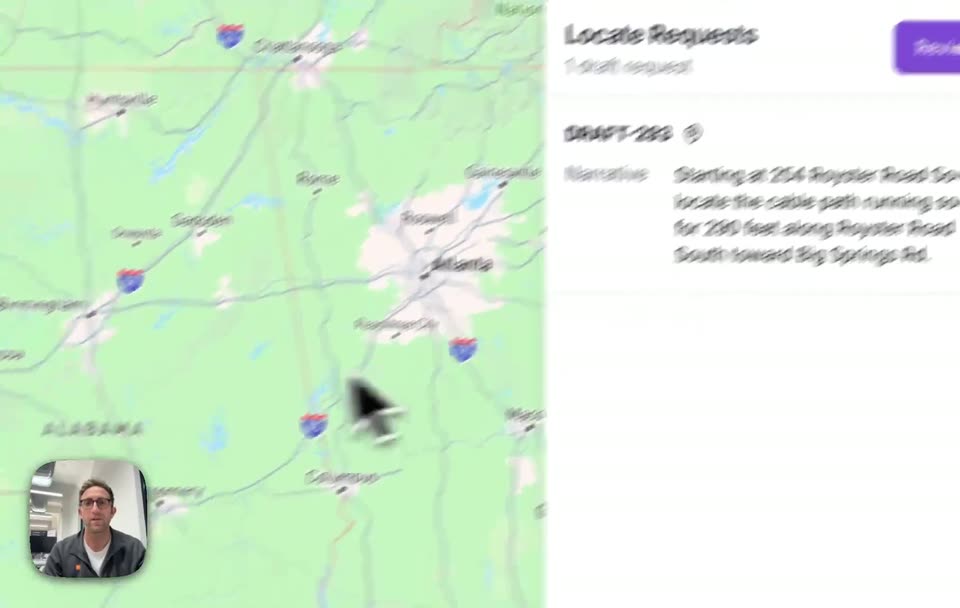
A product screen shows a map of the Atlanta area beside a Locate Requests panel, with a video call inset of a man in the corner. A cursor moves across the map, then a hand pointer hovers the pin on the DRAFT-293 card.
Techniques: Cursor demo
Camera: Static
A two-pane product view pairs a map with a blue highlighted path and a Locate Requests panel. The panel exits as the map zooms in on the dotted cable line along Royster Road S. A small video-call tile of a man sits in the corner, and white hand-pointer icons mark the path.
Techniques: UI zoom
Camera: Push in
A light street map with a teal highlighted route and two white hand cursors zooms out, shrinking the route and the ROYSTER RD S labels. A small rounded webcam video of a man in a dark jacket stays fixed in the bottom-left corner.
Techniques: UI zoom
Camera: Push in
A map interface fills the frame with a cyan path drawn over a street; a white hand cursor glides across it while the map pans slightly. A small video inset of a presenter sits in the lower left corner.
Techniques: Cursor demo
Camera: Static
A map interface fills the screen with a left toolbar and a distance badge. A hand cursor hovers the multi-line tool, then the view zooms into the map around a crosshair marker, while a small video of a presenter stays in the corner.
Techniques: Cursor demo, UI zoom
Camera: Pan
A map view with light gray roads and a small presenter video pinned bottom-left. A crosshair marker drags across the map, drawing a blue path line with an orange dotted trail, while the map pans to follow. A black cursor arrow lands on the road at the end.
Techniques: UI zoom, Cursor demo
Camera: Static
A map app screen: the cursor clicks the Draw Multi-Line tool in the left toolbar, then the view zooms into the map as a white crosshair marker drops onto a street intersection. A rounded webcam inset of a presenter stays fixed in the bottom-left corner.
Techniques: Cursor demo, UI zoom
Camera: Pull out
A close crop on a narrative text panel zooms out to reveal the full map interface, a blue route line, and a right-side list panel. A presenter appears in a small webcam box at the lower left over a dark blue background.
Techniques: UI zoom
Camera: Pull out
A flat product screen shows a street map with a cyan route on the left and a Locate Requests panel with three drafts on the right. A presenter's webcam sits in a rounded box at bottom left as the cursor hovers over the top narrative, then the frame blurs out.
Techniques: Cursor demo
Camera: Push in
A product screen pairs a street map on the left with a scrolling list of narrative entries on the right. A text cursor selects a sentence in the DRAFT-294 box, highlighting it blue, while a small video call window shows a presenter in the lower corner.
Techniques: Cursor demo
Camera: Push in
A map and a list of draft narrative entries fill the screen, with a small video call window in the corner. A text cursor selects and edits a narrative field, then a hand cursor clicks, and the view pulls back to reveal a header with a Review button.
Techniques: Cursor demo, UI zoom
Camera: Pan
A map app screen shows a blue route beside a Locate Requests panel; the frame pulls back from the panel to the full layout, a hand cursor hovers over a narrative field, then clicks Review to zoom in. A presenter sits in a corner video inset.
Techniques: Cursor demo, UI zoom
Camera: Static
A map UI with Direction Prefix and Suffix dropdowns sits beside a panel listing three locate drafts. A hand cursor clicks the purple Submit All Locates button, then the view reframes and an arrow cursor moves over the fields.
Techniques: Cursor demo, UI zoom
Camera: Pan
A white interface pairs a form with a Locate Drafts list; a small webcam of a man sits in the corner. A large cartoon hand cursor glides over the draft entries, then the screen blurs and scrolls to a bulk edit form with a purple Submit All Locates button.
Techniques: Cursor demo, Speed ramp
Camera: Pan
A white ticket interface holds an open dropdown listing work types, a hand cursor hovering above it. A small webcam video of a man in a gray jacket sits in the bottom left corner, while a right panel lists draft tickets.
Techniques: Cursor demo
Camera: Push in
A locate-review form scrolls down as a cartoon hand cursor picks a work type and clicks the purple Apply to All button. The view zooms out to the full map-and-list screen, and the cursor clicks Submit All Locates. A presenter webcam sits in the corner.
Techniques: Cursor demo, UI zoom
Camera: Pull out
A Review Locates interface fills the frame, a map with a red road on the left, locate drafts on the right. A hand cursor hovers over the purple Submit All Locates button. A small inset of a man in a gray jacket sits bottom left over a blurred blue background.
Techniques: Cursor demo
Camera: Static
A light Review Locates screen fills the frame: a map with a red road line, an address form below, and a drafts list on the right. A presenter's webcam sits in the lower-left corner. A hand cursor hovers by the map, then an arrow cursor drifts up.
Techniques: Cursor demo
Camera: Static
A product screen shows a map with a red line, address fields, and a drafts list on the right. The view zooms into the map, the red line growing larger, while a small webcam clip of a man stays in the lower left corner.
Techniques: UI zoom
Camera: Push in
A close-up of the clad Locates list zooms out to reveal the full app window with its left sidebar. A cursor hovers over rows and scrolls the list down, then back up. A small video of a man talking sits in the lower-left corner over a blue gradient background.
Techniques: UI zoom, Cursor demo
Camera: Pull out
A flat view of the clad Locates screen lists tickets with IDs and due dates; a presenter's webcam occupies the lower-left corner while two multiplayer cursors rest on rows mid-list.
Techniques: Cursor demo
Camera: Push in
A white hand cursor hovers over a ticket row in a white list of numbered tickets, then the view switches to the ticket detail page showing utility names with status tags. A small video of a man sits in the lower-left corner at first.
Techniques: Cursor demo
Camera: Push in
A ticket detail view lists utility responses under the title Arley Minchew rd. A white hand cursor glides across the entries, then the frame pulls back to reveal the app's left sidebar as the cursor moves up to the breadcrumb at the top.
Techniques: Cursor demo, UI zoom
Camera: Pan
A close-up of the product interface transitions quickly between a ticket detail page and a list of locate entries, the change rendered as a vertical motion blur. A mouse cursor sits over the content and a small video-call thumbnail of a man in the lower left stays fixed.
Techniques: Cursor demo
Camera: Pan
A tight view of a locate list zooms out to reveal the full clad interface, with a left sidebar and a header bar, set on a blue gradient. A black cursor moves down the rows. A presenter sits in a small rounded inset at the bottom left.
Techniques: UI zoom, Cursor demo
Camera: Pull out
A locates list in the clad app scrolls up as a cursor moves down the rows, then the screen blurs into a map view. A small video feed of a presenter sits in the bottom-left corner over a blue abstract background.
Techniques: Cursor demo
Camera: Push in
A map view shows orange and green route lines over a light grid, with a request list on the right and a small video call window in the lower left. A cursor glides down the map as the list scrolls.
Techniques: Cursor demo
Camera: Static
A pale map fills the frame with orange and green route lines, beside a right-hand list of street names each with a green status dot. A large black cursor glides across the map while a small video call window of a man sits in the bottom left corner.
Techniques: Cursor demo
Camera: Static
A map view shows an orange and green route line with a large black cursor arrow hovering over it. A right-side list of addresses with green check circles runs beside it, and a small video call window of a man sits in the bottom left corner.
Techniques: Cursor demo
Camera: Static
A map with orange and green route lines sits beside a 'Locate Requests' list on a blurred blue background. A small video-call inset of a man in glasses anchors the lower left. The frame reframes from tight crop to full window and back as a cursor drifts over the map.
Techniques: UI zoom, Cursor demo
Camera: Pull out
A white list panel titled Locates with rows of orange clock icons, ticket numbers and street names scrolls upward as a large cursor drifts across the blue header. A small video tile of a bespectacled man in a gray jacket sits in the lower left corner.
Techniques: Cursor demo
Camera: Static
A white table panel topped by a purple New Locate button slides left over a dark blue backdrop, revealing its right scrollbar, while a small rounded video of a man with glasses sits in the lower-left corner and a black cursor rests at the center.
Camera: Pull out
A white list of rows with right-aligned status badges (Draft, Oct 1, Oct 3) sits on a dark blue gradient backdrop. A cursor arrow hovers over one row, turning its background gray, while a small rounded video of a presenter plays in the lower-left corner.
Techniques: Cursor demo
Camera: Static
A white product panel titled Locates fills the frame over a blue gradient, its left sidebar and row list fully visible. A small video of a bespectacled presenter sits in the lower-left corner. A cursor drifts across the list rows as the panel fades in from a ghosted overlay.
Techniques: Cursor demo
Camera: Pull out
A white Locates list fills the frame, rows of IDs and dates with a black cursor hovering mid-right. A purple New Locate button sits top right. A small video-call window in the lower left shows a bespectacled man speaking. The screen stays static.
Techniques: Cursor demo
Camera: Static
A flat product interface panel floats on a blue gradient backdrop, listing Locates rows with IDs and dates. A small circular video call of a man in a gray jacket occupies the lower left corner, and a mouse cursor rests over the list.
Techniques: Cursor demo
Camera: Static
A clad dashboard displays a Locates table with status dates and a purple New Locate button, a cursor parked over a row. A presenter's video plays in a rounded inset at lower left over a blurred blue backdrop.
Camera: Static
A white product window with a locates table sits centered on a blue gradient background. A cursor drifts across the rows and pauses on one, which tints gray. A small video-call window in the lower left shows a bespectacled presenter talking.
Techniques: Cursor demo
Camera: Static