
0:42
Explore
00:00:00 / 01:34:18
- Length
- 1:34
- Scenes
- 10 · 9.5 s avg
- Product on screen
- 0:00
- Features shown
- 3
- Voiceover
- Yes
- Views
- 457K on X
as of November 22, 2026
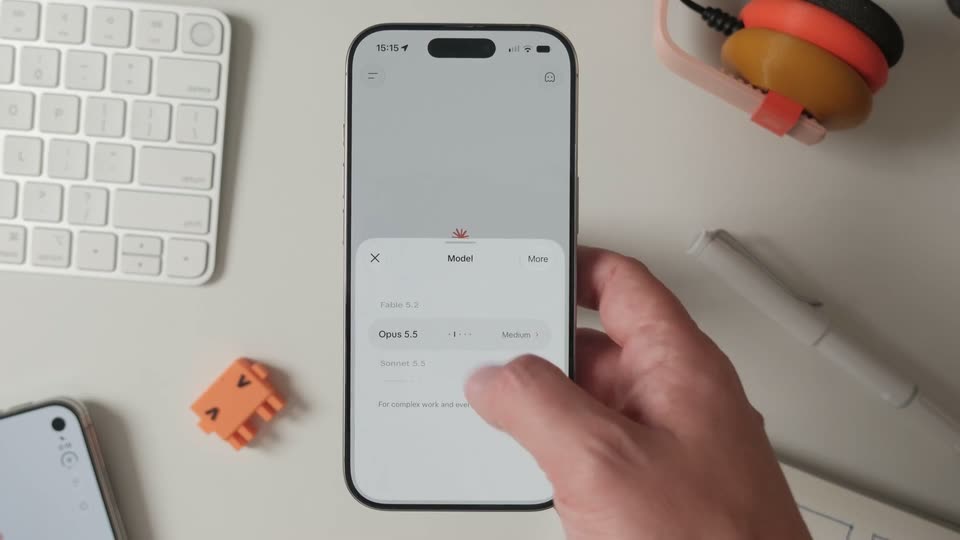
Anthropic’s 1:34 launch film runs 10 scenes, about 9.5 s each. The product is on screen from the first frame and 3 features are revealed. There is no explicit call to action; a voiceover carries the film. One locked-off overhead shot holds the whole video: a white desk with constant props and a hand driving the app, so all motion comes from the interface and the fingers. Cuts land on feature changes at a slow, conversational pace, and the signature moves are long-press popovers, sliding bottom sheets, and soft crossfades between screens.
Footage neededEstimated needs: 1 capture group — your screens or recordings · 9 filmed passages — shoot, supply or replace
Is this your launch? to your site or press kit.
More like this
1:11


Routant Launch
Routant · B2B · Oct 2026
1:01
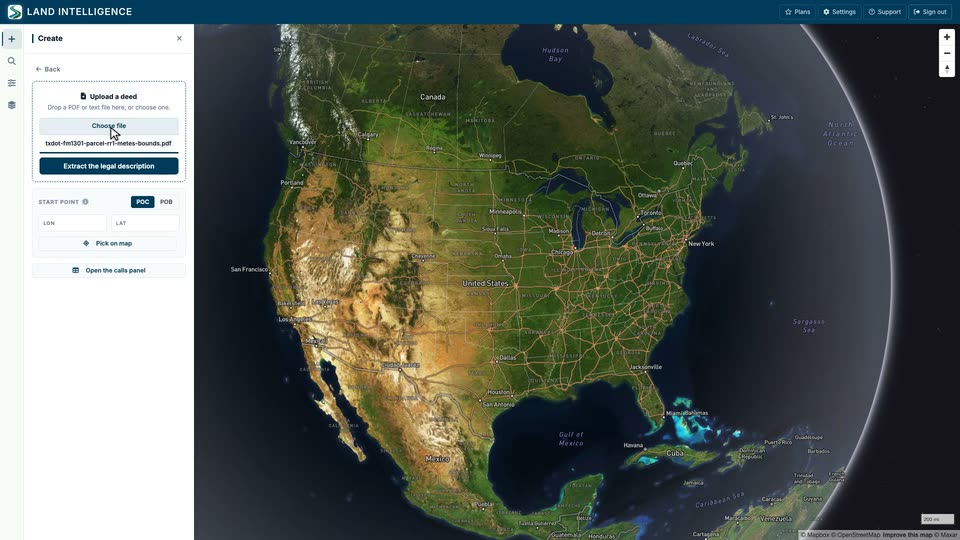
Kyle Walker - Launching today: Land Intelligence. Upload a deed and AI reads the l
Clearfork Intelligence · Nov 2026
Similar soundtrack
Films whose music sounds like this one, voice left out
3:51
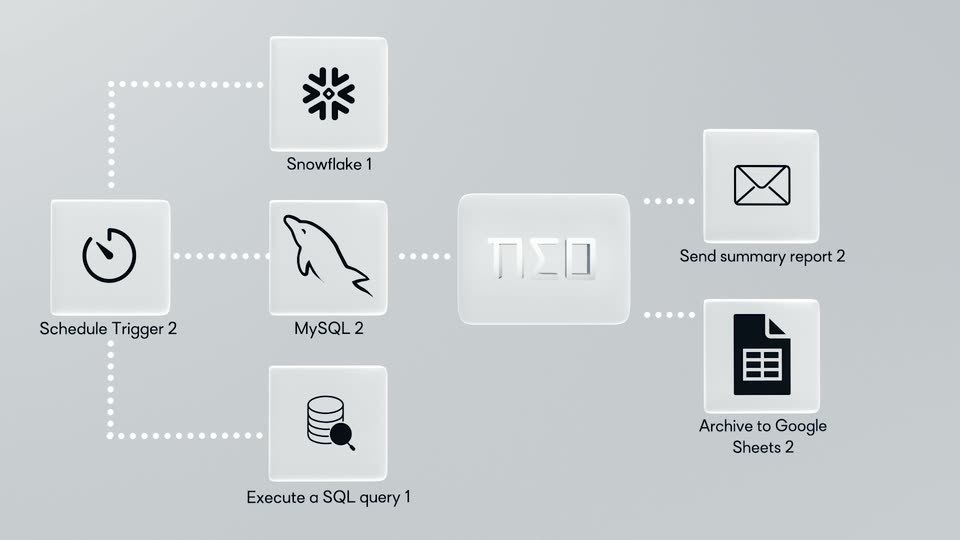
Neo AI - Introducing NEO: The first Agentic Machine Learning Engineer. It wor
Neo AI · Electronic, Lo-fi Hip-hop
1:23

Resend - Today, we're open sourcing our email editor. Announcing React Email
Resend · Upbeat electronic
2:08

Mistral AI - Introducing Voxtral 3: state-of-the-art Transcribe and Speech models
Mistral AI · Electronic, Lo-fi Hip-Hop
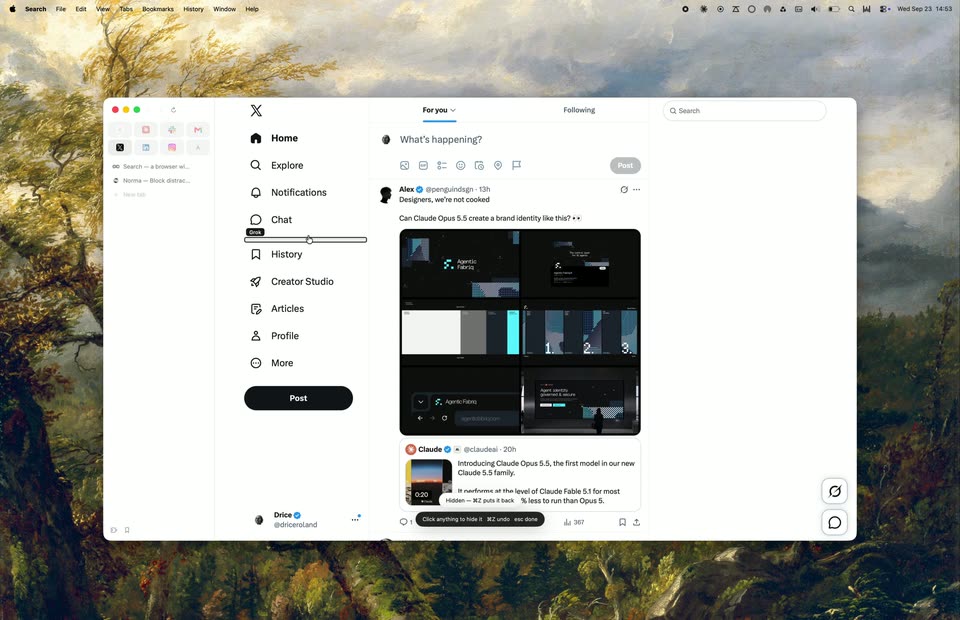
Robert Bye - Meet the new Claude mobile app! So much craft and polish across the, scene by scene
· 10 scenes as text
01 · Product intro · 0:00–0:23
Top-down locked-off shot of a desk. A hand holds a phone showing the app home screen. The thumb taps the bottom tab bar, switching to grid views, then long-presses a tab to open a popup list of recent items that swaps per tab.
Camera: Push in
02 · Feature reveal · 0:23–0:53
Top-down, a hand holds a phone on a white desk and taps through the app: a tools menu opens, a photo grid is selected, the pick shrinks to a strip, then a model sheet slides up with a reasoning slider.
On-screen text: “Zone One Trailer”
Techniques: Cursor demo
Camera: Static
03 · Feature reveal · 0:53–0:54
Top-down locked-off shot of a white desk with a keyboard, headphones and pen around a centered smartphone. The phone screen shows a red sunburst mark above the greeting and an open keyboard. A hand enters from the right and taps the screen, the keyboard slides away.
Camera: Static
04 · Feature reveal · 0:54–0:59
A hand holds a phone over a white desk as the Claude app screen crossfades from a greeting view into a sidebar list. The thumb taps items in turn, pinning them with small blue dots, while the camera stays locked off.
Techniques: Cursor demo
Camera: Static
05 · Feature reveal · 0:59–1:12
A hand holds an iPhone over a white desk, the Claude app open on a list of prompts. A finger taps the screen, switching to a chat greeting, then to an Artifacts grid of thumbnails that scrolls down to reveal a dark Overdub card.
Camera: Pull out
06 · Feature reveal · 1:12–1:13
Top-down locked-off shot of a desk. Two hands hold a phone showing an app titled Artifacts; a finger swipes the list upward, scrolling an OVERDUB card into view. A keyboard, headphones and wireframes sit around the device.
Camera: Static
07 · Other · 1:13–1:16
Top-down flat lay of a pale desk with a white keyboard, colorful headphones and a stylus. A black circular disc bearing the unroll logo sits center. A hand brings a white iPhone and props it onto the disc, a circular cutout framing the phone first.
Techniques: Masking
Camera: Static
08 · Other · 1:16–1:17
Top-down view of a desk with a white keyboard, headphones and a pen. Two hands hold a folded phone upright, tilting and propping it so the display faces the camera.
Camera: Static
09 · Demo · 1:17–1:18
Overhead view of a desk: two hands hold a phone with a white screen, tap it, then swipe across it. A white keyboard, orange and yellow headphones, a pen and a sketchbook frame the phone.
Camera: Static
10 · Demo · 1:18–1:34
Top-down: a hand holds a tablet over a white desk, screen showing Afternoon, Bye with a red spark icon. The thumb taps icons along the right edge, a small list of items pops up, then closes; the hand sets the tablet down and exits the frame.
Camera: Static