1:38
flowscope: Your AI process consultant
flowscope · B2B · Oct 2026
Adri AI · Feb 2023 · 1:24 · Full motion · AI-annotated
music QubeSounds from Pixabay
Adri AI’s 1:24 launch film runs 25 scenes, about 3.4 s each. The product is on screen from the first frame and 3 features are revealed. The call to action lands at 1:18 (93% in). The video alternates black title cards that announce each feature with locked-off screen recordings of the editor, browser and terminal, so every claim is immediately proven on screen. Signature moves are word-by-word text builds, white mask wipes, a thin side-bar accent on the cards, and live UI updates that react to cursor input.
Is this your launch? to your site or press kit.
flowscope · B2B · Oct 2026
Black Forest Labs · Jul 2025
Films whose music sounds like this one, voice left out
Crème de la Crème · Corporate pop / Upbeat electronic
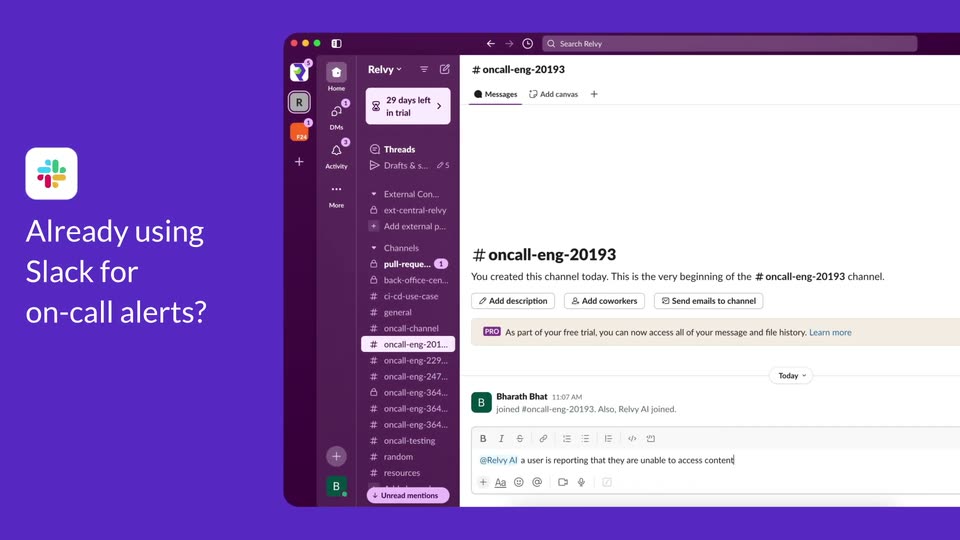
Relvy AI · Upbeat corporate electronic
Perplexity · Modern electronic, chillwave, lo-fi, and deep house
On a black field with soft orange and pink blurred glows, a pink circular logo and the white headline Atri Framework fade in left of center. A two-line white tagline builds word by word beneath, then the whole lockup fades out.
On-screen text: “Atri Framework”, “Open-source full-stack web framework”, “for Python developers”
Techniques: Kinetic type
Camera: Static
A black background with a soft orange glow top-left and a pink glow bottom-right holds the centered title. A white rectangular mask wipes across to reveal the line, which then holds static.
On-screen text: “Apps built using Atri”
Techniques: Masking
Camera: Static
A locked-off browser frame shows a restaurant landing page scrolling down past the hero, app-ordering logos, contact and about blocks, and a food menu grid, under a static caption.
On-screen text: “Apps built using Atri”
Camera: Pan
A browser window holds a restaurant website that scrolls downward, passing the hero burger, a testimonial card, article tiles and a booking form, ending on the footer's Instagram photo grid. The cursor idles at the right edge.
Camera: Pan
A Chrome window displays a restaurant website footer with a logo, two link columns and Instagram food thumbnails. A mouse cursor glides from the right side of the page up toward the open browser tabs.
Techniques: Cursor demo
Camera: Static
A browser window frames the Reign sports website as it scrolls steadily from the hero section through feature icons, helmet product cards, and the footer with payment icons. A cursor rests near the page center.
Camera: Pan
A browser window shows a portfolio template page scrolling down past the hero headline, portrait, skill columns, project list, and education rows, settling on a black contact form; a mouse cursor drifts with the scroll.
Camera: Pan
A browser window displays a book-review app; the view shifts from a results table to a comments section. A hand cursor clicks a checkbox, and a comment card slides in, then toggles to a green Resolved badge.
Techniques: Cursor demo
Camera: Pan
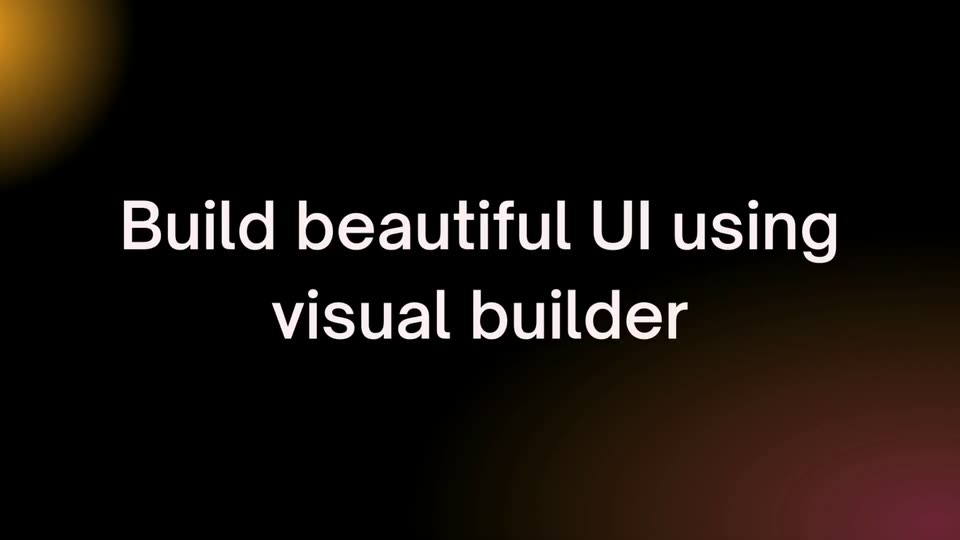
On a black background with soft blurred yellow and red lights, a white vertical bar flashes at left, then the two-line headline fades in and holds. The frame stays locked off.
On-screen text: “Build beautiful UI using”, “visual builder”
Techniques: Kinetic type
Camera: Static
A screen recording of a web editor builds a restaurant landing page. A cursor types a button label, then adjusts padding, corner radius, font and an orange background in the right-hand properties panel. The canvas updates live as a hero headline and a burger photo appear.
Techniques: Cursor demo
Camera: Static
A locked-off screen recording of a web editor shows a restaurant landing page with a burger photo and a layout panel on the right. A status dropdown opens with a tooltip, and the cursor clicks the app tab at the top.
Techniques: Cursor demo
Camera: Static
A Chrome browser window shows a restaurant website: a hero headline in black and orange, body copy, two buttons, and a burger photo on an orange block. The frame is locked off with a subtle scale on the logo text.
Camera: Static
A black frame with a soft amber glow top-left and a faint red glow bottom-right holds a centered white headline. The phrase wipes in from the left edge to fill the middle of the frame.
On-screen text: “Manipulate UI using Python”
Techniques: Masking
Camera: Static
A locked-off browser window shows a restaurant booking page: a 'Book your table now' heading with address, phone and email on the left, and a white form card with Name, Phone, Date and Schedule fields plus an orange button over an orange panel on the right.
On-screen text: “Manipulate UI using Python”
Camera: Static
A locked-off screen of a no-code editor. The canvas shows a restaurant page with a white booking form on an orange block. A cursor moves from the top toolbar to the right properties panel and clicks the book_btn label.
Techniques: Cursor demo
Camera: Static
A design tool displays a restaurant booking page with a contact form, then the screen crossfades into a code editor showing the page's source code, the rendered form remaining on the right.
Techniques: Morph
Camera: Pan
A dark code editor fills the frame as Python lines are typed into a handle_event function. Autocomplete dropdowns pop up beneath the caret, then new lines appear one after another, each briefly highlighted in blue.
Camera: Static
A browser window shows a restaurant booking page with a white form card on an orange background. The cursor fills the name, phone, and schedule fields, then clicks the orange Book a table button, which turns green and reads Booked.
Techniques: Cursor demo
Camera: Static
A thin white vertical bar holds on the left of a black screen with faint orange and red glows in the corners. The white two-line headline fades in beside it and holds, the frame staying locked off.
On-screen text: “Seamlessly fits with”, “your CI/CD stack”
Techniques: Kinetic type
Camera: Static
A VS Code window with the terminal panel active: git add, git commit and git push commands are typed in sequence, and their output lines fill in beneath. The project file tree on the left stays still throughout the locked-off shot.
On-screen text: “Seamlessly fits with”, “your CI/CD stack”
Techniques: Cursor demo
Camera: Static
A black frame with soft orange and pink glows in the corners. A thin white vertical bar holds the left edge while two lines of light gray text fade in: “No Sign up required” and “No API key required”.
On-screen text: “No Sign up required”, “No API key required”
Camera: Static
A two-line white headline sits centered on a black field. A light gray rectangle blocks the second line at the start, then wipes clear to leave the type on black. The text itself never moves, holding a locked-off frame.
On-screen text: “Completely free &”, “open-source”
Techniques: Masking
Camera: Static
A dark terminal window on a black field types the command pipenv install atri, then colored output lines stream in until a fresh prompt. A pale caption box in the lower right holds the text Install Atri with one command.
On-screen text: “Install Atri with one command”, “Completely free & open-source”
Techniques: Kinetic type
Camera: Static
On a black background with blurred orange glows at the corners, a white headline wipes in from the left. Three bullet lines, each marked by an orange dot, then appear one after another, top to bottom.
On-screen text: “Why you should try Atri?”, “Create beautiful UI”, “Hook your existing backend”, “Deploy with one click”
Techniques: Masking, Kinetic type
Camera: Static
On a black field with warm bokeh glows, a pink circle logo with a blue A mark sits left of the bold white title Atri Framework. The tagline lines and two blue links fade in below in sequence, then the locked-off frame holds still.
On-screen text: “Atri Framework”, “Open-source full-stack web framework”, “for Python developers”, “Atri-Labs/atrilabs-engine”, “atrilabs.com”
Camera: Static