0:34

Introducing Claude for Education
Anthropic · AI · Apr 2025
Warp · Oct 2022 · 0:46 · Full motion · AI-annotated
Warp’s 0:46 launch film runs 16 scenes, about 2.9 s each. The product is on screen from the first frame and 5 features are revealed. There is no explicit call to action. The video is a numbered feature list: each feature opens on a static purple title card, then cuts to a screen recording demo held under a persistent lower-third caption. Pacing is brisk with hard cuts and occasional zoom-ins on the interface; the signature moves are the numbered chapter cards with blue bar marks and the blue-bracketed caption bar.
Is this your launch? to your site or press kit.
Anthropic · AI · Apr 2025
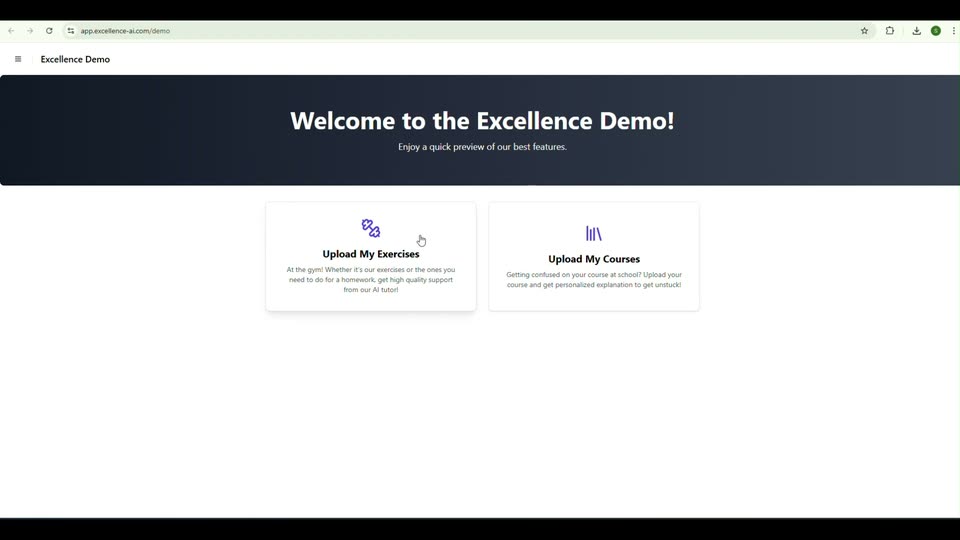
Excellence Learning · Education · Feb 2025
Films whose music sounds like this one, voice left out
Midjourney · J-Pop / Electronic Dance Music
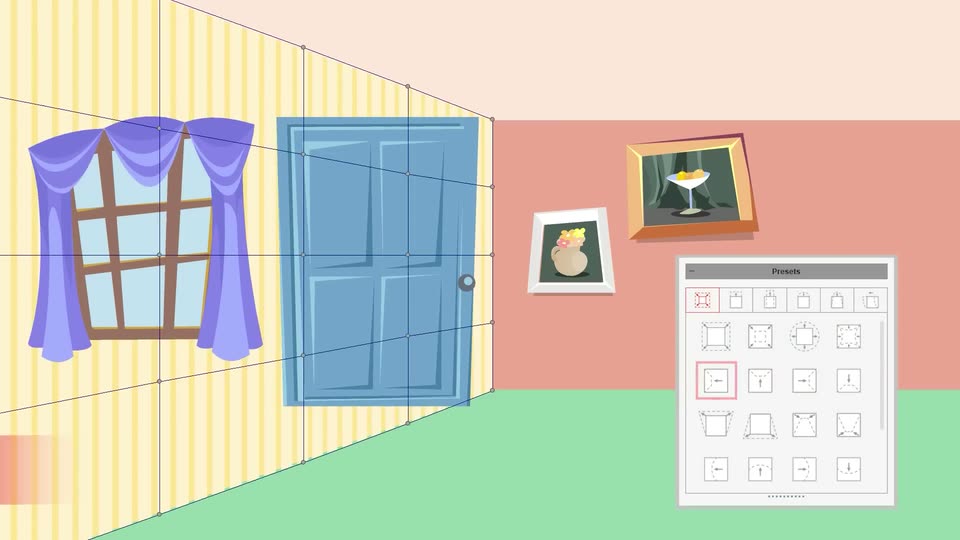
Reallusion · Electronic Dance Music
Morphic · Electronic Dance Music (EDM), House
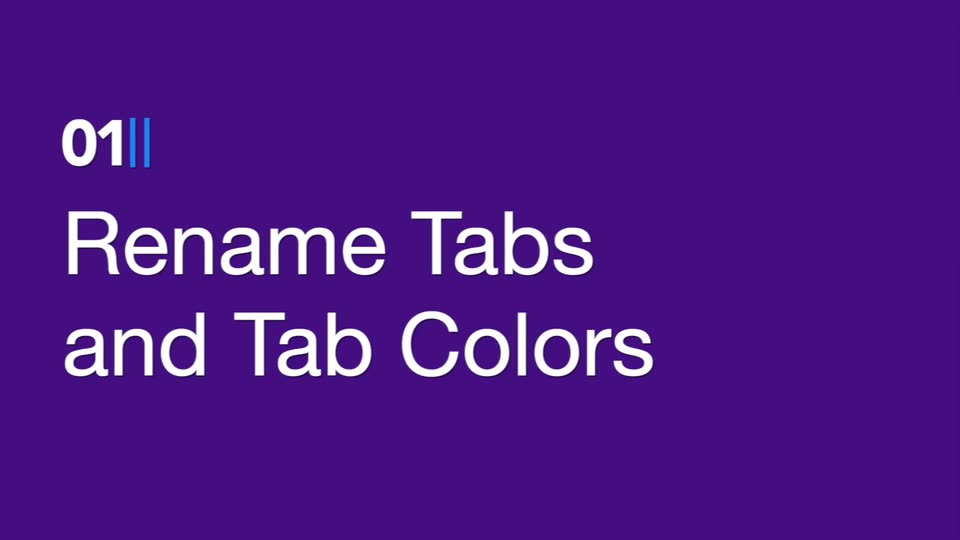
A plain purple background holds a chapter card: a bold white 01 with a small blue three-bar mark sits above two lines of white sans reading Rename Tabs and Tab Colors. The frame is locked off with no motion.
On-screen text: “01”, “Rename Tabs”, “and Tab Colors”
Camera: Static
A dark terminal window with two tabs sits above a purple banner reading Rename Tabs and Tab Colors. A cursor right-clicks a tab, selects Rename tab, types Local Session and taps a green color dot, then renames the second tab SSH Session and gives it a red dot.
On-screen text: “Rename Tabs and Tab Colors”, “1”
Techniques: Cursor demo
Camera: Static
A flat violet field holds a left-aligned title card. A bold white number 02 with a two-bar pause mark sits above the white headline Quickly Switch between Sessions. The frame stays locked and still for the full duration.
On-screen text: “02”, “Quickly Switch”, “between Sessions”
Camera: Static
A dark terminal window sits on a pink-and-blue gradient, a purple banner below reads 'Quickly Switch between Sessions'. A session picker opens, the search field types '@loca' and '@stri' to filter the list, then the picker closes to show the chosen session.
On-screen text: “Quickly Switch between Sessions”, “2”
Camera: Static
A flat purple background holds a left-aligned title card. A bold white “03” with two small blue vertical bars sits above the headline “Save Tabs and Panes for Later” in white sans across two lines. The frame is static throughout.
On-screen text: “03”, “Save Tabs and”, “Panes for Later”
Camera: Static
A dark terminal window sits on a pink and blue gradient backdrop. The view zooms in as a command palette opens and a save dialog is typed into. A purple banner reading Save Tabs and Panes for Later with the number 3 holds at the bottom.
On-screen text: “Save Tabs and Panes for Later”, “3”
Techniques: UI zoom, Cursor demo
Camera: Push in
A screen recording of the Warp terminal zooms in as a cursor opens the File menu and hovers the Launch Configurations submenu. A purple caption bar with a blue bracket and the number 3 holds the line Save Tabs and Panes for Later at the bottom.
On-screen text: “Save Tabs and Panes for Later”, “3”
Techniques: UI zoom, Cursor demo
Camera: Push in
A terminal window mockup with two session tabs and a shortcut list sits centered over a colorful gradient backdrop. A purple lower band holds the caption beside a blue-outlined number 3. The frame stays static throughout.
On-screen text: “Save Tabs and Panes for Later”, “3”
Camera: Static
A flat purple field holds a small bold white “04” with two thin blue vertical bars at the upper left, above the large white title “Global Hotkey”. The frame is locked off and static throughout the clip.
On-screen text: “04”, “Global Hotkey”
Camera: Static
A Chrome window on a black background shows the Google homepage, with a purple lower-third bar holding a blue-outlined number 4 below it. At 0.4 s a gray keycap strip with yellow up-arrow, hash and G symbols pops in under the search bar.
On-screen text: “Quick Access to Terminal with Global Hotkey”, “4”
Camera: Static
A dark terminal window on a black background types commands and prints Flask server output, the log scrolling up as the session runs. A purple bar at the bottom holds the white italic caption and a blue bracketed number 4, both static.
On-screen text: “Quick Access to Terminal with Global Hotkey”, “4”
Camera: Static
A browser window with a blank page and a hovering cursor cuts to a terminal printing Flask server logs. A purple lower-third bar stays fixed, holding a white italic caption inside a blue bracket marked 4.
On-screen text: “Quick Access to Terminal with Global Hotkey”, “4”
Camera: Static
A macOS terminal window at the top prints Flask server logs in white and red monospace text above a blank white panel. A purple lower-third banner holds the white italic headline, with a blue bracket and the number 4 at the left edge. The frame stays locked off.
On-screen text: “Quick Access to Terminal with Global Hotkey”, “4”
Camera: Static
A solid purple background holds a left-aligned white label '05' with two thin blue vertical bars, above the two-line white headline 'Improved Command Completions'. The frame stays locked off with no motion throughout.
On-screen text: “05”, “Improved Command Completions”
Camera: Static
A terminal window on a pink and blue gradient zooms to fill the screen as a cursor types a git checkout command. A dropdown of fuzzy-matched branch names appears with a preview card on the right, while a caption box and a slide number sit in the lower left.
On-screen text: “Improved command completions with fuzzy matching”, “5”
Techniques: UI zoom, Cursor demo
Camera: Push in
The Warp logo, a blue-green rounded square with a slanted parallelogram, sits left of the white lowercase wordmark on a dark purple gradient. The tagline The terminal for the 21st century is centered below, all static on a locked-off frame.
On-screen text: “The terminal for the 21st century”
Camera: Static