0:39


Flott HQ - AI Operating System for Fleet Management
Flott HQ · B2B · May 2025
The Browser Company · Feb 2024 · 0:20 · Full motion · AI-annotated
The Browser Company’s 0:20 launch film runs 15 scenes, about 1.4 s each. The product shows up at 0:13 and 1 feature is revealed. There is no explicit call to action. The video alternates flat electric-blue title cards with bold sliding type and close-up UI panels set over grainy photographic backdrops, driven by a white cursor. Pacing is brisk at roughly 138 bpm with short cuts, and the signature moves are the broom Clear interaction, the wavy divider, and the line-drawn logo morphing into the arc.net wordmark.
Is this your launch? to your site or press kit.
Flott HQ · B2B · May 2025
Microsoft · AI · Sep 2023
A solid blue field holds the white word Don't left of center. The word worry then appears to its right, completing the phrase. The frame stays locked and the type holds still once set.
On-screen text: “Don't worry”
Techniques: Kinetic type
Camera: Static
A browser tab list over a forest wallpaper scrolls vertically as a cursor tracks down the right edge, titles sliding in from the bottom. A large still caption holds in frame throughout.
On-screen text: “Don't worry”
Techniques: Cursor demo
Camera: Pan
A flat blue field holds the white word Tab at center; freely then slides in in italics to complete the tagline, while two small browser-tab titles slide across the frame.
On-screen text: “Tips for a visit to the Sa...”, “10 BEST San Diego Zoo...”, “Tab freely”
Techniques: Kinetic type
Camera: Static
A light gray browser tab list sits beside a forest photo on the left. A cursor hovers near the broom Clear control at top right while the list scrolls down, revealing a new tab at the bottom.
On-screen text: “Tab freely”
Techniques: Cursor demo
Camera: Pull out
A light browser tab panel scrolls upward, one tab highlighted in a white pill, beside a forest photo on the left and an article page on the right; a white cursor rests at the top right.
Camera: Pull out
A browser sidebar lists grouped tab suggestions, one entry highlighted in a white pill, over a forest backdrop. A webpage with a vacuum article opens on the right. A cursor hovers at the top edge of the panel.
Camera: Static
A solid blue field holds the white title “Tidy Tabs” centered in frame. The type sits static for the full duration with no entrance, scale or camera movement.
On-screen text: “Tidy Tabs”
Camera: Static
A peach tab list on a grainy background shows a New Tab row and two saved tabs. A white arrow cursor glides from the broom icon to the Clear label in a locked-off close-up.
Techniques: Cursor demo
Camera: Static
A peach feed column sits between a black heart with grey smoke on the left and a white article preview on the right. The feed scrolls and reorders, sorting items under Super Bowl, Valentine's Day and Grammys headers while a highlighted pill moves up.
Camera: Static
A two-pane browser interface fills the frame. The left sidebar list scrolls and re-highlights entries while the right pane swaps a video thumbnail of a person for a product card showing a table lamp. A white cursor arrow rests at the bottom right corner.
Camera: Static
A browser window shows a sidebar of saved links beside a product page for a white table lamp. The page dissolves into a flat blue panel, then the whole frame turns blue as the white headline Now available in Arc appears centered.
On-screen text: “Now available in Arc”
Camera: Static
A solid blue field holds one line of bold white text, centered and locked off for the full duration. No motion, no camera move, no additional elements enter or leave.
On-screen text: “Now available in Arc”
Camera: Static
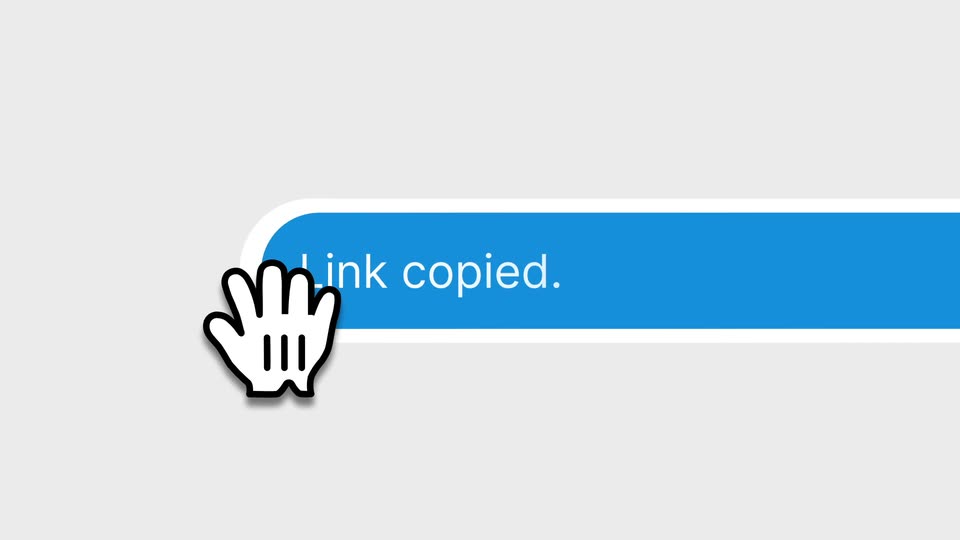
A teal side panel lists letterboxd at the top. A cursor clicks the broom icon labeled Clear, and the divider line beneath it bends into a wavy squiggle. A New Tab row and a Tips row sit below.
On-screen text: “Now available in Arc”
Techniques: Cursor demo, Morph
Camera: Static
A white line-drawn Arc logo holds centered on a flat blue field, then scales down and morphs into the lowercase wordmark arc.net, which stays locked in the middle for the remainder of the clip.
On-screen text: “arc.net”
Techniques: Morph
Camera: Static
A flat blue field holds the white arc.net wordmark dead center. The frame is locked off with no motion, the logo remaining still for the full duration of the shot.
On-screen text: “arc.net”
Camera: Static