1:10

Klaus launch
Klaus AI · B2B · Feb 2026
Vyra · May 2026 · 0:35 · Full motion · AI-annotated
Vyra’s 0:35 launch film runs 7 scenes, about 5.1 s each. The product is on screen from the first frame. There is no explicit call to action; a voiceover carries the film. The video is one continuous screen capture of the Cework editor, following a single project from the new-project prompt through AI chat, timeline edits, render, and the success modal. Pacing is steady and functional, letting the streaming chat log and the timeline carry the story, with the finished beat-synced color-wheel clip as the payoff.
Is this your launch? to your site or press kit.
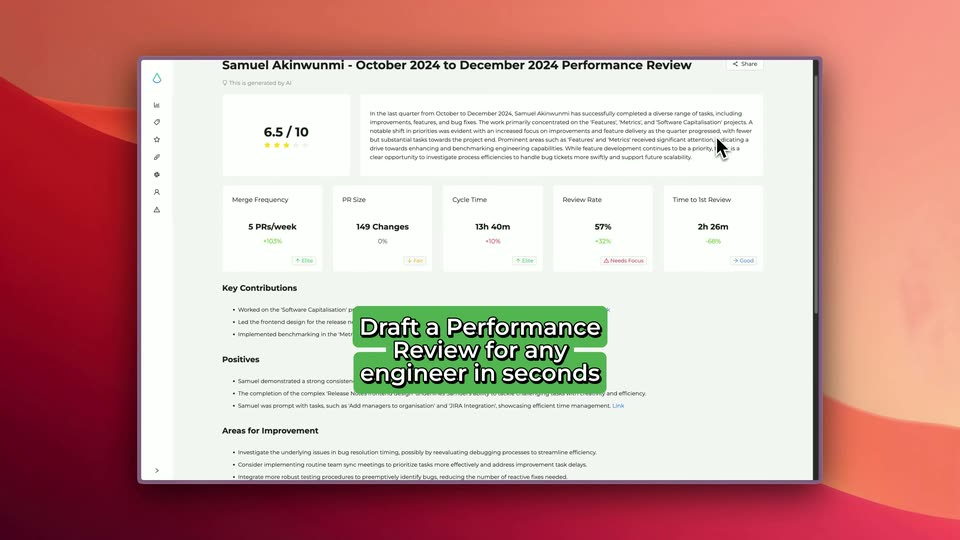
Klaus AI · B2B · Feb 2026
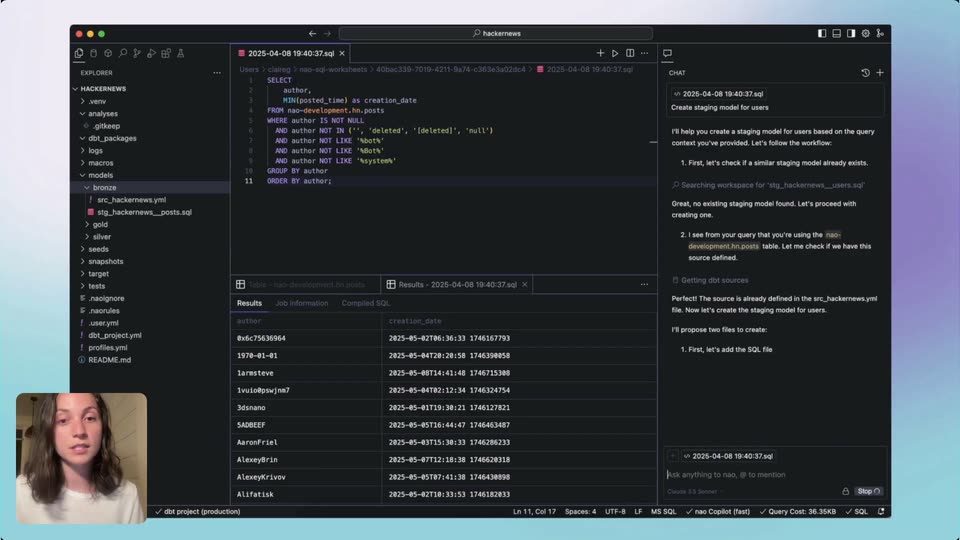
nao Labs · B2B · May 2025
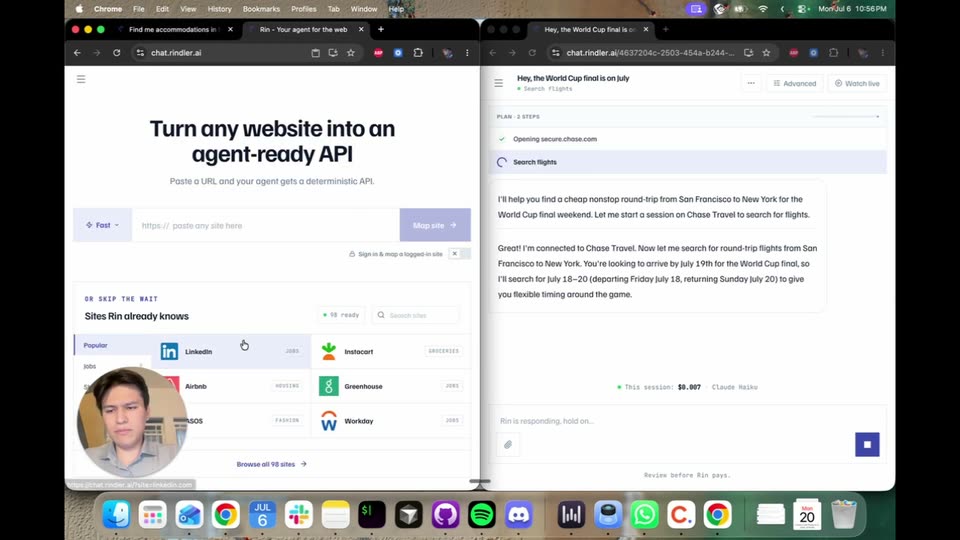
Rindler · B2B · Jul 2026
Films whose music sounds like this one, voice left out
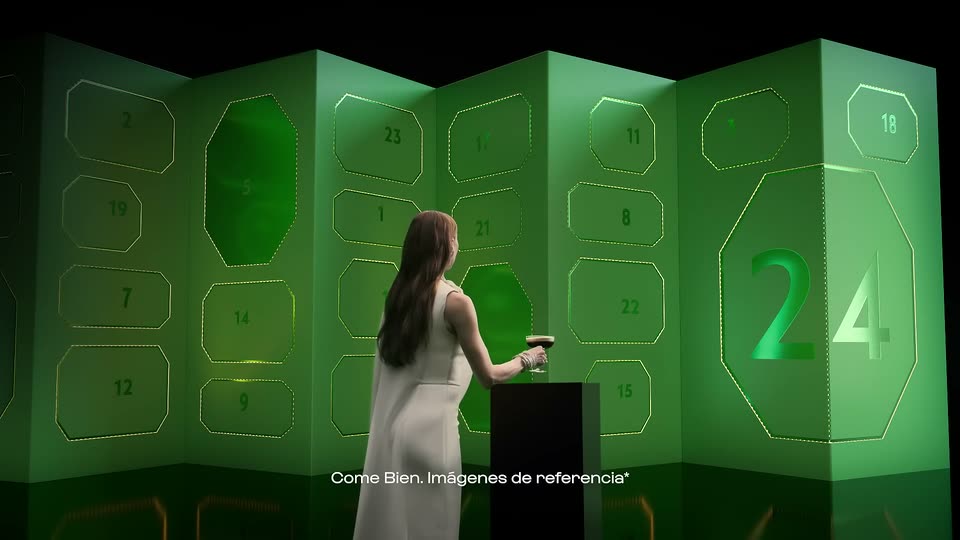
Nespresso · EDM
Bilanc · Electronic dance music
CURA · Upbeat corporate electronic
A dark app dashboard shows a project list and a 'What are we creating today?' prompt. A cursor clicks New Project, a popover opens, and the name 'color wheel trend' is typed into the field.
Techniques: Cursor demo
Camera: Static
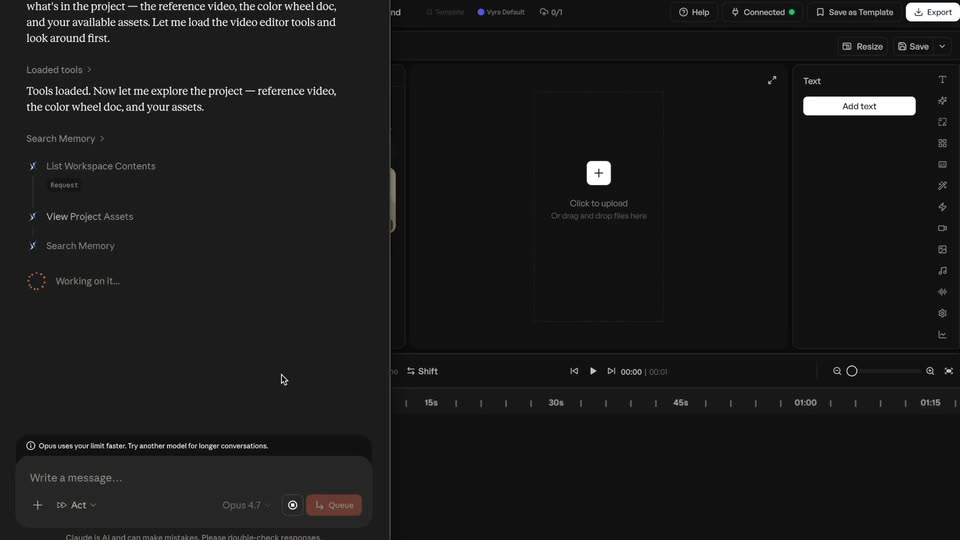
Dark split screen: a chat panel left, a video editor right. A prompt types into the chat box, then an AI reply streams in with checkmarked steps, while the editor's file dialog closes and footage thumbnails, a preview clip and a timeline with a purple audio bar fill in.
Techniques: Cursor demo, Split screen
Camera: Static
A dark AI editor interface fills the frame. The left chat log scrolls up with white text while the center preview plays a rainbow color wheel revealing the word PINK over black and over room footage. A cursor scrubs the timeline playhead along the bottom.
Techniques: Cursor demo
Camera: Static
A dark screen recording of an AI motion-graphics tool. The left chat panel streams the assistant's reply line by line while the center preview plays the updated color-wheel graphic, switching from a vertical clip of a seated person to a rainbow ring labeled RED.
Camera: Static
A dark product interface fills the frame, with a chat panel on the left, a center preview showing a color wheel then footage of a person, and a timeline below. The preview content changes as the playhead advances.
Camera: Static
A dark video editor interface fills the frame; an encoding progress bar climbs from 2% to 95% on the right while a green checkmark pops over the center preview, then a Rendering Success dialog with a download button scales in over a dimmed background.
Camera: Static
A dark editor interface dims behind a centered success modal that eases in, showing a green check and a vertical video preview. The preview plays a person doing a color-wheel trend as colored serif color names flash across the frames.
Camera: Static