
0:30
Explore
Twenty 1.0
Twenty · Jun 2025 · 0:33 · Full motion · AI-annotated
- Length
- 0:33
- Scenes
- 14 · 2.4 s avg
- Product on screen
- 0:00
- Features shown
- 4
- Call to action
- 0:26 · 77%
- Voiceover
- Yes
- Views
- 17K on YouTube
as of November 26, 2026
00:00:00 / 00:33:21
- Length
- 0:33
- Scenes
- 14 · 2.4 s avg
- Product on screen
- 0:00
- Features shown
- 4
- Call to action
- 0:26 · 77%
- Voiceover
- Yes
- Views
- 17K on YouTube
as of November 26, 2026
Twenty’s 0:33 launch film runs 14 scenes, about 2.4 s each. The product is on screen from the first frame and 4 features are revealed. The call to action lands at 0:26 (77% in), over a voiceover. The video is a single-voiceover tour: a logo card, four consecutive feature demos (data model, views, workflows, permissions) each shown as a tilted 3D mockup that flattens to a straight-on UI close-up, then a spoken URL and a held logo card. Cuts run at a steady ~4-second pace on 109 BPM, and every demo is driven by one cursor action: a checkbox, a kanban drag, a typed option, a toggled permission.
No filming indicatedEstimated needs: 3 capture groups — your screens or recordings · 1 official logo — reused across the film · 9 3D passages — build or supply
Is this your launch? to your site or press kit.
More like this



Similar soundtrack
Films whose music sounds like this one, voice left out
0:39

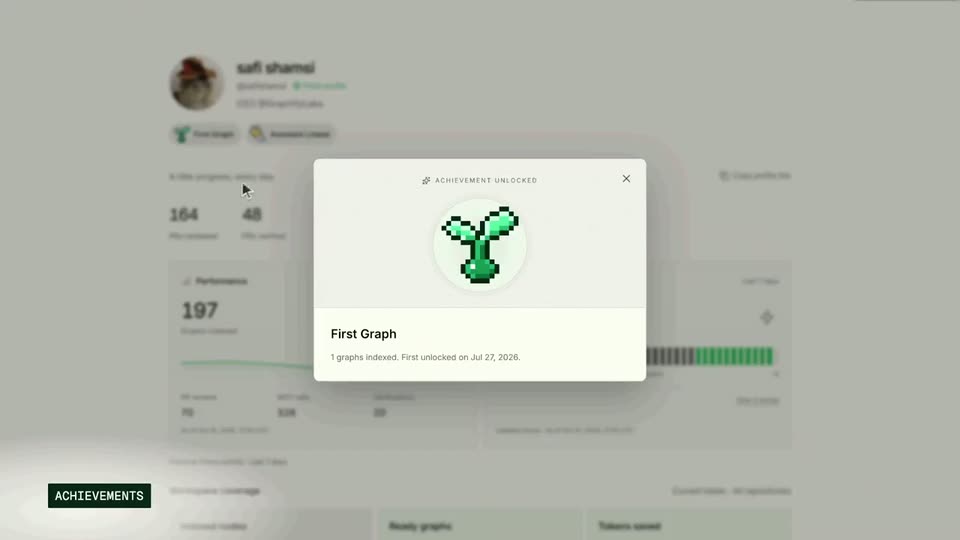
Topaz Labs - 📢 Big release! Introducing Starlight Precise 2, a new video enhancem
Topaz Labs · Electronic dance / Eurodance
0:26
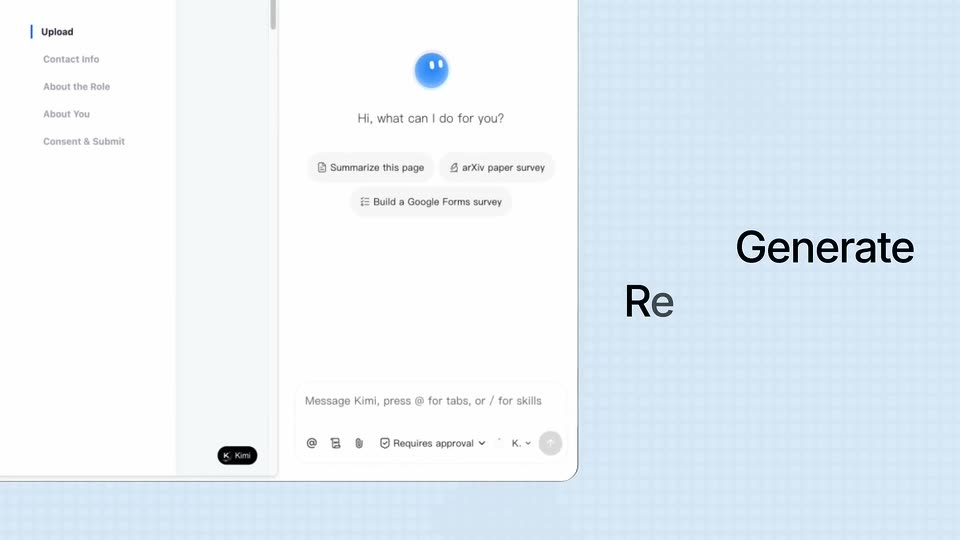
Sumukha nadig - Today we're introducing the all-new Remster For the first time ever
Remster · Modern electronic pop
1:04

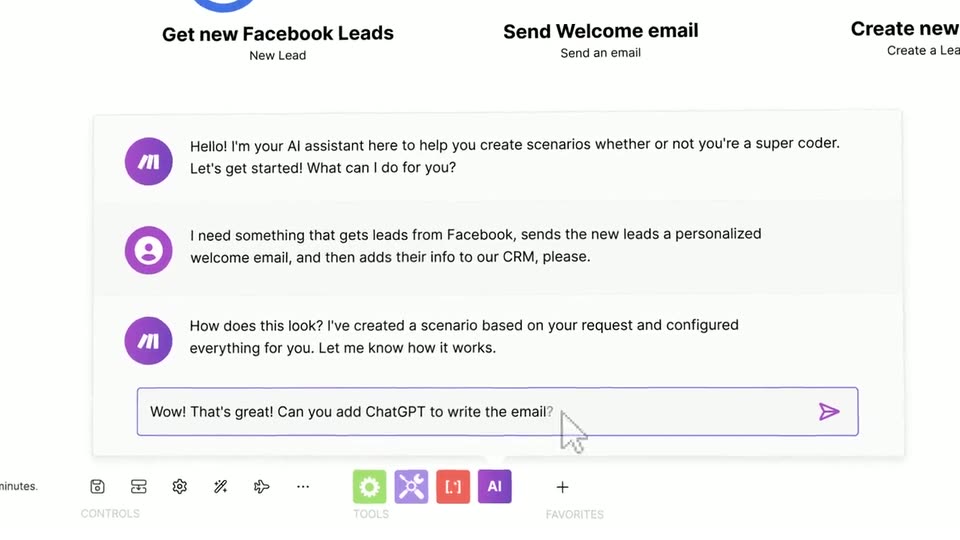
Introducing Cursor 2.0
Cursor · Upbeat, high-energy instrumental fusion of Latin, Afro-Cuban, funk, and electronic dance styles.
Twenty 1.0, scene by scene
· 14 scenes as text
01 · Product intro · 0:00–0:01
A small rounded-square logo bearing the white 20 mark sits centered on a pale field with a faint dot grid. It eases from gray to solid black while the frame holds still.
Camera: Static
02 · Demo · 0:01–0:04
A tilted browser window shows a CRM people table in 3D perspective. The list scrolls down row by row, then a cursor moves to the Richard Jackson row and clicks its checkbox, which highlights blue.
Techniques: 3D mockup, Cursor demo
Camera: Pan
03 · Demo · 0:04–0:05
A laptop in 3D perspective, tilted to the right, displays a CRM workspace. A cursor hovers over a name in the people list, then the view switches to a contact detail page showing a profile and a timeline.
Techniques: 3D mockup, Cursor demo
Camera: Static
04 · Feature reveal · 0:05–0:06
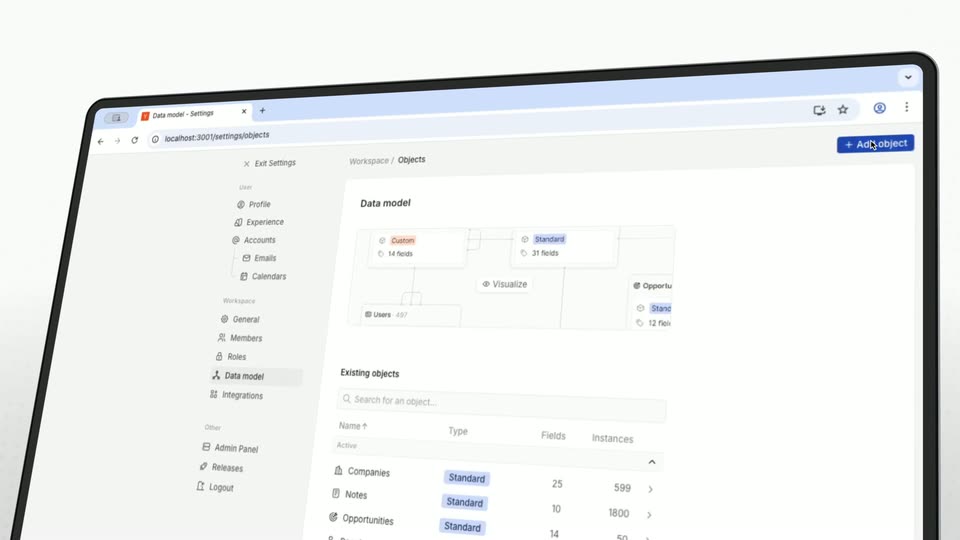
A tilted laptop mockup on a white background shows a CRM settings page with a data model diagram and an objects table. A mouse cursor glides from the right edge up to the top corner button.
Techniques: 3D mockup, Cursor demo
Camera: Static
05 · Feature reveal · 0:06–0:07
A tilted browser mockup floats in 3D perspective on a white background. The settings page scrolls down to reveal status fields and a description box, while a cursor drifts from the top right toward the center.
Techniques: 3D mockup
Camera: Static
06 · Feature reveal · 0:07–0:10
A flat close-up of a form editor shows a cursor typing new option rows into a status list. The view then pulls back to reframe the entire interface as a tilted 3D browser mockup.
Techniques: Cursor demo, UI zoom, 3D mockup
Camera: Static
07 · Feature reveal · 0:10–0:12
An angled laptop mockup shows a CRM table listing applications by status. A cursor clicks the Layout menu, picks Kanban, and the table switches to a board of color-coded columns with cards.
Techniques: 3D mockup, Cursor demo
Camera: Static
08 · Feature reveal · 0:12–0:14
A browser window shows a kanban board with columns for Submitted, Reviewing, Interview, Accepted and Rejected. A cursor drags the Langdock card out of the Reviewing column and drops it into the Interview column.
Techniques: Cursor demo
Camera: Static
09 · Feature reveal · 0:14–0:17
A 3D laptop mockup displays a CRM workflow builder with stacked action nodes. The camera zooms into the right panel as a field dropdown opens, then the view switches to a contact table beside a form. A cursor clicks through the fields.
Techniques: 3D mockup, UI zoom, Cursor demo
Camera: Static
10 · Feature reveal · 0:17–0:22
A laptop at a three-quarter angle displays the CRM interface. In the right panel a cursor types Seed into the Stage field of a form, then the panel swaps to a workflow run view showing a Launch manually trigger and a New fundraising action.
Techniques: 3D mockup, Cursor demo
Camera: Static
11 · Feature reveal · 0:22–0:23
A gray laptop mockup in 3D perspective rests on a plain light backdrop, its screen filled with a CRM contact list and a vertical workflow panel. The view eases from a left-side angle to a straight-on front.
Techniques: 3D mockup
Camera: Static
12 · Feature reveal · 0:23–0:26
A CRM permissions screen tilts in 3D and levels to a flat front view. A cursor clicks the Delete and Destroy checkboxes, toggling them off, while the left sidebar and the top tabs stay static.
Techniques: 3D mockup, Cursor demo
Camera: Static
13 · CTA · 0:26–0:29
An angled 3D browser mockup displays an email inbox list. A cursor clicks the top row, a spinner pulses, and a reading pane slides in from the right to show the invoice thread.
Techniques: 3D mockup, Cursor demo
Camera: Static
14 · Outro · 0:29–0:33
A small black rounded-square logo with a white “20” glyph sits centered on a pale off-white background with a faint dot grid and a thin diagonal line. The frame is locked off and holds for the full duration.
Camera: Static