1:40

Introducing Microsoft Syntex plugins for Microsoft 365 Copilot
Microsoft · AI · May 2023
Tegore’s 3:37 clip runs 3 scenes, about 73 s each. The product is on screen from the first frame and 1 feature is revealed. A single uncut screen recording that zooms and pans between the bear mascot chat and the question card while the cursor clicks keys and types answers. The grid-paper backdrop, pastel calculator keys, and the mascot's speech bubbles set a calm tutorial pace with no cuts or music.
Is this your launch? to your site or press kit.
Microsoft · AI · May 2023
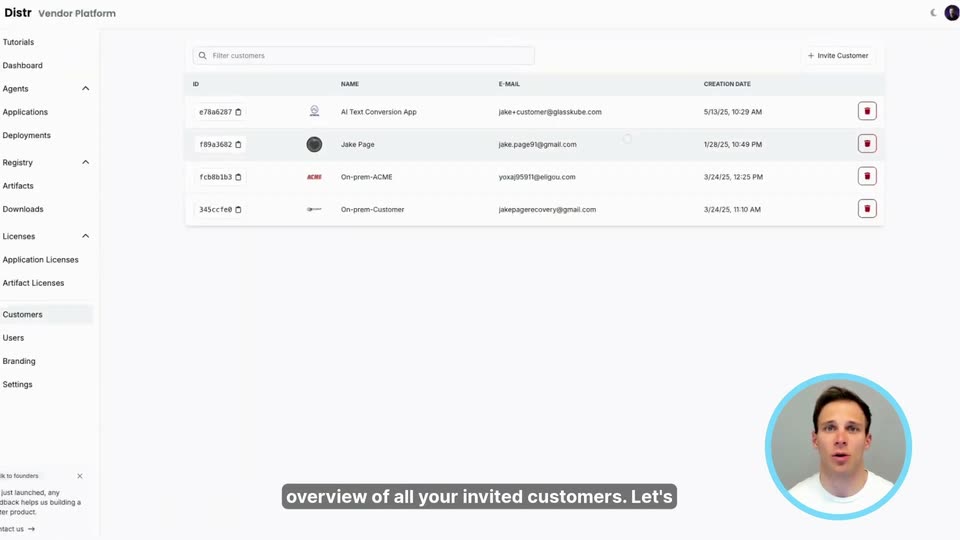
Glasskube · B2B · May 2025
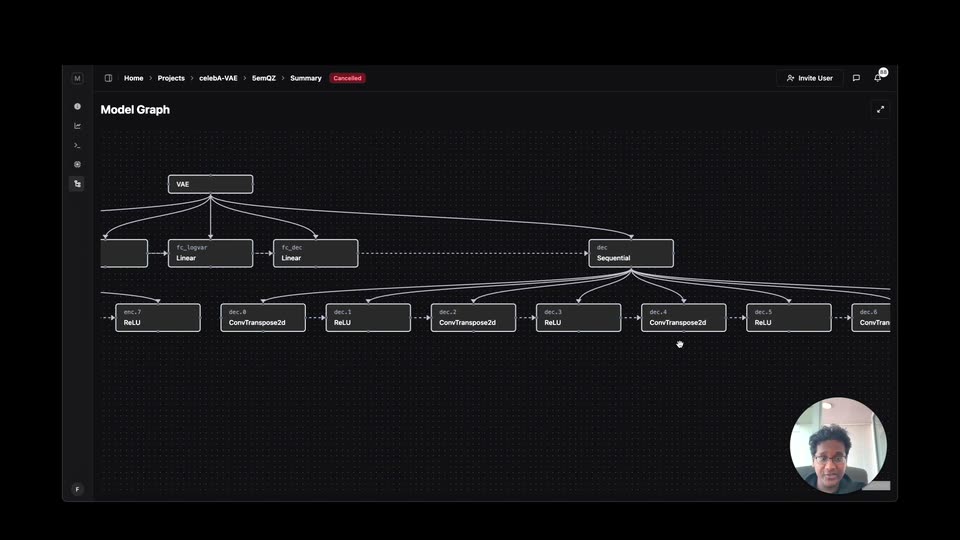
mlop · B2B · Apr 2025
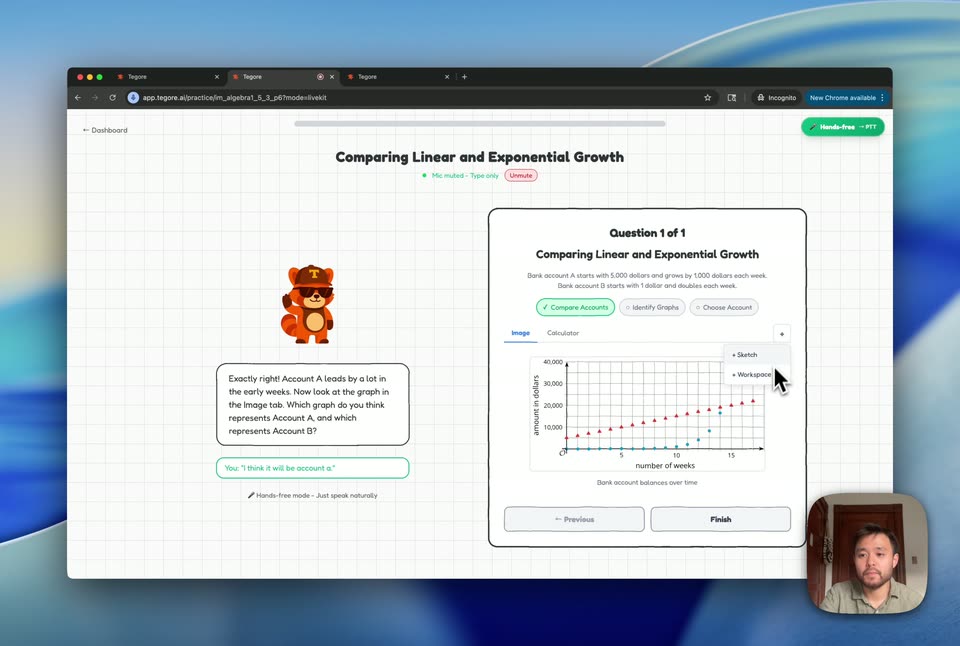
A screen recording of the Tagore math app frames a bear mascot chat and a question card with a calculator, with a small webcam of the founder in the corner. The view zooms to the title and the calculator as the cursor clicks keys and chat text fills in.
Techniques: UI zoom, Cursor demo
Camera: Push in
A math question card shows a scatter plot of two growth curves. A hand cursor clicks the plus button, opening a dropdown with Sketch and Workspace options. The view pulls back to reveal the full app with a bear mascot and chat bubble, then zooms back in and blurs out.
Techniques: Cursor demo, UI zoom
Camera: Push in
The view pulls back from a close-up of the app header to a full browser window. A bear mascot's speech bubble updates with feedback, green checkmarks appear on three step pills, and the question card swaps to a Practice Complete panel. A webcam feed sits in the corner.
Techniques: Cursor demo, UI zoom
Camera: Pull out