2:02

Launch YC: Harbera
Harbera · Healthcare · Feb 2025
Microsoft · May 2023 · 1:40 · Full motion · AI-annotated
Microsoft’s 1:40 launch film runs 10 scenes, about 10 s each. The product is on screen from the first frame and 1 feature is revealed. There is no explicit call to action; a voiceover carries the film. The video is a flat, minimal corporate piece: a centered logo-and-title card, two locked-off product-name cards, one long held screen recording of the Files app, a second recording in Word, then logo cards to close. Motion is limited to slow fades and scale-ups of the angular Syntex mark, with all energy carried by the cursor-driven demos at a steady 118 BPM cut rhythm.
Is this your launch? to your site or press kit.
Harbera · Healthcare · Feb 2025
Retool · Developer tools · May 2025
Linear · Productivity · May 2025
On a pale gray background, the Syntex logo, three stacked angular bands in teal, cyan and purple, fades in and scales up at center. A three-line title fades in below it, holds, then the text and logo fade out to a blank frame.
On-screen text: “Microsoft Syntex Plugins”, “for”, “Microsoft 365 Copilot”
Camera: Static
A near-white background holds a faint gray shape at center that resolves into the centered text Microsoft Syntex in light gray. The frame stays locked-off and still throughout the short clip.
On-screen text: “Microsoft Syntex”
Camera: Static
The product name 'Microsoft Syntex' sits centered on a plain pale gray field, locked in place for the whole clip. The lettering deepens from dark gray to black around the middle, then eases back to gray.
On-screen text: “Microsoft Syntex”
Camera: Static
A plain off-white background holds the centered gray text “Microsoft Syntex”, static and locked off with no motion. The frame then clears to an empty off-white field.
On-screen text: “Microsoft Syntex”
Camera: Static
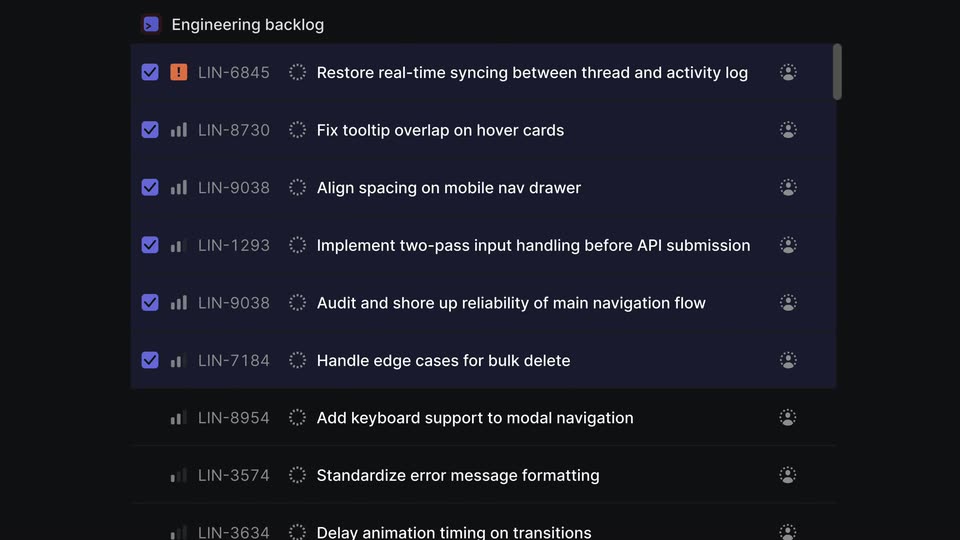
A file list in the Files app shows a Copilot panel sliding in from the right. A cursor types a prompt that adds a Rep column, then a second prompt filters the list to three results, and a Create menu generates Northwind 2023.docx.
Techniques: Cursor demo, UI zoom
Camera: Pan
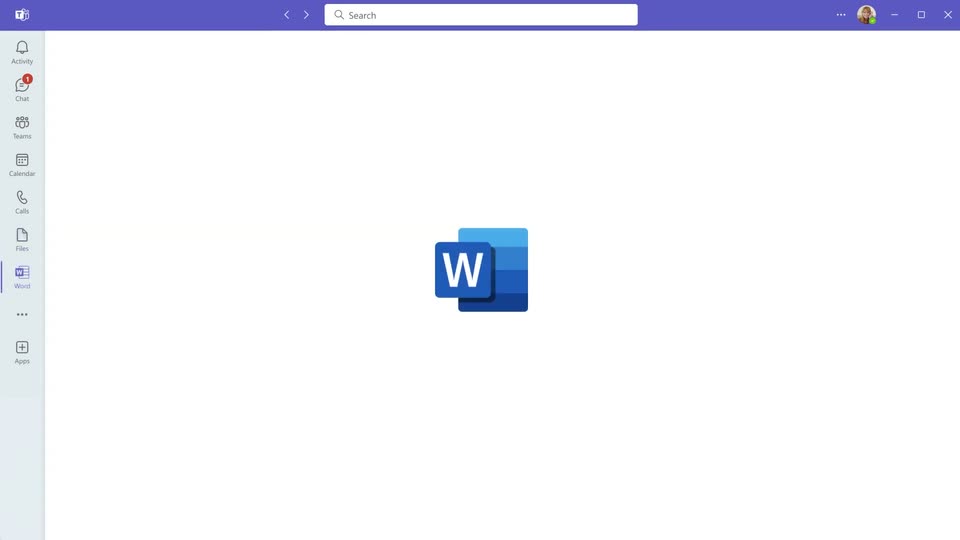
A Teams window shows the Word icon centered on a white canvas beside a left sidebar. The view then switches to a Word letter, with a Copilot panel on the right listing file actions.
Camera: Static
In Word, a cursor hovers a highlighted field to reveal a tooltip, then the view zooms in and the cursor clicks Send eSignature request, types a message, and sends, opening a green-check confirmation dialog.
Techniques: UI zoom, Cursor demo
Camera: Static
A teal, cyan and purple angular logo mark sharpens into focus at center on a pale background, then blurs as the gray title fades in below it.
On-screen text: “Microsoft Syntex”
Camera: Static
The title Microsoft Syntex sits centered in black on a pale gray field, locked off and static for the full duration while the voiceover introduces the Syntex plugins.
On-screen text: “Microsoft Syntex”
Camera: Static
On a plain white background, the four-square Microsoft mark scales up from a small size at center, and the gray Microsoft wordmark fades in to its right. The lockup then holds static for the rest of the clip.
On-screen text: “Microsoft Syntex”, “Microsoft”
Camera: Static