0:42
Explore
Parallel - Introducing Parallel Image Search, the first image search engine desi
Parallel · Nov 2026 · 0:26 · Full motion · AI-annotated
- Length
- 0:26
- Scenes
- 16 · 1.7 s avg
- Product on screen
- 0:20
- Voiceover
- No
- Views
- 31K on X
as of November 22, 2026
00:00:00 / 00:26:18
- Length
- 0:26
- Scenes
- 16 · 1.7 s avg
- Product on screen
- 0:20
- Voiceover
- No
- Views
- 31K on X
as of November 22, 2026
Parallel’s 0:26 launch film runs 16 scenes, about 1.7 s each. The product shows up at 0:20. There is no explicit call to action. The video opens on a single question, then runs three back-to-back demos of the same white prompt bar, each resolving into a different layout of photos, product cards, and account briefs before naming the product on a final title card. The style is a near-black grid with crisp white UI cards, quick cut-driven pacing at roughly 119 BPM, and a recurring halftone dot field that closes the film.
No filming indicatedEstimated needs: 3 capture groups — your screens or recordings · 1 official logo — reused across the film · 4 graphic passages — draw or supply
Is this your launch? to your site or press kit.
More like this

1:03
1:26
Atoms Not Bits - BREAKING: @RainmakerCorp has secured a deal to bring cloud seeding to
Atoms Not Bits · Sep 2026
Similar soundtrack
Films whose music sounds like this one, voice left out
1:45

Fastlane - Today we're introducing Claude for Ads. Just enter your website and
Fastlane · Electronic, Synthwave, Chiptune
0:23
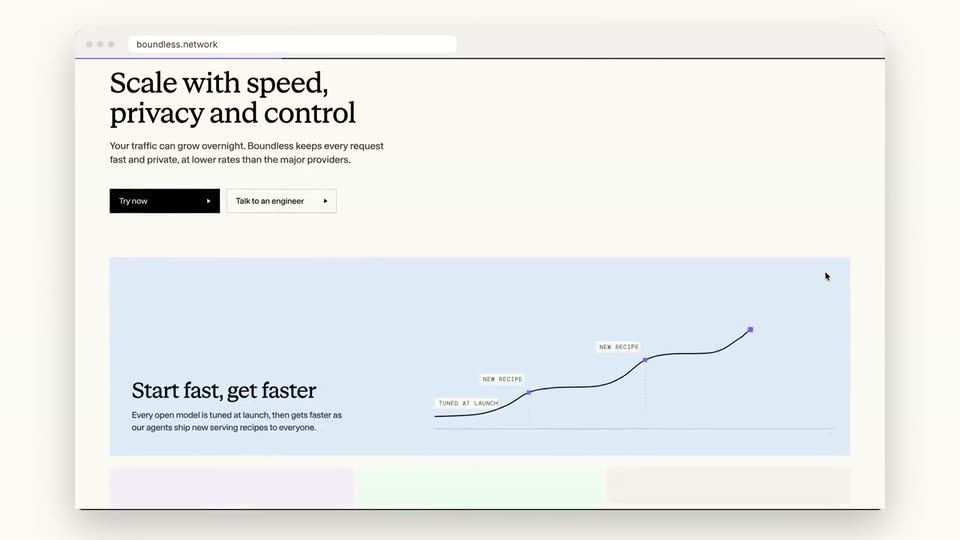

Boundless - Boundless: Inference for hypergrowth. New website →
Boundless · Electronic
0:18
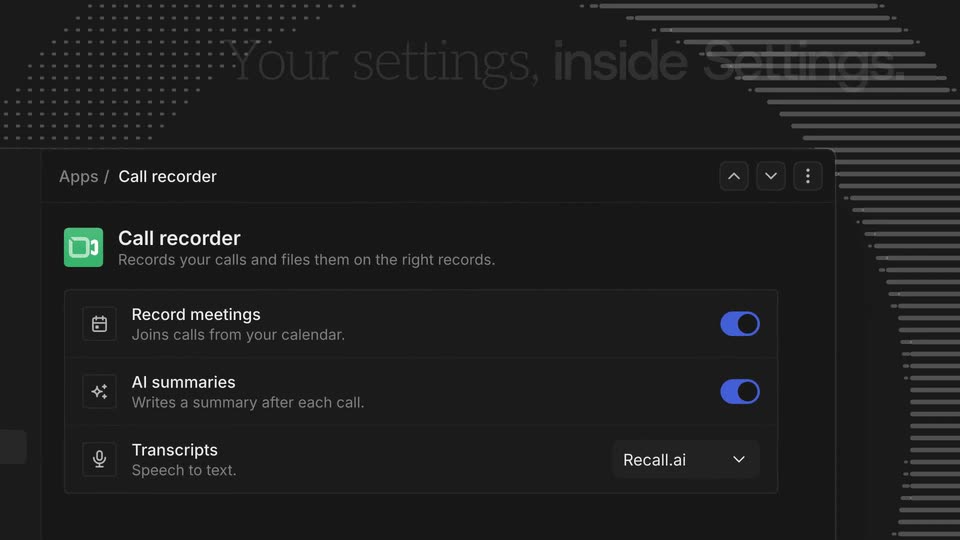

Twenty - Twenty UI is here. 79 components and a Figma file, all open source.
Twenty · Electronic instrumental
Parallel - Introducing Parallel Image Search, the first image search engine desi, scene by scene
· 16 scenes as text
01 · Hook · 0:00–0:00
A faint grid sits on a near-black background. White text builds up word by word in the center, completing the question Why limit AI to text? The frame stays locked and still once the line is set.
On-screen text: “Why limit AI to text?”
Techniques: Kinetic type
Camera: Static
02 · Hook · 0:00–0:02
A dark grid background holds the centered white question, which is replaced by a white search bar that scales open from the center. The bar reveals a striped icon, the prompt line, and a black up-arrow button on the right.
On-screen text: “Why limit AI to text?”
Techniques: Masking
Camera: Static
03 · Demo · 0:02–0:03
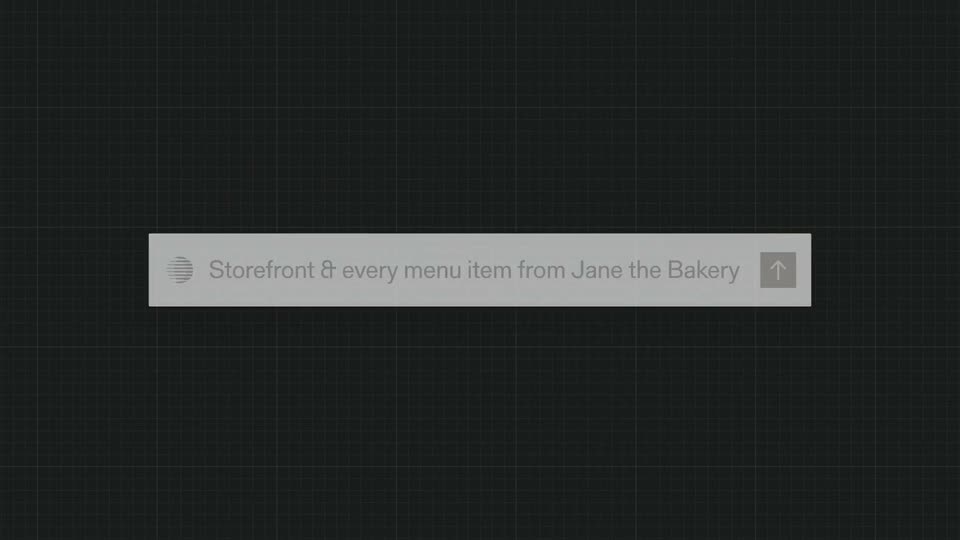
A white input bar on a dark grid shows the typed text “Storefront & every menu item from Jane the Bakery” with a cursor and an up-arrow key. The bar fades as a scattered burst of small bakery photos explodes from the center.
Techniques: Particles
Camera: Static
04 · Demo · 0:03–0:07
A dense cluster of bakery photos bursts apart on a dark grid, settling into a layout around a central shot of hands holding a pastry. A white caption bar slides in from the left at the bottom.
On-screen text: “Storefront & every menu item from Jane the Bakery”
Techniques: Particles
Camera: Push in
05 · Demo · 0:07–0:09
A white search bar sits centered on a dark grid backdrop. The typed query crossfades from a bakery storefront line to a Nike Air Force 1s line while the arrow button pulses, then the bar slides up and fades out as a halftone dot grid fades in at the top left.
Techniques: Particles
Camera: Static
06 · Demo · 0:09–0:10
Three white cards sit side by side on a dark grid background, each holding a photo of light blue Nike sneakers: side profile, pair, and top view. Small uppercase labels read SIDE, PAIR, TOP beneath the cards.
On-screen text: “SIDE”, “PAIR”, “TOP”
Techniques: Split screen
Camera: Pull out
07 · Demo · 0:10–0:11
A white product card for a blue Nike sneaker sits centered on a dark grid background, showing the title, color and price. The card then shrinks and shifts left as a marketplace header with search and filters slides in from the top, the price tag detaching and floating beside the shoe.
On-screen text: “LISTING”, “Nike Air Force 1 Low”, “University Blue”, “$115”, “FREE SHIPPING”, “Marketplace”, “Air Force 1”, “Size”, “Brand”, “Condition”
Techniques: UI zoom
Camera: Pull out
08 · Demo · 0:11–0:13
A marketplace product grid scrolls upward, rows of sneaker cards with price tags and heart icons sliding past a fixed header holding a search bar and filter dropdowns.
Camera: Pan
09 · Demo · 0:13–0:15
On a dark grid, a white prompt card types out its instruction line while rows of company name tags populate below. The view then scrolls to the card footer, revealing a 100 accounts pill and a black up-arrow button.
Camera: Static
10 · Demo · 0:15–0:16
A white slide fades in over a dark grid background. The heading, the ramp wordmark, and three leader headshots resolve from gray placeholders, each with a name and title beneath.
On-screen text: “ACCOUNT BRIEF”, “001 / 100”, “Ramp leadership”, “ramp”, “Eric Glyman”, “CO-FOUNDER & CO-CEO”, “Karim Atiyeh”, “CO-FOUNDER & CO-CEO”, “Geoff Charles”, “CHIEF PRODUCT OFFICER”
Camera: Static
11 · Demo · 0:16–0:17
A white account-brief card sits on a dark grid backdrop, holding a black-and-white portrait, the Linear mark, and the name Karri Saarinen. The card eases a few pixels upward while its offset shadow shifts, settling into a locked frame.
Camera: Static
12 · Demo · 0:17–0:17
A white account-brief card on a dark grid background flips through leadership profiles: portrait, logo, and name switch from Karri Saarinen of Linear to Guillermo Rauch of Vercel while the page counter ticks from 001 to 003.
On-screen text: “ACCOUNT BRIEF”, “001 / 100”, “Linear”, “LEADERSHIP”, “Karri Saarinen”, “Linear”, “003 / 100”, “Vercel”, “LEADERSHIP”, “Guillermo Rauch”
Camera: Static
13 · Demo · 0:17–0:18
A white account brief card floats on a dark grid, stacked with card edges behind it. The counter ticks from 001 to 003 as the card content swaps: a bare card with a Notion N mark and the name Ivan Zhao, then a smiling man's portrait with the Notion logo and Patrick Collison, then a second portrait with the a16z logo and David Chesney.
On-screen text: “ACCOUNT BRIEF”, “001 / 100”, “002 / 100”, “003 / 100”
Camera: Static
14 · Demo · 0:18–0:20
A grid of 100 small account profile cards fills the frame. It opens on one card enlarged in the center, labeled Account Brief 001/100 with a portrait and name, while the rest of the grid is dimmed. The highlight then releases and the full bright grid of profiles is revealed.
On-screen text: “ACCOUNT BRIEF”, “001 / 100”, “Erie Letkofsky”
Techniques: Masking
Camera: Pull out
15 · Product intro · 0:20–0:21
A faint dark grid fills the frame as the white headline reveals left to right with a soft glow at its edge. The small parallel logo fades in at the top center once the line is complete.
On-screen text: “Image search for Al scale”, “parallel”
Techniques: Kinetic type
Camera: Static
16 · Product intro · 0:21–0:26
Dark gridded background. The white parallel logo holds at top center as “Images API” brightens from gray to white, with the tagline below. Along the bottom, a field of small gray dots and faint 0/1 digits forms a low wave that rises and shifts.
On-screen text: “Images API”, “Image search for AI scale”
Techniques: Particles
Camera: Static