
0:25
Explore
Paradev (formerly Superset) - Linux & Android apps are now live for Paradev! multi device read
Paradev · Nov 2026 · 0:22 · Full motion · AI-annotated
- Length
- 0:22
- Scenes
- 12 · 1.9 s avg
- Product on screen
- 0:00
- Features shown
- 2
- Call to action
- 0:14 · 63%
- Voiceover
- No
- Views
- 975 on X
as of November 27, 2026
00:00:00 / 00:22:16
- Length
- 0:22
- Scenes
- 12 · 1.9 s avg
- Product on screen
- 0:00
- Features shown
- 2
- Call to action
- 0:14 · 63%
- Voiceover
- No
- Views
- 975 on X
as of November 27, 2026
Paradev’s 0:22 launch film runs 12 scenes, about 1.9 s each. The product is on screen from the first frame and 2 features are revealed. The call to action lands at 0:14 (63% in). The video alternates short title cards and dark UI mockups on a slow 91 bpm pulse, flipping between cream and black to separate the new-app reveal from the agent orchestration demo. Signature moves are the slide-down caption reveals, the light-to-dark flip, the pull-back into a dense grid of agent panels, and the orange square that caps each key line.
No filming indicatedEstimated needs: 2 capture groups — your screens or recordings · 1 official logo — reused across the film · 1 graphic passage — draw or supply
Is this your launch? to your site or press kit.
More like this
2:34

Introducing Latent
Latent · B2B · Oct 2026
0:59

Base44 Superagents - Your Personal AI Agent
Base44 · Apr 2026
Similar soundtrack
Films whose music sounds like this one, voice left out
0:45

WorkOS - Introducing @AuthKit — an open source auth UI built on @radix_ui.
AuthKit · Solo violin transitioning to full orchestral
1:36

Introducing Solar by Lumenary
Sharpe · Classical
1:28
Veterans: Napoleonic Wars - Official Russian Campaign Trailer
Tactical Boar · Orchestral and choral cinematic epic
Paradev (formerly Superset) - Linux & Android apps are now live for Paradev! multi device read, scene by scene
· 12 scenes as text
01 · Product intro · 0:00–0:01
A cream background with faint halftone dots in the corners and a pixel grid at the bottom right holds the centered line “new in Paradev.” in black, ending on a small orange square. The text fades from gray to black and stays locked.
On-screen text: “new in Paradev.”
Camera: Static
02 · Feature reveal · 0:01–0:02
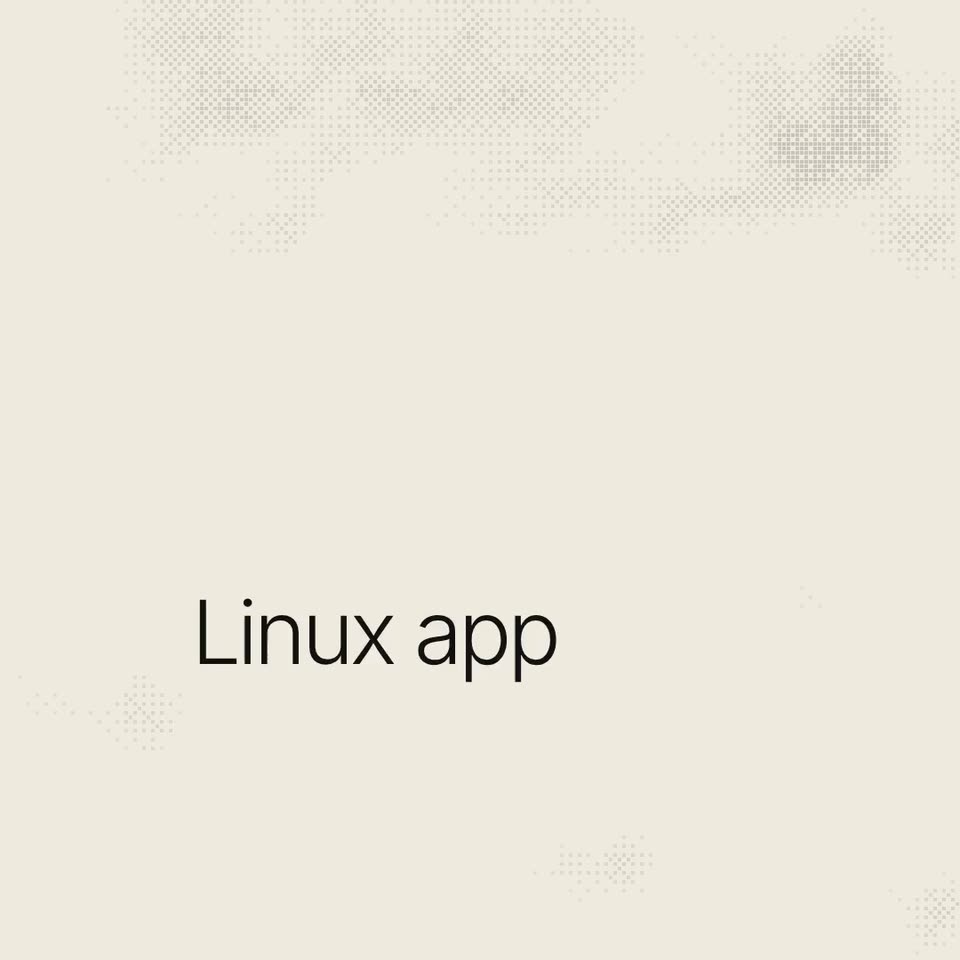
A cream title card with gray halftone dot clusters. The black text Linux app slides down and left off the frame while a smaller Linux app settles at the lower left.
On-screen text: “new in Paradev.”, “Linux app”
Camera: Static
03 · Feature reveal · 0:02–0:04
A dark app window mockup with a chat panel fades in on a cream dotted background, captioned “Linux app” beneath. A large “Android app” headline appears above the window.
On-screen text: “Linux app”, “Android app”
Camera: Static
04 · Feature reveal · 0:04–0:05
A dark desktop chat window and a dark phone workspaces list sit side by side on a cream dotted background. The phone mockup slides down and fades in from above while the desktop window stays fixed, each labeled below.
On-screen text: “Linux app”, “Android app”
Camera: Push in
05 · Feature reveal · 0:05–0:08
A multi-panel agent workspace sits under the headline “orchestrate”. The scene flips from light to dark as the line completes in white and orange, then the view pulls back to a grid of many small panels while the middle phrase swaps to “a platoon of”.
On-screen text: “orchestrate”, “orchestrate an army of agents”, “orchestrate a platoon of agents”
Techniques: Kinetic type, Morph, UI zoom
Camera: Pull out
06 · Feature reveal · 0:08–0:09
A dark grid of small squares fills the frame behind a large centered headline. The white word sits left of an orange phrase, both held still over the dotted field. A wall of small chat panels with tiny text lines the lower half, like an interface of many agent windows.
On-screen text: “orchestrate a platoon of agents”
Camera: Static
07 · Feature reveal · 0:09–0:11
A two-tone headline, white “orchestrate” and orange “an army of agents”, holds at the top over a halftone dot field. Below, a dense grid of small dark terminal panels fills the frame, their faint lines flickering as the rows shift.
On-screen text: “orchestrate an army of agents”
Camera: Pull out
08 · Feature reveal · 0:11–0:12
White dot particles drift over black as the line “all in parallel” holds centered, then a dark app window rises beneath the headline “in their own workspaces”, showing a session sidebar and four agent task panels with numbered steps and working status, plus a cursor.
On-screen text: “orchestrate an army of agents”, “all in parallel”, “in their own workspaces”
Techniques: Particles, Cursor demo
Camera: Static
09 · Feature reveal · 0:12–0:14
A flat phone mockup sits centered on a dark halftone dot background, its screen showing a Workspaces list that scrolls upward. A white lowercase headline crossfades at the top while a large word fades in over the left edge of the phone.
On-screen text: “in their own workspaces”, “control them from your phone”, “run your”
Camera: Static
10 · CTA · 0:14–0:16
A black field of gray halftone dots holds a centered two-line headline that builds from dim gray to white, ending with an orange square period, then fades out.
On-screen text: “run your”, “agent battle station.”
Techniques: Kinetic type
Camera: Static
11 · CTA · 0:16–0:18
On a black field textured with gray halftone dots, the white headline 'run your agent battle station.' gives way to the orange tagline 'now available on' above the white line 'macOS iOS Linux Android'. The card then cuts to the pixelated PARADEV logo with paradev.com beneath it.
On-screen text: “run your”, “agent battle station.”, “now available on”, “macOS iOS Linux Android”, “paradev.com”
Camera: Static
12 · Outro · 0:18–0:22
A black end card holds the white pixelated PARADEU wordmark with double angle brackets, centered above a thin gray paradev.com, over a faint field of gray dots that drifts slowly upward. The frame stays locked off throughout.
On-screen text: “now available on”, “macOS iOS Linux Android”, “PARADEU >>”, “paradev.com”
Techniques: Particles
Camera: Static