3:08

Extract Functional Requirements from Legacy Code
Axal · Industrials · Jun 2025
OddsView · Mar 2024 · 0:28 · Full motion · AI-annotated
OddsView’s 0:28 launch film runs 9 scenes, about 3.1 s each. The product is on screen from the first frame and 5 features are revealed. The call to action lands at 0:24 (87% in). tone:
Is this your launch? to your site or press kit.
Axal · Industrials · Jun 2025
dili · B2B · Aug 2024
TensorPool · B2B · Feb 2025
Films whose music sounds like this one, voice left out
Whop · Cinematic Trap
AutoRouter · Electronic, Trap, Lo-fi Hip-Hop
A dark betting interface pairs a line chart with green, blue and orange traces on a black grid with a list of teams and odds. The view scrolls from NBA to NCAA rows, a hand cursor hovers, and the frame zooms into the list.
On-screen text: “Browse sports bets like stocks”
Techniques: Cursor demo, UI zoom
Camera: Push in
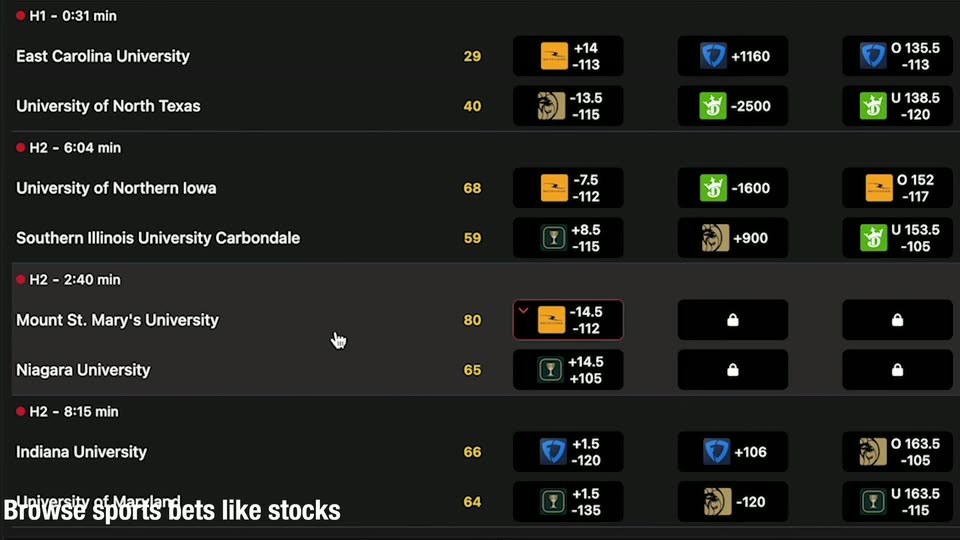
A dark bet-list interface shows college basketball matchups with scores and odds columns. The rows shift vertically as the list scrolls, a mouse cursor hovers over one row, and a white caption sits fixed at the bottom left.
On-screen text: “Browse sports bets like stocks”
Techniques: Cursor demo
Camera: Pull out
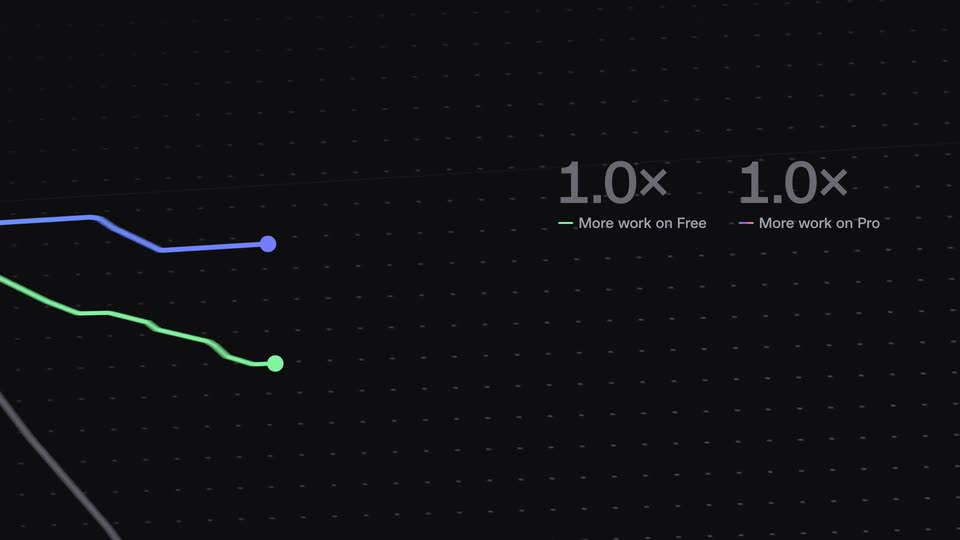
A dark odds dashboard fills its left chart with multicolored step lines as it loads, the data window panning left in real time. A team list sits on the right, its top tab toggling to blue, while a white caption at the bottom updates.
On-screen text: “Browse sports bets like stocks”, “View live and historical odds for bets. Updated in real-time”
Camera: Push in
A dark betting-odds table fills the frame, a column of university names and odds scrolling upward beside a multi-line chart on the left. A white caption at the bottom swaps from one tagline to another.
On-screen text: “View live and historical odds for bets. Updated in real-time”, “Find the best prices for any bet”
Camera: Push in
A dark betting-odds panel fills the lower frame, rows of colored price buttons under Moneyline and Spread headers. The view then pulls back to reveal a price chart with colored lines on the left, the panel now on the right. A white caption sits bottom-left.
On-screen text: “Find the best prices for any bet”
Techniques: UI zoom
Camera: Pull out
A dark odds dashboard fills the frame, a multi-line chart on the left and a list of university bets with colored value chips on the right, while a bold white headline sits at the bottom left. The frame is locked off and static.
On-screen text: “Find mathematically profitable bets”
Camera: Static
A dark betting-arbitrage dashboard fills the frame. A cursor hovers over the Heather Watson vs Rebaka Masarova row in the +EV bets table while the view pans across the screen to reveal a left column of EV values. A white caption sits at the bottom left.
On-screen text: “Find mathematically profitable bets”
Techniques: Cursor demo
Camera: Push in
A dark betting dashboard lists current bets; the cursor clicks the Arbitrage tab and the table refreshes, then the layout widens into a full odds line chart beside the bet panel. White captions swap along the bottom edge.
On-screen text: “Find mathematically profitable bets”, “Make guaranteed profits with arbitrage”, “OddsView: The One Stop Shop For Sports Betting Tools”
Techniques: Cursor demo
Camera: Pull out
A white circular logo with a V mark sits centered on a black field, with the white URL oddsview.com set beneath it. The composition holds perfectly still for the whole shot.
On-screen text: “oddsview.com”
Camera: Static