
0:47
Explore
Introducing Notion AI connectors
Notion · Jun 2024 · 0:32 · Full motion · AI-annotated
- Length
- 0:32
- Scenes
- 13 · 2.5 s avg
- Product on screen
- 0:10
- Call to action
- 0:28 · 90%
- Voiceover
- No
- Views
- 14K on YouTube
as of November 27, 2026
00:00:00 / 00:32:02
- Length
- 0:32
- Scenes
- 13 · 2.5 s avg
- Product on screen
- 0:10
- Call to action
- 0:28 · 90%
- Voiceover
- No
- Views
- 14K on YouTube
as of November 27, 2026
Notion’s 0:32 launch film runs 13 scenes, about 2.5 s each. The product shows up at 0:10. The call to action lands at 0:28 (90% in). A short launch cut built as a problem-to-demo arc on a plain off-white field: icon row, question, intro, benefit line, UI demo, CTA. Signature moves are the blur-to-sharp word-by-word reveals, the scanning highlight across the icon row, and the rack-focus from a blurred board to sharp UI.
No filming indicatedEstimated needs: 3 capture groups — your screens or recordings · 1 official logo — reused across the film · 2 graphic passages — draw or supply
Is this your launch? to your site or press kit.
More like this

0:48
Lark: AI Agents for Billing
Lark · B2B · Aug 2025
1:20
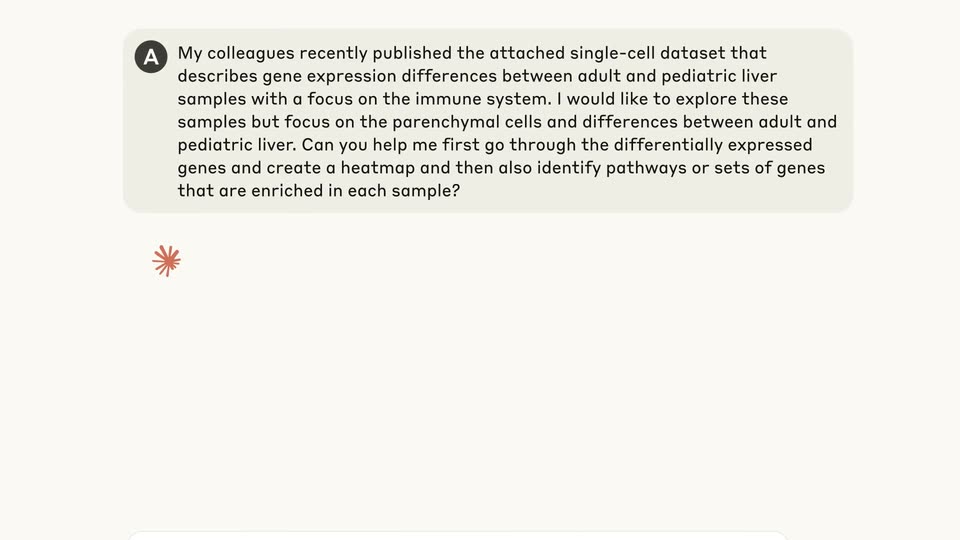

Anthropic - We’re building tools to support research in the life sciences, from e
Anthropic · AI · Oct 2025
Similar soundtrack
Films whose music sounds like this one, voice left out
1:32
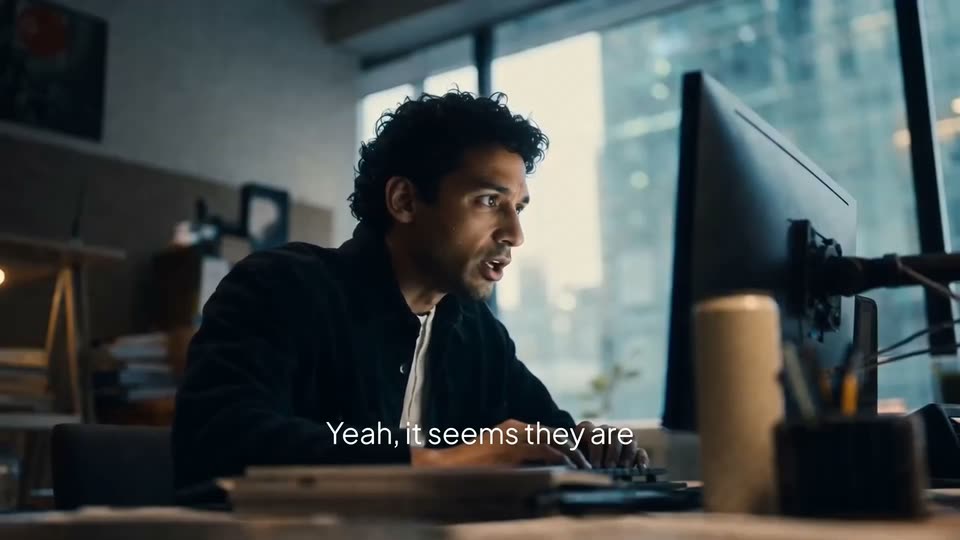
Caution launch film
Caution · Electronic, corporate tech
1:34
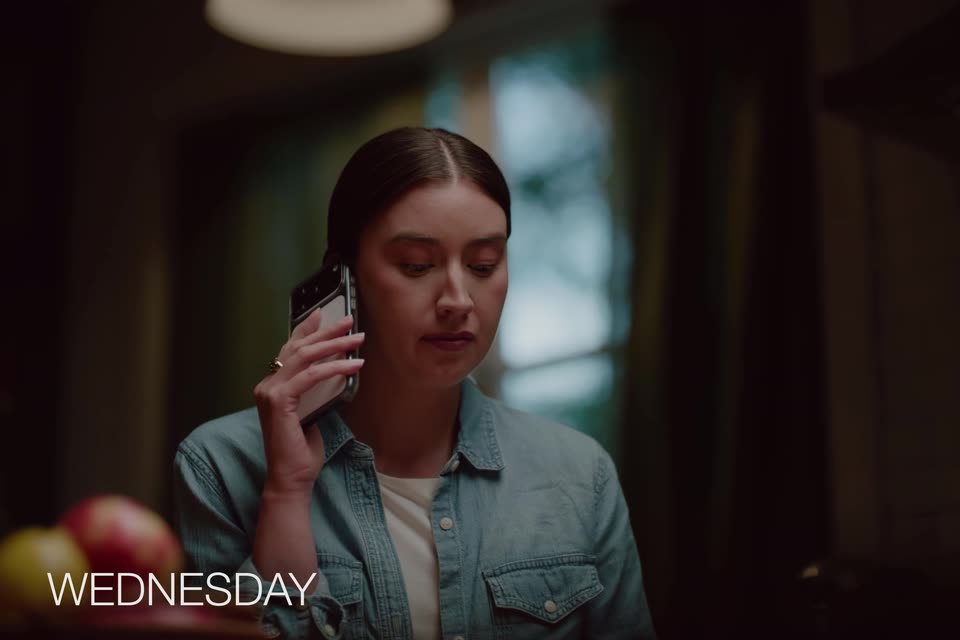

Meet Trepo
Trepo · Jazz, with a brief segment of melancholic piano
1:40

The new MacBook Pro with M5 Pro and M5 Max
Apple · Jazz
Introducing Notion AI connectors, scene by scene
· 13 scenes as text
01 · Hook · 0:00–0:06
Six app icons pop in one by one with a blur on a light gray rounded bar, a gray selection highlight slides across the row from left to right, then the frame zooms in on the left icons.
Techniques: UI zoom
Camera: Static
02 · Hook · 0:06–0:06
Three app icons fill a rounded dock on a light gray field, the rightmost black cube cut off at the edge. The left icon brightens to a white tile with a full-color logo as the middle icon dims to gray and muted tones.
Camera: Static
03 · Hook · 0:06–0:07
Three app icons sit in a row on a light gray band: a black Notion cube with a white N, a blue three-chevron mark, and a black GitHub cat. The frame stays locked off as the icons shift from muted gray to full saturation.
Camera: Static
04 · Problem · 0:07–0:10
A bold black headline fades in word by word on a light gray background, holds, then clears as a white rounded card pops into the center carrying the Salesforce logo, the black hexagon N scaling up and the blue salesforce wordmark sliding in.
On-screen text: “Can't find what”, “you're looking for?”
Techniques: Kinetic type
Camera: Static
05 · Product intro · 0:10–0:17
The Notion logo scales up at center on a cream background, then the headline “Introducing Notion AI connectors” locks in on the left as a Slack channel dialog slides in on the right. A cursor ticks the channel checkboxes and clicks the blue Connect button.
On-screen text: “Introducing”, “Notion AI connectors”
Techniques: Kinetic type, Cursor demo
Camera: Static
06 · Demo · 0:17–0:19
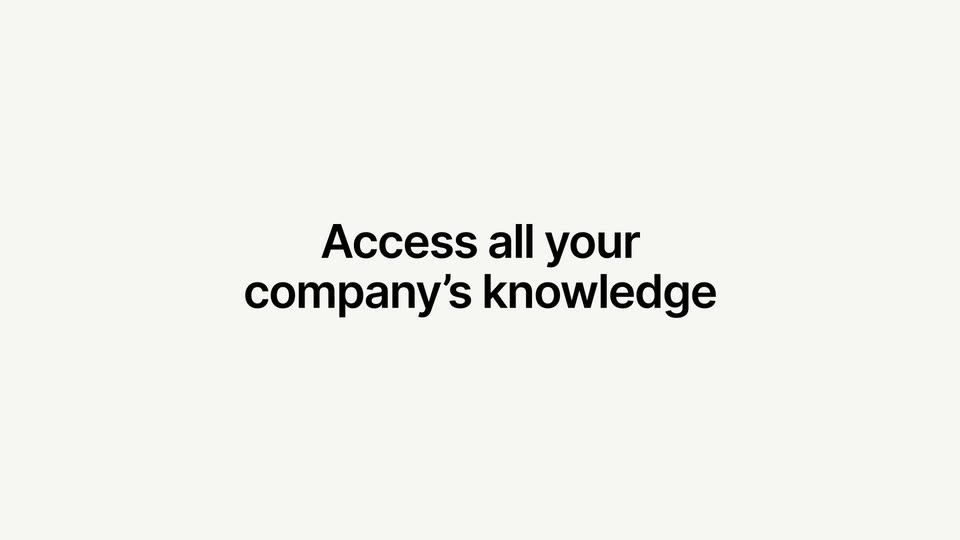
A centered two-line black headline sits on a plain off-white background. It starts small and faint, then scales up to full size over the first second before holding still on the locked-off frame.
On-screen text: “Access all your”, “company's knowledge”
Techniques: Kinetic type
Camera: Static
07 · Demo · 0:19–0:21
Centered text on a plain light gray background. The lines Access all your and company's knowledge scale, then the still line without leaving Notion fades in from gray to black and holds.
On-screen text: “Access all your”, “company's knowledge”, “without leaving Notion”
Techniques: Kinetic type
Camera: Static
08 · Demo · 0:21–0:24
A blurred Notion kanban board fills the frame behind the centered headline without leaving Notion. The headline clears and the board racks into focus as a cursor drifts to the bottom-right plus button.
On-screen text: “without leaving Notion”
Techniques: Cursor demo
Camera: Push in
09 · Demo · 0:24–0:25
A white search panel sits centered over a faded task list. The list fades to plain gray as a question types into the focused input below a Find in pill, a black cursor resting at the field's corner.
Camera: Static
10 · Demo · 0:25–0:28
A white chat panel sits on a light gray field. A typed question leaves the input box and lands in a gray bubble, then an answer with two citation badges and a two-line source list appears below. The cursor slides up to rest on the blue badge.
Techniques: Cursor demo
Camera: Static
11 · CTA · 0:28–0:29
On a plain off-white background, the phrase builds in the center: 'Try' appears, then 'it', then 'now', each word scaling up from a soft blur to sharp black type.
On-screen text: “Try it now”
Techniques: Kinetic type
Camera: Static
12 · CTA · 0:29–0:30
The black text 'Try it now' sits centered on a pale gray background and scales, then a small black-and-white 3D cube bearing the serif letter N slides into the center as the sign-off.
On-screen text: “Try it now”
Techniques: Kinetic type
Camera: Static
13 · Outro · 0:30–0:32
On a plain off-white field, the Notion logo holds center: a black 3D cube bearing a serif N beside the bold wordmark. The N inside the cube slides a few pixels while the wordmark and the locked-off frame stay still.
Camera: Static