2:25
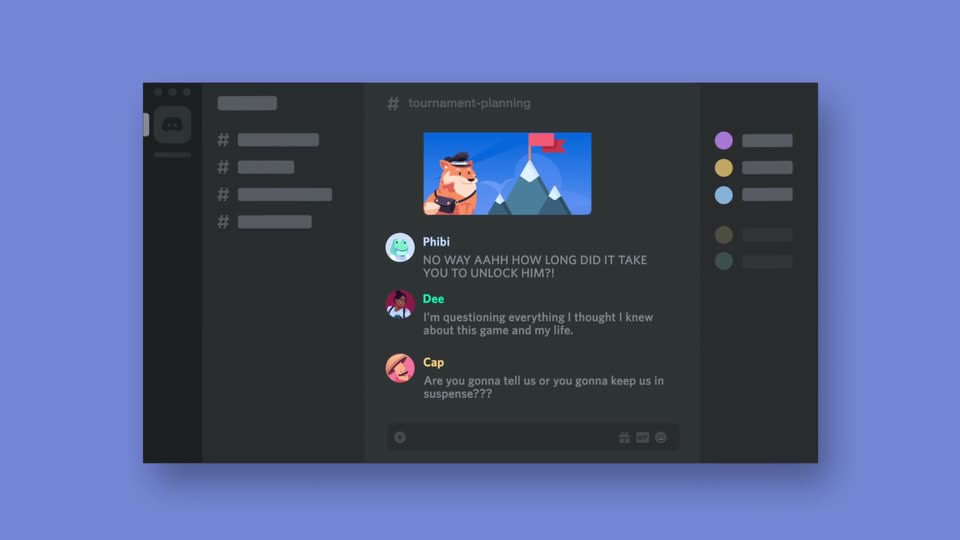

How Discord Works in 148,000 Miliseconds or Less
Discord · Consumer · Oct 2020
Loom · Feb 2024 · 0:38 · Full motion · AI-annotated
studio MotionCue
Loom’s 0:38 launch film runs 12 scenes, about 3.2 s each. The product is on screen from the first frame and 4 features are revealed. The call to action lands at 0:35 (92% in), over a voiceover. The video alternates flat Loom UI screens with purple wordmark cards, advancing one AI feature at a time through zooms, scrolls and tab switches. Its signature moves are the drifting iridescent orbs, the circular presenter bubble, and camera pulls that reveal titles, summaries and side panels.
Is this your launch? to your site or press kit.
Discord · Consumer · Oct 2020
CodeWisp · Consumer · Mar 2026
Mix 3D Design · Nov 2026
Films whose music sounds like this one, voice left out
CentralComs · Upbeat funk and pop
Decoda Health · Modern electronic
Alter · Electronic, with a rock section
A flat product window floats over a wavy purple gradient, filled with peachy 3D shapes: two spheres, a cube, a letterform and a cylinder balanced on planks. A vertical icon toolbar sits left and a circular talking-head video plays right, while the white title stays locked at the bottom left.
On-screen text: “Product Demo”
Techniques: 3D mockup
Camera: Pull out
A Loom player shows a dashboard demo with a pink donut chart, two KPI figures, and a presenter's face in a circular bubble. The purple gradient background gives way to a light card, and a comment bar with emoji reactions, Comment and Record a comment buttons appears below.
Camera: Pull out
A flat Loom video page fills the frame: a dashboard demo player with a talking-head circle on the left, a Loom AI panel on the right. A comment bar at the bottom fades out as the layout settles, then a purple wash with soft gradient orbs rises in.
Camera: Pull out
A white Loom AI wordmark with a small sparkle sits centered on a dark purple field. Large soft-focus glowing spheres in pink and lavender drift slowly across the frame, and a bright bloom behind the text fades to a faint vertical glow.
On-screen text: “Loom AI”
Camera: Pan
On a purple field of soft gradient orbs, the white Loom AI wordmark with a purple sparkle holds center, then a circular video of a bearded man in a yellow shirt fades in above a small control pill with a red dot, timer, pause and trash icons.
Camera: Static
A Loom player shows a dashboard demo with a presenter bubble while a hand cursor loops a chart point in orange. The view pulls back to reveal the page title and comment bar, then scrolls down so the AI summary paragraph slides in.
Techniques: Cursor demo, UI zoom
Camera: Pull out
The Loom interface zooms in: the player with the presenter bubble and pink area chart grows, the summary paragraph slides out below, chapter labels Code Review and Bug Fix appear under the player, and the dashboard's Top Customers heading and 34% bar enter the top.
Techniques: UI zoom
Camera: Push in
A Loom interface splits a dark “Top Customers” slide on the left from an AI panel on the right. A cursor clicks the copy button, which flips to “Copied”, then taps the Activity tab. The frame pulls back to reveal a dashboard demo with a presenter avatar and task list.
Techniques: Cursor demo, UI zoom
Camera: Pull out
A video collaboration interface shows a central video card with a dashboard demo and a circular presenter avatar, a transcript panel on the right, and a summary paragraph below. The frame zooms in toward the central card.
Techniques: UI zoom
Camera: Push in
A Loom editor screen shows a dark slide titled Top Customers beside a transcript panel. Multilingual greeting bubbles pop in and drift across the frame at different depths, mixed with iridescent gradient orbs.
On-screen text: “Bonjour!”, “Olá!”, “¡Hola!”, “Hallo!”, “Привет!”, “Hey!”, “Ciao!”, “Hello!”, “Hallå!”
Techniques: Parallax
Camera: Pan
A white Loom AI wordmark with a small purple star sits centered on a dark purple field. Soft gradient spheres drift across the frame from the edges while blurred speech bubbles fade out, and the wordmark brightens as it locks off.
On-screen text: “Loom AI”
Techniques: Kinetic type, Particles
Camera: Static
A white “Loom AI” wordmark with a small star sits centered on a dark purple gradient. Soft pastel spheres in pink, blue and lavender drift across the frame, some sharp, some blurred, passing in front of and behind the text at different depths.
On-screen text: “Loom AI”
Techniques: Kinetic type, Parallax
Camera: Static