

1:08
Explore
CentralComs Launch
CentralComs · Sep 2026 · 1:12 · Code only · AI-annotated
- Length
- 1:12
- Scenes
- 27 · 2.7 s avg
- Product on screen
- 0:13
- Call to action
- 1:02 · 85%
- Voiceover
- Yes
- Views
- 126 on YouTube
as of November 23, 2026
00:00:00 / 01:12:28
- Length
- 1:12
- Scenes
- 27 · 2.7 s avg
- Product on screen
- 0:13
- Call to action
- 1:02 · 85%
- Voiceover
- Yes
- Views
- 126 on YouTube
as of November 23, 2026
CentralComs’s 1:12 launch film runs 27 scenes, about 2.7 s each. The product shows up at 0:13. The call to action lands at 1:02 (85% in), over a voiceover. The video runs a pain-to-promise arc: a missed-call question, an 80% statistic, the CentralComs reveal, two interface demos, a lost-revenue funnel, and a book-a-demo close. Its signature moves are white line-art illustrations drawn on dark teal, flat UI cards that slide in and blur into place, and quick word-by-word text builds on soft cream panels.
No filming indicatedEstimated needs: 3 capture groups — your screens or recordings · 1 official logo — reused across the film · 12 graphic passages — draw or supply · 1 3D passage — build or supply
Is this your launch? to your site or press kit.
More like this

1:15
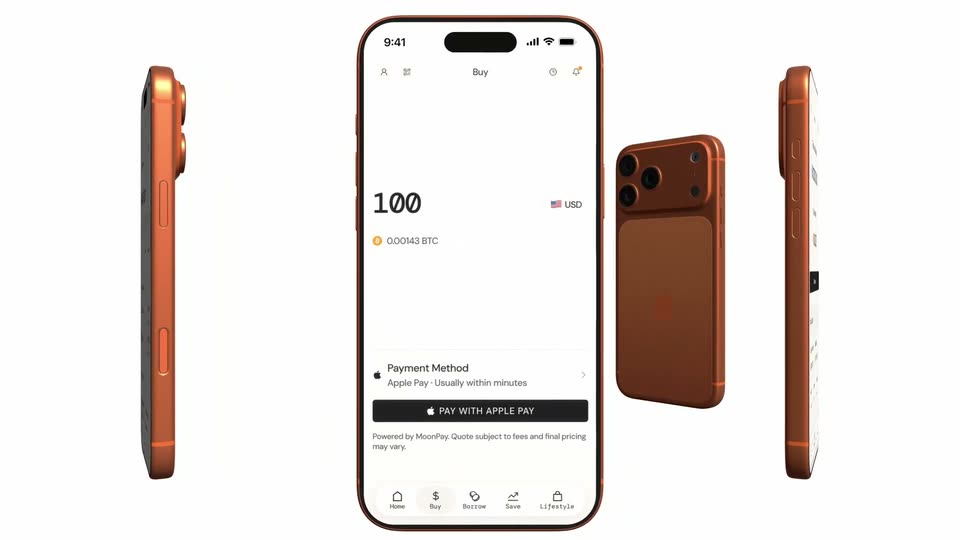
Sats Terminal - Sats Terminal is LIVE on the App Store 🟠 Buy Bitcoin, Borrow against
Sats Terminal · Sep 2026
0:49
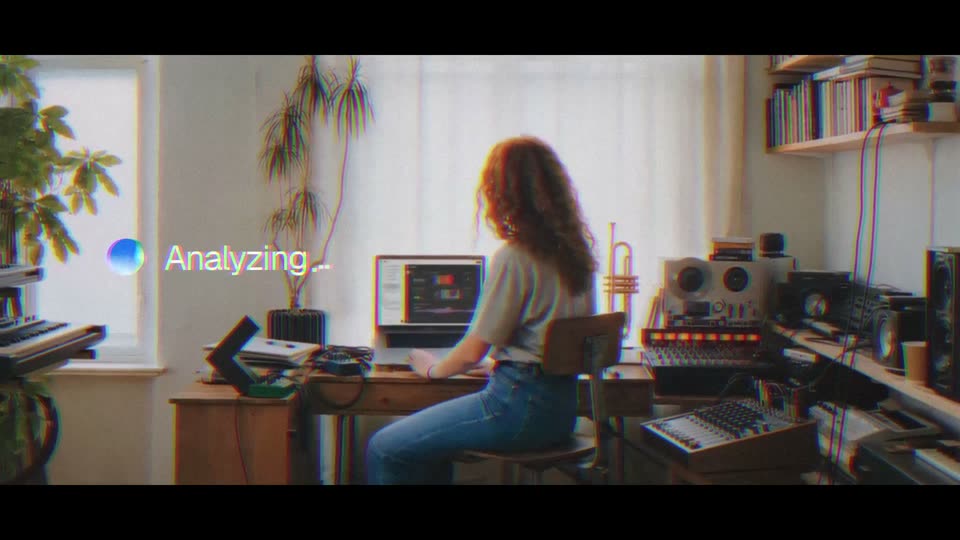

Incredible - Today, we change how the world uses computers. No keyboard. No mouse.
Incredible · Sep 2026
Similar soundtrack
Films whose music sounds like this one, voice left out
0:50
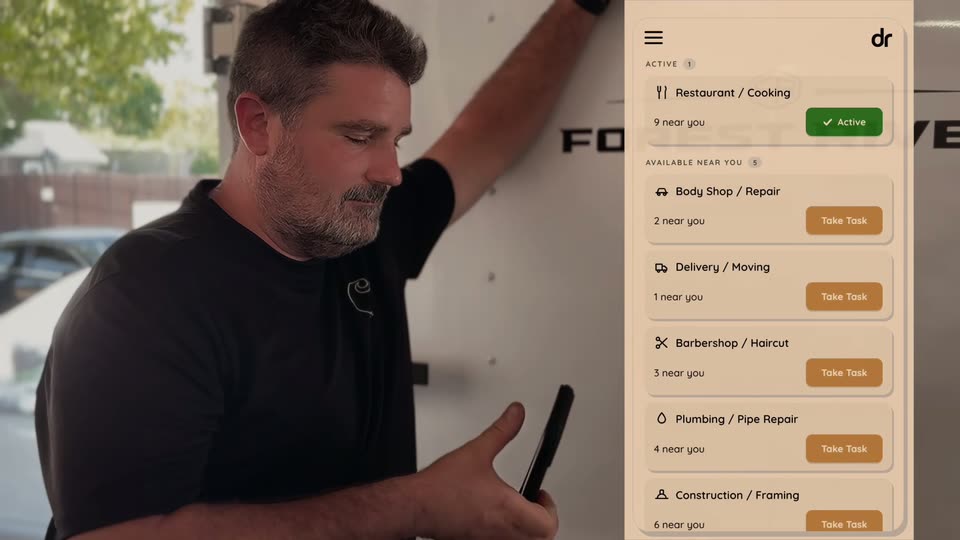

DeepReach AI - Everyone can run a data business
DeepReach Inc. · Upbeat commercial electronic
2:04
Marco Palladino - At Kong we run half a quadrillion AI tokens a year, and I kept seeing
Volcano · Upbeat corporate electronic
1:00

Meet Blify ✨
Blify · Modern electronic
CentralComs Launch, scene by scene
· 27 scenes as text
01 · Hook · 0:00–0:00
A dim line-art telephone icon sits centered on a dark charcoal field, then brightens to white as sound-wave arcs pulse from the handset. A white headline slides in from the left across the icon, reading out the full question.
On-screen text: “Did you miss that call?”
Techniques: Kinetic type, Masking
Camera: Static
02 · Hook · 0:00–0:01
A white headline sits over a faint line-art telephone icon on a charcoal background. The text slides downward while the phone icon and a line-art clock scroll up out of frame.
On-screen text: “Did you miss that call?”
Techniques: Kinetic type
Camera: Static
03 · Hook · 0:01–0:04
A white headline reads Home Service Owners over a dark teal field. A flat furnace icon with a fan sits below, and a tool case with a flame mark fades in to its right as an orange line curves across the frame.
On-screen text: “Home Service Owners”
Camera: Static
04 · Problem · 0:04–0:05
A thin orange line curves down the left edge over a dark teal radial gradient. A white rounded-square icon with a small teal dot pops in on the line near the lower left and holds.
Camera: Static
05 · Problem · 0:05–0:09
A white counter ticks 70% to 80% at lower left as a grid of phone tiles fills with red slashes, one flipping to a dark dollar sign. The caption 'go with the first company to respond.' builds in, then a line-drawn desk phone fades in under 'Miss the call,'.
On-screen text: “80%”, “go with the first”, “company to respond.”, “Miss the call,”
Techniques: Kinetic type
Camera: Static
06 · Problem · 0:09–0:13
On teal, “Miss the call,” sits above a line-art ringing telephone. The line cuts to “and they book someone else.” as the phone splits: one handset lifts, the other gets a red slash. The frame crossfades to a blurred booking screen with a “Booked” badge.
On-screen text: “Miss the call,”, “and they book someone else.”
Camera: Static
07 · Product intro · 0:13–0:13
The word Introducing holds still at the center over a defocused calendar view, its white event cards softened into pale shapes at the corners of a light blue-white field.
On-screen text: “Introducing”
Camera: Static
08 · Product intro · 0:13–0:18
On a cream field with soft blue blurred circles, the small word 'Introducing' sits above the CentralComs logo, a building-in-speech-bubble mark beside a serif wordmark. A cut swaps both for the tagline 'You win the work.', the word 'win' in blue.
On-screen text: “Introducing”, “You win the work.”
Camera: Static
09 · Demo · 0:18–0:18
A dark near-black frame holds a soft radial glow in the upper left. Centered white sans-serif text reads out, the trailing words fading in from gray to white as the line completes.
On-screen text: “You win the work.”, “Whether you're in the field”
Techniques: Kinetic type
Camera: Static
10 · Demo · 0:18–0:20
A dark gray background holds the centered white headline while a thin line-art figure of a person sitting on a toilet, laptop in hand, draws in on the left.
On-screen text: “Whether you're in the field”
Camera: Static
11 · Demo · 0:20–0:21
A white single-line illustration of a person sitting on a toilet holding a tablet, legs shifting slightly, on a dark background. The caption sits static to its right.
On-screen text: “or taking a break.”
Camera: Static
12 · Demo · 0:21–0:26
A front-facing phone mockup on the left shows a connected call with an animated waveform, while a live transcript panel on the right adds a new line every few seconds as the booking conversation unfolds. The shot fades in from a line-art illustration and dims out at the end.
On-screen text: “or taking a break.”
Camera: Static
13 · Demo · 0:26–0:29
A flat phone on the left mirrors a text thread with Sophia Chen, typing dots flashing between messages. On the right, the same messages replay at large scale, each fading in one by one. A contact card for Rahul Shah slides up from the bottom.
Techniques: Split screen, Kinetic type
Camera: Static
14 · Demo · 0:29–0:30
A white call card sits on a light teal field, showing a caller header with a headset icon and a live badge, a teal audio waveform, and a customer message that fades in below an RS avatar.
Camera: Static
15 · Demo · 0:30–0:37
A white chat card on a pale blue field scrolls up as customer and support messages fade in line by line. The conversation then blurs and a centered white pill with a green check pops in, confirming the Friday 8:00am appointment.
On-screen text: “Appointment confirmed”, “for Friday at 8:00am”
Camera: Pan
16 · Demo · 0:37–0:39
A white line-art van sits on the left against a dark teal field. On the right, three rounded notification pills stack in one by one, each with an icon and a green status tag, while the headline holds at top left.
On-screen text: “while you work.”
Camera: Static
17 · Demo · 0:39–0:41
A line-art illustration of a person sleeping in a bed under a crescent moon and stars fades in on a dark background. A phone mockup rises from the bottom, covering the scene, its screen showing a text message reminder notification.
Camera: Static
18 · Demo · 0:41–0:47
A flat phone mockup on a teal background shows a text thread: a CentralComs reminder bubble slides in from the right, then two reply bubbles type in on the left and right. A white Booked card with a green check pops in at center as the background blurs.
Techniques: Kinetic type
Camera: Static
19 · Demo · 0:47–0:50
A soft cream background with blurred blue blobs holds a diagram that fades in from low opacity. Four white tiles with teal line icons, labeled Phone, Email, SMS and CRM, send curved arrows down into a larger tile showing a skyline inside a speech bubble.
On-screen text: “Phone”, “Email”, “SMS”, “CRM”
Camera: Static
20 · Demo · 0:50–0:51
A flat diagram of four white icon tiles (Phone, Email, SMS, CRM) with connecting lines converges on a central building-in-speech-bubble icon, then blurs and reframes into a tilted 3D calendar interface on a teal backdrop.
On-screen text: “Phone”, “Email”, “SMS”, “CRM”
Techniques: 3D mockup
Camera: Static
21 · Demo · 0:51–0:52
A browser window shows a technician calendar with a left filter sidebar, then a white Business Checking card with a balance and transaction list slides in over it. A cursor rests at the card's left edge.
On-screen text: “app.centralcms.com/app/calendar”
Techniques: Cursor demo
Camera: Static
22 · Demo · 0:52–0:54
On a teal gradient, flat white UI cards slide across the frame. A Business Checking statement with a balance and transaction rows sits beside a chat card; a Google Reviews card slides in from the right as the statement shifts left and a green payment row updates, while the chat card drifts to the left edge.
Techniques: Parallax
Camera: Pan
23 · Demo · 0:54–0:56
A white reviews panel on a dark background shows a 4.9 rating and a list of review cards. A new card from Rachel Ortiz slides in and settles over the list, then the scene cuts to a dark field where the word Automatically. fades in centered.
On-screen text: “Automatically.”
Techniques: Kinetic type
Camera: Static
24 · Other · 0:56–0:58
The word Automatically. holds centered in white italic serif on a near-black background, then the frame clears to a thin line-drawn funnel with dollar signs above its wide mouth and a small square at the tip.
On-screen text: “Automatically.”
Camera: Static
25 · Other · 0:58–1:02
A white line-art funnel is centered on a dark teal field. Light blue dollar signs fall into the rim while a red crack on the right wall leaks red dollar signs outward. The red figure $4,080 appears under the spout, then the whole frame darkens and fades.
On-screen text: “$4,080”
Camera: Static
26 · CTA · 1:02–1:04
On a cream background with soft blurred blue circles, the line Let CentralComs handle it. fades in at center, the brand name in teal and the rest in dark gray. It holds, then dissolves out, leaving only the abstract background.
On-screen text: “Let CentralComs handle it.”
Camera: Static
27 · CTA · 1:04–1:12
The CentralComs logo sits centered on a cream background with soft blue blurred circles in the corners. Below it, the text Book a demo fades in from light gray to black, then holds still.
On-screen text: “Book a demo”
Camera: Static