

1:26
Explore
Introducing Pulse: Stay up to date on what's happening across projects and initiatives
Linear · Apr 2025 · 0:43 · Full motion · AI-annotated
- Length
- 0:43
- Scenes
- 18 · 2.4 s avg
- Product on screen
- 0:00
- Features shown
- 1
- Voiceover
- Yes
- Views
- 5.3K on YouTube
as of November 27, 2026
00:00:00 / 00:43:14
- Length
- 0:43
- Scenes
- 18 · 2.4 s avg
- Product on screen
- 0:00
- Features shown
- 1
- Voiceover
- Yes
- Views
- 5.3K on YouTube
as of November 27, 2026
Linear’s 0:43 launch film runs 18 scenes, about 2.4 s each. The product is on screen from the first frame and 1 feature is revealed. There is no explicit call to action; a voiceover carries the film. The video is built as a sequence of locked-off title cards and tight UI mockups, each held still before a slow fade or blur transition. Pacing is even at 114 bpm, with motion limited to fades, horizontal blurs, gentle zooms, and a single 3D phone reveal.
No filming indicatedEstimated needs: 2 capture groups — your screens or recordings · 1 official logo — reused across the film · 2 3D passages — build or supply
Is this your launch? to your site or press kit.
More like this



Similar soundtrack
Films whose music sounds like this one, voice left out
2:18
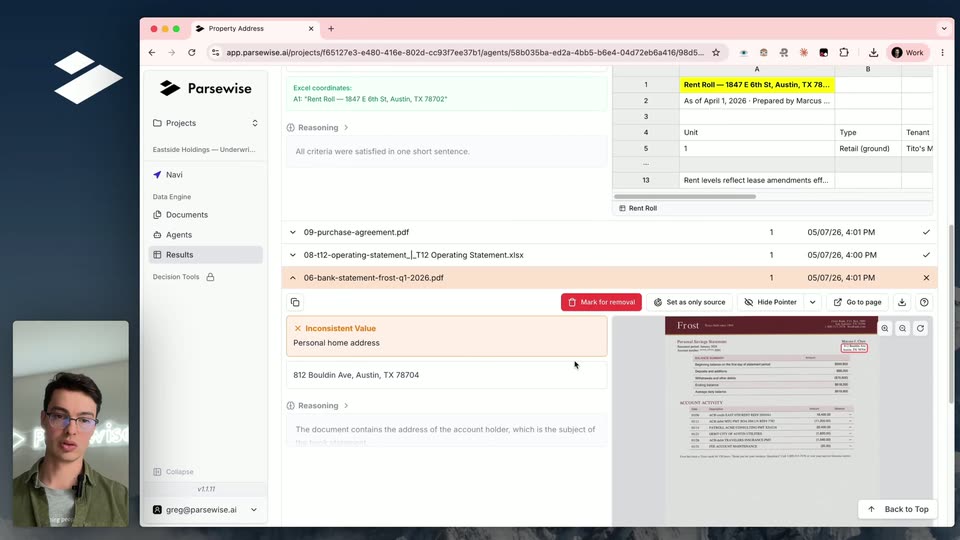

Parsewise API Launch
Parsewise · Electronic
0:53
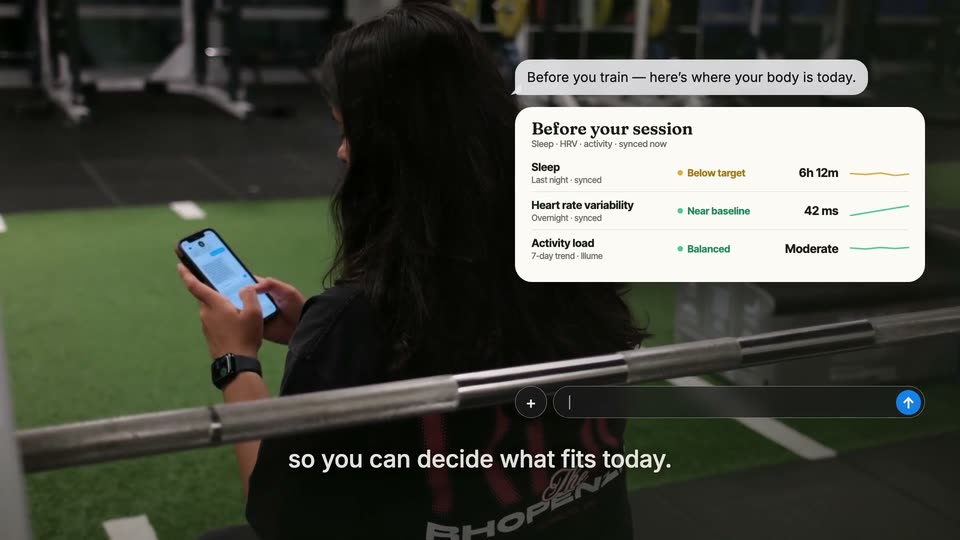

Pari Latawa - Introducing Illume, your personalized health companion you can text a
Illume Labs · Electronic
1:11

Y Combinator - .@celltypeinc is building the agentic drug company. AI agents + foun
CellType · Modern electronic, corporate/tech
Introducing Pulse: Stay up to date on what's happening across projects and initiatives, scene by scene
· 18 scenes as text
01 · Product intro · 0:00–0:02
A plain light-gray card holds the headline Introducing on the left beside a gray comet mark, while Pulse by Linear fades in on the right. The line then fades out as a centered product menu list with a cursor crossfades in.
On-screen text: “Introducing”, “Pulse by Linear”
Techniques: Kinetic type
Camera: Static
02 · Demo · 0:02–0:06
A close-up of a light sidebar menu holds the cursor over a paper-plane icon, then the frame zooms out to reveal the full interface. The Pulse tab is active on the right, showing a feed post with paragraphs of body text and a row of reaction pills.
Techniques: Cursor demo, UI zoom
Camera: Pull out
03 · Demo · 0:06–0:10
A plain white card holds one centered line of dark sans-serif text. The fixed phrase stays put while the final word cycles from projects to initiatives to teams to company, each swap a fast horizontal blur.
On-screen text: “Keep up to date with your projects”, “Keep up to date with your initiatives”, “Keep up to date with your teams”, “Keep up to date with your company”
Techniques: Kinetic type
Camera: Static
04 · Demo · 0:10–0:12
The Pulse feed scrolls upward, bringing the Battery-Aware Dispatch post fully into view, while a 3D Fleet Dispatch panel with a grid map, location pins and a driver table slides in from the right edge.
Techniques: 3D mockup
Camera: Pan
05 · Demo · 0:12–0:13
A light project feed scrolls vertically down a pulse page, passing a dark EV Dispatch map mockup with a driver table, then revealing a next steps list and a second update card with body text.
Camera: Pan
06 · Demo · 0:13–0:19
A light Pulse feed scrolls vertically through weekly project updates, passing Reliability improvements and Hybrid Language Mode. The motion continues into an embedded dark panel where three tilted Rideshare cards display speech bubbles mixing English and French, then on to Smart Fare Zones.
Camera: Pan
07 · Demo · 0:19–0:21
A product feed scrolls up, clearing the body copy and top tabs, to center a gray checkmark badge with the line You're all caught up. A thin zigzag line then draws out horizontally from the badge on both sides, and the badge and text fade out, leaving the line.
Techniques: Kinetic type
Camera: Static
08 · Feature reveal · 0:21–0:23
A single line of dark gray text fades in at the center of a plain off-white background, darkening from a light tint to full opacity. The frame stays locked off with no other movement.
On-screen text: “Get daily summaries in your inbox”
Camera: Static
09 · Feature reveal · 0:23–0:25
The inbox list fades up from a faint state, the top Daily pulse row fills with a gray highlight and a lightning-bolt avatar, then a cursor glides over the row and its preview text.
Techniques: Cursor demo
Camera: Static
10 · Feature reveal · 0:25–0:26
The light gray interface pans left to reveal a detail panel beside the inbox list. A cursor rests on the top Daily pulse row as the right panel, titled Daily pulse for April 16, slides into view.
Techniques: Cursor demo, UI zoom
Camera: Pan
11 · Feature reveal · 0:26–0:29
A document feed titled Daily pulse for April 16 fills the frame, listing Initiatives and Projects posts with bullet points. The view then zooms into the Listen button and 1.2× speed label in the top right as a cursor enters from the bottom left.
Techniques: UI zoom
Camera: Static
12 · Feature reveal · 0:29–0:30
A light off-white frame holds a Listen button with a play icon and a 1.2× speed label. Two mouse cursors drift in from the left; one glides up and rests on the play icon, raising a soft circular hover highlight. The frame stays locked.
Techniques: Cursor demo
Camera: Static
13 · Feature reveal · 0:30–0:32
A tight close-up on a white phone interface shows a black pause button and a 15-second rewind control. The camera zooms out to reveal the full phone mockup in 3D perspective on a white background, its screen filled with a bulleted daily summary.
Techniques: UI zoom, 3D mockup
Camera: Pull out
14 · Feature reveal · 0:32–0:33
A front-on close-up of an iPhone screen shows the Pulse app's 'Your Daily Pulse' text view. The body copy fades to translucent as a calendar card and three colorful icons, blue, yellow and red, fade in beneath it.
Camera: Static
15 · Feature reveal · 0:33–0:35
A black iPhone with a Dynamic Island is centered on a plain white background, its screen showing the iOS home screen with a Calendar widget, a Notes widget, and a grid of app icons. The camera holds a static frontal view; a faint diagonal reflection crosses the glass.
Camera: Static
16 · Outro · 0:35–0:36
A light-gray angular mark and the word Pulse fade in at the center of a plain white background, then hold still in a locked-off frame.
On-screen text: “Pulse”
Camera: Static
17 · Outro · 0:36–0:40
The Pulse logo, a gray bolt mark beside a dark wordmark, sits centered on a plain off-white field, holds still, then fades out to white.
Camera: Static
18 · Outro · 0:40–0:43
The Linear logo, a dark circle with three diagonal white lines beside the wordmark, sits centered on a white background and fades out over the final second.
Camera: Static