
2:02
Explore
Generate high intent leads with GojiberryAI
Gojiberry · Aug 2025 · 2:23 · Full motion · AI-annotated
- Length
- 2:23
- Scenes
- 10 · 14.3 s avg
- Product on screen
- 0:00
- Features shown
- 2
- Call to action
- 2:17 · 96%
- Voiceover
- Yes
- Views
- 160 on YouTube
as of November 27, 2026
00:00:00 / 02:23:13
- Length
- 2:23
- Scenes
- 10 · 14.3 s avg
- Product on screen
- 0:00
- Features shown
- 2
- Call to action
- 2:17 · 96%
- Voiceover
- Yes
- Views
- 160 on YouTube
as of November 27, 2026
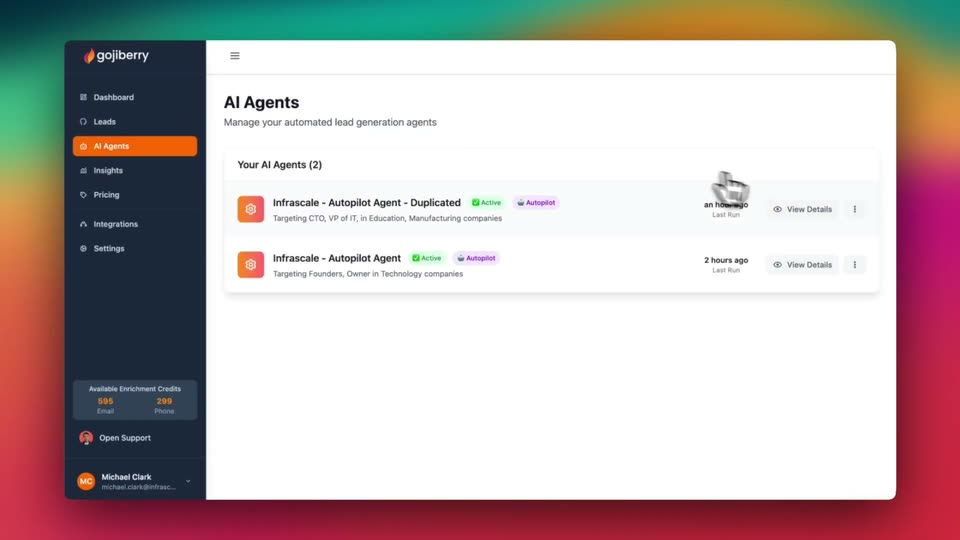
Gojiberry’s 2:23 launch film runs 10 scenes, about 14 s each. The product is on screen from the first frame and 2 features are revealed. The call to action lands at 2:17 (96% in), over a voiceover. The video is one continuous, uncut screen recording of the app floating over a slowly shifting multicolor gradient, with a friendly voiceover guiding the cursor through the leads table, the AI Agent setup, and the integrations grid. Its signature moves are cursor-driven navigation, accordion expansions, and crossfade view changes, all held at a steady real-time pace with no hard cuts.
No filming indicatedEstimated needs: 4 capture groups — your screens or recordings
Is this your launch? to your site or press kit.
More like this
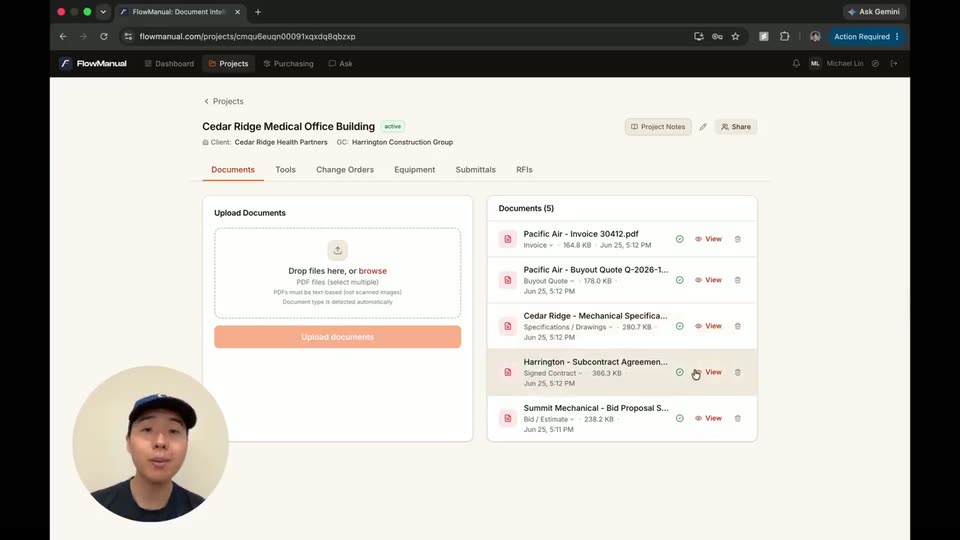

0:11

Suno - Introducing Suno MCP Beta Create songs from wherever you get inspire
Suno · AI · Oct 2026
0:53
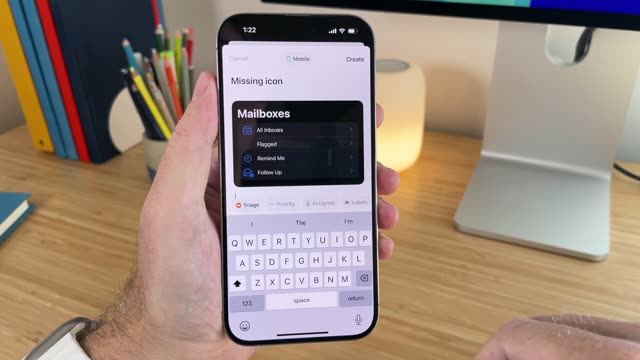

Introducing Linear Mobile
Linear · Productivity · Sep 2024
Generate high intent leads with GojiberryAI, scene by scene
· 10 scenes as text
01 · Product intro · 0:00–0:29
A flat product dashboard sits on a teal-to-orange gradient. A white contacts table fills the right side under a dark sidebar. A cursor scrolls the list down and back up, hovering over signal rows, then glides left to the sidebar menu.
Techniques: Cursor demo
Camera: Pull out
02 · Feature reveal · 0:29–0:31
A flat app screen on a warm gradient background. A cursor clicks the AI Agents tab, then the View Details button on a list row, and the view crossfades into a form titled AI Agent with ICP fields. The cursor rests on the Add button.
Techniques: Cursor demo
Camera: Static
03 · Feature reveal · 0:31–0:42
A flat product dashboard sits on a colorful gradient background. The white agent-editing form scrolls down through targeting fields filled with tag chips, past a two-step progress bar, as a cursor hovers over the options.
Techniques: Cursor demo
Camera: Static
04 · Feature reveal · 0:42–0:44
A flat product dashboard rests on a teal-to-pink gradient. A cursor leaves the job-title tags and moves up to click the Signals step in the two-step progress bar.
Techniques: Cursor demo
Camera: Static
05 · Feature reveal · 0:44–1:15
A flat gojiberry dashboard sits on a teal-to-pink gradient. A cursor clicks the 'Your company' row, expanding it to a LinkedIn URL field, then scrolls down and opens 'Engagement & Interest' to reveal a keyword list.
Techniques: Cursor demo
Camera: Pan
06 · Feature reveal · 1:15–1:16
A flat dashboard view on a multicolor gradient: a dark left sidebar beside a white keyword panel. A cursor glides down to the Experts & Creators row, which gains an orange outline.
Techniques: Cursor demo
Camera: Static
07 · Feature reveal · 1:16–2:07
A flat GojiBerry app window sits on a teal-to-red gradient. A white hand cursor scrolls a settings panel, clicking to expand the Change & Trigger Events and Community & Events accordions, then hovers over competitor URL rows and presses the orange Edit Agent button.
Techniques: Cursor demo
Camera: Push in
08 · Feature reveal · 2:07–2:09
A white contacts table with avatar rows fills the frame over a green-to-pink gradient. A cursor scrolls the list down, then slides left to hover the highlighted Integrations item in the dark sidebar.
Techniques: Cursor demo
Camera: Static
09 · Feature reveal · 2:09–2:17
A flat view of the Gojberry Integrations page shows a grid of app cards on a colorful gradient background. A cursor moves from the sidebar menu across the HubSpot, Instantly and Lemlist cards, then back to the Leads item.
Techniques: Cursor demo
Camera: Static
10 · CTA · 2:17–2:23
A flat product interface floats on a teal-to-orange gradient. The dark sidebar highlights Leads while a white cursor glides across the contacts table, hovering rows and the date field before dropping to the bottom edge.
Techniques: Cursor demo
Camera: Static