
0:36
Explore
Introducing GitHub Agentic Workflows | intent-driven repository automation
GitHub · Feb 2026 · 1:10 · Full motion · AI-annotated
- Length
- 1:10
- Scenes
- 16 · 4.4 s avg
- Product on screen
- 0:00
- Voiceover
- Yes
- Views
- 41K on YouTube
as of November 27, 2026
00:00:00 / 01:10:05
- Length
- 1:10
- Scenes
- 16 · 4.4 s avg
- Product on screen
- 0:00
- Voiceover
- Yes
- Views
- 41K on YouTube
as of November 27, 2026
GitHub’s 1:10 launch film runs 16 scenes, about 4.4 s each. The product is on screen from the first frame. There is no explicit call to action; a voiceover carries the film. The video is one continuous product walkthrough: a purple halftone title card, a black-background terminal demo, a GitHub dark-mode UI tour, and a line-drawn Octocat close. Pacing rides a 128 bpm pulse, with letter-by-letter typing, cursor clicks, and zoom-ins as the recurring signature moves and the rounded square grid as the only non-UI transition.
No filming indicatedEstimated needs: 3 capture groups — your screens or recordings · 1 official logo — reused across the film · 1 graphic passage — draw or supply
Is this your launch? to your site or press kit.
More like this
2:33
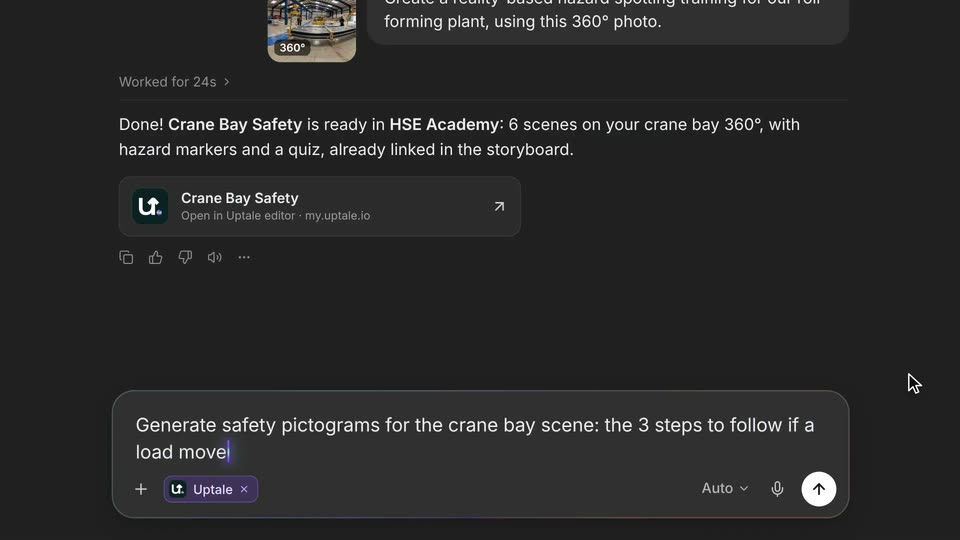
Uptale AI integration in Claude, Chat GPT, Copilot - Demonstration
Uptale · Nov 2026
0:54
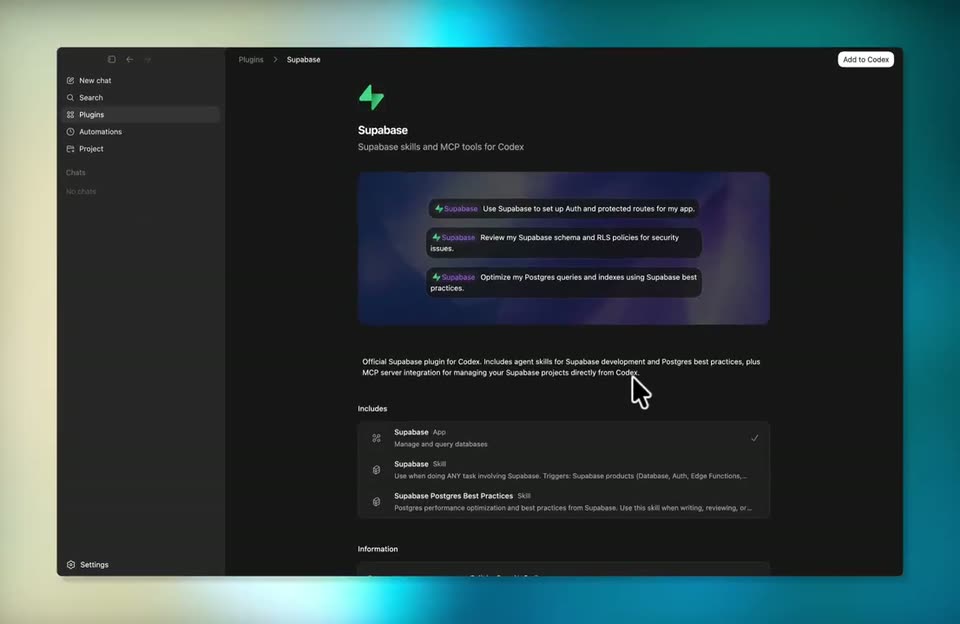

Supabase - You asked, we delivered! Supabase is now available as a Codex plugin!
Supabase · Developer tools · Apr 2026
Similar soundtrack
Films whose music sounds like this one, voice left out
1:11

AI Feature Launch Video | Resolver x MotionCue
Resolver · Modern electronic
1:11
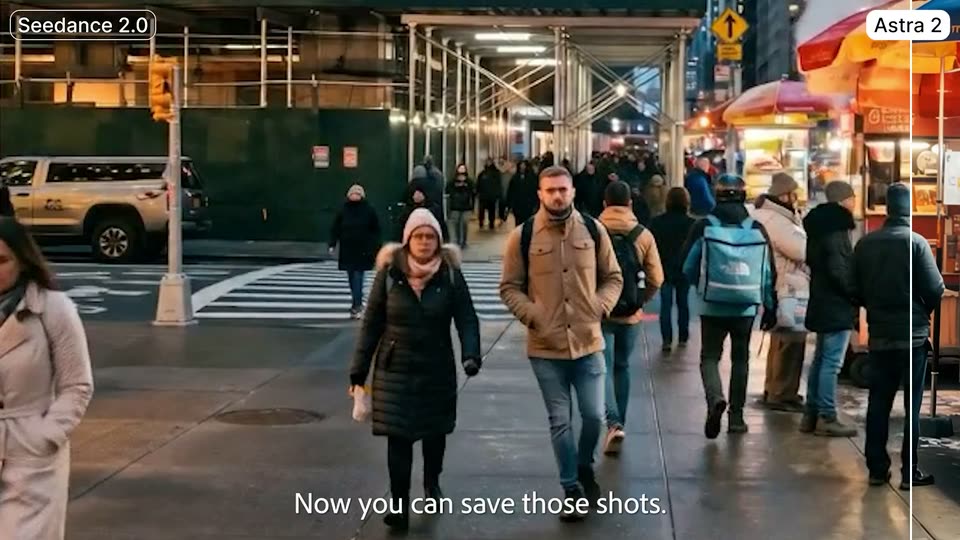

Topaz Labs - 1/7: 📢 Big release! Introducing Astra 2 🚀 Our next-gen creative model
Topaz Labs · Electronic Dance Music
1:06

Bramante Biologics (YC X25) Launch Video
Bramante · Electronic
Introducing GitHub Agentic Workflows | intent-driven repository automation, scene by scene
· 16 scenes as text
01 · Product intro · 0:00–0:03
A white rounded title card holds the two-line headline over a purple halftone dot burst that brightens then dims behind it. The card and text stay locked in the center while the dot field pulses.
On-screen text: “Introducing GitHub Agentic Workflows”
Camera: Static
02 · Demo · 0:03–0:08
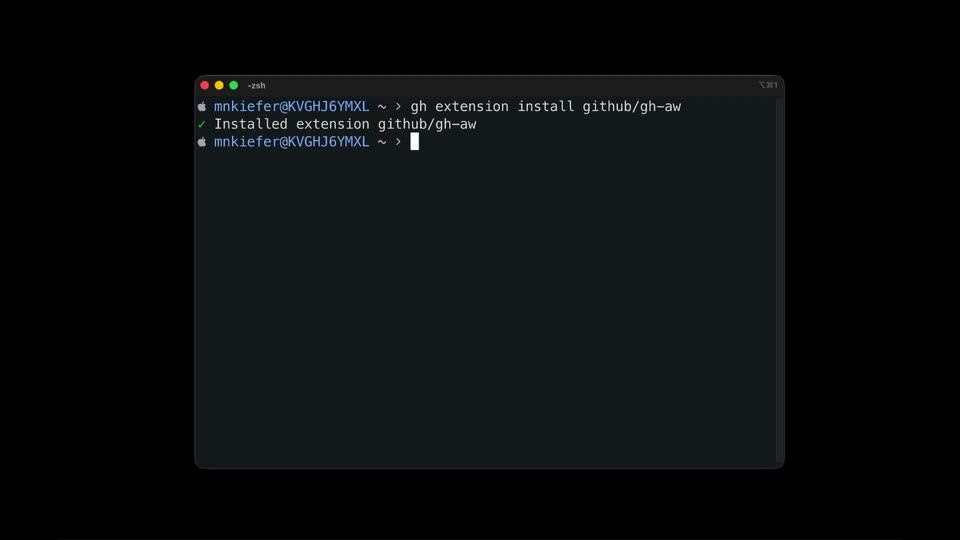
A dark macOS terminal window sits centered on a black background. A command types out letter by letter, runs, and prints an installed-extension line; a second command then prints a version number.
Camera: Static
03 · Demo · 0:08–0:22
A dark macOS terminal window sits centered on a black background. Commands type out character by character, then a welcome message and a list of coding agents (Copilot, Claude, Codex) appear, and the view scrolls up to reveal a footer hint.
Techniques: Kinetic type
Camera: Static
04 · Demo · 0:22–0:29
A dark terminal window on a black background runs a CLI setup. Masked asterisks type into the prompt, then the log scrolls up past a highlighted Yes prompt to lines confirming the merged pull request and a triggered workflow.
Camera: Static
05 · Demo · 0:29–0:36
A GitHub pull request page in dark mode. The cursor clicks the Files changed tab, switching to the diff view, then the camera zooms onto the two file headers and the green added lines of the markdown diff.
Techniques: Cursor demo, UI zoom
Camera: Push in
06 · Demo · 0:36–0:43
A dark GitHub file view shows a workflow file with line-numbered YAML. The code scrolls down steadily, revealing front matter keys and a markdown task heading. A cursor hovers near the top text before the scroll continues.
Camera: Pan
07 · Demo · 0:43–0:44
A dark code view of a markdown file scrolls down slowly, line numbers fixed on the left, revealing more task description and bullet points. The breadcrumb and tab bar stay static at the top.
Camera: Static
08 · Demo · 0:44–0:50
A dark GitHub code view of a markdown file. The lines shift upward and settle into a static layout, with a thin text cursor parked mid-page. The view then holds on the file content for the remainder of the clip.
Camera: Static
09 · Demo · 0:50–0:50
A dark code editor view of a workflow file scrolls upward, syntax-highlighted monospace lines and line numbers moving up beneath a static breadcrumb bar and tab row.
Camera: Static
10 · Demo · 0:50–0:52
A cursor moves to the Actions tab in a GitHub interface, transitioning from a code editor to the Actions page. The page displays a workflow run in progress with a spinning status icon.
Techniques: Cursor demo
Camera: Pan
11 · Demo · 0:52–0:54
A dark GitHub Actions page holds a static frame. A cursor hovers the Actions tab in the top navigation, then travels down to the Daily Repo Status run entry and clicks it, the run ID appearing in the URL indicator.
Techniques: Cursor demo
Camera: Static
12 · Demo · 0:54–0:58
A dark GitHub Actions run page shows the workflow status flip from In progress to Success as the job list fills with green check marks and the Cancel button swaps to Re-run all jobs. A cursor then drifts up to the Issues tab.
Techniques: Cursor demo
Camera: Static
13 · Demo · 0:58–1:00
A dark GitHub issues page shows two open issues in a list. The cursor travels from the Issues tab at the top down to the first issue title in the list.
Techniques: Cursor demo
Camera: Static
14 · Demo · 1:00–1:00
A grid of rounded squares in purple, blue and green fills a dark frame. The tiles scale up and brighten from dim to vivid, several revealing a smaller inner square as the pattern completes.
Camera: Static
15 · Demo · 1:00–1:05
A dark GitHub issue view scrolls down through a daily status report body, then zooms in on the bottom footer that credits the Daily Repo Status workflow.
Techniques: UI zoom
Camera: Push in
16 · Outro · 1:05–1:10
On black, a thin white line draws the GitHub cat outline, the disc fills white with a brief iridescent glow, then settles to a flat white mark that holds.
Techniques: Morph, Light sweep
Camera: Static