1:51
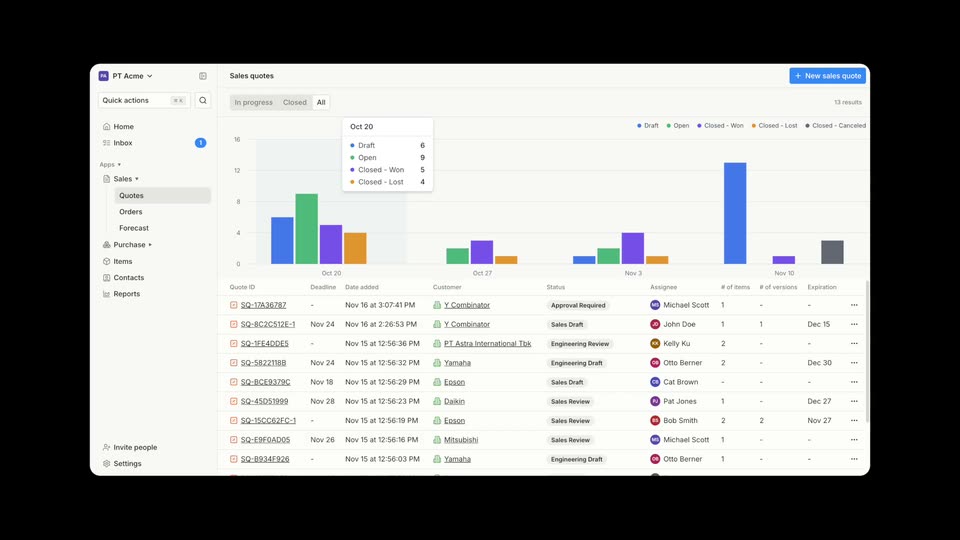

Tiny (YC F24) Launch Video
Tiny · B2B · Nov 2024
Framer · Dec 2021 · 3:28 · Full motion · AI-annotated
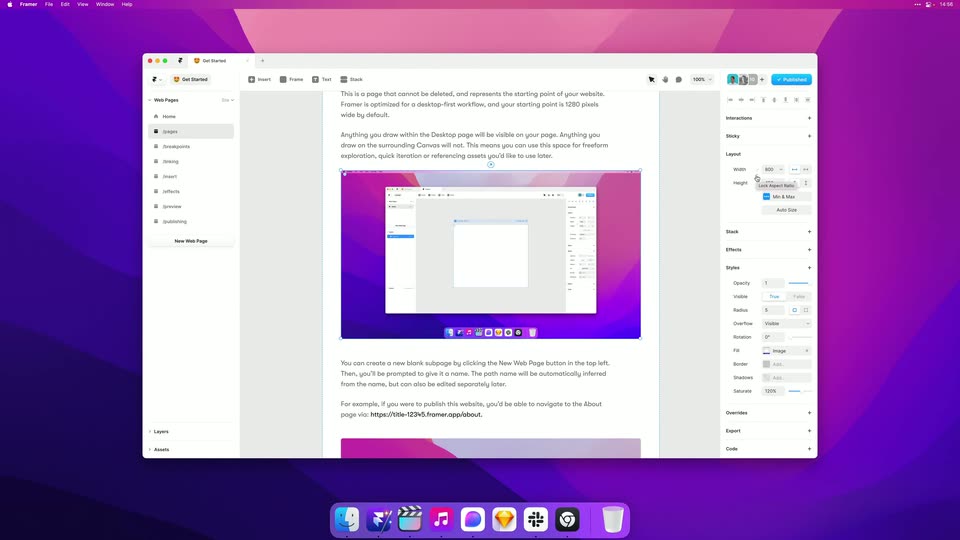
Framer’s 3:28 launch film runs 12 scenes, about 17 s each. The product is on screen from the first frame and 2 features are revealed. There is no explicit call to action; a voiceover carries the film. The video is a single screen-recording tutorial that presents two Framer Sites features back to back, changing shots only when the canvas re-frames or the view switches to preview. Pacing is slow and deliberate, one inspector action per beat, with the purple gradient desktop and the live properties panel as constant visual anchors.
Is this your launch? to your site or press kit.
Tiny · B2B · Nov 2024
FullSeam · B2B · Feb 2026
Cohesive · B2B · May 2025
Films whose music sounds like this one, voice left out
OuterSignal · Electronic
Replit · Upbeat corporate electronic
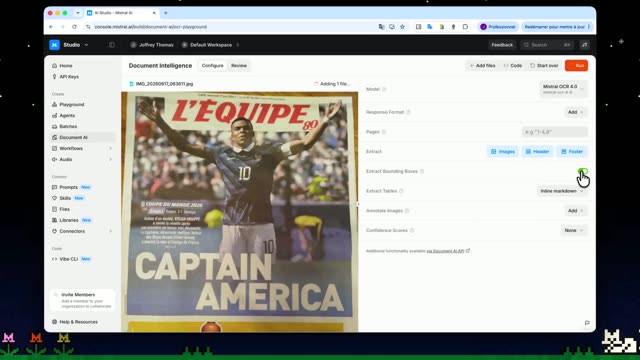
Mistral AI · Corporate Tech / Electronic
A locked-off capture of the Framer app on a Mac desktop shows two device previews of a documentation page. The view zooms in, a cursor clicks the Add text button and a text box appears on the left frame, then the page scrolls down and the left frame is selected.
Techniques: UI zoom, Cursor demo
Camera: Static
A Framer window on a purple Mac desktop shows a documentation page. The cursor drags the page's right edge, the width field counts from 1750 down to 808 and back to 1200, and the text and embedded screenshot reflow as the view scrolls to the Creating section.
Techniques: Cursor demo
Camera: Static
A Framer editor window on a purple desktop shows a documentation page. The cursor drags the right edge of an embedded image to resize it, zooms out to switch pages, then zooms into the inspector to unlock the aspect ratio and type a new width value.
Techniques: Cursor demo, UI zoom
Camera: Pull out
A design tool window on a purple macOS desktop stays locked off while the cursor clicks the Min & Max row in the right panel, opening a popover of size fields. The cursor then types 1000px into the Max Width field and hovers over the Layout values.
Techniques: Cursor demo
Camera: Pull out
A Framer editor window sits on a purple gradient desktop, showing a Pages document in the center canvas with left and right sidebars. The cursor moves across the canvas, then the window switches to a blank preview view with a top toolbar.
Techniques: Cursor demo
Camera: Static
A locked-off Mac desktop shows the Framer preview window on a purple gradient wallpaper. The canvas width is dragged in and out, the page reflows and the embedded interface screenshot scales proportionally. The heading flickers through stacked 'Creating' lines before settling on 'Dupiicating.'
Camera: Static
A Figma window sits centered on a purple macOS desktop. The canvas reframes from a wide view of the Getting Started page onto its top, the left and right side panels appear, and the cursor moves to the Export button.
Techniques: UI zoom, Cursor demo
Camera: Static
A screen recording of the Framer editor on a purple Mac desktop. The cursor zooms into the canvas, selects a paragraph, then types 100% and 720px into the width fields in the right panel, and the page content reflows to match.
Techniques: UI zoom, Cursor demo
Camera: Static
A Framer window on a purple desktop shows a document titled Duplicating. The cursor moves to the right edge and drags it, resizing the page width from 1750 down to 654 and back up, scaling the heading and body text proportionally.
Techniques: Cursor demo
Camera: Static
A Framer window on a purple desktop shows a page headed Duplicating. with a Creating subheading. The width value in the toolbar changes and the page content scales up and down to fit, then the view cuts to the Framer editor with the page selected in the canvas.
Camera: Static
A Framer editor window on a purple desktop shows a document titled Pages, Creating & Duplicating. The right properties panel collapses to bare section headers, then the whole window fades to black.
Camera: Static
A black field holds a small white geometric logo mark at the center. The mark appears within the first half second, then stays fixed for the rest of the clip as a static sign-off.
On-screen text: “Pages”
Camera: Static