0:48
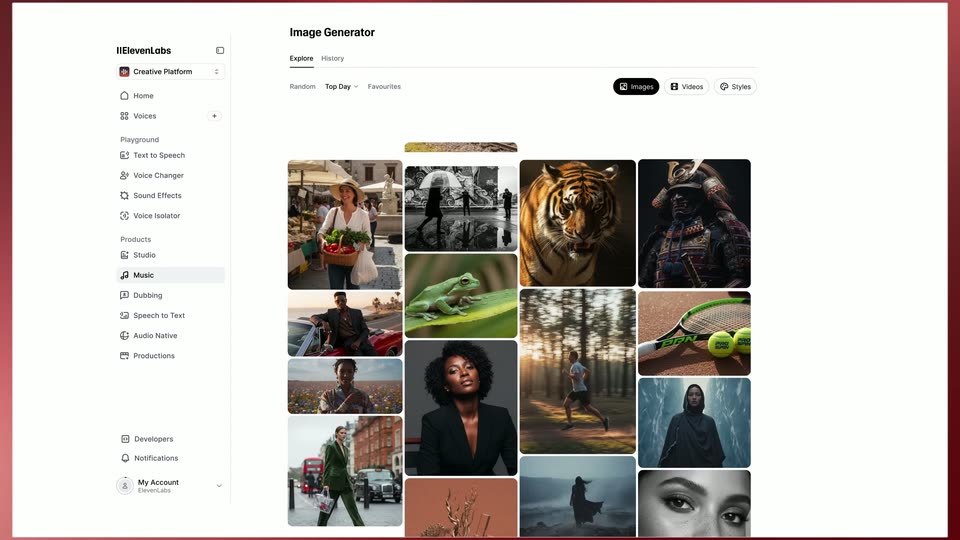
Introducing ElevenLabs Image & Video — The Best Audio, Image and Video Models All In One
ElevenLabs · AI · Nov 2025
ElevenLabs · May 2026 · 0:54 · Code only · AI-annotated
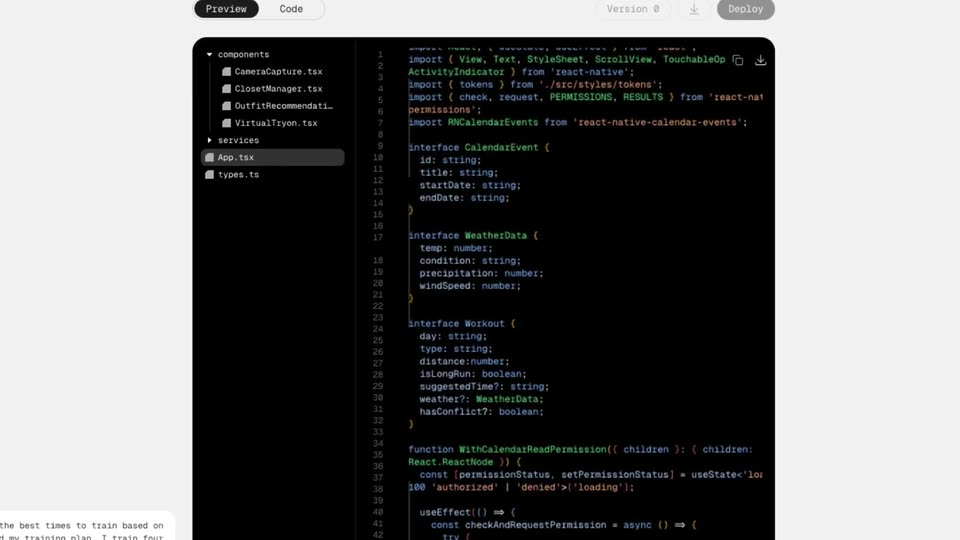
ElevenLabs’s 0:54 launch film runs 17 scenes, about 3.2 s each. The product is on screen from the first frame and 5 features are revealed. The call to action lands at 0:42 (79% in), over a voiceover. The video is built as a sequence of single-idea cards around a recurring metallic sphere, alternating light and dark fields to separate intro, demos, and feature reveals. Motion relies on slow morphs, expanding label pills, and rolling spheres along thin lines, keeping one element centered per beat.
Is this your launch? to your site or press kit.
ElevenLabs · AI · Nov 2025
Nothing · Hardware · Sep 2025
Films whose music sounds like this one, voice left out
MindFort · Cinematic Electronic
Auctor · Modern electronic
Essential · Electronic
Two short vertical gray bars fade in at the center of a plain light gray background, forming the brand mark.
Camera: Static
Two vertical gradient bars scale in at center on a light gray field, then the wordmark ElevenLabs appears to their right. The wordmark is replaced by the title Speech Engine, whose first word slides out left while Engine closes in beside the bars.
On-screen text: “ElevenLabs”, “Speech Engine.”
Techniques: Kinetic type
Camera: Static
A line of gray sans-serif text types out at center on a light background. The frame then reframes into a white chat bubble holding the full message, a Speech Engine toggle flips on below it, and a round phone icon fades in to the right as the background darkens.
Techniques: Kinetic type, UI zoom
Camera: Static
A white chat bubble on a dark background holds a delivery rescheduling message, with a Speech Engine toggle pill below and a circular call button at right. The toggle and button disappear, then a dark 3D sphere rises and covers the bubble.
Techniques: Masking
Camera: Static
A matte white sphere floats centered on a dark gray background, rotating slowly so its highlight drifts. Below it, a small caption builds word by word: “I need to reschedule my delivery - can you move it to Thursday?”
On-screen text: “I need to reschedule my delivery - can you move it to Thursday?”
Techniques: Kinetic type
Camera: Static
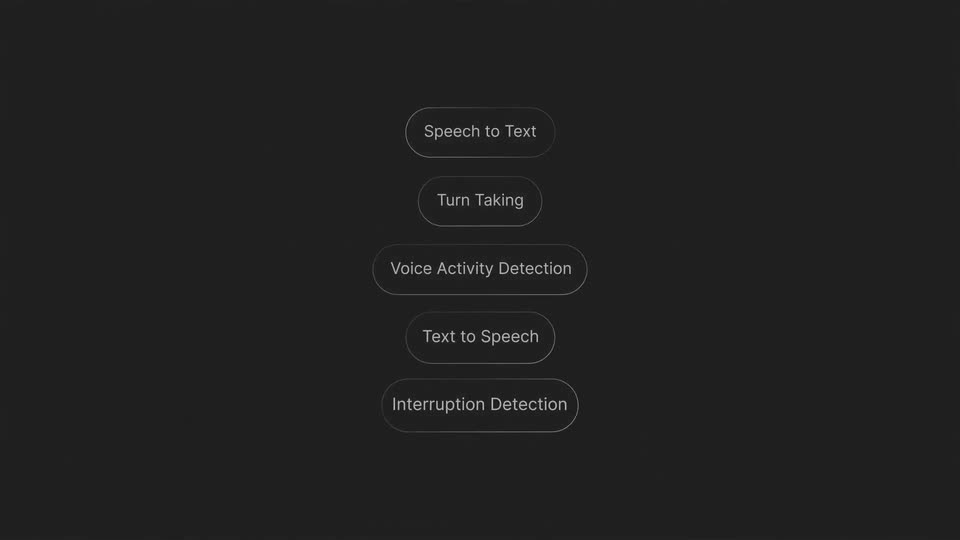
A soft white 3D orb floats on a dark gray field as a chat bubble types a confirmation message below. The orb shrinks, five feature pills stack vertically, then expand into a bento grid, and the composition collapses into a small card holding the orb.
On-screen text: “Speech to Text”, “Turn Taking”, “Voice Activity Detection”, “Text to Speech”, “Interruption Detection”
Techniques: Kinetic type, Morph
Camera: Static
A dark rounded card with a metallic sphere, labeled Speech Engine, rests on a gray textured surface with soft shadows. A second card slides in from the right holding a small blue globe and blurred rows, linked by a thin line, then the first card drifts left.
On-screen text: “Speech Engine”
Techniques: 3D mockup
Camera: Static
Two dark cards float over a grainy charcoal background, linked by a thin line. Left: a metallic sphere labeled “Speech Engine.” Right: a blue-green globe, “Your agent,” and a message field. The agent card scales up to fill the frame while the speech card shrinks and fades.
On-screen text: “Speech Engine”
Techniques: UI zoom
Camera: Static
On a light gray background, a white “Your agent” card with a globe icon fades in, then gray cards for System prompt, Knowledge base, RAG, LLM and Workflows and Routing appear below it, while an Integrations column (CRM, Ticketing, Billing, Any system, API or webhook) fades in on the right.
Camera: Static
On a cream background, a flat layout of white and gray label pills for the agent and its integrations fades out, then a centered white pill with the line Thanks for reaching fades in.
On-screen text: “Thanks for reaching”
Camera: Static
A single white message bubble reading “Thanks for reaching out.” sits centered on a pale beige field. Identical bubbles in dozens of languages scale in around it, then grow until they crowd the whole frame into a dense wall of translated greetings.
On-screen text: “Thanks for reaching out.”
Techniques: Kinetic type
Camera: Pull out
A field of multilingual chat bubbles drifts and dissolves across a pale gray background, clearing the frame. A centered dark-gray headline, Industry-leading transcription, fades in, while a thin wavy line draws in from the left edge.
On-screen text: “Industry-leading transcription”
Camera: Push in
Thin gray sine wave lines cross a light gray background, then flatten into a single straight line as a small white sphere rolls rightward past the centered static headline.
On-screen text: “Industry-leading transcription”
Techniques: Morph
Camera: Static
Two small spheres, one pale and one dark, glide along thin curved trails across a plain off-white background. Each sphere leaves a faint line behind as it arcs through the empty space.
Camera: Static
White feature cards (Natural turn-talking, Voice detection, Interruption handling) pop in around a central dark gradient sphere that grows and settles at the middle of thin orbit circles. The sphere then scales up and the word Secured appears across it.
On-screen text: “Natural turn-talking”, “Voice detection”, “Interruption handling”, “Secured”
Camera: Static
A black-to-white gradient sphere labeled Secured sits centered inside thin concentric rounded-square contour lines. The sphere deforms and shrinks, morphing into a small ball that settles beside the black Eleven API wordmark, which holds center on the off-white background.
On-screen text: “Secured”, “Eleven API”
Techniques: Morph
Camera: Static
On a plain off-white background, a small cluster of vertical bars at center expands into the bold black ElevenLabs wordmark, and the URL elevenlabs.io/speech-engine appears below. The frame then holds static for the rest of the clip.
On-screen text: “elevenlabs.io/speech-engine”
Techniques: Morph, Kinetic type
Camera: Static