
0:46
Explore
Ekpa Portfolio Lab
Ekpa · Aug 2026 · 1:35 · Full motion · AI-annotated
- Length
- 1:35
- Scenes
- 5 · 19.1 s avg
- Product on screen
- 0:00
- Features shown
- 1
- Voiceover
- Yes
- Views
- 39 on YouTube
as of November 28, 2026
00:00:00 / 01:35:21
- Length
- 1:35
- Scenes
- 5 · 19.1 s avg
- Product on screen
- 0:00
- Features shown
- 1
- Voiceover
- Yes
- Views
- 39 on YouTube
as of November 28, 2026
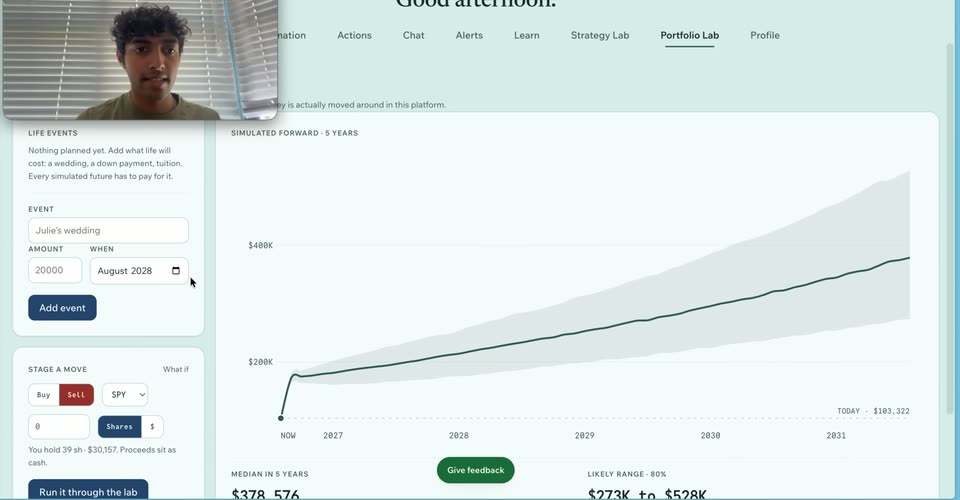
Ekpa’s 1:35 launch film runs 5 scenes, about 19 s each. The product is on screen from the first frame and 1 feature is revealed. There is no explicit call to action; a voiceover carries the film. The video is a single continuous screen recording with a small webcam inset, advancing through cursor actions and panel scrolls rather than cuts. Its signature motion is the live redraw of the projection chart, where dashed comparison lines and shaded ranges update as events and trades are added.
No filming indicatedEstimated needs: 1 capture group — your screens or recordings
Is this your launch? to your site or press kit.
More like this

Similar soundtrack
Films whose music sounds like this one, voice left out
3:08
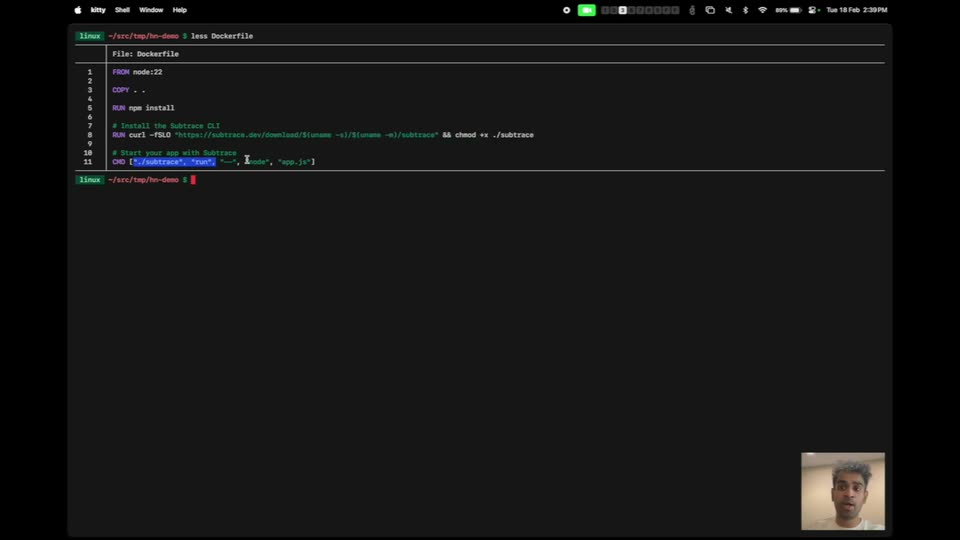

Subtrace: Wireshark for Docker Containers
Subtrace · Technical tutorial / Screencast
2:32

Pally Launch Video
Pally · Corporate Product Demo
3:47
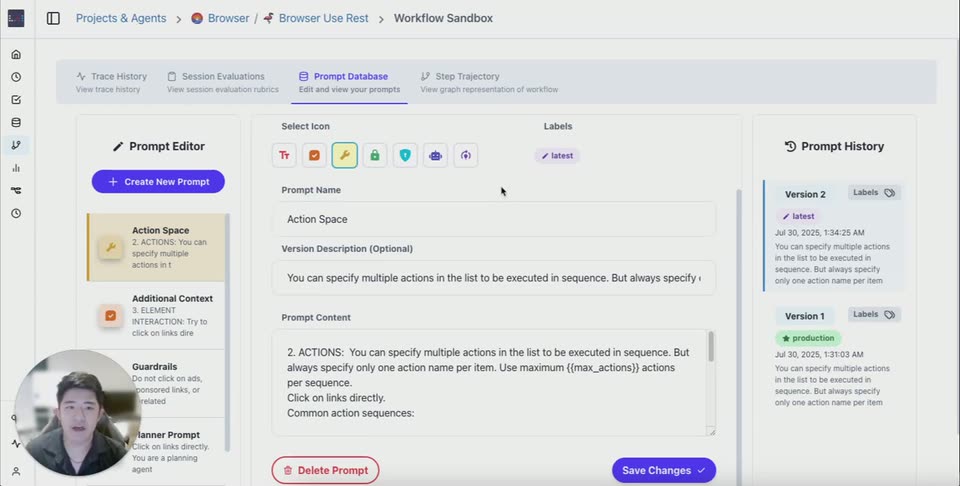

Lucidic HN Demo
Lucidic AI · Technical tutorial narration
Ekpa Portfolio Lab, scene by scene
· 5 scenes as text
01 · Feature reveal · 0:00–0:43
A screen recording of the Portfolio Lab interface, with the presenter in a small webcam window at the top left. The cursor types 'Buy a house' into the events form and clicks Add event; the five-year chart redraws with a new dashed marker.
Techniques: Cursor demo
Camera: Static
02 · Feature reveal · 0:43–0:44
A screen view of a financial planning app shows a five year line chart and a left sidebar of event cards, with a small webcam feed of a man in the top left. The interface elements drift slightly as the layout settles.
Camera: Static
03 · Feature reveal · 0:44–0:52
A screen recording of a mint-green financial dashboard shows a five-year projection chart with a dark green line and shaded range. A small webcam inset top-left shows a man in a green shirt gesturing as he talks, while a cursor moves over the left-hand event and trade panels.
Techniques: Cursor demo
Camera: Static
04 · Feature reveal · 0:52–1:04
A portfolio-simulator screen with a small webcam of the speaker top-left. The view scrolls to a staging panel; the cursor opens a ticker list, picks NVDA, types 5, and clicks Run it through the lab, redrawing the chart with a dashed comparison line.
Techniques: Cursor demo
Camera: Pan
05 · Feature reveal · 1:04–1:35
A presenter's webcam overlays the top-left of the Portfolio Lab screen. The cursor bumps the share count from 5 to 10 and clicks Run it through the lab; the dashed orange projection line climbs and the median and range figures update. The view scrolls up to the Good afternoon header.
Techniques: Cursor demo
Camera: Pan