0:54
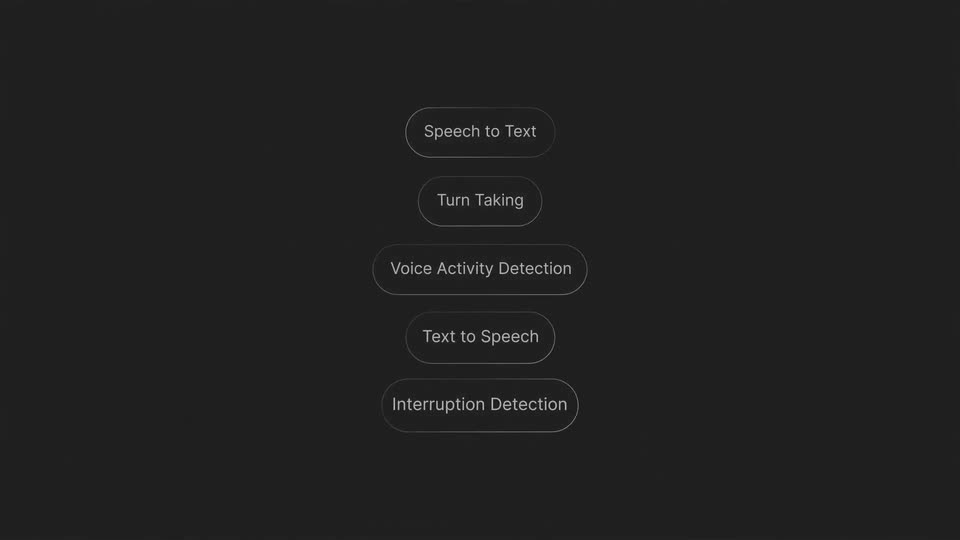

Introducing Speech Engine
ElevenLabs · AI · May 2026
Craft · Nov 2022 · 0:36 · Full motion · AI-annotated
Craft’s 0:36 launch film runs 16 scenes, about 2.3 s each. The product shows up at 0:01 and 3 features are revealed. The call to action lands at 0:31 (86% in). The video alternates short blur-in text cards on flat gray or two-stop gradient backdrops with tight UI demos where a prompt bar issues commands over a document. Pacing is quick at roughly ten cuts per minute, with signature moves of zoom-through headlines, word-by-word type assembly, and a recurring glowing ring that bridges feature blocks.
Is this your launch? to your site or press kit.
ElevenLabs · AI · May 2026
Executor · B2B · Nov 2026
Memoir · B2B · Jun 2026
Films whose music sounds like this one, voice left out
ZeroDrift · Electronic dance, chiptune, and a cappella
Samsung · Electronic dance music with Latin and pop influences
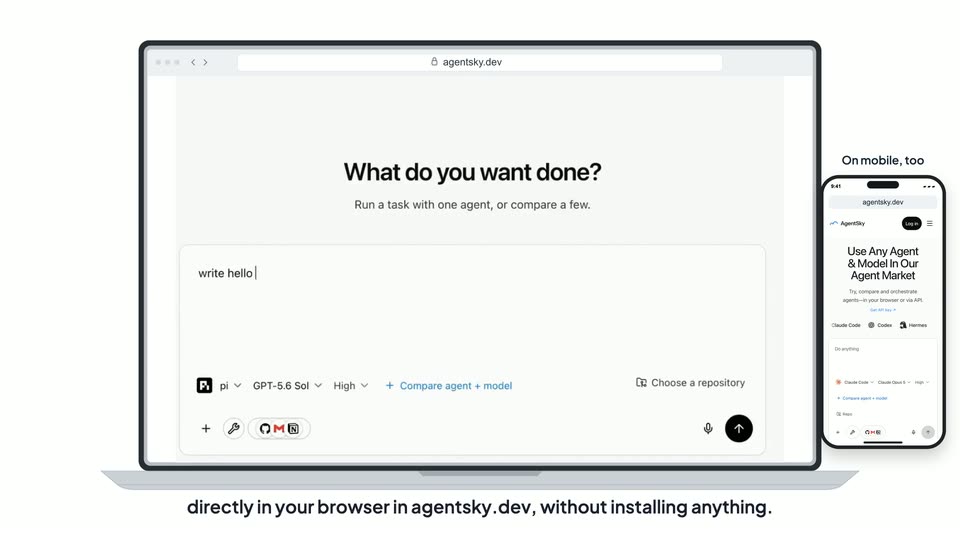
AgentSky · Upbeat electronic
A plain light gray background holds a centered headline. The letters slide in from the left, soft and blurred, then sharpen and lock into place as the full phrase settles at the center of the frame.
On-screen text: “AI is here”
Techniques: Kinetic type
Camera: Static
On a flat light-gray field, the two-line headline “AI is here in craft” sits centered while a dark circle begins to form at the left. The first line and the word “in” slide off, and a gradient-ringed logo with a white corner mark locks in beside the static word “craft”.
On-screen text: “AI is here”, “in craft”
Techniques: Kinetic type, Masking
Camera: Static
On a purple-to-orange gradient, a bold headline builds word by word, zooms in until it fills the frame, then slides and settles small at the top left as a rounded input bar with a circular logo and placeholder text scales in below.
On-screen text: “Taking a powerful work tool”, “further,”
Techniques: Kinetic type
Camera: Static
A purple-to-orange gradient backdrop holds a static headline top left. A floating assistant card below shows a placeholder that crossfades into a prompt, then a blog post types out line by line as the card grows and a blue insert button slides in.
On-screen text: “Taking a powerful work tool further, to help you create”
Techniques: Morph
Camera: Static
A light lavender document panel sits under a coral-and-white headline. AI-generated blog text about Amsterdam appears line by line as the camera pans and zooms in, then a pink insert button slides in at the lower right.
On-screen text: “Taking a powerful work tool further, to help you create”
Techniques: UI zoom
Camera: Pan
A flat two-panel card with dark body copy and two violet gradient dots pans horizontally across a purple-to-orange gradient, moving from one text block to a reddish rounded panel carrying white copy.
Camera: Static
A document view titled HR Employee Handbook sits on a soft gradient background. A purple search bar with a spinning loader and the prompt What would you like to ask me to do? hovers over a Mission, Vision & Values section, with a smaller rotated paper copy of the same text on the right.
Camera: Pull out
A document titled HR Employee Handbook floats on a soft gradient background, with a purple feature bar reading Check for grammar and spelling above a Mission, Vision & Values section. The body copy and the bar label fade from transparent to solid across the clip.
Camera: Static
A white document page in 3D perspective, stacked behind a second sheet, fills the frame. A purple pill on the left changes its label from a grammar check to a professional tone rewrite while the body text shuffles and overlaps into new wording.
Techniques: 3D mockup
Camera: Push in
A flat white document titled Mission, Vision & Values sits on a soft gray-to-pink gradient. A lavender pill with a blue ring icon and the prompt Rewrite this in a Professional Tone hovers over the heading. The body paragraphs retype themselves in place, sentences being replaced as the tone shifts.
Camera: Static
A white document card on a plain lavender field holds a Mission, Vision & Values heading and English paragraphs. A lavender pill with a ring logo and Translate into Japanese rests on the heading; the copy cross-fades to Japanese while the pill drifts up and out of frame.
Techniques: Morph
Camera: Push in
Two small white blobs drift up and to the right across a dark navy-to-plum gradient, while a thin white arc in the lower right corner grows into a glowing ring with a purple-to-blue edge.
Camera: Static
A white headline assembles from spaced letters as a glowing ring spins with orbiting dots on the right. A chat bar and an HR handbook card rise from below; the bar types a prompt and a summary panel slides up over the document, filling with text.
On-screen text: “Summarize anything to see exactly what you need.”
Techniques: Kinetic type, Particles
Camera: Static
A soft pink-to-cream gradient fills the frame as the dark navy word “The” holds left of center. The word “first” fades in beside it in a blue-to-purple gradient, completing the phrase “The first”.
On-screen text: “The first”
Techniques: Kinetic type
Camera: Static
A pink-to-peach gradient holds a left-aligned headline while a front-facing phone on the right shows the app generating an outline, its text scrolling and numbered points filling in. A cut lands on a plain light card reading “AI is here.”
On-screen text: “The first AI Assistant on a mobile writing tool.”, “AI is here.”
Camera: Static
On a pale gray field, bold black sans-serif lines build one by one in the center: 'AI is here.' then 'In Craft.' then 'Now.' in lighter gray. A small gray hashtag '#NoWaitLists' fades in beneath the stack, and the composition holds still.
On-screen text: “AI is here.”, “In Craft.”, “Now.”, “#NoWaitLists”
Techniques: Kinetic type
Camera: Static