
1:15
Explore
00:00:00 / 02:47:19
- Length
- 2:47
- Scenes
- 5 · 33.5 s avg
- Product on screen
- 0:00
- Features shown
- 1
- Call to action
- 2:35 · 93%
- Voiceover
- Yes
- Views
- 22K on YouTube
as of November 28, 2026
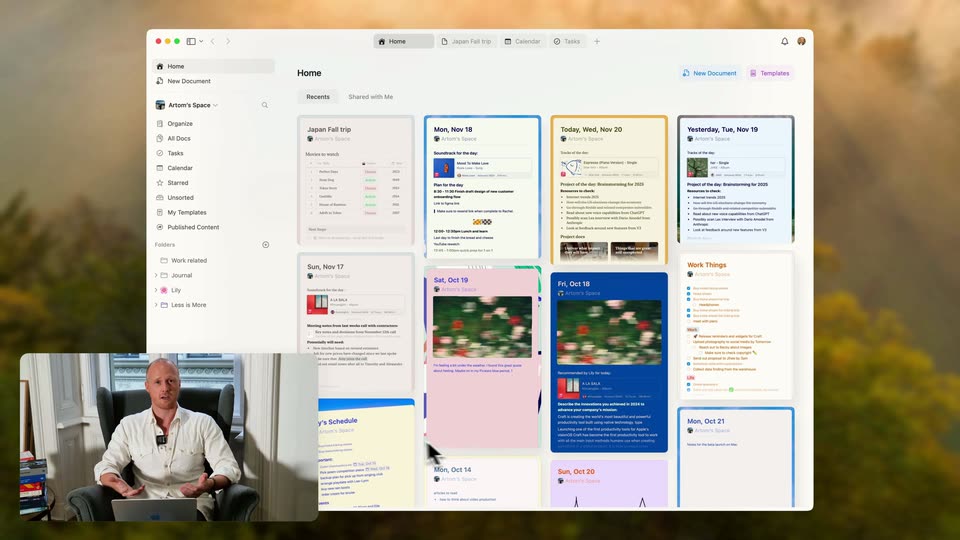
Craft’s 2:47 launch film runs 5 scenes, about 34 s each. The product is on screen from the first frame and 1 feature is revealed. The call to action lands at 2:35 (93% in), over a voiceover. The video alternates between a locked-off presenter shot and full-frame screen recordings, keeping the speaker in a small picture-in-picture inset so the demo never loses its human anchor. Pacing is slow and continuous, built on long uncut takes and soft cross-dissolves that blend the sunlit room with a blurred warm-autumn backdrop behind the UI.
Footage neededEstimated needs: 1 capture group — your screens or recordings · 2 filmed passages — shoot, supply or replace
Is this your launch? to your site or press kit.
More like this

3:13

Synth AI YC Launch
Synth · B2B · Nov 2024
0:58

Ploid Demo: Creating a Dataset
Ploid · B2B · Oct 2026
Similar soundtrack
Films whose music sounds like this one, voice left out
3:34
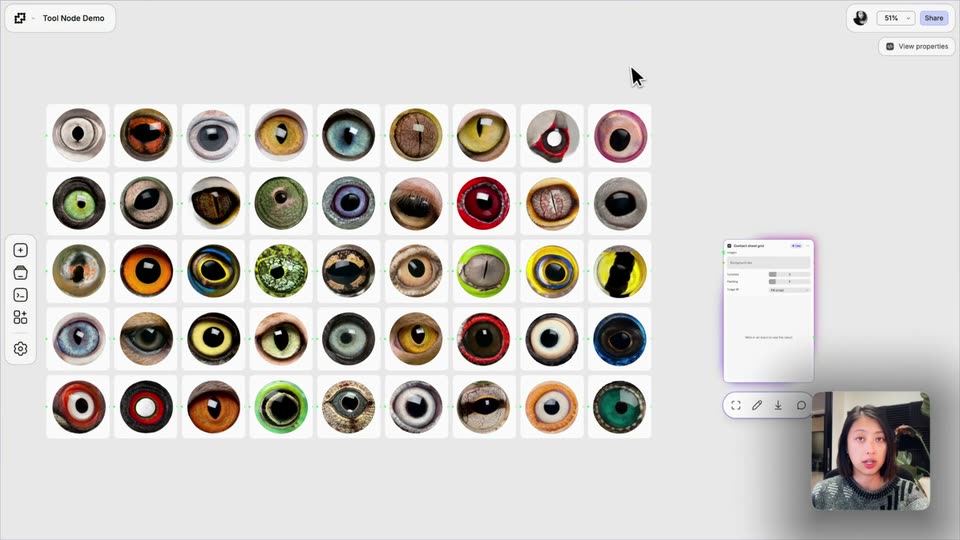
Fuser - We shipped Tools yesterday, and it’s one of our most exciting feature... #1
Fuser · Product demonstration / Tutorial
2:51
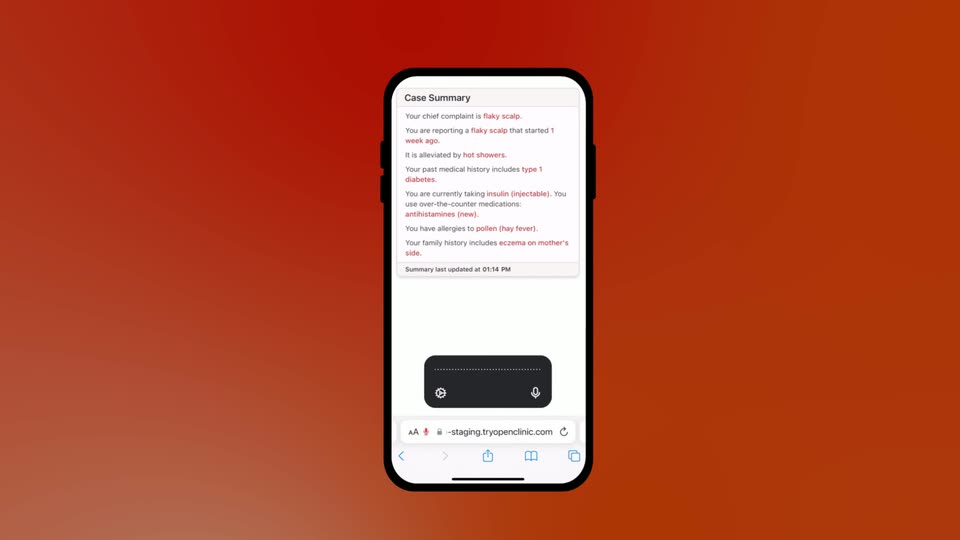

OpenClinic (YC F24) - Demo
FutureClinic · Corporate Tech / Ambient Electronic
1:08
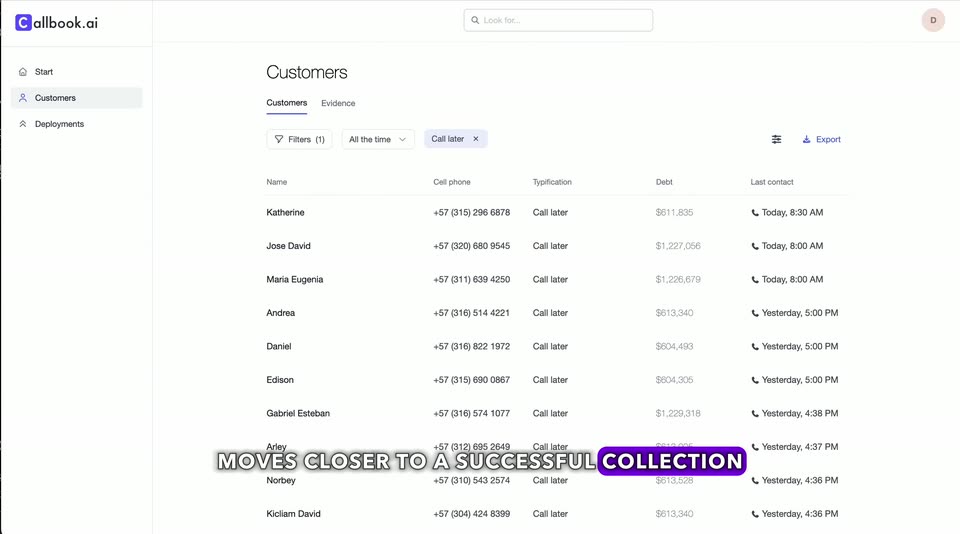

Demo Callbook AI
Callbook · Modern electronic
Craft 3 - brand new ways to craft your life, scene by scene
· 5 scenes as text
01 · Product intro · 0:00–0:18
A man in a white shirt sits in a dark wingback chair before a window, a laptop open on his lap. He speaks to camera, gesturing with both hands, while a stack of books rests on a side table to the left. The frame is locked off and static.
Camera: Pull out
02 · Feature reveal · 0:18–0:36
A product home dashboard fills the frame as a cursor hovers across dated note cards, then slides to the left sidebar and rests on Tasks. A small live-action window of a man in a white shirt sits in the lower-left corner, gesturing as he speaks, over a blurred warm background.
Techniques: Cursor demo
Camera: Static
03 · Feature reveal · 0:36–2:30
A productivity app screen recording fills the frame, with a small inset of a man talking at bottom-left. The cursor clicks New Task, drags a task from the inbox into a pinned doc, switches to the Calendar view, then opens a doc to edit a table and browse page styles.
Techniques: Split screen, Cursor demo
Camera: Static
04 · Feature reveal · 2:30–2:35
A screen recording of a travel document sits over a blurred autumn backdrop. A style panel fades out on the right while a cursor moves through the sidebar. A green 'yes' column appears in the table, and a webcam inset of a man in a white shirt grows larger.
Techniques: Cursor demo
Camera: Push in
05 · CTA · 2:35–2:47
A man in a white shirt sits in a dark armchair with a silver laptop on his lap, speaking to camera and gesturing with both hands. A window and a stack of books fill the background. Locked-off medium shot.
Camera: Static