1:00

Google AI - We’re launching Gemini 3.8 Flash TTS and Gemini 3.8 Flash-Lite TTS ⚡️
Google · AI · Sep 2026
Allo · Oct 2026 · 0:20 · Code only · AI-annotated
studio Bitmap Studio
Allo’s 0:20 launch film runs 8 scenes, about 2.5 s each. The product shows up at 0:15 and 3 features are revealed. There is no explicit call to action. The video opens with the Grok bot mascot and a promise, then runs three feature beats, each a centered headline card followed by a phone or chat mock, and closes on the Allo wordmark. Flat pale gray fields, bouncy drops and pops, and a light gray to deep green palette flip define the look.
Is this your launch? to your site or press kit.
Google · AI · Sep 2026
Pletor · Sep 2026
OpenAI · AI · Jul 2026
Films whose music sounds like this one, voice left out
MSPilot · Electronic dance music with Latin influences
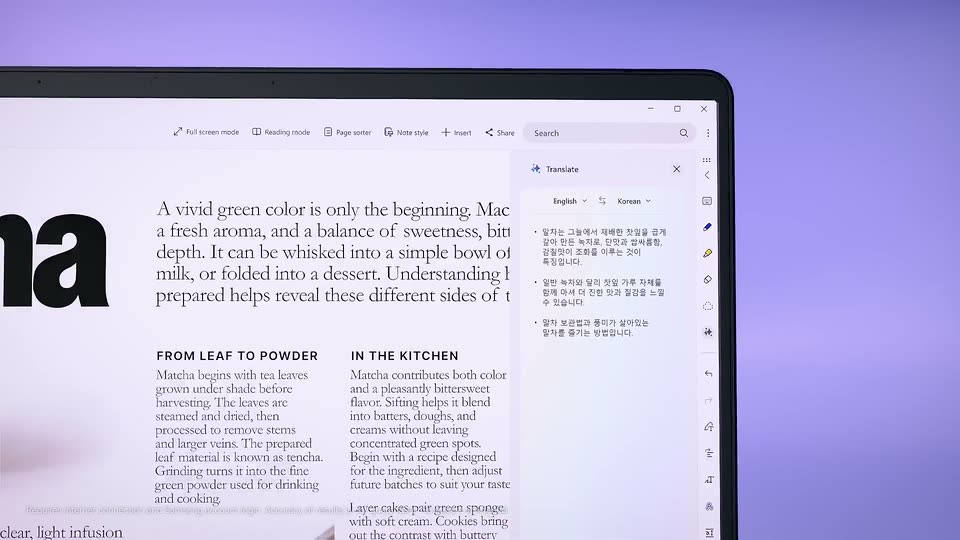
Samsung · Electronic Dance Music (EDM)
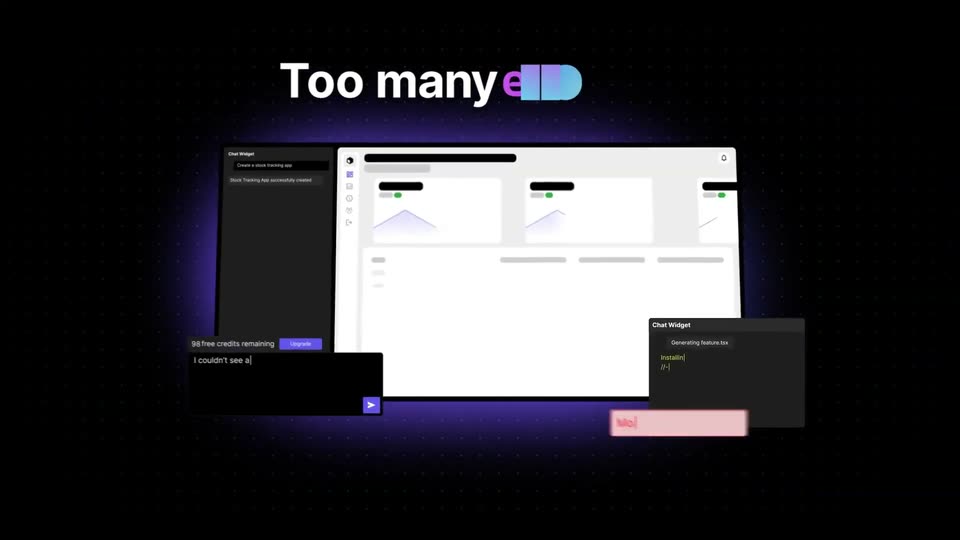
Ergo · Electronic dance music (EDM), house, big room house
A small black rounded blob with two white eye-like dashes drops from the upper center and settles lower on a plain light gray background, rotating slightly as it falls.
Camera: Static
A black round character with white eyes sits centered on a pale background. A green headset drops onto its head while “Give your a phone” appears on either side. The text then moves above as “Its own number”, a green pill of dots inserted between the words.
On-screen text: “Give your”, “a phone”, “Its own”, “number”
Techniques: Kinetic type
Camera: Static
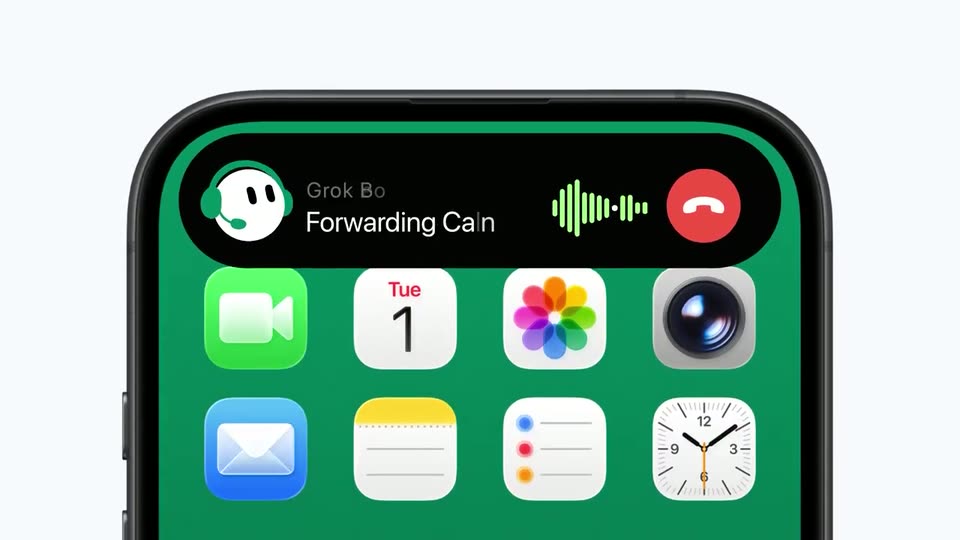
A black blob character with green headphones hovers above a green iPhone, then the phone scales up as the character drops into the call banner reading Forwarding Call. The headline Answers appears above the device.
On-screen text: “Answers”
Techniques: UI zoom
Camera: Static
A light gray frame holds a centered black headline above the top of a smartphone. The green screen shows a call banner with a bot avatar, an animated green waveform and a red end button over a row of app icons. Interface text slides gently while the headline holds still.
On-screen text: “Answers your calls”
Camera: Static
A black circular avatar with green headphones sits below the headline “Text your customers”. A light green chat bubble with three dots pops in beside it, turns solid green, and fills with the white message “Hi Gonzalo!”.
On-screen text: “Text your customers”
Techniques: Morph
Camera: Static
A black robot avatar with green headphones sits left of a chat thread on a light background. A green bubble expands to show a quote message, then a quote card slides in with the amount and a link. A black reply bubble appears at lower right.
On-screen text: “startaproject.com”
Camera: Static
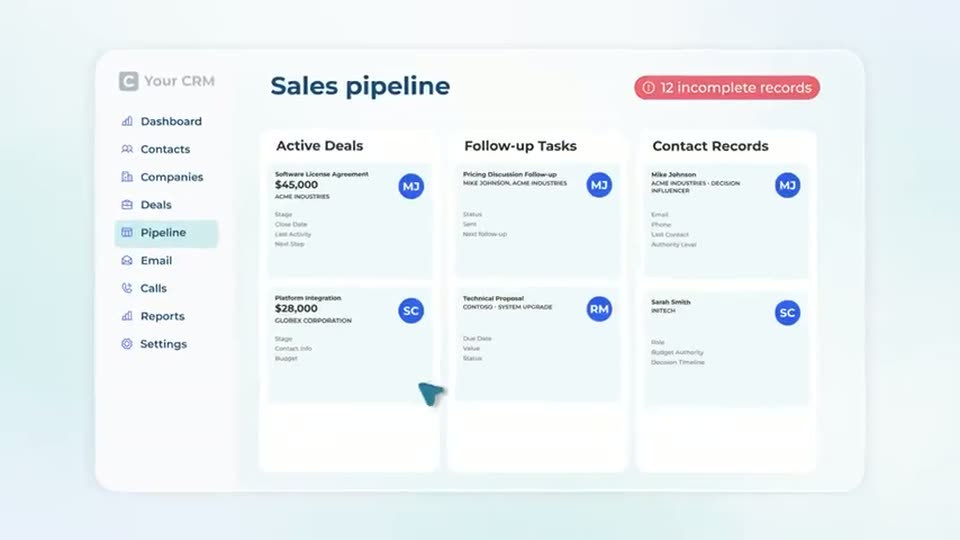
A light-gray frame shows the headline “Prepares your call” crossfading to “Prepares your call-back list” while a chat window slides up from below. The view then zooms into the message bubbles as a dark reply line and a new bubble appear.
On-screen text: “Prepares your call”, “Prepares your call-back list”
Techniques: Kinetic type, UI zoom
Camera: Push in
A yellow phone icon with sparkles centers on a dark green gradient as the white wordmark allo fades in beside it. Then a title line appears: Connect Allo to and Grok Bot flank the Grok bot icon, its green headset and face drawing into the white circle.
On-screen text: “Connect Allo to”, “Grok Bot”
Camera: Static