Feature reveal
A sequence devoted to one feature: its announcement and its demo.
71,204 scenes · page 1043 of 1187
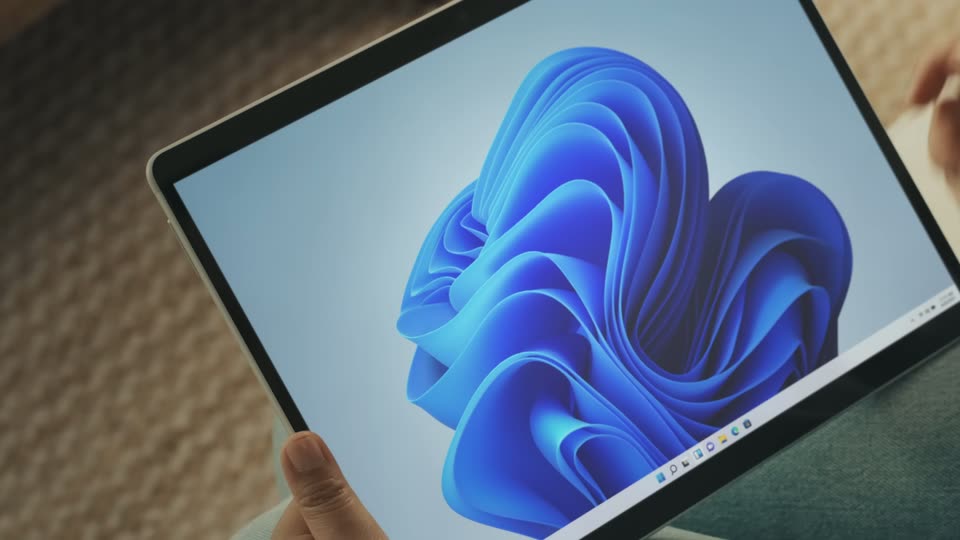 1:41–1:42Microsoft · Introducing Windows 11A hand holds a tablet at an angle on a couch. A finger taps the screen, and a photo gallery strip on the left slides away, revealing the full blue flower Windows wallpaper.
 1:50–1:53Unitree · Times change, the first [Bionic Companion Robot] in the history of human was released, prices $2.7kIn a supermarket aisle, a person in dark shorts reaches to a chilled shelf, grips a white milk bottle with a green cap, lifts it with both hands, then walks off holding it at their side. A white caption reads Adaptive load regulation at the top left.
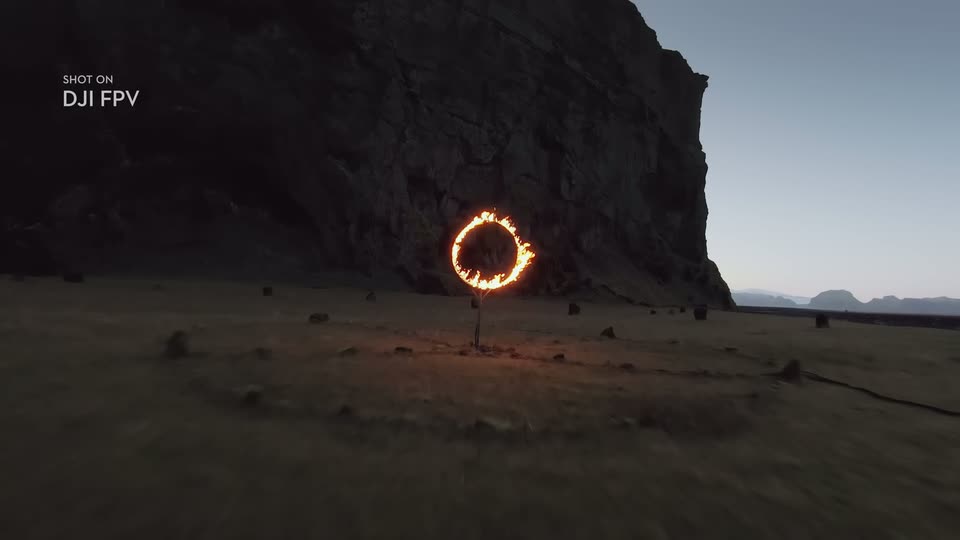 1:10–1:11DJI · DJI - Introducing DJI FPVA low FPV drone flies across a dark desert toward a flaming ring on a stand, the ring filling the frame as the camera closes in. A pilot silhouette stands right beneath a rock mesa. White “SHOT ON DJI FPV” text holds top-left.
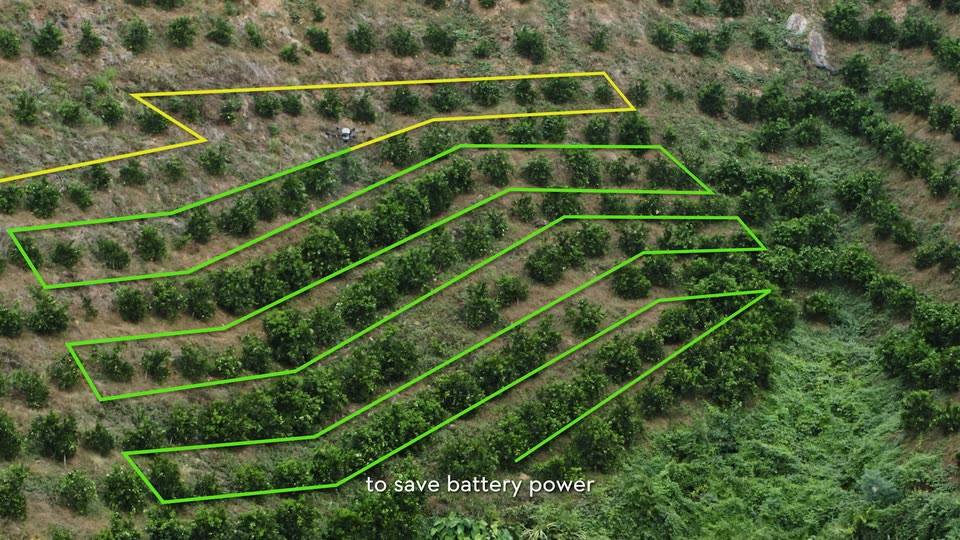 1:30–1:32DJI · DJI - Introducing Agras T20Aerial view of a terraced orchard, locked off, with a yellow and several green polygon outlines tracing the tree rows as flight paths. A white caption at the bottom reads users can choose Free Flight Paths, then swaps to to save battery power.
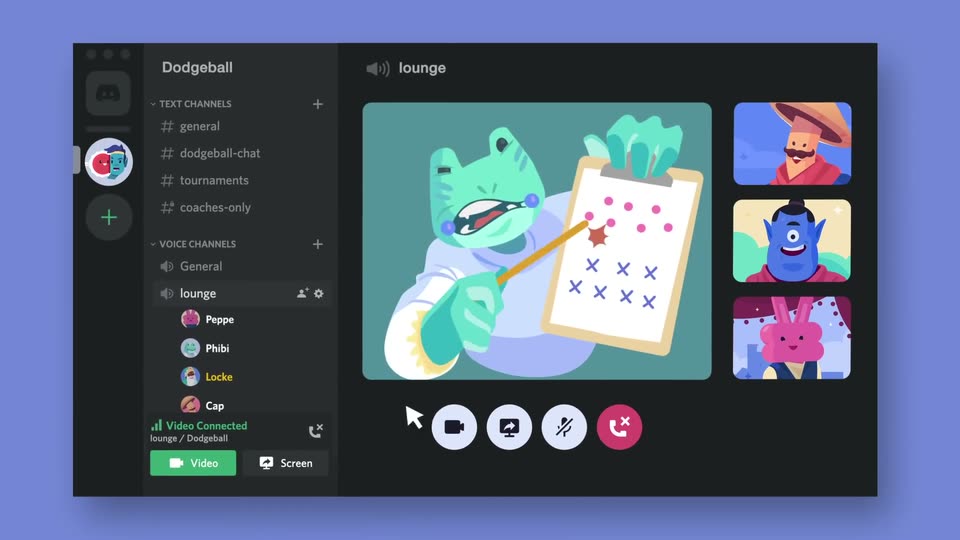 1:45–1:47Discord · How Discord Works in 148,000 Miliseconds or LessA close-up of the video call panel with the cursor on the green Video button zooms out to the full Discord call screen: a cartoon frog holding a score sheet, the channel list, and three participant thumbnails.
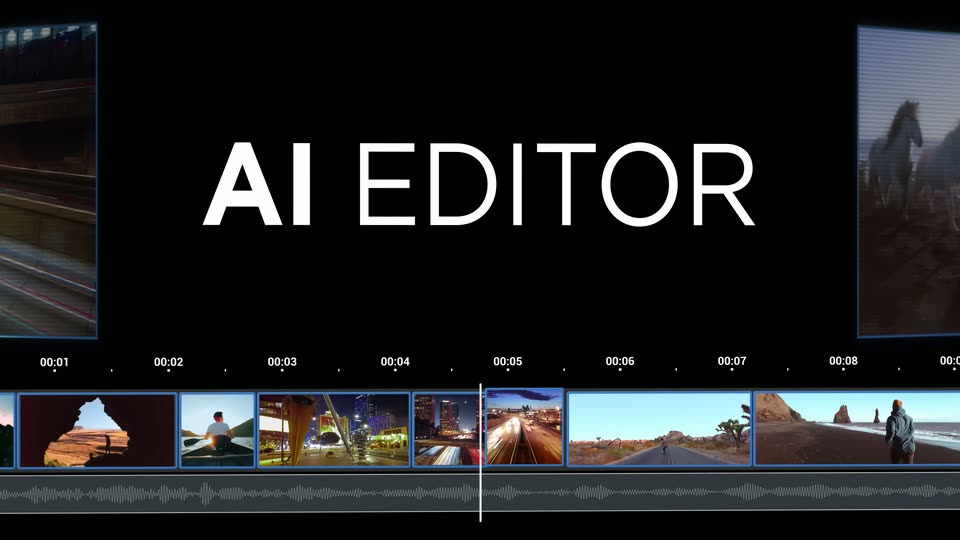 0:51–0:52DJI · DJI – Meet DJI Pocket 2A video editor interface fills the frame: a top monitor plays a highway timelapse above a thumbnail strip, timecode and audio waveform. The monitor clears to black and the title AI EDITOR appears centered while the playhead advances along the timeline.
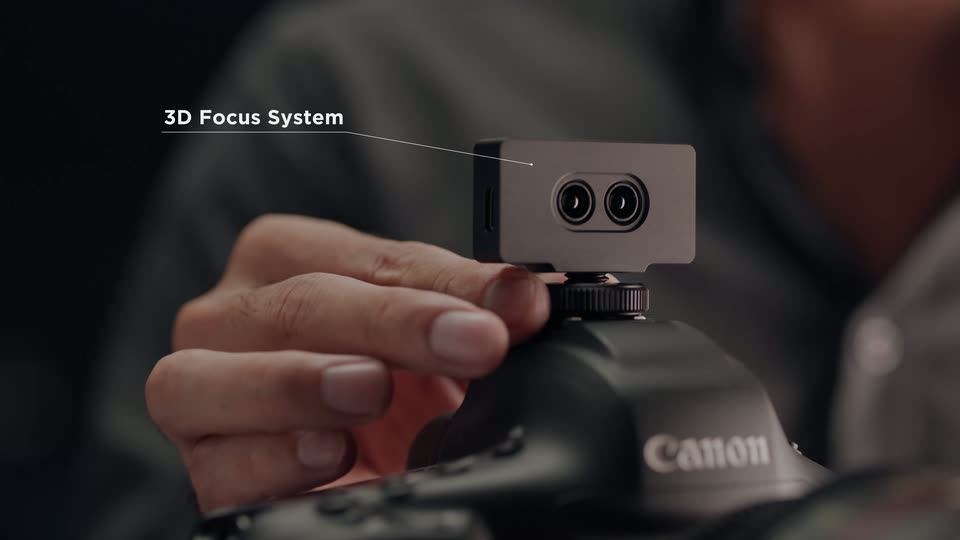 1:45–1:48DJI · DJI - Introducing DJI RS 2A hand holds a small silver module with two lenses on top of a Canon camera and turns its knurled mounting ring. A white callout labeled 3D Focus System with a thin leader line points to the module against a dark, blurred background.
 1:47–1:49DJI · Introducing the RoboMaster EP CoreA close-up of a dark code editor, lines of Python slightly out of focus, with a subtle focus shift across the frame. The white label OPEN SDK sits in the top right corner.
 0:34–0:35Adobe · Adobe Stock Launches Audio | Adobe Creative CloudA locked-off aerial view of a mossy canyon with a river curving through it, presented inside a white frame, while the single word Inspiring holds still in large type.
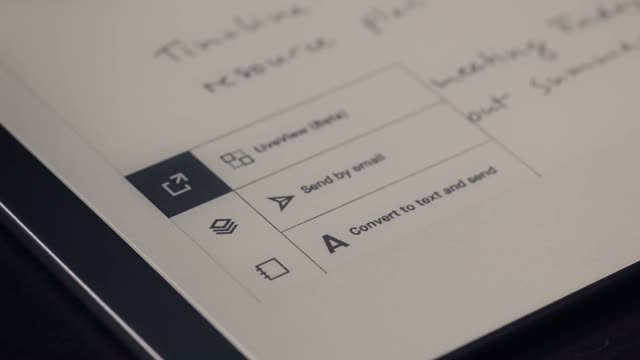 2:07–2:09reMarkable · Introducing reMarkable 2 — the paper tablet (2020)A close-up of a light interface menu on a tablet shows a hand holding a white stylus tap the Send by email row, then lift away. The frame stays locked with shallow depth of field.
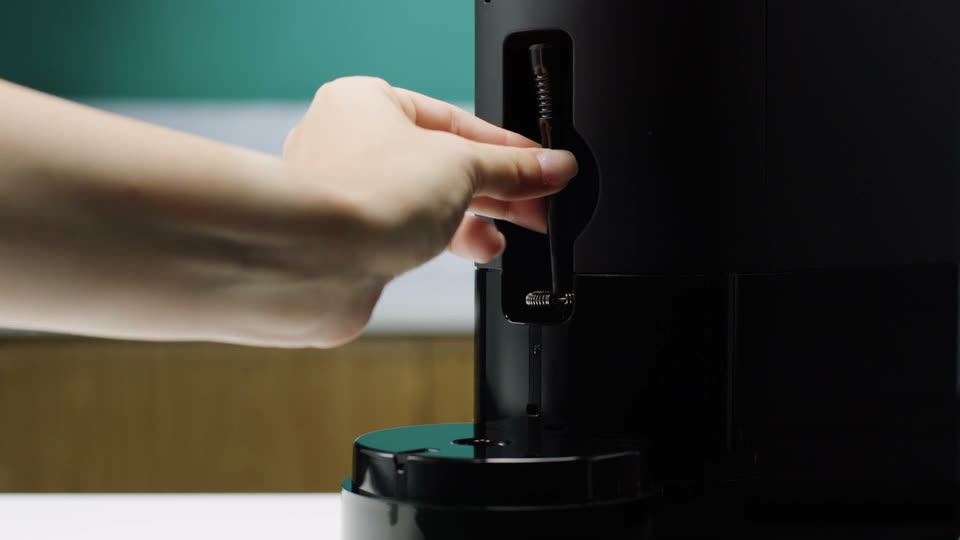 2:08–2:09Nespresso · Nespresso Atelier - Coffee and milk recipesClose-up, locked-off frame: a manicured hand guides a thin metal frother wand with a coiled top into a vertical slot on the side of a black cylindrical machine. The background stays soft, a teal wall and wood cabinet behind a white counter.
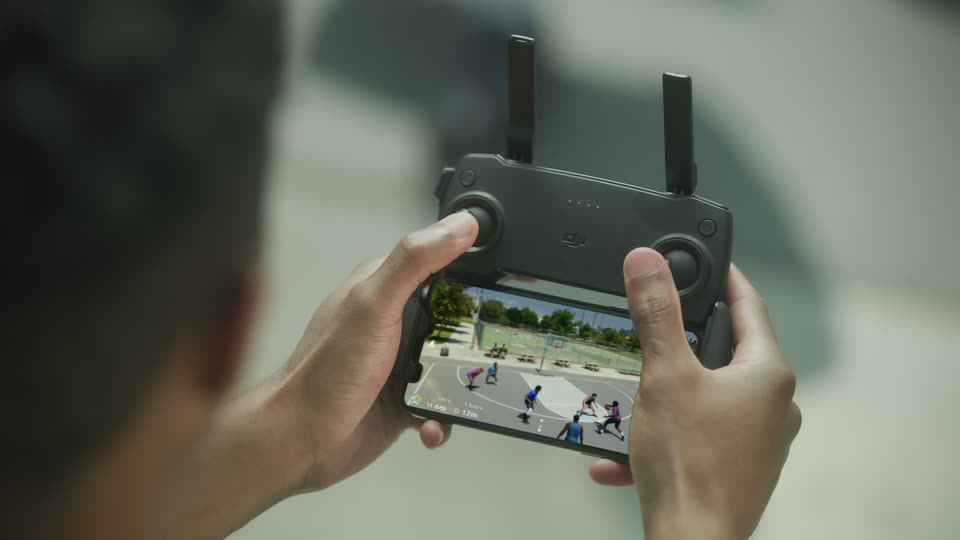 0:50–0:52DJI · Introducing DJI Mavic MiniOver-the-shoulder close-up of hands holding a black drone controller with a phone clamped in front, its screen showing a live view of a basketball court. The frame is locked off; the hands stay still while the court feed moves.
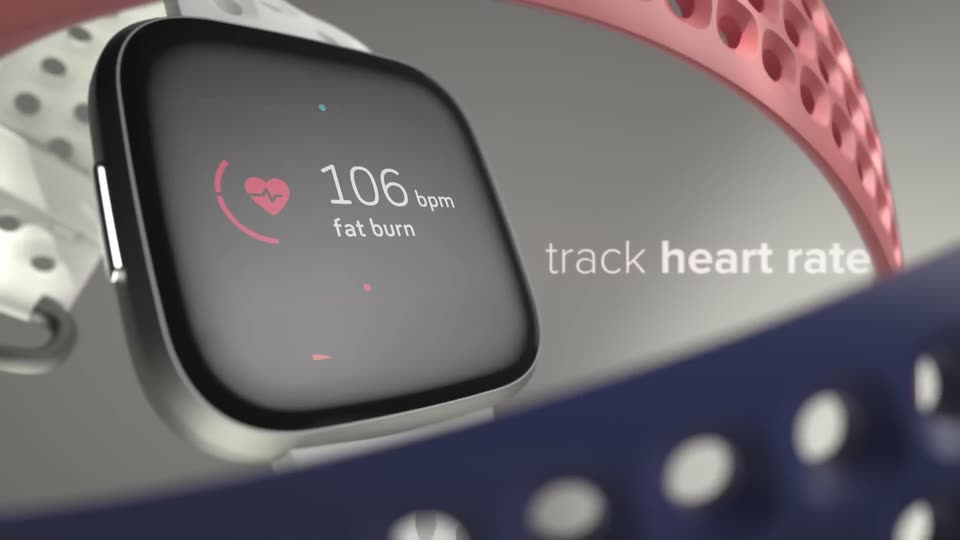 1:06–1:08Fitbit · Introducing Fitbit Versa 2A smartwatch face at an angle shows a pink heart icon, 106 bpm and a fat burn label, framed by white and rose-gold perforated straps and a blurred blue bar in front. The caption track heart rate appears on the right.
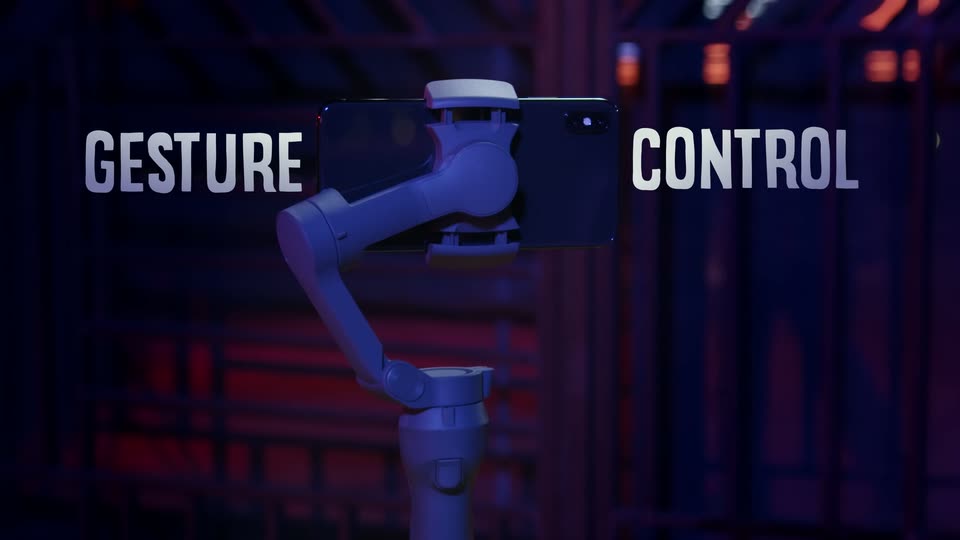 1:35–1:37DJI · DJI - Say Hello to Osmo Mobile 3A smartphone gimbal stands centered in a dim industrial space lit in red and blue. The words GESTURE and CONTROL open on the left and right of the device through a horizontal wipe.
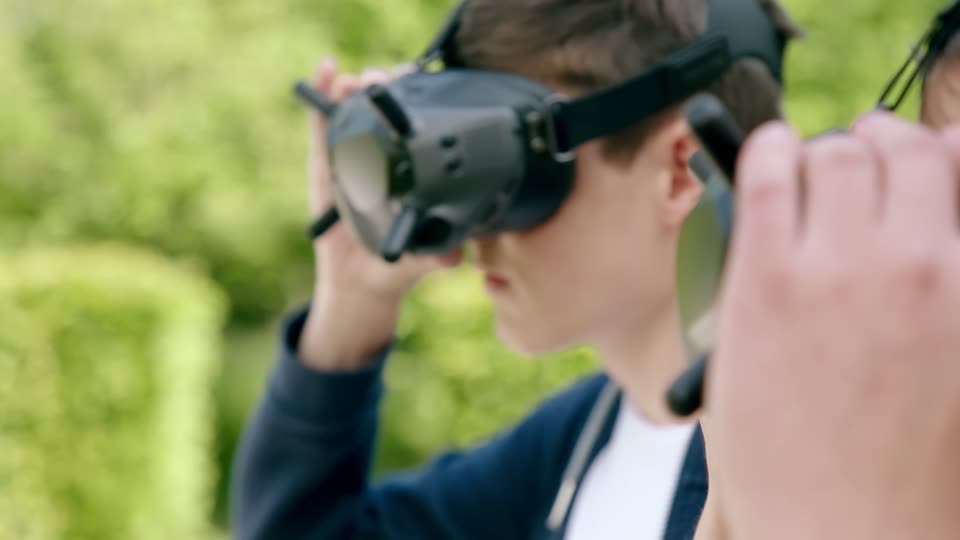 1:41–1:43DJI · DJI - Introducing the DJI Digital FPV SystemA person in a dark blue jacket wears a black antenna headset and grips a controller in each hand, raising and gesturing them against a soft green hedge. The camera holds a close side profile and follows the small movements of the hands.
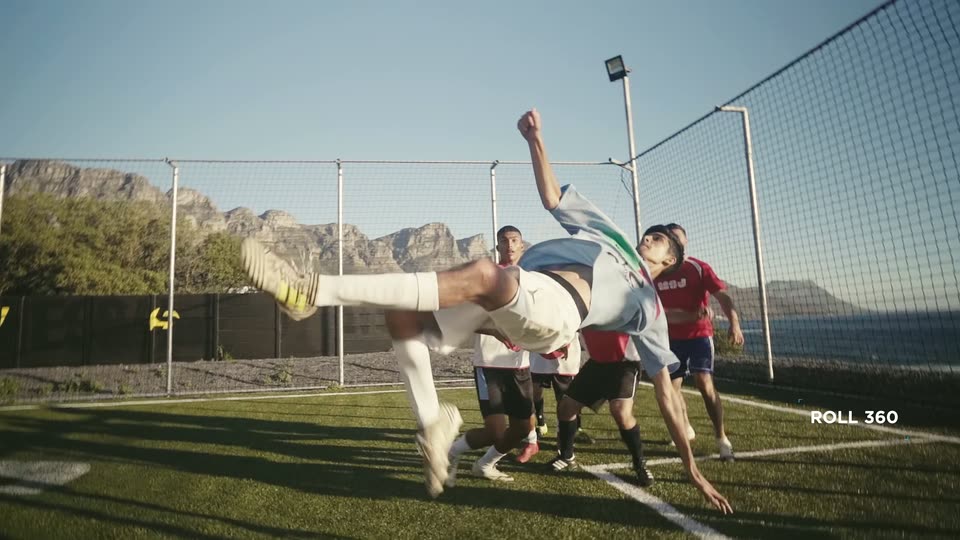 1:18–1:19DJI · DJI - Introducing Ronin-SCA tilted low-angle shot follows a player in a white jersey as he swings a full bicycle kick on a grass pitch, red-shirted teammates, a chain-link fence and mountains behind. The camera rolls around the action. A small ROLL 360 label sits in the bottom right.
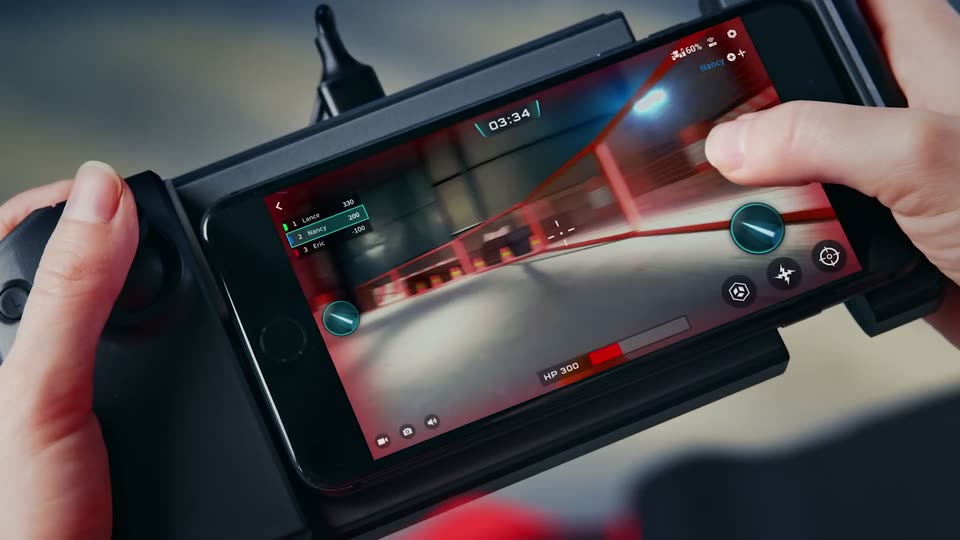 1:21–1:23DJI · DJI - Meet the RoboMaster S1A close-up frames two hands gripping a black controller with a phone clamped in the middle, its screen running a first-person shooter with a timer, score list and HP bar. The thumbs rest on the sticks and the screen as the HUD updates in real time.
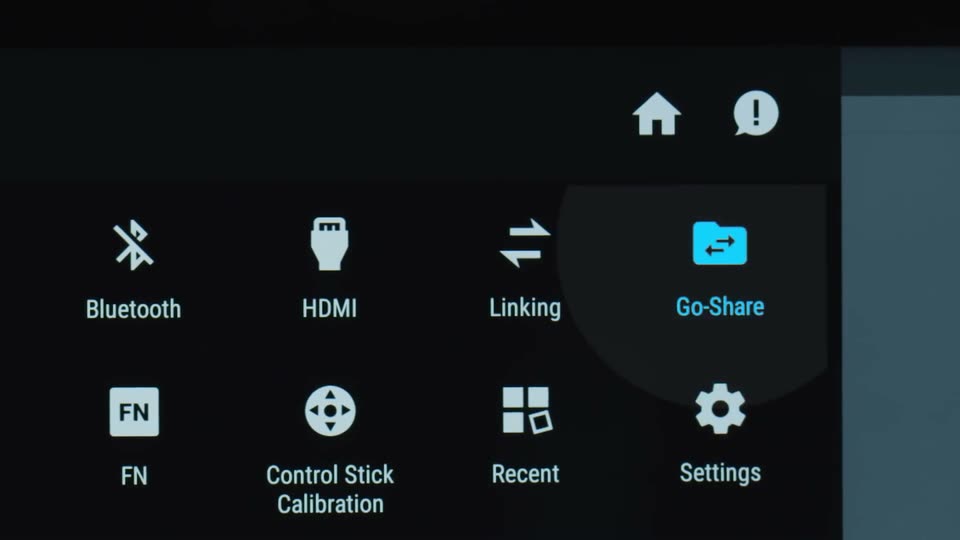 0:39–0:40DJI · Meet the DJI Smart ControllerA close-up of a dark touchscreen menu. A finger taps the Go-Share icon, which highlights blue with a circular ripple effect.
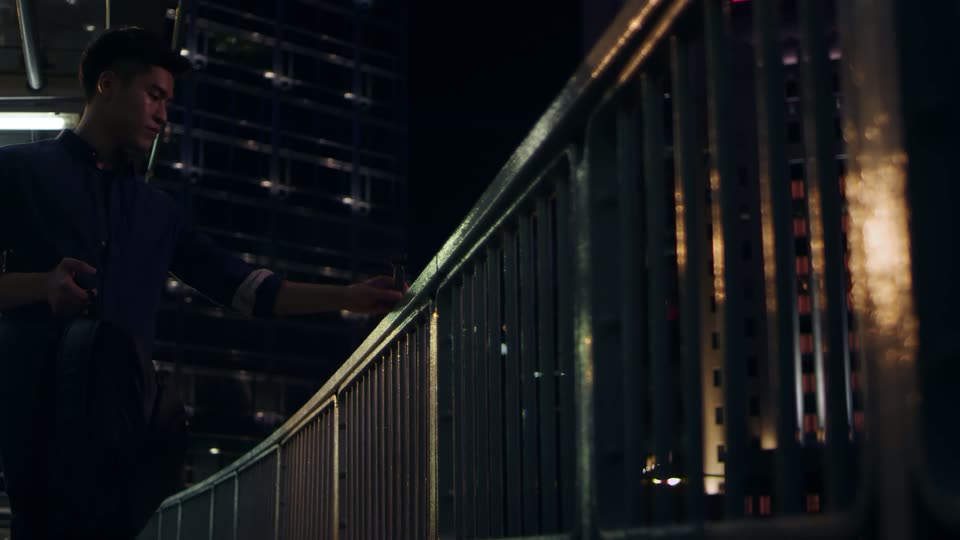 1:23–1:24DJI · DJI - Meet Osmo PocketA man in a dark cap and shirt stands at night on a pedestrian bridge, holding a phone out over a metal railing toward a lit high-rise. Dim light, warm highlights on the rail, the camera drifts slowly.
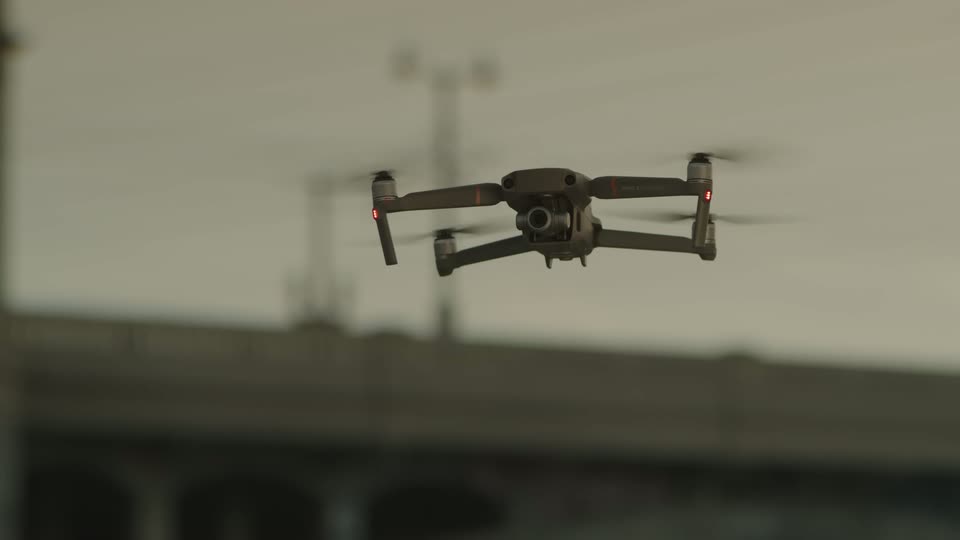 1:05–1:07DJI · DJI - Mavic 2 Enterprise - Introducing the Mavic 2 EnterpriseA gray quadcopter drone hovers in sharp focus against a hazy, overcast sky, its propellers blurred and red arm lights glowing. A soft-focus rooftop edge and thin masts sit in the background. The drone drifts slowly across the locked-off frame.
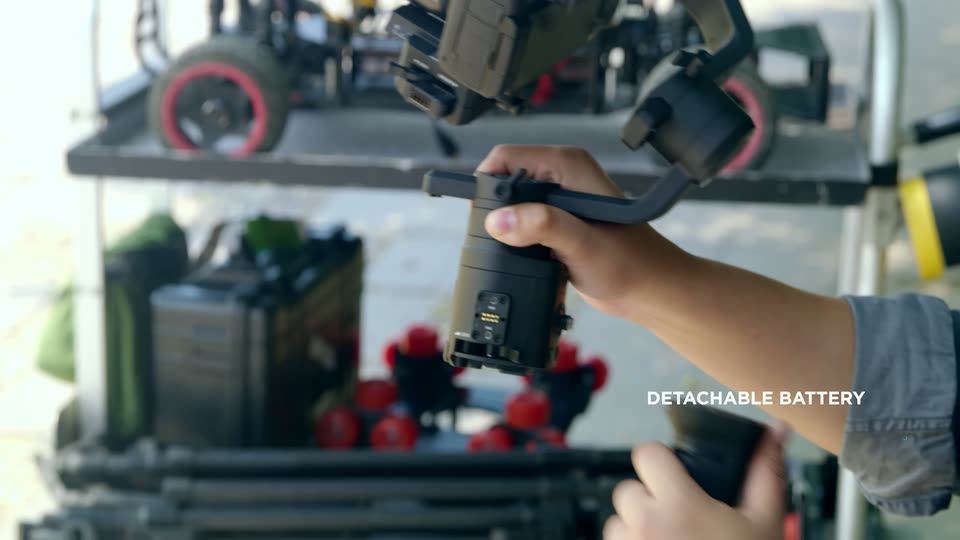 1:50 · 0.6sDJI · DJI - Introducing the Ronin-SA pair of hands grips a black handheld gimbal and pulls the battery pack from its base. The blurred equipment cart stays in the background while the white caption DETACHABLE BATTERY holds at the lower right.
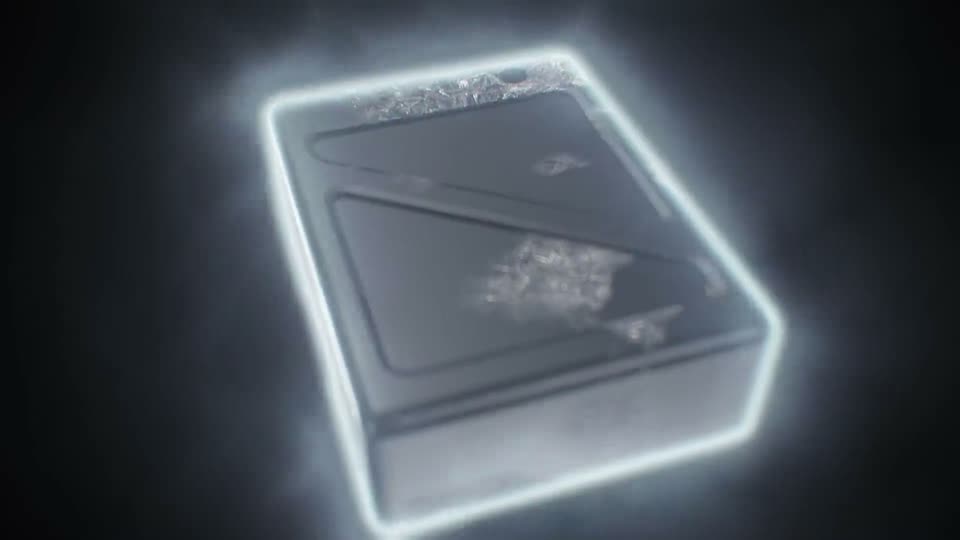 1:57–1:59DJI · DJI - Introducing Master WheelsA 3D rectangular device with a glowing white outline and icy textures rotates against a dark background.
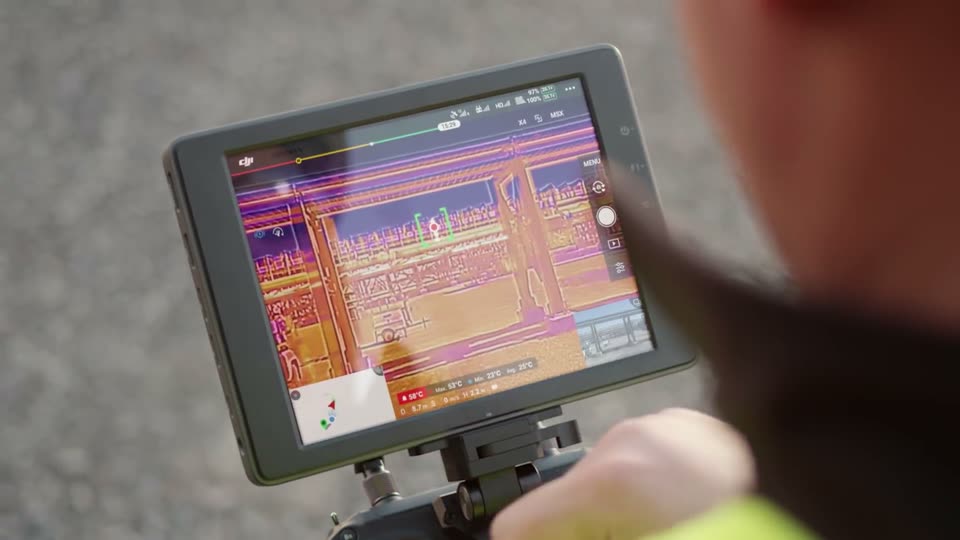 2:19–2:21DJI · DJI – Introducing the Zenmuse XT2Over-the-shoulder close-up of a tablet mounted on a drone controller, showing a thermal image of a building with temperature overlays. A finger taps the screen and lifts away; the operator's blurred head and high-vis shoulder occupy the right foreground. Locked-off frame.
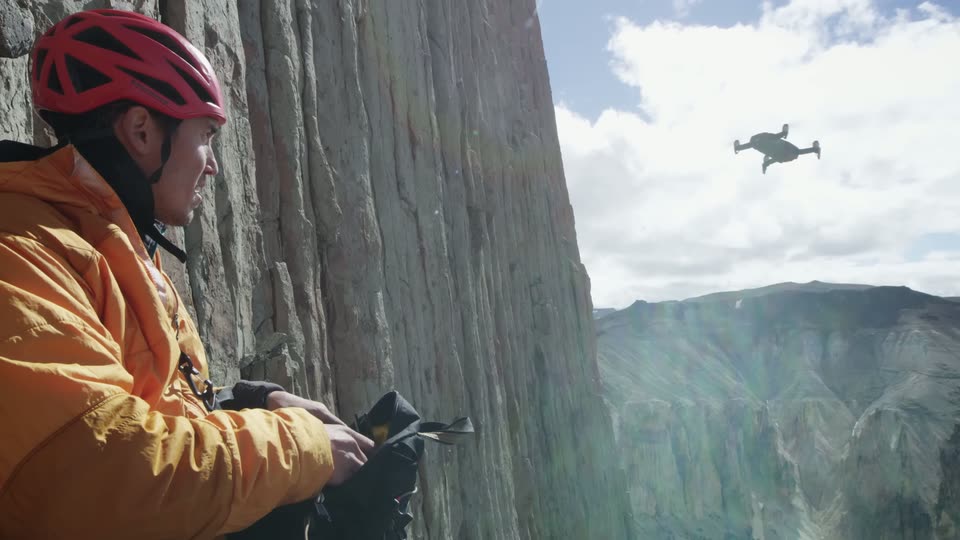 1:38–1:40DJI · DJI - Mavic Air - Introducing the Mavic AirA climber in an orange jacket and red helmet handles a strap on a rock face in the foreground. Behind him, a small black drone hovers and drifts right across the sky over distant mountains.
 0:42–0:43Google · Meet Google Pixel 2 | More, more, moreA hand grips a smartphone against a plain white backdrop; the screen shows the Google Assistant view with four colored dots, a 'Hi, how can I help?' bubble, and a multicolor microphone at the bottom. The shot is locked-off and static.
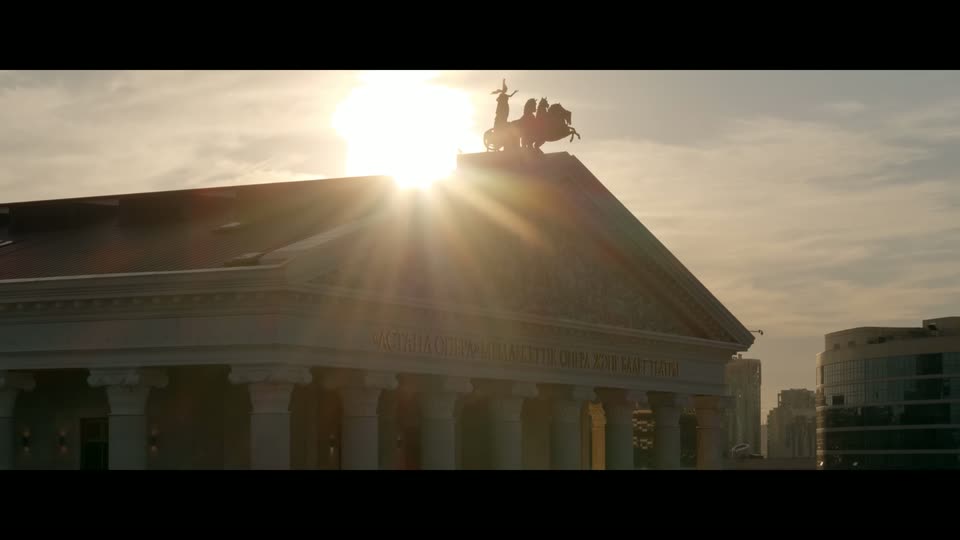 1:41–1:44DJI · DJI - Introducing the Zenmuse X7A neoclassical colonnade with a carved pediment and a bronze chariot-and-horse sculpture on its peak, backlit by a low sun that flares into a starburst over the roofline. The frame stays locked off as the glare builds across the building.
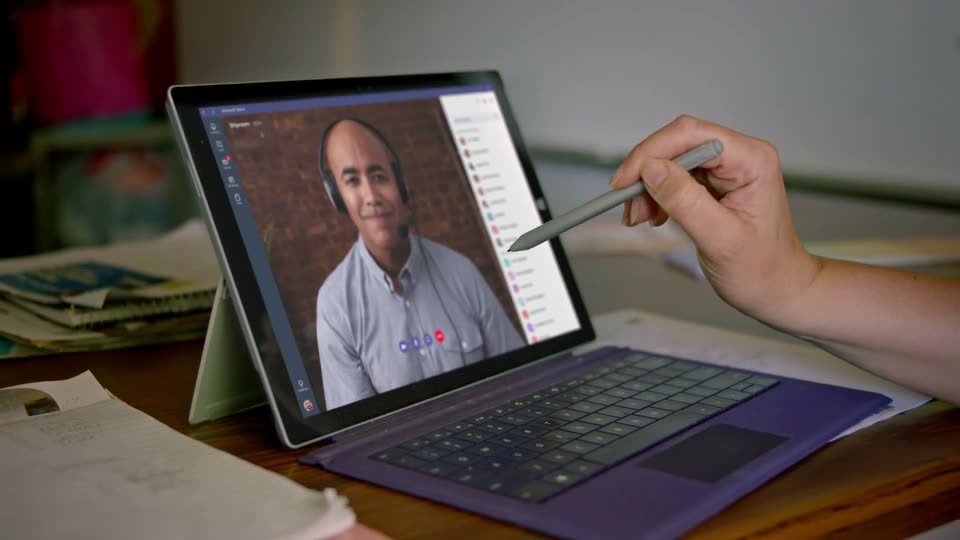 1:48–1:50Microsoft · Introducing classroom experiences in Microsoft TeamsA hand holding a gray stylus hovers over a propped tablet that plays a Teams video call of a man in headphones, with a chat list on the right. The wooden desk is cluttered with papers. The hand nudges the screen as the call continues.
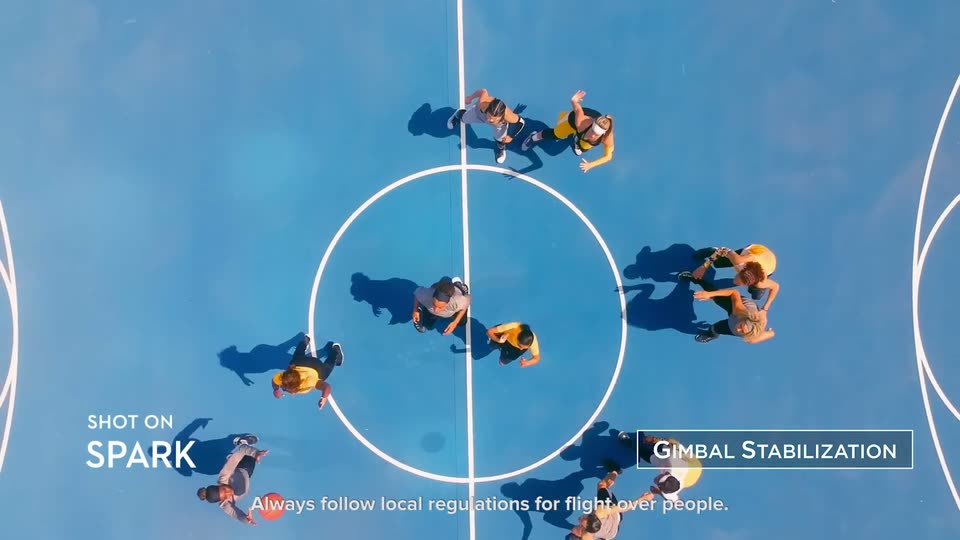 1:06–1:08DJI · DJI - Introducing SparkA top-down drone shot frames a blue basketball court as players in yellow and white jerseys move around the center circle with the ball. The camera drifts slowly over the action while static captions hold in the lower corners.
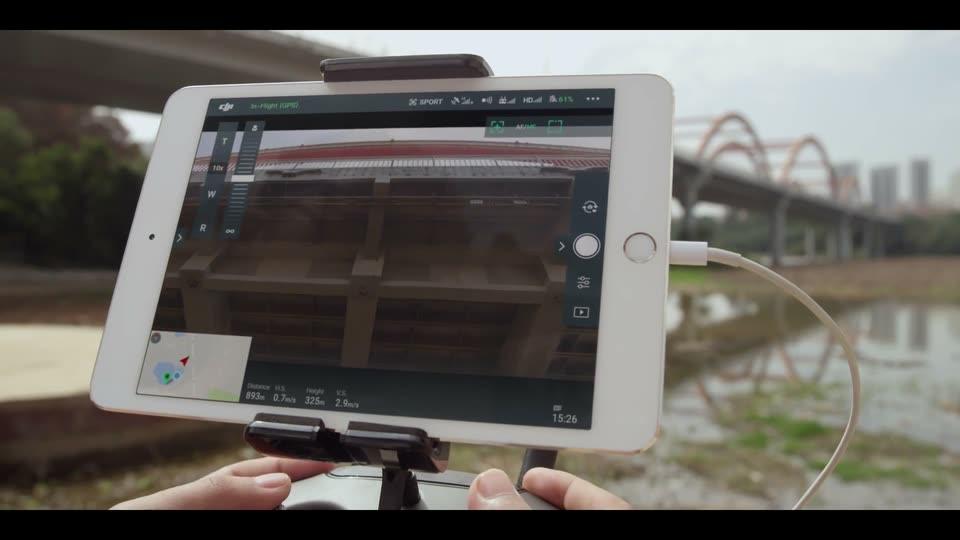 1:34–1:35DJI · DJI – Introducing the Matrice 200 SeriesA white tablet on a drone controller, held by two hands, fills the frame at an angle. Its screen shows a live feed of a building facade that shifts as the drone flies, with telemetry and a map. A blurred bridge and water sit behind. The camera stays locked off.
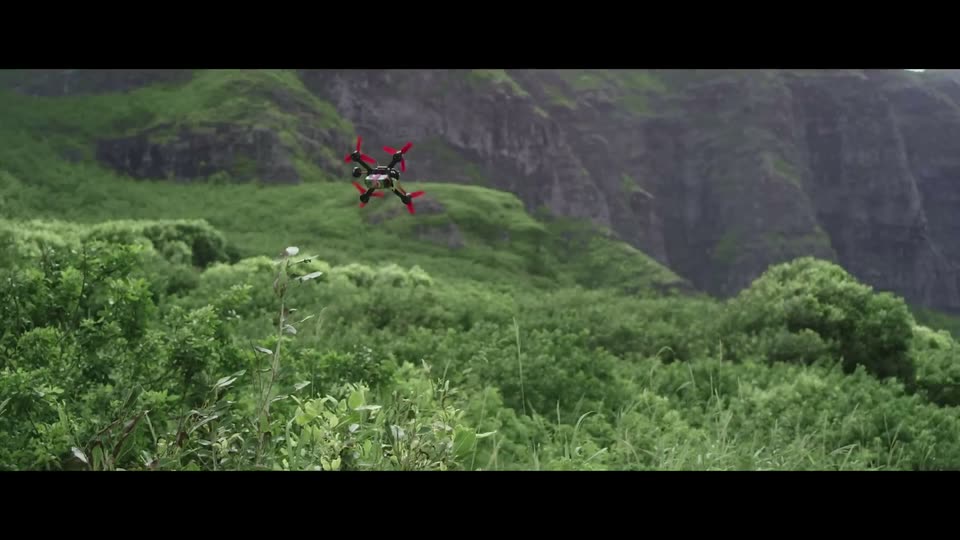 1:57–1:59DJI · DJI - Introducing the Snail and Takyon Racing SeriesA soft-focus green hillside of dense forest fills the frame. A small black drone with red propellers enters from the left and hovers in the upper third, its rotors blurred from motion.
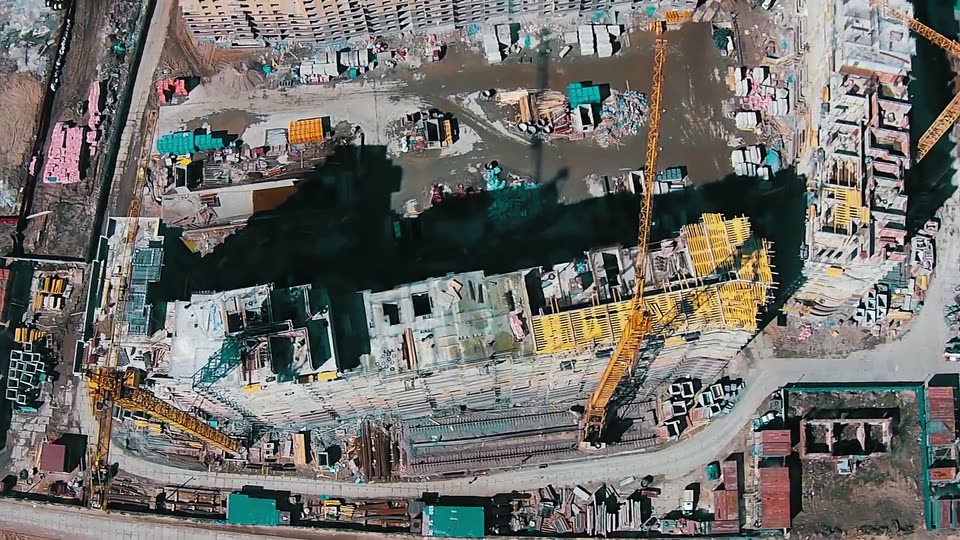 1:46–1:47DJI · DJI – Introducing DJI GS ProA top-down aerial view of a sprawling construction site, yellow cranes and half-built frames casting long shadows across the dirt. The camera drifts slowly over the yard of stacked materials, temporary sheds and access roads.
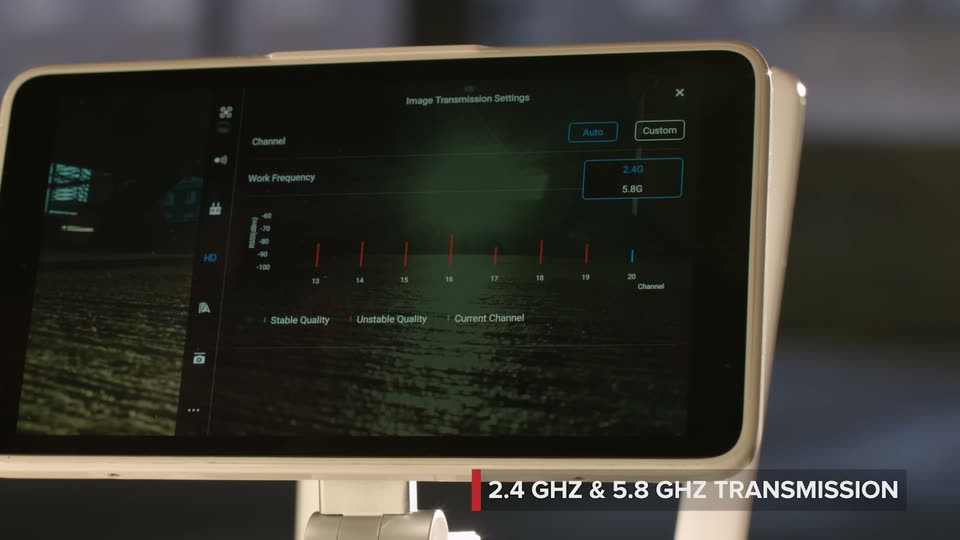 1:58–2:01DJI · DJI – Introducing Phantom 4 ProA tilted tablet on a stand displays the Image Transmission Settings menu; a finger taps the Custom button and moves away, revealing the channel graph. A lower-third caption reads 2.4 GHZ & 5.8 GHZ TRANSMISSION.
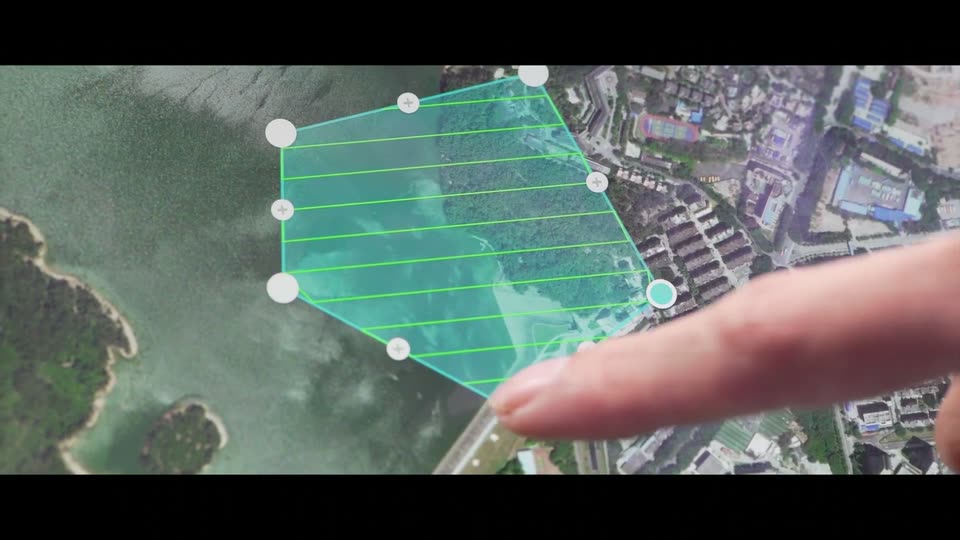 1:50–1:53DJI · DJI - Introducing the N3A fingertip on a screen drags the white corner handles of a translucent green polygon over a satellite map, stretching the shape and its horizontal green lines. The frame stays locked while the selection resizes.
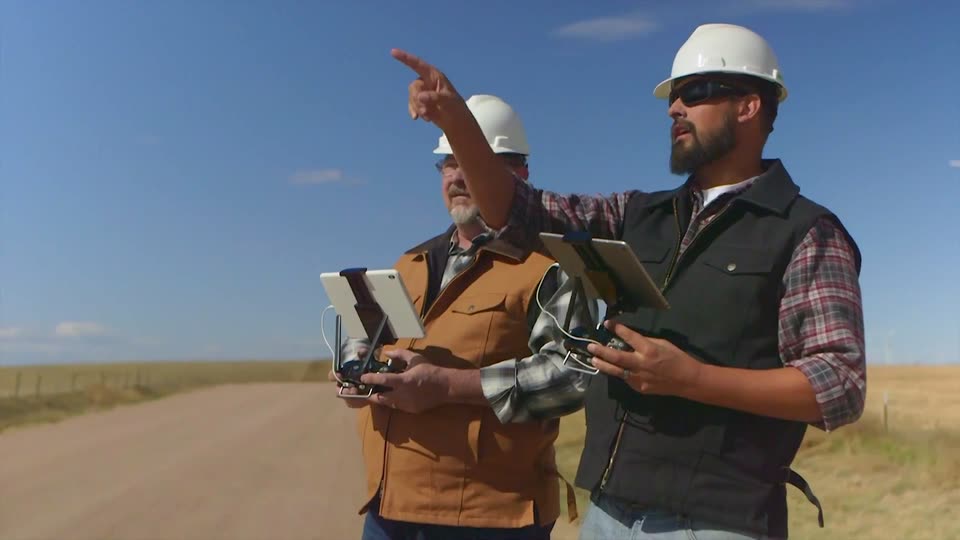 2:20–2:22DJI · DJI – Introducing Zenmuse Z30Two men in white hard hats stand on a dirt road, each holding a tablet-based drone controller. The man in the black vest lifts his arm and points up into the sky; the other turns his gaze to follow. Wind turbines sit on the horizon.
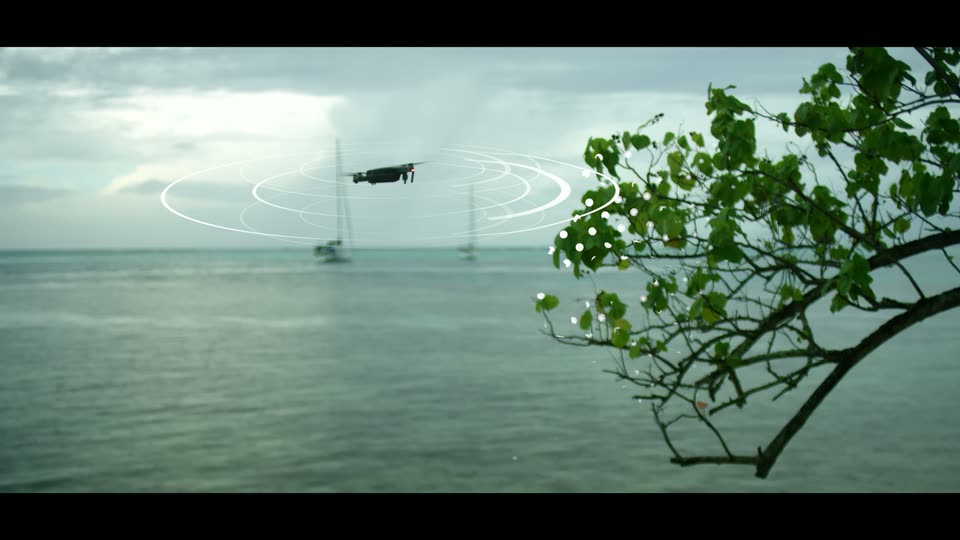 2:12–2:14DJI · DJI - Introducing the DJI MavicA black quadcopter drone flies left to right over a calm sea dotted with two sailboats, while thin white concentric rings expand around it to mark its sensing field. A leafy tree branch frames the right edge of the shot.
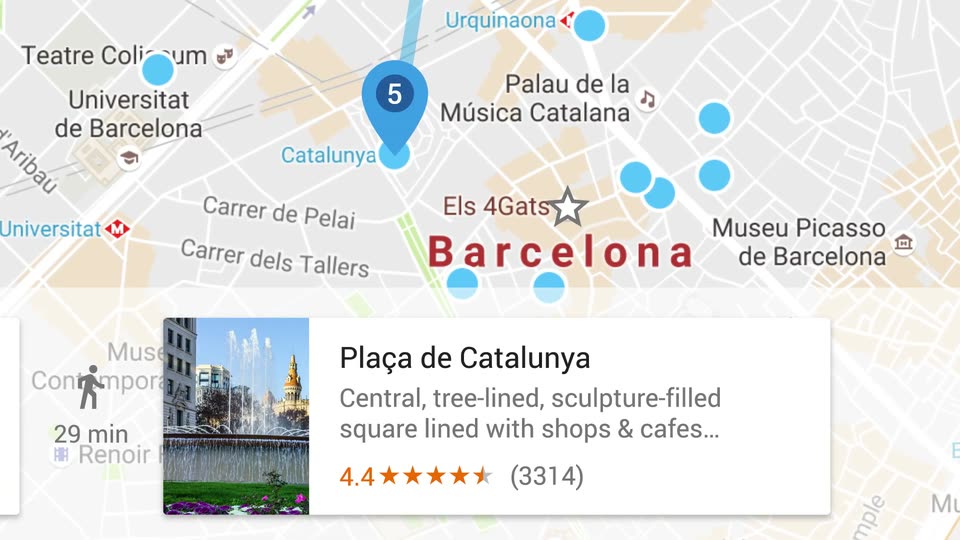 1:22–1:24Google · Introducing Google TripsA map of Barcelona fills the frame with a blue pin labeled 5. A white card at the bottom shows a fountain photo, the name Plaça de Catalunya, a description and a 4.4 star rating. A walking icon with 29 min sits at the left edge.
 1:04 · 0.4sApple · Apple – Don’t BlinkThe lowercase word or sits centered in black on a plain white field. The frame is locked off and the text holds still for the short shot, with no motion or reveal.
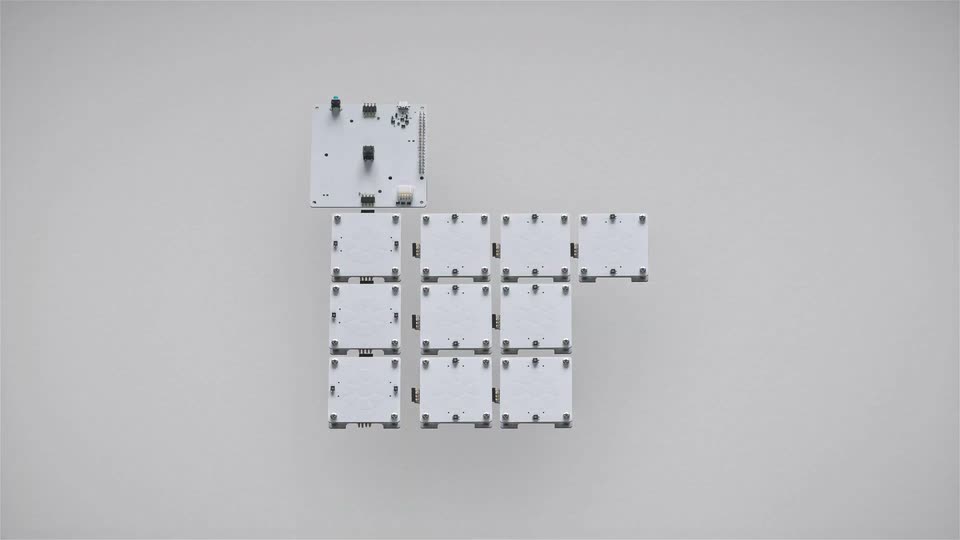 2:44–2:45Google · Introducing Project BloksA top-down view of a wall of pastel modular tiles, each topped with a low-poly icon such as a bulb, bell, fan, fork and hand, framed by a thermometer and a hanging bulb. The tiles flip over to expose white circuit boards on their backs.
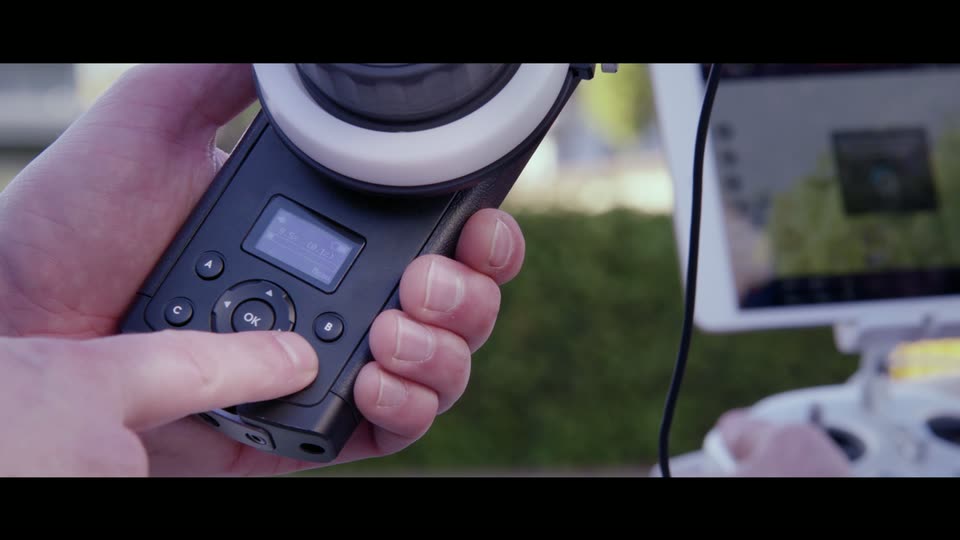 1:28–1:29DJI · DJI - Introducing the DJI FocusA hand grips a black camera controller with a small LCD and a cluster of buttons; a thumb taps the central OK key. A blurred tablet showing a live camera view sits in the background.
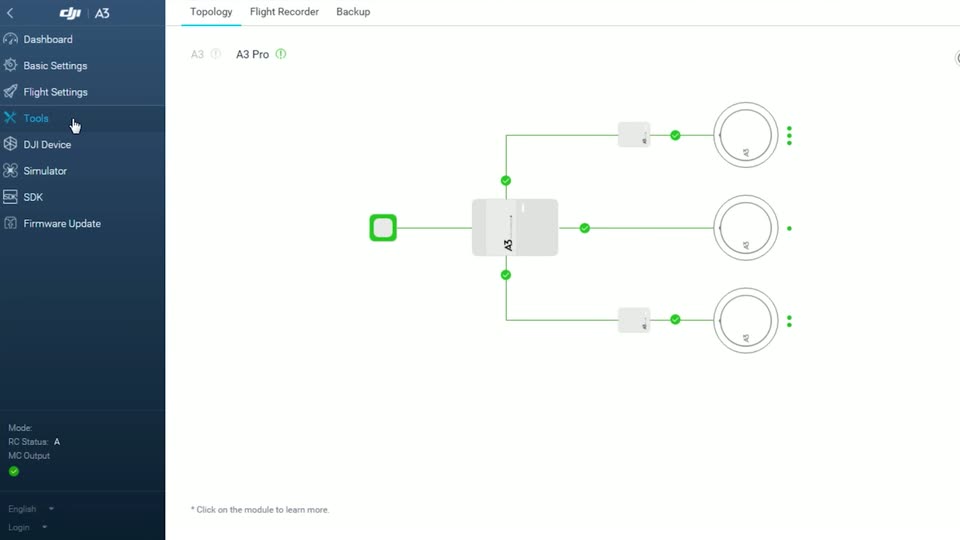 1:43–1:47DJI · DJI – Introducing the A3 and A3 ProThe A3 configuration software shows a Basic Control page with a response curve graph and channel fields. The cursor slides down the dark sidebar from Flight Settings to Tools and clicks it, and the panel switches to a Topology diagram where the A3 links to an A3 Pro and three D-RTK modules with green lines.
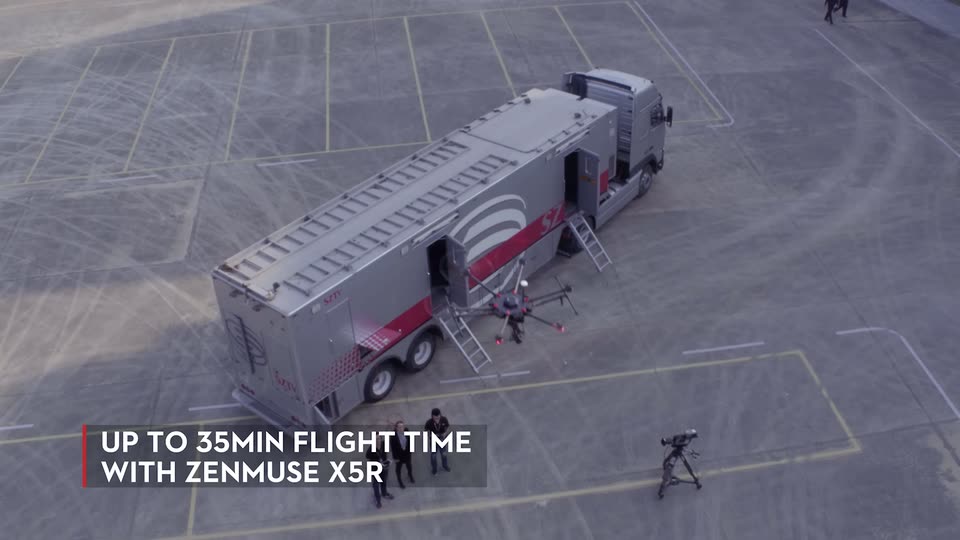 1:45–1:48DJI · DJI – Introducing the Matrice 600An aerial camera orbits a silver truck with red stripes parked in an empty lot. A professional multi-rotor drone flies from above the cab toward the lower right as crew members and a tripod camera stand on the tarmac. White text sits in the lower left.
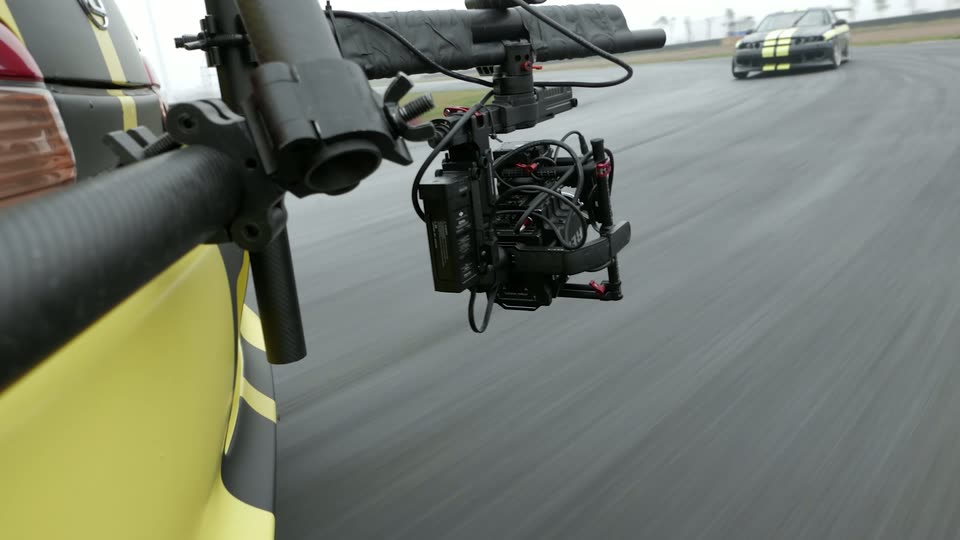 1:57–2:01DJI · DJI – Introducing the Ronin-MXA camera rig with exposed cables and battery hangs from the frame of a yellow car, the tarmac blurring past at speed. A second black-and-yellow car approaches on the track, then the shot cuts to a wide of the striped car driving away.
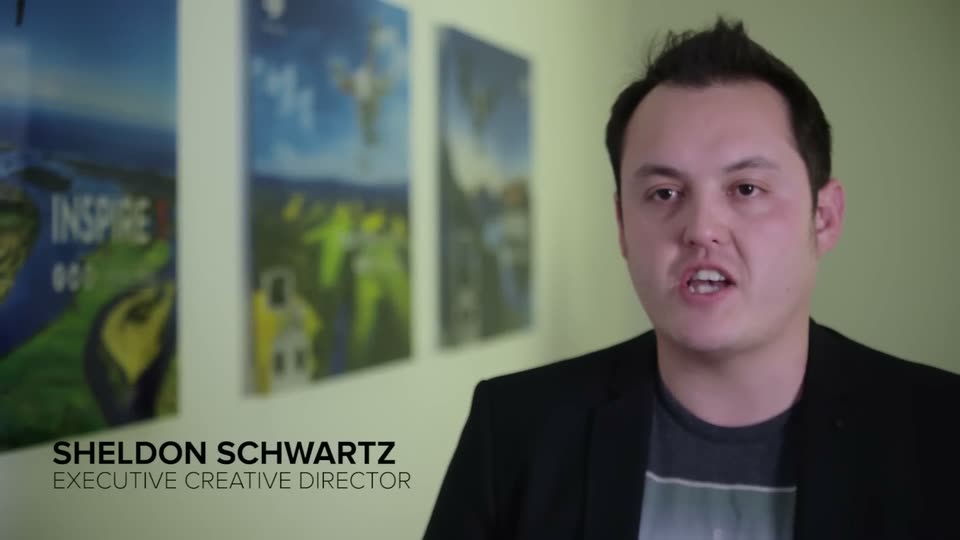 1:48–1:51DJI · DJI - Introducing the Zenmuse XT Thermal Camera and Gimbal Powered by FLIRA man in a black blazer and gray tee speaks to camera on the right while three landscape prints hang on a pale green wall behind him. A black lower-third name caption sits in the bottom left corner.
 1:34–1:35DJI · Introducing the DJI OsmoA bearded man in a gray zip-up hoodie speaks in a medium close-up, glancing just off camera. The background is a soft-focus office wall with green and yellow square panels and a bright window at left. The frame stays locked throughout.
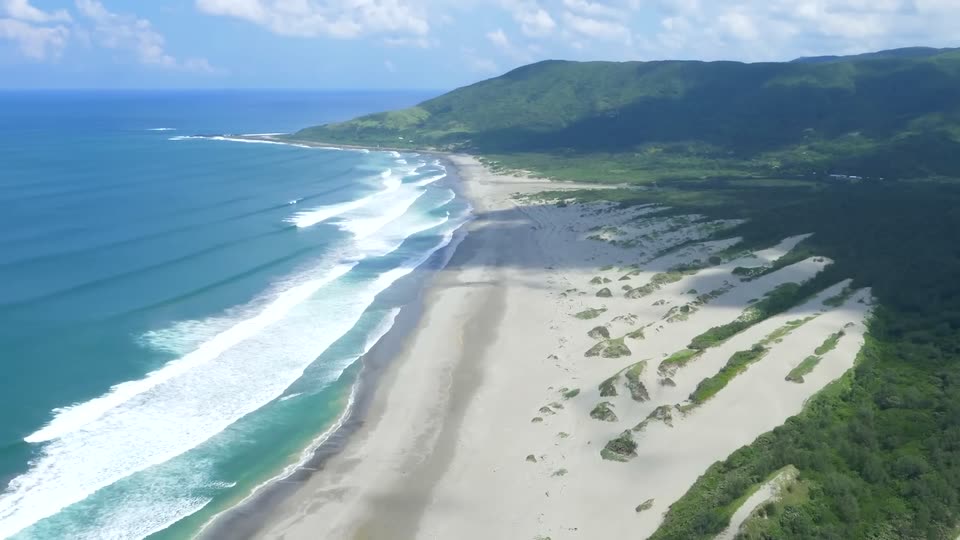 2:15–2:17DJI · DJI - Introducing Lightbridge 2An aerial drone shot glides over a turquoise coastline with white surf and sandy dunes, then cuts to a white lighthouse and low buildings on a grassy headland backed by green mountains.
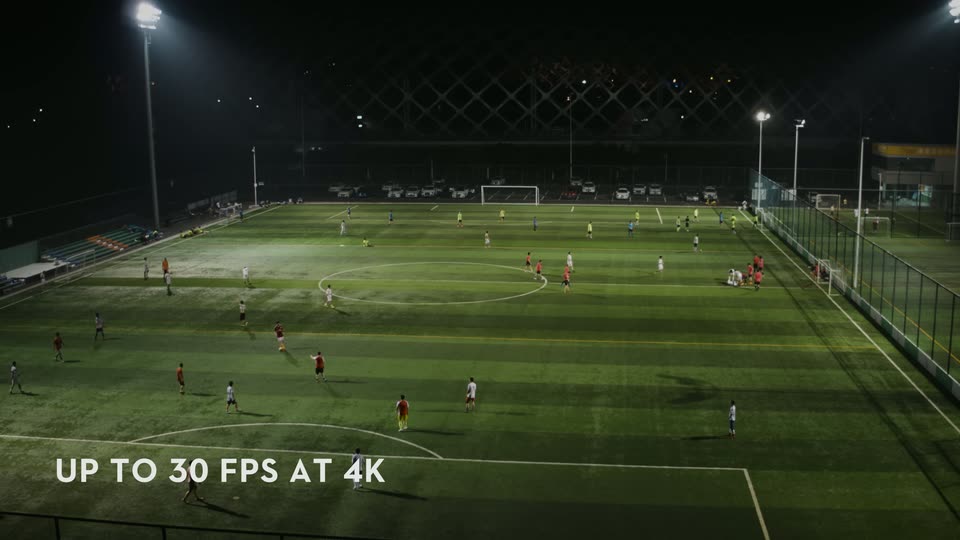 2:01–2:03DJI · DJI - Introducing the DJI Zenmuse X5 SeriesA wide night shot of a floodlit soccer field, players in orange and white kits spread across the pitch. The camera drifts slowly sideways, tracking the game. A white caption sits locked in the lower left corner.
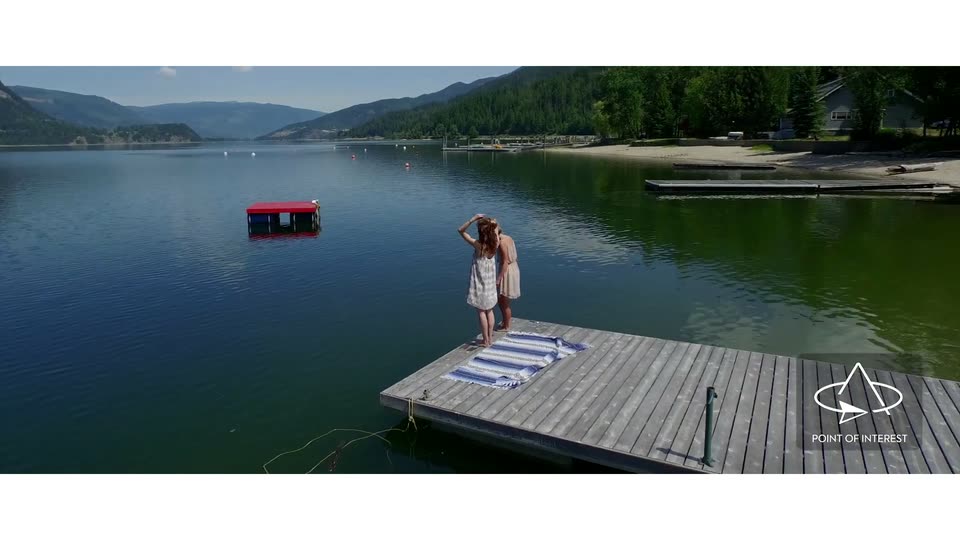 2:38–2:47DJI · DJI - Introducing the Phantom 3 StandardTwo women in light dresses stand on a wooden dock at a calm lake, one shading her eyes. The camera orbits the pair, keeping them centered as the shoreline, beach and houses rotate into view. A red floating platform sits in the water.
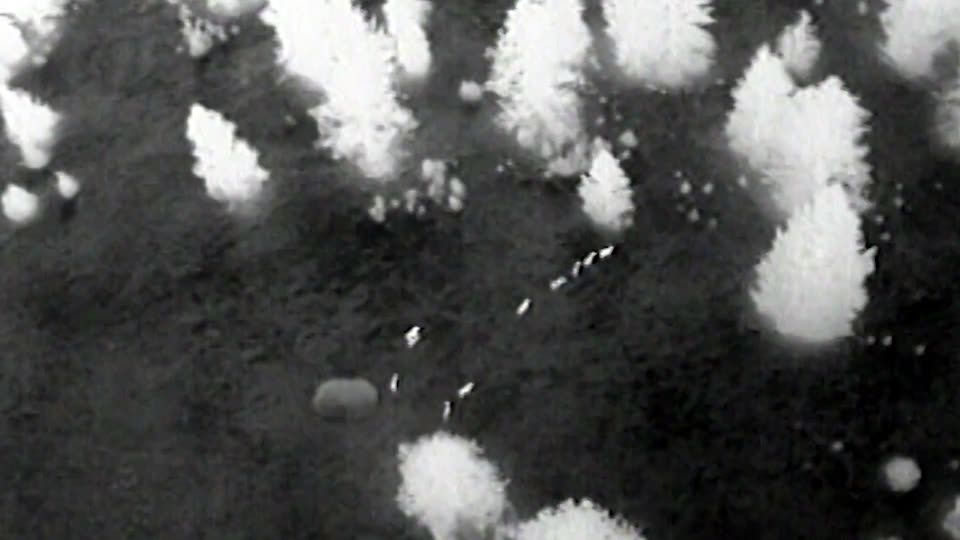 1:17–1:18DJI · DJI - Introducing the Matrice 100 and GuidanceA grainy black-and-white thermal view looks down on a dark forest floor. White tree canopies frame the edges while small bright dots drift across the ground. The frame holds a slow, steady aerial drift.
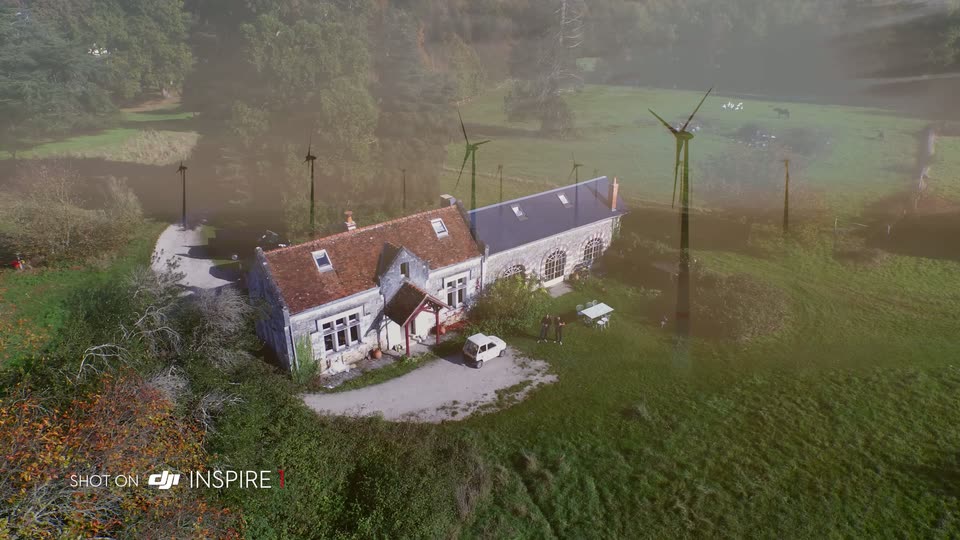 1:16 · 0.4sDJI · DJI – Introducing the Inspire 1A high aerial view of a stone building with a red roof, ringed by wind turbines and green fields. The shot opens on a cross-dissolve from the previous frame, then settles. A small caption sits in the lower left corner.
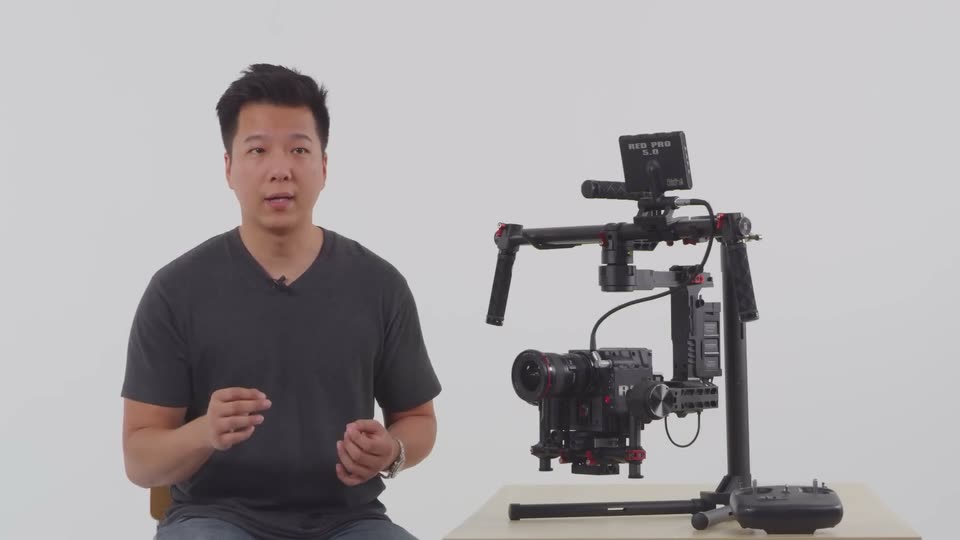 1:46–1:49DJI · DJI - Introducing the RoninA man in a gray t-shirt sits left of frame, gesturing as he talks, beside a camera gimbal rig on a table against a plain studio backdrop. The clip ends with a cut to a blurry beach shot of a shirtless man in red shorts running past palm trees.
 2:05–2:06DJI · DJI - Introducing the Phantom 2 Vision PlusClose-up of a hand: a finger presses the screen of a black phone clamped to a white stand, then lifts and exits frame, leaving the soft-focus screen and mount in view.
 1:54–1:56Google · Introducing Google NoseA man in a gray button-up shirt speaks to camera in a bright studio, with soft blue and red panels blurred at the frame edges. He nods and smiles, then the image washes out to white as the scene ends.
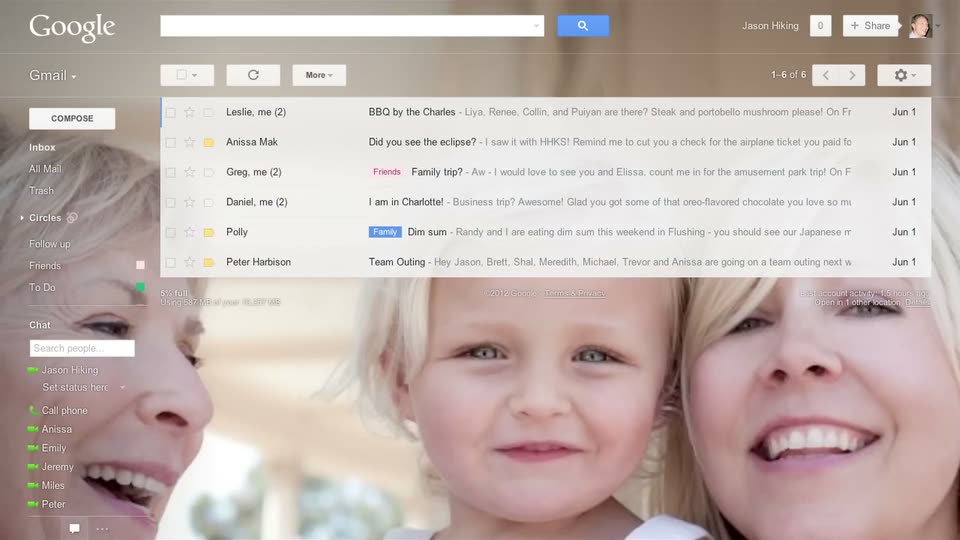 0:34 · 0.6sGoogle · Introducing Custom Themes in GmailA flat Gmail inbox window rests over a soft-focus photo of a smiling woman and child. The window lists six emails with sender names and dates, beside a left sidebar of folders and a contact list. The interface holds still with no motion.
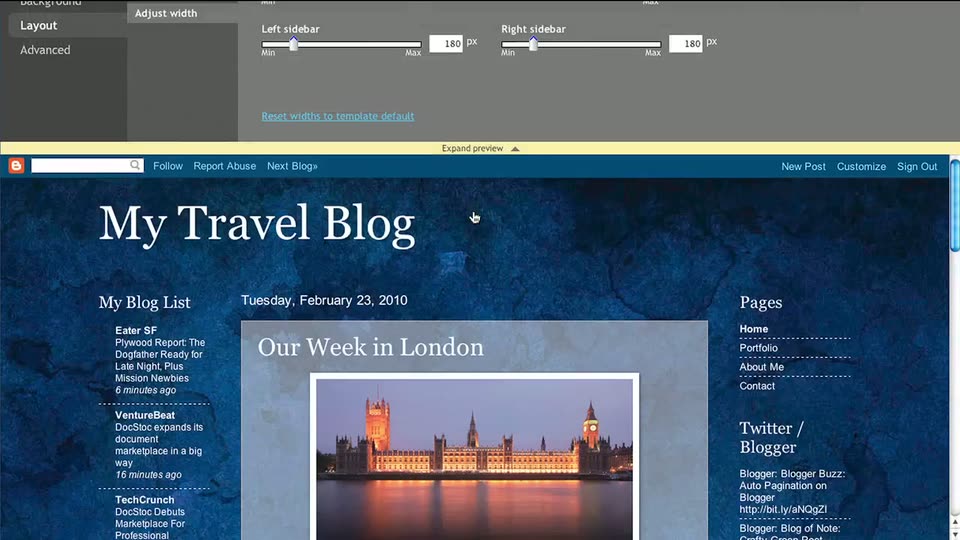 0:40–0:41Google · Introducing the Blogger Template DesignerA blog homepage on a dark blue cracked background shows the title My Travel Blog and a post Our Week in London with a night photo of the Palace of Westminster. A cursor hovers at the title as a top editor bar with width sliders fades out.
 1:02–1:05Google · Introducing the Street View snowmobileA plain off-white background holds centered text. The phrase “Explore the Games...” appears in light gray, darkens to black, then cuts to the phrase “in Street View and Google Earth”.
 0:53–0:57Google · New features in Google Earth 4.3A 3D satellite map sweeps from the San Francisco coastline across rolling terrain, the camera diving over green plains and white Alpine ridges before settling on a Switzerland label. Map labels track the moving view.
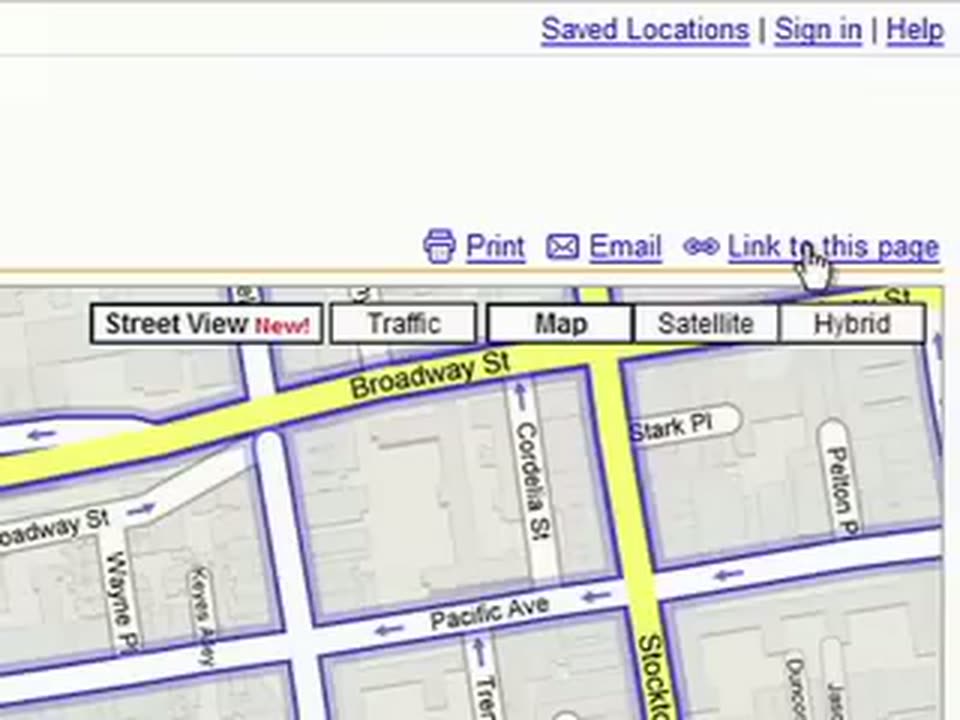 1:28–1:30Google · Google Maps Street View - launch videoA Google Maps web page fills the frame, showing a street map with a row of view buttons above it. A cursor moves in from the right and clicks the Link to this page link at the top of the map.
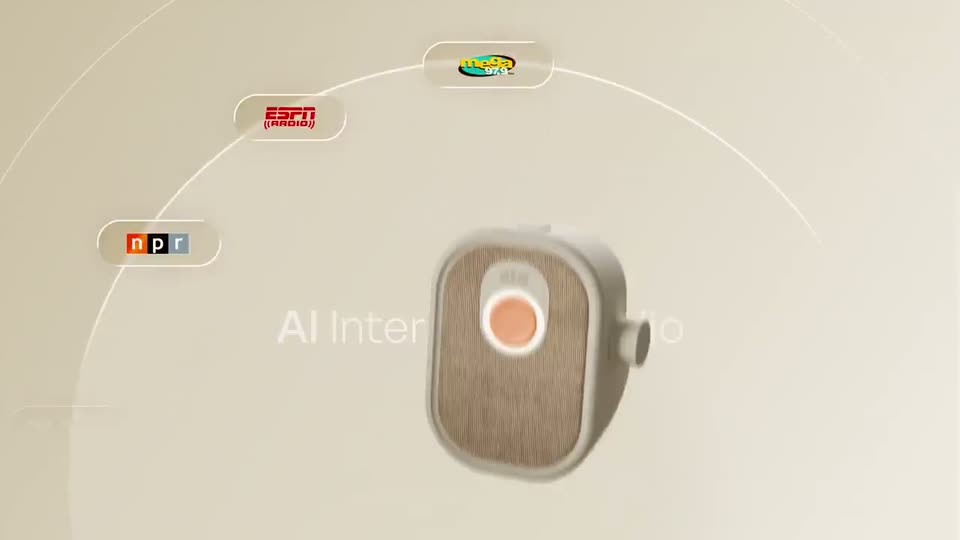 1:42–1:45Ato AI · Introducing Ato, your grandparent’s next computer. Over the past year, more than 2,500 older adults around the globe have used Ato in their daily lives through our beta program, and the adoption… | Ato AIA 3D ato radio sits below a radio-dial scale while a white counter of live radios ticks upward. The device then shrinks to the center as station badges arc around it and a chat bubble types a question, with the title AI Interactive Radio fading in.
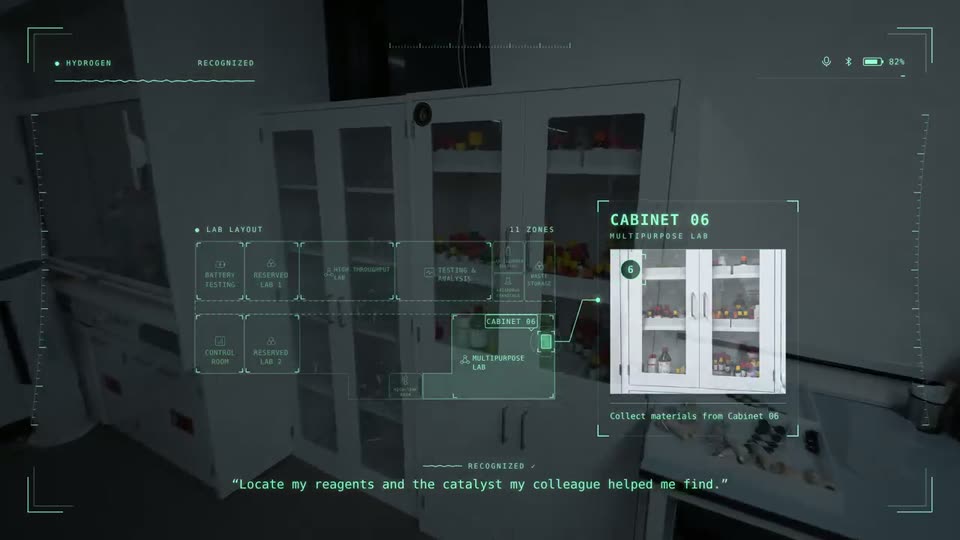 1:42–1:45DeepPrinciple · #aiforscience #scientificdiscovery #deepprinciple | Deep PrincipleA green AR HUD overlays dim lab footage: a zone map on the left and a Cabinet 06 photo card on the right. The camera pans right and pushes in on the white glass-front cabinet while the subtitle line holds at the bottom.
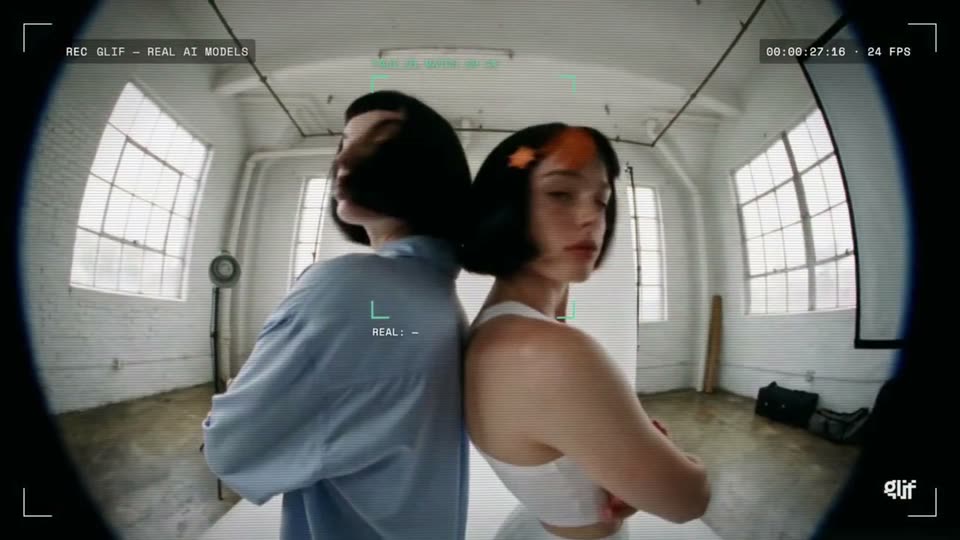 0:33–0:34GLIF · Glif Signs Claudia, the AI Pop StarA camera viewfinder overlay frames two live shots: a tight close-up of a blonde model's face, then a wide fisheye of two women back to back in a white room. Corner brackets, a REC label, a running timecode and a green face-match box sit over the footage.