0:53
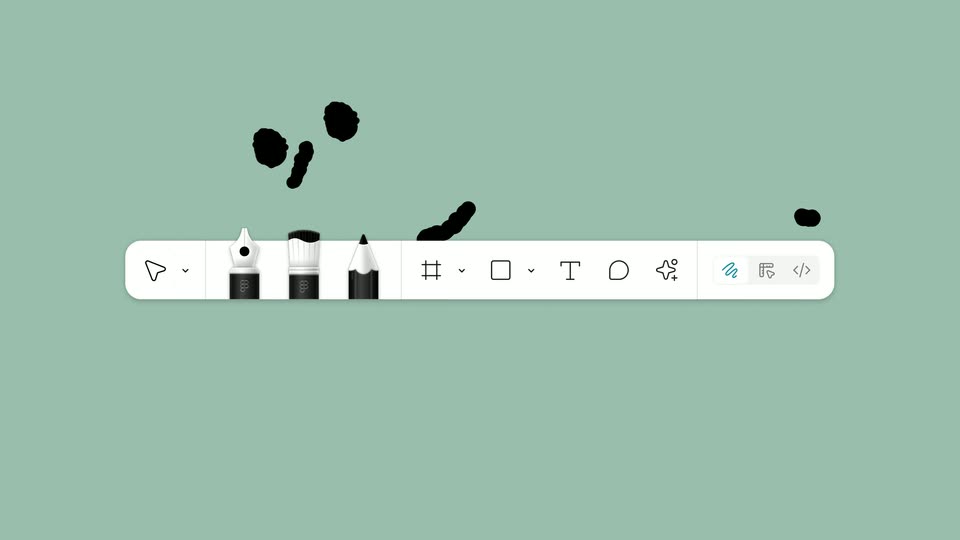

Figma - Introducing Figma Draw New fills, effects, brushes, and more, now in
Figma · Design · May 2025
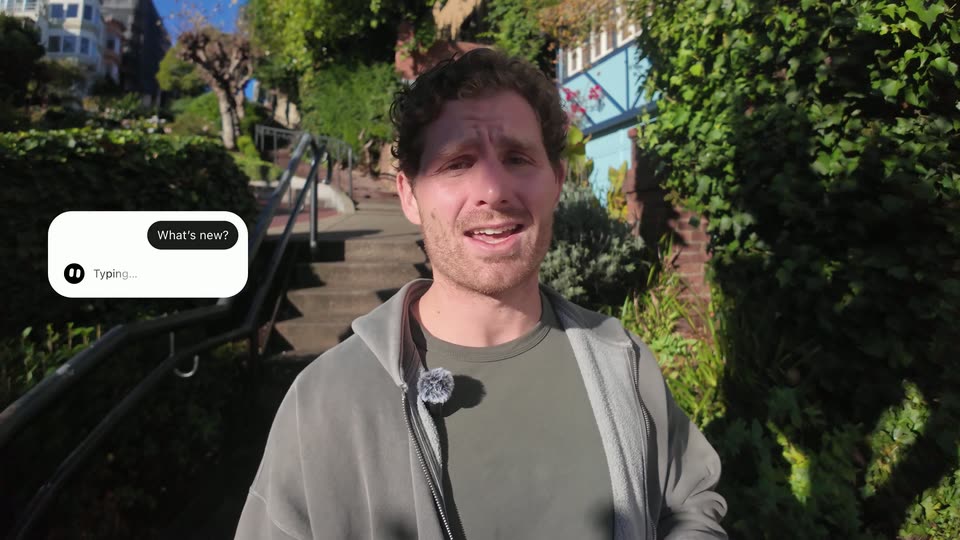
xAI’s 3:29 launch film runs 54 scenes, about 3.9 s each. The product shows up at 0:13 and 4 features are revealed. There is no explicit call to action; a voiceover carries the film. A walking-talking vlog host on sunlit San Francisco streets is intercut with full-screen UI demos, and a running What's new? checklist card accumulates a checkmark each time a new feature is announced. Pacing is steady handheld tracking at about ten cuts per minute, with quick zoom-ins and reflows in the UI and playful 2D/3D sticker gags (animals, sunglasses, an airplane, a rain cloud) punctuating the live shots.
Is this your launch? to your site or press kit.
Figma · Design · May 2025
Anthropic · AI · Nov 2026
Films whose music sounds like this one, voice left out
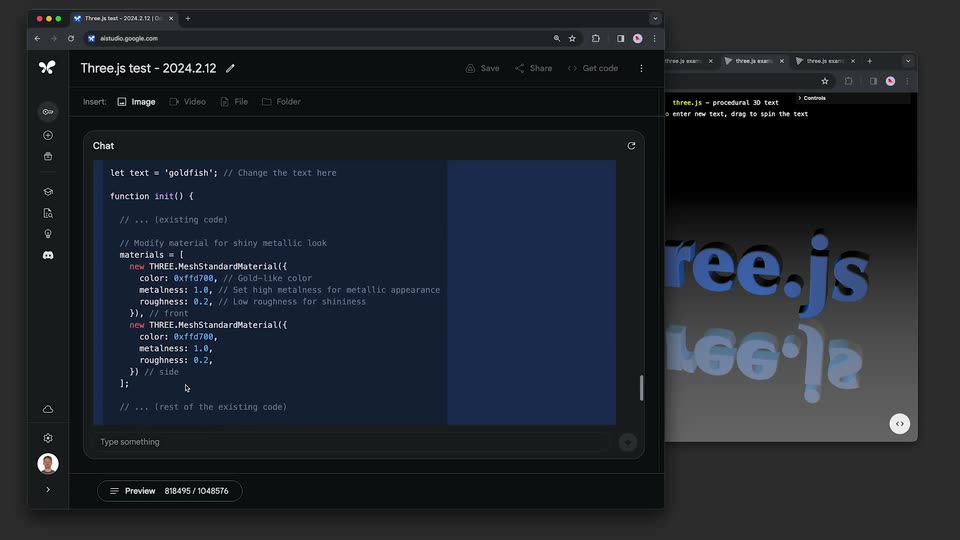
Google · Technical demonstration voiceover
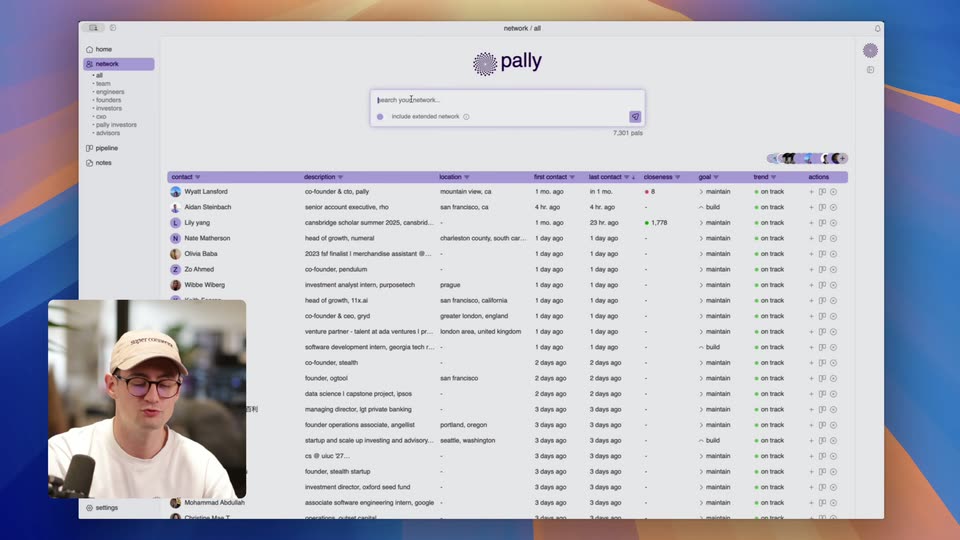
Pally · Corporate Product Demo
GetMint · Modern electronic bed transitioning to a lo-fi hip-hop instrumental
A man in a gray zip hoodie stands before a green hedge and wooden steps, speaking to camera in bright sunlight. The shot fades up from black as he talks and gestures with his hands.
Camera: Pull out
A locked-off wide shot of a steep, flower-lined San Francisco hillside street. Apartment buildings frame the left, trees the right, power lines cross the top. A white car drives left across the foreground while an orange van drives right past a Do Not Enter sign.
Camera: Static
A man in a gray hoodie addresses the camera on a sunlit street with stairs and hedges behind him. Animated dogs and cats leap through the air around him as a dark car drives past, and pixelated sunglasses with a sunbeam glow appear over his eyes.
Camera: Pull out
A bearded man in a gray hoodie stands on a brick sidewalk in front of a blue garage, talking to the camera. Pixelated black sunglasses and diagonal light rays overlay the shot at the start, then fade out as he speaks.
Techniques: Light sweep
Camera: Pull out
A curly-haired man with a lavalier mic stands on a hillside sidewalk and talks to the camera, a light blue house behind him. The shot then cuts to a wide view of a city skyline rising over rooftops, trees, and a curving brick road.
Camera: Pull out
A static wide shot frames a city skyline and bay in the distance, with a paved terrace and plants in the foreground. Two figures walk away on the right side of the path.
Camera: Static
A man in a gray hoodie stands on a sunlit hillside path, talking and gesturing to camera. A white rounded chat bubble pops in on the left, showing a black “What's new?” message, a scaling typing indicator, then a gray “Travel booking” reply.
On-screen text: “What's new?”, “Travel booking”
Camera: Pull out
The Atlas chat window zooms from full frame to a close view of the conversation. A blue user bubble requests SFO to Asheville flights; a gray reply lists three airlines with prices. A cursor clicks the United row, which tints blue and reveals Full details and Book buttons.
On-screen text: “What's new?”
Techniques: UI zoom, Cursor demo
Camera: Static
A curly-haired man in a gray hoodie stands outdoors before a beige garage door, speaking to a handheld camera that drifts slightly. A white chat-bubble overlay with two short messages floats at left.
On-screen text: “What's new?”, “Travel booking”
Camera: Pull out
Four hotel listing cards sit side by side on a light gray field, each with a landscape photo, name, price, rating, city and a black Book button, plus a Show map pill below the first. The grid resolves from a blurred state with bright vertical bars sweeping across into a sharp, static layout, while a hand cursor hovers over the first card.
On-screen text: “What's new?”
Techniques: Masking
Camera: Pan
A flat browser window shows a hotel booking card: a large photo of a stone inn, two stacked photos right, a price panel. A cursor hovers the main photo. The layout reflows: a header gains a title and 1/3 counter, the right column collapses to one photo, three thumbnails fade in below.
Techniques: Cursor demo
Camera: Static
A macOS photo viewer window displays a stone hotel with a red roof. A cursor rests over the image, three thumbnails sit below with the first outlined, and the photo scales up slightly across the clip.
Camera: Pull out
A hotel booking card updates in place: the price swaps from From $289/night to $867 with a Total for 3 nights caption, a dark Book button appears, and a hand cursor hovers over it as a Room row fills in.
Techniques: Cursor demo
Camera: Static
A man in a grey hoodie with a lavalier mic stands on a sunlit street lined with stairs and trees, speaking to camera. A two-bubble chat overlay sits on the left. The camera slowly pushes in on his face.
On-screen text: “What's new?”, “Travel booking”
Camera: Pull out
A cursor clicks a black Book button on a flight list. The view scrolls up to reveal a blue message bubble with booking details, followed by a loading indicator.
Techniques: Cursor demo
Camera: Static
A white messaging card on a light gray backdrop scrolls upward through a chat thread. A blue user bubble and gray assistant replies about a United Airlines booking move up, revealing a new message with passenger details and a Book it option.
Camera: Static
A white chat interface shows two message bubbles above a booking card. The view scrolls up so the Book United confirmation card, with two lettered answer options, rests above the message input bar, then holds still.
Camera: Push in
A curly-haired man in a gray hoodie with a lavalier mic stands on a sunlit hillside path, speaking to camera and holding a paper. A 3D United airplane glides across the upper frame from right to left behind him as the camera tracks him.
On-screen text: “UNITED”
Camera: Pull out
A curly-haired man in a gray zip hoodie and olive tee, wearing a lavalier mic, stands on a brick walkway before a white wall with a bus mural. He speaks to camera holding papers while the camera tracks his small movements.
Camera: Pull out
A curly-haired man wearing two lavalier mics stands on a brick sidewalk, speaking to the camera in a gray zip hoodie over a green shirt. The camera pans right past a white building and leafy greenery.
Camera: Pull out
A man stands on a sunlit hillside path, talking to camera with greenery and stairs behind him. Near the end a white chat bubble pops in at left, a dark prompt scaling in first, then two light reply bubbles sliding in below it.
On-screen text: “What's new?”, “Travel booking”, “Tailscale”
Techniques: Kinetic type
Camera: Pull out
A light Tailscale plugin page holds static while a black cursor glides down to the Connect button and clicks it. The status flips from Not connected to Connected, the account row updates to home.example, and a Tools row with 5 of 5 enabled slides in below.
On-screen text: “What's new?”, “Travel booking”
Techniques: Cursor demo
Camera: Static
A curly-haired man in a gray hoodie and lavalier mic stands before a sunlit staircase lined with hedges, talking to the camera. He lifts a sheet of paper near the end. A small tan cartoon creature peeks from the hedge at left.
Camera: Pull out
A wide static shot of a curved brick driveway in a hillside neighborhood; a silver sedan sits at right beside a hydrangea bed, with pastel townhouses and greenery behind.
Camera: Static
A silver sedan drives along a brick-paved hillside street, passing a flower bed and pastel townhouses. The locked-off camera watches the car roll from the right edge toward the center, growing larger as it approaches the lens.
Camera: Static
A silver sedan sits parked on a brick street in front of pastel townhouses and flowering shrubs. The camera holds a static wide shot under bright daylight, with no movement in frame.
Camera: Static
A curly-haired man in a gray hoodie with a lavalier mic speaks to the camera on a curved street, a long staircase and trimmed hedges behind him. A wide-angle lens bends the scene as the camera orbits him, panning from the steps to a white wall and a rounded building.
Camera: Pull out
A locked-off chat screen holds a blue bubble reading “Make the kids a bedtime playlist from my Plex” under a “Today 7:42 PM” stamp. Lower left, a three-dot spinner labeled “Working in Plex” swaps to a blue round icon labeled “Checking your Plex library.”
Camera: Static
A man with curly hair and a beard, in a gray zip hoodie over a green shirt with a clip-on mic, stands on a city street before a crosswalk and parked cars, speaking to the camera as a pedestrian walks past in the background.
Camera: Pull out
A chat interface shows a blue bubble on the right requesting a bedtime playlist from Plex, and a gray bubble on the left listing seven lullabies. The view holds steady, then zooms into the playlist bubble at the end.
Techniques: UI zoom
Camera: Push in
A light gray rounded card holding a bedtime playlist message and a numbered list of seven songs fades in from a soft blur to sharp on a white background, positioned left of center.
On-screen text: “Bedtime is ready in your Plex. 7 songs, 28 minutes: 1. Twinkle, Twinkle, Little Star 2. Hush, Little Baby 3. All the Pretty Little Horses 4. Lavender's Blue 5.溴”
Camera: Static
A curly-haired man with a lavalier mic clipped to his hoodie stands on a sunlit sidewalk beside a concrete wall, talking to camera and smiling. A hillside street with a crosswalk, stop sign and houses sits behind him. The handheld camera drifts and tilts slightly as he speaks.
Camera: Pull out
A chat interface shows a blue message bubble on the right about Wi-Fi lag. A status line below switches from Working in Tailscale to Checking your router as a small blue icon animates. The input bar with mic and waveform buttons stays fixed.
Camera: Static
A curly-haired man in a gray hoodie with a lavalier mic stands on a sunlit sidewalk beside a wall, dappled leaf shadows falling across the wall and his face, talking to camera as the handheld frame drifts slightly.
Camera: Pull out
A white chat screen shows a blue message bubble asking about Wi-Fi lag, a status line reading Checking your router, and a bottom input field where a text cursor blinks.
Camera: Static
A chat interface on a light background shows a blue user bubble asking about lagging Wi-Fi, a gray reply bubble diagnosing the router channel, and a status line reading Checking your router with a small blue icon pulsing beside it. The input field at the bottom blinks a text cursor.
Camera: Static
A chat view shows a blue user bubble asking about Wi-Fi lag and two gray reply bubbles giving router channel advice. The Checking your router status line fades out, then a text cursor blinks in the Message Atlas input field.
Camera: Static
A man with curly hair and a clipped lavalier mic stands on a sidewalk beside a red brick wall with black-and-white graffiti, smiling and talking as the camera tracks past him. A dissolve blends two shots of him mid-clip.
Camera: Pull out
A curly-haired man in a grey zip hoodie walks along a sunlit sidewalk, talking to the camera and holding a sheet of paper. A lavalier mic with a furry windscreen is clipped to his chest. Dappled leaf shadows fall across his face and the wall behind him as the camera tracks backward with him.
Camera: Pull out
A high-angle city view under a blue sky, with a forested island and a suspension bridge on the horizon, framed by a leafy tree and brick wall at left and a palm at right. The camera pushes in slowly across the rooftops.
Camera: Static
A curly-haired man in a gray hoodie walks a sunlit sidewalk, talking to a wide camera while holding paper. A white card slides in at left: a black 'What's new?' pill over rows for Travel booking and Tailscale with green checks, then Tool permissions.
On-screen text: “What's new?”, “Travel booking”, “Tailscale”, “Tool permissions”
Camera: Pull out
A cursor expands the Reads permission group on the Linear connector page, opens the Auto-review dropdown and picks Always allow, switching the group label to Custom. The Writes group then expands to list its actions.
Techniques: Cursor demo
Camera: Pan
A light settings panel lists read and write permissions in two grouped rows. A dark arrow cursor opens the dropdown on the Delete comment row, hovers over Blocked, and the row value switches from Auto-review to Blocked.
Techniques: Cursor demo
Camera: Static
A curly-haired man in a gray zip hoodie walks and talks on a sunlit sidewalk, the camera tracking him from the front. A white rounded card listing features with green check marks floats at the left edge, then disappears as he keeps walking.
On-screen text: “What's new?”, “Travel booking”, “Tailscale”, “Tool permissions”
Camera: Pull out
A curly-haired man with a lavalier mic clipped to his gray hoodie speaks to camera on a sunlit sidewalk, a hedge of small purple flowers and parked cars behind him. He glances aside, then lifts a sheet of paper in his hand as the handheld camera keeps pace with him.
Camera: Pull out
A permissions settings panel on a white background shows two rounded cards, Reads and Writes, each listing three actions with dropdown menus on the right. A black cursor arrow rests in the lower center, static.
Techniques: Cursor demo
Camera: Static
A curly-haired man in a gray zip hoodie and green shirt stands on a sunlit sidewalk, speaking to camera with a lavalier mic clipped to his chest. He holds a sheet of paper. Background shows trimmed bushes, a tree, parked cars, and a building wall.
Camera: Pull out
A curly-haired man in a gray zip hoodie walks a sunlit sidewalk, talking to the camera as the handheld shot tracks him. A white rounded card slides in at the left edge, listing features under a black pill header.
On-screen text: “What's new?”, “Travel booking”, “Tailscale”, “Tool permissions”, “Image markup”
Camera: Pull out
A desktop app image editor fills the frame: a dark toolbar with an sf-skyline.jpg filename pill and three circular icon buttons, a cursor drifting toward the download icon, and below it a photo of the San Francisco skyline under a blue sky. The shot opens with a fast, blurred zoom that settles into a sharp locked-off frame.
Techniques: UI zoom, Cursor demo
Camera: Pan
A dark image editor displays a San Francisco skyline photo. A hand cursor taps the edit icon, places two numbered markers with a dashed selection box, types prompts into pop-up fields, then hovers the blue Send button.
Techniques: Cursor demo
Camera: Static
A curly-haired man in a gray hoodie speaks on a sunlit sidewalk, purple bougainvillea behind him. A white rounded card listing new features with green checkmarks and a black What's new? pill holds at the left, then clears as he gestures and looks down.
Camera: Pull out
A man in a gray hoodie stands on a sunlit sidewalk, holding a sheet of paper and talking to the camera, then a white feature card with a black “What's new?” label and four checkmarked items pops in at the left edge.
On-screen text: “What's new?”, “Travel booking”, “Tailscale”, “Tool permissions”, “Image markup”
Camera: Pull out
A man in a gray hoodie walks backward on a sunny sidewalk, talking to the camera in selfie style. A white feature card with green checks sits at the left edge for the first second, then an angry cartoon cloud with rain streaks pops in overhead.
On-screen text: “What's new?”, “Travel booking”, “Tailscale”, “Tool permissions”, “Image markup”
Camera: Pull out
A smiling man in a gray hoodie stands on a sidewalk, holding a white sheet of paper. He lifts the paper up toward the camera, then the frame cuts to a close-up of a dark door beside a white planter box.
Camera: Pull out