1:07
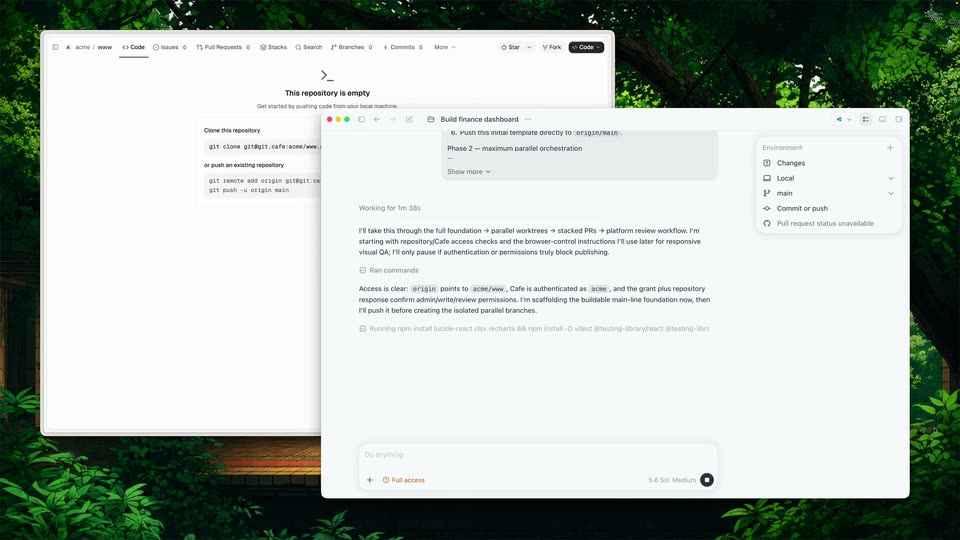

GitCafe Beta Demo
GitCafe · B2B · Aug 2026
Windsurf · Oct 2023 · 0:50 · Full motion · AI-annotated
Windsurf’s 0:50 launch film runs 6 scenes, about 8.4 s each. The product shows up at 0:05. There is no explicit call to action. The video opens with a 3D IDE window tilting and zooming into the code, then settles into one long, slow demo of the AI chat writing and inserting Java functions, closing on a pull-back to the floating window. Its style is defined by smooth 3D camera moves (tilt, zoom, blur-pull-back) over a dark IDE UI set on a vivid orange-blue gradient, with very few cuts.
Is this your launch? to your site or press kit.
GitCafe · B2B · Aug 2026
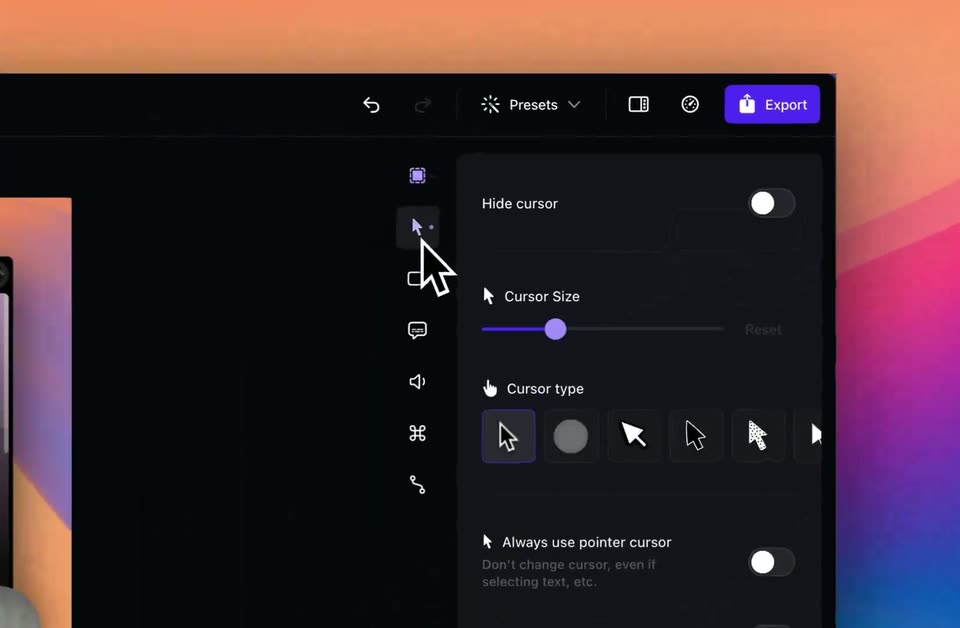
Screen Studio · Jun 2024
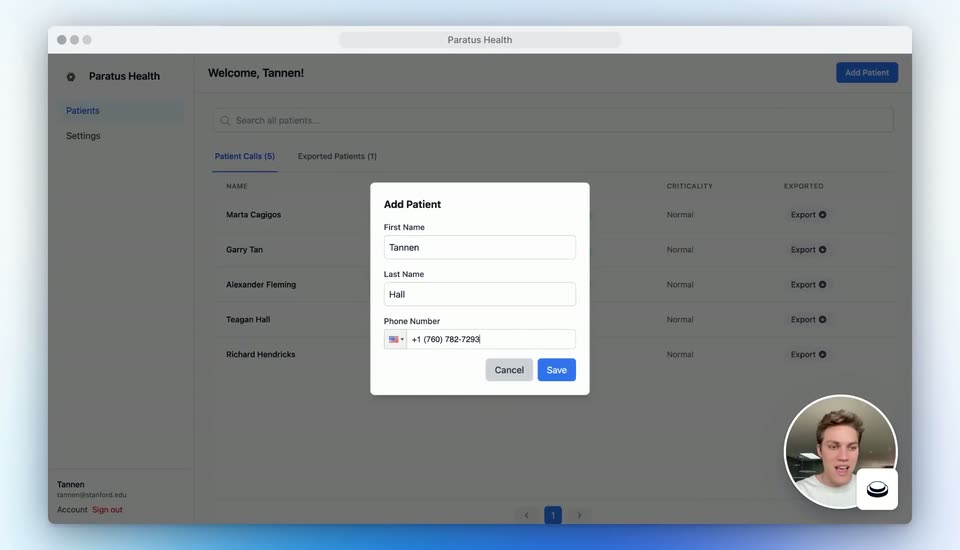
Paratus Health · Healthcare · Feb 2025
A tilted 3D Eclipse IDE window floats over a colorful gradient background, a cursor hovers over the code, then the camera zooms into the code lines, flattening the perspective into a close-up.
Techniques: 3D mockup, Cursor demo, UI zoom
Camera: Push in
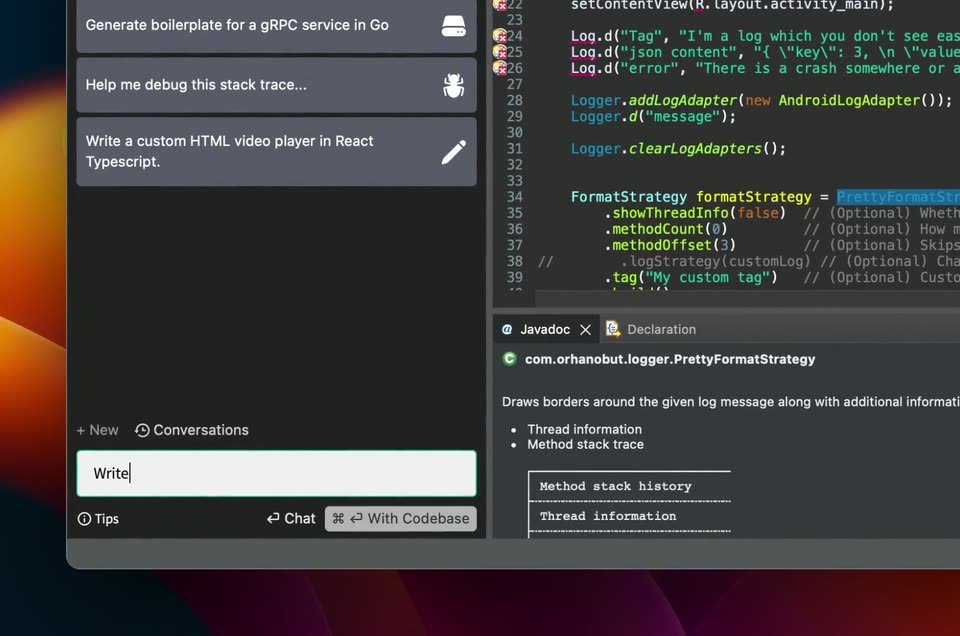
A dark code-assistant window fills the frame, prompt suggestions left and Java code with a Javadoc panel right. A cursor types 'Write a function that' into the chat box, then the view blurs and pulls back to reveal the full window with a 'Welcome, Michael' header.
Techniques: Cursor demo, UI zoom
Camera: Pull out
A dark IDE window with an AI chat panel scales up over a blurred orange background. The chat types a prompt, returns a code block, and the view zooms into the Java file.
Techniques: Cursor demo, UI zoom
Camera: Push in
Close-up of a Java file in an editor, where a generated function is inserted, then the view pulls back to the full IDE on a desktop. The cursor types a prompt into the AI chat box, autocomplete suggestions appear, and the chat scrolls to a new code reply.
Techniques: UI zoom, Cursor demo
Camera: Pan
A dark code editor fills the right half with numbered Java lines, while a chat panel on the left scrolls an AI reply and a code snippet into view. An orange glow edges the left side, and a text caret rests between the two panes.
Techniques: Split screen
Camera: Pan
A split view shows an AI chat panel on the left and a Java code editor on the right, with a text cursor in the code. The frame then zooms out to reveal the full IDE window floating on a vibrant orange and blue gradient background.
Techniques: UI zoom
Camera: Pull out