0:15
Florian - Today we're introducing Launchvideo Skills and references that let y
Launchvideo · Sep 2026
Warp · Apr 2022 · 1:03 · Full motion · AI-annotated
Warp’s 1:03 launch film runs 25 scenes, about 2.5 s each. The product shows up at 0:02 and 8 features are revealed. The call to action lands at 0:56 (89% in), over a voiceover. A single dark terminal window on a deep purple field is tilted into 3D for the first feature, then flattened for a rapid tour of captioned demos, each introduced by a gray caption below the window. The video closes with the two-square Warp mark assembling on black and the warp.dev beta line, keeping the interface itself as the only recurring visual.
Is this your launch? to your site or press kit.
Launchvideo · Sep 2026
GitHub · Developer tools · Oct 2025
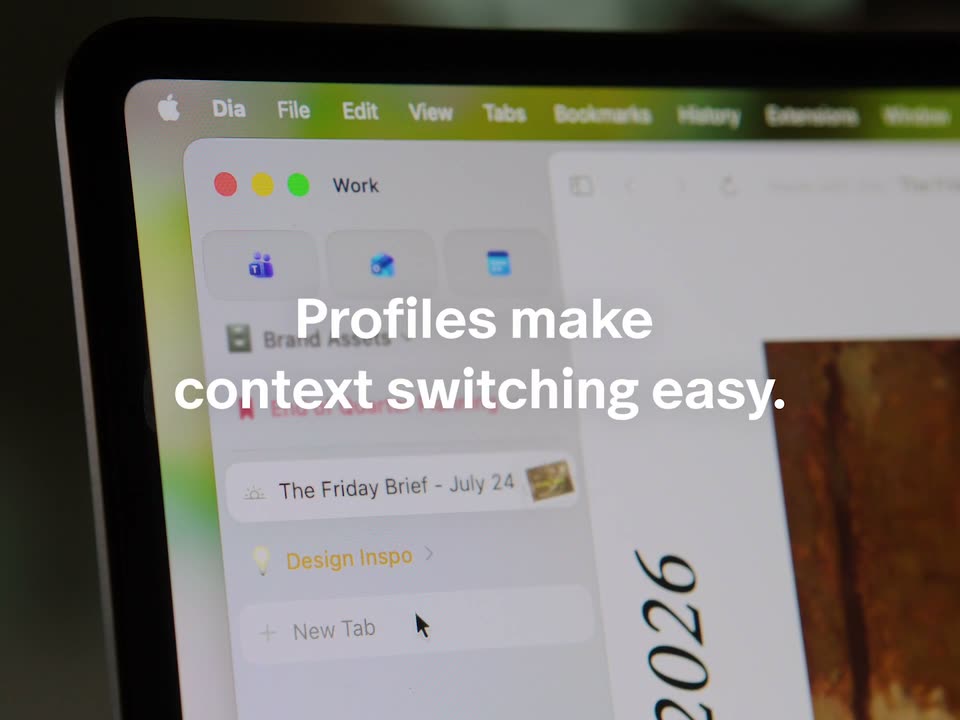
The Browser Company · Productivity · Aug 2026
Films whose music sounds like this one, voice left out
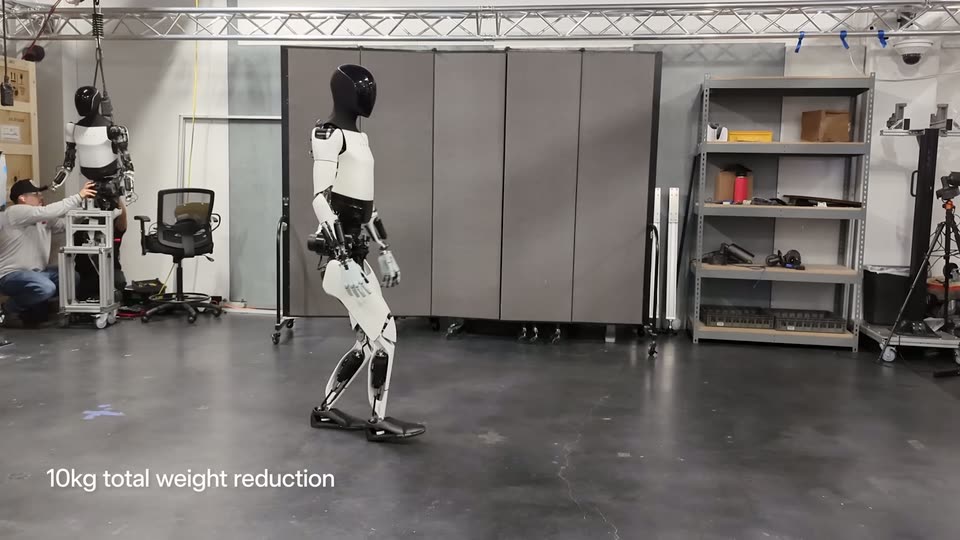
Tesla · Electronic, Ambient, and Rock
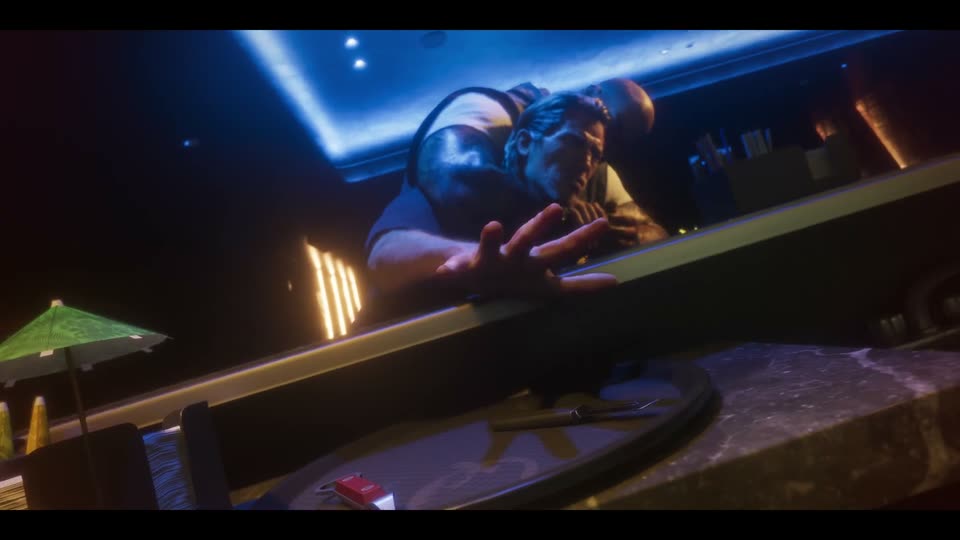
Rockstar Games · A mix of cinematic orchestral score, indie/alternative rock, and synth-pop/electronic dance music.
Adam · Upbeat electronic
A dark editor window with macOS traffic lights fades in at the center of a near-black frame. Two faint rows inside list 'Document Palette' and 'Space Command' beside small key badges.
Camera: Static
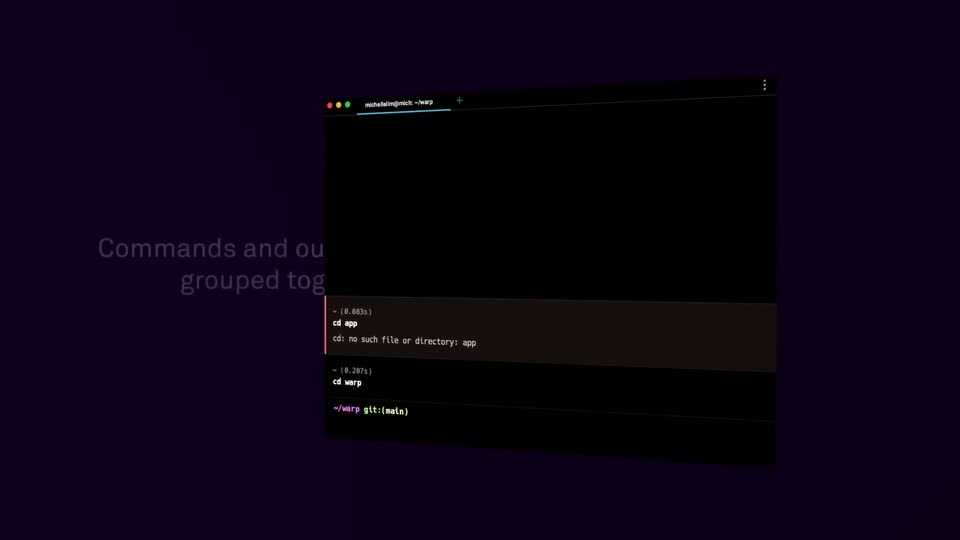
A black terminal window with red, yellow and green dots sits centered on a deep purple background. At the bottom, the line 'cd app' and an error message appear, while faint shortcut hints float in the middle. The frame stays locked-off.
Camera: Static
A black macOS terminal window on a dark purple field tilts into 3D perspective, rotating around its center. A large gray headline fades in along the left edge, partly hidden behind the window.
On-screen text: “Commands and o”, “grouped to”
Techniques: 3D mockup
Camera: Static
A dark terminal window sits in 3D perspective on a purple background, its grouped command outputs shown in red and teal blocks. A white two-line caption reads on the left. The window rotates into its angled position as the caption text settles into place.
On-screen text: “Commands and outputs grouped together”
Techniques: 3D mockup
Camera: Push in
A terminal window tilted in 3D perspective holds on the right, its command blocks grouped with one output framed in teal. A light gray caption sits to the left on the dark purple background.
On-screen text: “Commands and outputs grouped together”
Techniques: 3D mockup
Camera: Static
A dark terminal window, tilted in 3D perspective on the right, displays grouped command blocks separated by thin colored lines. A two-line gray headline sits on the left. The composition holds still with no motion.
On-screen text: “Commands and outputs grouped together”
Techniques: 3D mockup
Camera: Static
A Warp terminal mockup tilts in 3D perspective beside the headline Commands and outputs grouped together, then flattens to face the camera. A cursor opens the block menu and hovers over Create Permalink as Block sharing fades in below.
On-screen text: “Commands and outputs grouped together”, “Block sharing”
Techniques: 3D mockup, Cursor demo
Camera: Pan
A dark terminal window shows a Share Block modal over ls output, with the caption Block sharing below. A cursor clicks the blue Create and Copy Link button, a URL field fills in, and a Link copied toast slides up under the modal.
On-screen text: “Block sharing”
Techniques: Cursor demo
Camera: Static
A dark terminal window on a purple background shows stacked command blocks with one highlighted. A white headline reads below the window. The camera zooms into the terminal, pushing the headline out of frame as new commands type in at the bottom.
On-screen text: “Block sharing”
Techniques: UI zoom
Camera: Push in
A dark terminal window sits on a purple field. A blue-highlighted completion menu cycles through commands beside a detail panel, then the typed line autocompletes and a build bar fills before a stop. Bottom captions read Visual tab completions, then Modern text editing.
On-screen text: “Visual tab completions”, “Modern text editing”
Camera: Push in
A dark terminal shows a file listing and a build running; an A.I. Command Search panel pops up, a natural-language query is typed, and a suggested git command is inserted into the prompt. The camera pulls back to the full window as the caption swaps.
On-screen text: “Generate commands with AI”, “Search for workflows”
Techniques: UI zoom
Camera: Pull out
A flat terminal window sits on a dark purple background with a workflow panel open in the center. The letters un then undo are typed into the search field, filtering the list to git undo commands as the blue highlight moves down.
On-screen text: “Search for workflows”
Camera: Static
A dark terminal window sits on a deep purple field, its command history scrolling upward as the search box at the top cycles through queries like cd warp, ls and git reset HEAD~. The caption Search for workflows holds steady at the bottom.
On-screen text: “Search for workflows”
Camera: Static
A dark terminal window sits centered on a purple background, showing a file list and several command blocks with a build progress bar. Two gray caption lines fade in at the bottom, one after the other.
On-screen text: “Find team commands”, “Search for workflows”
Techniques: Kinetic type
Camera: Static
A dark terminal window shows an open command palette. The sidebar selection moves from All to Project Workflows while the command list scrolls down, and a cursor hovers over an entry. A white caption reads Find team commands below the window.
On-screen text: “Find team commands”
Techniques: Cursor demo
Camera: Static
A dark terminal window sits centered on a purple background, showing a file list and shell commands. The terminal content scrolls upward to reveal new commands and a progress bar, while a white headline below reads Find team commands and fades out.
On-screen text: “Find team commands”
Camera: Static
A dark terminal window shows a command palette dropdown over the shell history. As the query 'theme' is typed, the list filters and the highlighted row moves from navigation commands to 'Open theme picker'. The caption 'Command palette' fades in below.
On-screen text: “Command palette”
Camera: Static
A dark terminal window shows a Themes panel on the left with Dark, Solarized Dark and Gruvbox Dark options, while the main pane lists git and cargo commands. The caption Choose any theme fades in at the bottom, followed by Command palette.
On-screen text: “Choose any theme”, “Command palette”
Camera: Static
A terminal window shows a Themes panel on the left; the highlight slides from Solarized Dark to Gruvbox Dark and the terminal background shifts from teal to dark gray. A white caption sits below the window.
On-screen text: “Choose any theme”
Camera: Static
A dark terminal window shows a theme picker panel on the left. The list of theme names scrolls up one step as the blue selection highlight moves down to the next entry. A white caption sits below the window.
On-screen text: “Choose any theme”
Camera: Static
A dark terminal window sits on a purple field. In the left Themes panel, a list of theme names scrolls up as a blue highlight steps down the rows, while the right pane updates with git and build output. A white caption reads Choose any theme below.
On-screen text: “Choose any theme”
Camera: Static
A dark terminal window shows a Themes sidebar with a search field reading dark and a vertical list of theme cards that scrolls upward, the lower card held in a blue highlight. A white caption reads Choose any theme beneath the window.
On-screen text: “Choose any theme”
Camera: Static
On a near-black field with a faint horizontal light band, a small dark indigo rounded square holds center as a second dark indigo tilted square slides in from the upper right and overlaps it, completing the two-part Warp mark.
Camera: Static
A blue rounded-square logo mark with a cyan gradient shape holds center on a near-black purple background. The lowercase wordmark warp fades in beneath it in a soft gray tone.
On-screen text: “warp”
Camera: Static
The Warp logo, a blue-to-cyan gradient icon of two overlapping rounded squares, sits centered on a near-black field with the white wordmark below it. The tagline fades in beneath, holds, then fades out. The frame stays locked off.
On-screen text: “Get the public beta now at warp.dev”
Camera: Static