0:45
Explore
Florian - Today we're introducing Launchvideo Skills and references that let y
Launchvideo · Sep 2026 · 0:15 · Code only · AI-annotated
- Length
- 0:15
- Scenes
- 6 · 2.6 s avg
- Product on screen
- 0:01
- Features shown
- 1
- Call to action
- 0:12 · 76%
- Voiceover
- No
- Views
- 61K on X
as of November 14, 2026
00:00:00 / 00:15:26
- Length
- 0:15
- Scenes
- 6 · 2.6 s avg
- Product on screen
- 0:01
- Features shown
- 1
- Call to action
- 0:12 · 76%
- Voiceover
- No
- Views
- 61K on X
as of November 14, 2026
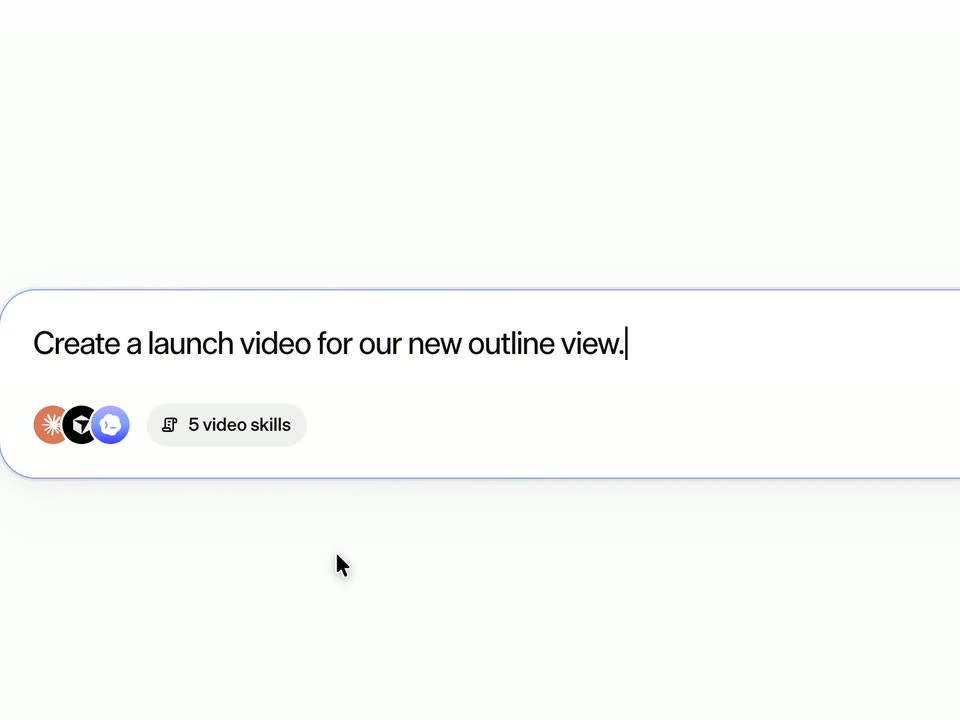
Launchvideo’s 0:15 launch film runs 6 scenes, about 2.6 s each. The product shows up at 0:01 and 1 feature is revealed. The call to action lands at 0:12 (76% in). The video is built as one continuous UI mockup that the camera zooms and pans through, moving from a prompt field to a chat card to a browser window, with full-bleed text cards bookending the demo. Pacing is slow and smooth at roughly 4 cuts per minute, and the signature moves are type sharpening in from a soft blur, camera pushes into interface elements, and a 3D tilt on the browser window.
No filming indicatedEstimated needs: 2 capture groups — your screens or recordings
Is this your launch? to your site or press kit.
More like this
2:08


tday - product demos your coding agent records
tday.com · B2B · Nov 2026
1:06
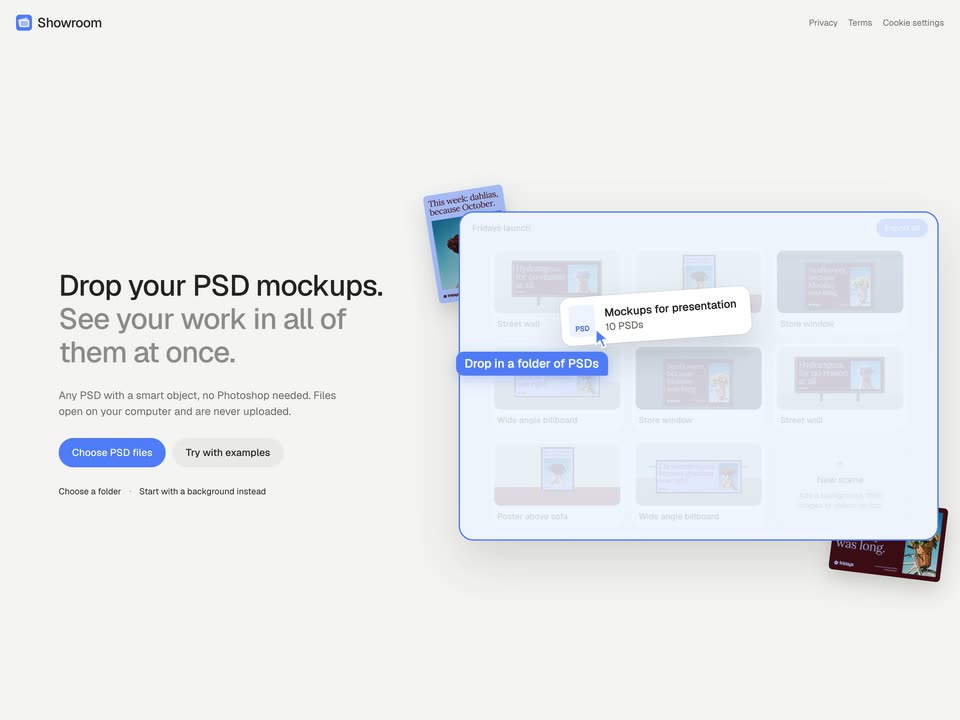

Seyi - Introducing Showroom, an app that lets you see your designs in every
Showroom · Oct 2026
Florian - Today we're introducing Launchvideo Skills and references that let y, scene by scene
· 6 scenes as text
01 · Hook · 0:00–0:01
On a plain off-white field, the centered line “Launch videos are hard.” settles into place, sharpening from a soft gray blur with a faint shadow into solid black type.
On-screen text: “Launch videos are hard.”
Camera: Static
02 · Feature reveal · 0:01–0:05
A bold black headline “Launch videos are hard.” sits above a white rounded prompt field on a light gray background. The frame zooms into the field as the prompt types itself, a chip and three circular icons appear below, and the cursor clicks the blue arrow button.
On-screen text: “Launch videos are hard.”
Techniques: UI zoom, Cursor demo
Camera: Static
03 · Feature reveal · 0:05–0:10
A hand cursor clicks the send button in a prompt field, then the view zooms out to a chat card where a reply with four thumbnails and a video player loads. Large grey text “Teach your” slides in from the left at the end.
On-screen text: “Teach your”
Techniques: Cursor demo, UI zoom, Kinetic type
Camera: Pull out
04 · Feature reveal · 0:10–0:12
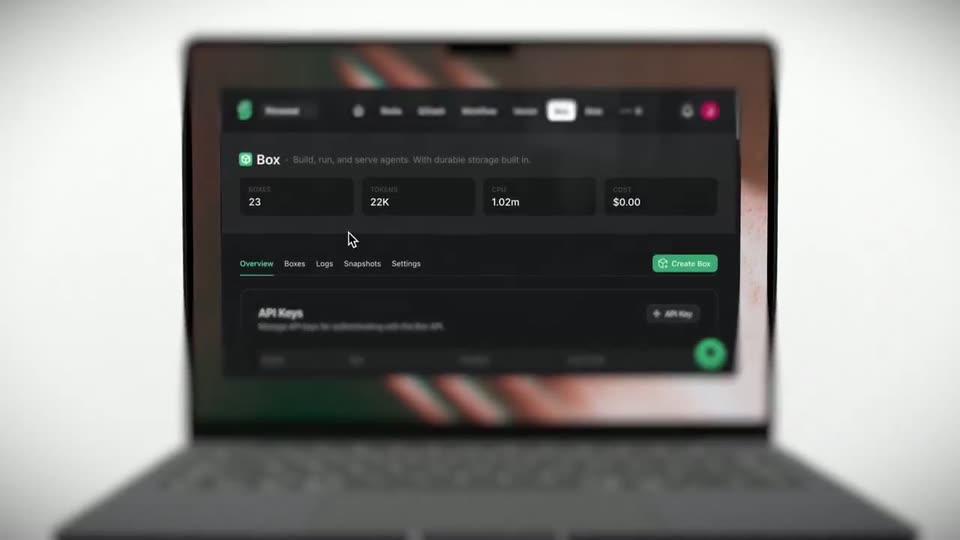
A black sans-serif headline builds over a blurred product settings screen. The line starts as “Teach your agent to film,” then the words “your product.” appear and the sentence scales down slightly to center as the defocused UI shifts behind it.
On-screen text: “Teach your agent to film your product.”, “4”
Techniques: Kinetic type
Camera: Static
05 · CTA · 0:12–0:13
A browser window mockup sits on a light gray field. A cursor types launchvideo.dev into the address bar, the same URL scales up at the page center, then the window tilts into 3D perspective as a purple Unlock now button fades in.
On-screen text: “launchvideo.dev”
Techniques: 3D mockup, Cursor demo
Camera: Static
06 · CTA · 0:13–0:15
On a plain off-white background, the dark italic wordmark launchvideo.dev scales in at center, and a blue rounded button labeled Unlock now slides in beneath it. A hand cursor hovers over the button, then the frame holds static.
On-screen text: “launchvideo.dev”, “Unlock now”
Techniques: Kinetic type, Cursor demo
Camera: Static