0:15
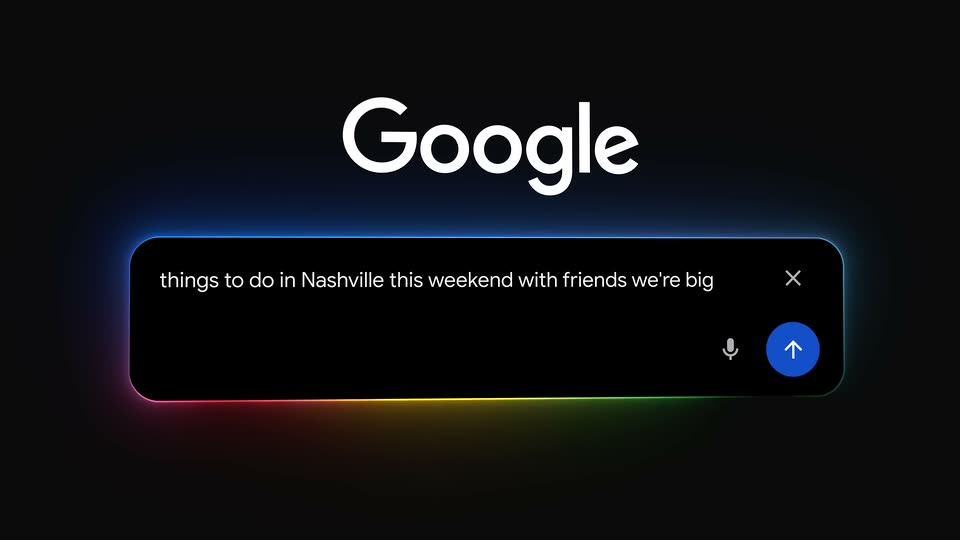

Meet AI Mode - Try a whole new way to search
Google · AI · Jun 2025
TinyFish’s 0:43 launch film runs 14 scenes, about 3.1 s each. The product is on screen from the first frame. The call to action lands at 0:40 (94% in). The video opens on a brand lockup, then runs one unbroken agent trajectory: a typed prompt, streaming Think and Bash lines, a ticking to-do bar, and a key-findings report, before dissolving into a held install card. Its look is a dithered orange frame around a dark UI, with slow zooms in and out of the scrolling log and word-by-word typing as its signature moves.
Is this your launch? to your site or press kit.
Google · AI · Jun 2025
Spline · Design · Dec 2020
Parasol Corp · Nov 2026
Films whose music sounds like this one, voice left out
American Heart Association · Electronic, Corporate
Quivly AI · Upbeat electronic
Anthropic · Electronic, upbeat
On an orange halftone background with a moving light band, the TinyFish x deepseek lockup and a black HARNESS badge fade in from low contrast to solid black.
On-screen text: “TinyFish × deepseek”, “HARNESS”
Techniques: Light sweep
Camera: Static
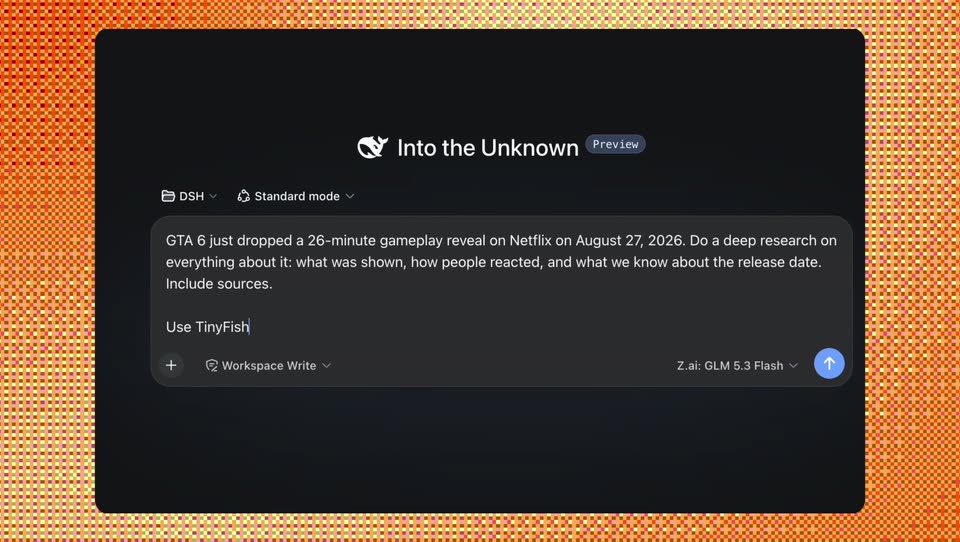
A dark AI chat panel sits centered on an orange pixel-dot background, showing a typed prompt about a GTA 6 reveal and a 'Use TinyFish' instruction. It holds still, then dims and blurs as it transitions out.
On-screen text: “TinyFish × deepseek”, “HARNESS”
Camera: Static
A dark chat window sits on a halftone orange dot background. Under the user message, two context injection lines fade in, then a Think line types out a sentence word by word while a blue 'Deep diving...' label holds below.
Camera: Static
A locked-off screen recording of a dark AI-agent chat interface in a browser window, set on an orange pixel-grid background. Below a user prompt, the agent's thinking lines and Bash steps appear one by one while a Deep diving timer ticks up.
Camera: Static
A dark agent chat window sits on an orange halftone dot background. Its trajectory log scrolls upward as new Think and Bash lines type in, then the view zooms in on the lower entries near the message bar.
Techniques: UI zoom
Camera: Static
A dark agent chat log fills the frame as a close-up, lines of Bash and Think steps scrolling, then the view pulls back to reveal the full browser window titled GTA 6 Gameplay Reveal Deep Research on an orange halftone background.
Techniques: UI zoom
Camera: Static
A dark agent chat window floats over an orange halftone dot background. The conversation log scrolls upward, new Bash and Read tool calls and bold summaries sliding in from the bottom, while the to-do bar and status line at the foot update their counts.
Camera: Static
A dark agent workspace panel floats on an orange pixel background. Its log of Read, Think and Bash actions scrolls up as new lines stream in, then the camera zooms into the list, settling on the line about pulling fan-sentiment from Reddit.
Techniques: UI zoom
Camera: Static
A dark agent chat log fills the frame, entries for Read, Think and Bash actions stacking as the timer ticks. The view zooms out to reveal the full app window with its sidebar, top bar and Chat tab, the orange dithered border framing the card.
Techniques: UI zoom
Camera: Static
A dark agent chat window on an orange dotted backdrop scrolls upward as a log of Think, Bash, Read and Write actions streams in. The To-dos counter ticks from two to six completed, then a Key findings report types out line by line.
Camera: Static
A dark chat window sits on an orange halftone-dot background. The report text scrolls upward, lines sliding past, then settles to reveal the closing lines and a file chip above the message input.
Techniques: Kinetic type
Camera: Static
A dark research-report window sits at a slight angle over a bright orange patterned field. Its long body text, left icon rail and bottom message box fill the frame, held static for the brief shot.
Techniques: 3D mockup
Camera: Static
A document viewer screen with a sidebar and body text dissolves out over an orange dotted backdrop. The TinyFish fish logo, a tagline, and a rounded command field fade in as the closing card.
On-screen text: “Give AI agents access to the entire Web”, “npm install”
Camera: Static
A locked-off orange halftone backdrop holds the TinyFish fish logo and wordmark with a tagline beneath. A white rounded chip at the bottom fades in to show the install command.
On-screen text: “Give AI agents access to the entire Web”, “npm install -g @tiny-fish/cli”
Camera: Static