1:10
Welcome to the next era of Jira - Inside Atlassian
Atlassian · Apr 2024
Teenage Engineering · Dec 2020 · 0:32 · Full motion · AI-annotated
Teenage Engineering’s 0:32 launch film runs 43 scenes, about 0.8 s each. The product is on screen from the first frame and 3 features are revealed. The call to action lands at 0:28 (87% in), over a voiceover. The video opens with a sliding mode carousel, then alternates locked-off amber feature cards with rapid interface demos, cutting about once a second to a 127 bpm hum. Its signature look is flat, color-tinted footage held inside a fixed camera-app frame with yellow sliders, punctuated by notched geometric type on solid amber.
Is this your launch? to your site or press kit.
Atlassian · Apr 2024
Fish Audio · Sep 2026
A flat gray stage holds a row of vector icons that slides left past a locked frame. A landscape phone with a colored line chart labeled OP-Z exits left, a gray wrench labeled CONFIGURATOR passes through center, and a gray battery icon labeled PHOTO enters from the right. A black viewfinder bar with a battery gauge and frame counter stays fixed along the bottom.
On-screen text: “OP-Z”, “CONFIGURATOR”, “PHOTO”
Camera: Static
A horizontal row of flat mode icons on a light gray screen slides left, centering a red-and-gray film-strip pictogram. A black status bar along the bottom holds a battery readout on the left and a yellow frame counter on the right.
Camera: Static
A top-down grid of black circular frames with white handles fills the left side on a gray field, while a dark control panel with yellow sliders sits on the right. The frame stays locked off, with a counter and a bottom status bar holding the view in place.
Camera: Static
A camera app viewfinder frames a hand holding a technical drawing, with a slider panel on the right and a roll counter along the bottom. The hand shifts the sheet slightly while the interface stays fixed.
Camera: Static
A yellow-tinted screen shows a hand holding a small round-button device at center, framed by a top navigation bar and a dark slider panel on the right. The hand and device drift slightly rightward.
Camera: Static
A camera app screen fills the frame. A tiled grid of a hand holding a phone scrolls slowly behind a dark right-hand panel with sliders for mask and punch-in settings. Yellow accents mark the active values and the roll counter at the bottom.
Camera: Static
A camera app screen frames a glowing magenta keyboard in the center viewport, its right edge dimmed under a dark control panel of mask sliders, with a top navigation row and a bottom status bar showing battery and roll count.
Camera: Static
A dark app interface shows a blue preview box filled with a grid of black mask shapes above a blue-lit control surface with round buttons and a stylus. A right-hand panel lists mask sliders, and the top frame counter reads 16.
Camera: Static
A video editor interface fills the frame: pink-tinted clips of hands typing on a keyboard sit in a left grid, while a right panel of orange sliders switches from mask to color controls. A counter reads 17 at top, ROLL 2 at the bottom.
Camera: Static
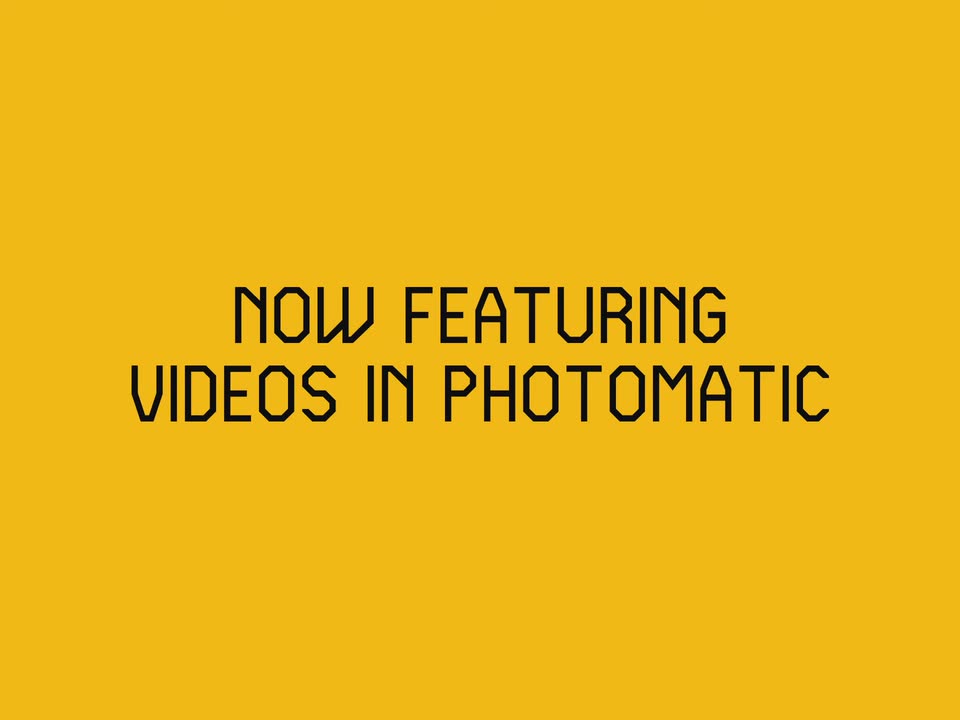
A solid orange card holds two centered lines of black angular text, static and locked off for the full duration of the shot.
On-screen text: “NOW FEATURING”, “VIDEOS IN PHOTOMATIC”
Camera: Static
Top-down view inside a camera app: a hand plays a gray MIDI keyboard below a phone whose screen scatters the letters of RANDOM. A dark slider panel with yellow values overlays the right side, a top control row shows 18 with arrows, and a bottom bar reads ROLL 2. A caption announces the feature.
On-screen text: “NOW FEATURING”, “VIDEOS IN PHOTOMATIC”
Camera: Static
A camera interface holds still: a grid of round pads with numbered buttons 1 to 5, a frame counter 19 at top, and a translucent right panel of color sliders over a hand. ROLL 2 sits in the bottom bar.
Camera: Static
A camera app screen fills the frame. A yellow circular lens fills the viewfinder on the left, while a dark panel of color sliders sits on the right. The viewfinder image drifts slightly left over the clip.
Camera: Static
A flat camera-app roll view fills the frame. On the left, a cyan field holds columns of isometric 3D wireframe camera bodies that drift vertically. On the right, a dark panel stacks yellow slider controls for saturation, tint, brightness and contrast. A black bottom bar shows a battery readout and the yellow label ROLL 2.
Camera: Static
A phone app screen fills the frame. Green hexadecimal characters scroll upward on the left over black, while a dark control panel on the right holds yellow sliders labeled zoom and scroll speed, with circular tool icons above and a yellow ROLL 2 tag at the bottom.
Camera: Static
A camera app interface fills the frame. A purple-tinted viewfinder on the left shows a diagonal grid of repeated mechanical objects that drifts slowly, while a dark panel on the right holds labeled sliders and a checkbox. A black status bar at the bottom reads ROLL 2 in yellow.
Camera: Push in
A dark screen shows a green matrix code field scrolling vertically on the left, behind a right-hand control panel of yellow sliders and round icons. The top bar holds navigation arrows and the number 24, the bottom shows a battery readout and the label ROLL 2.
Camera: Static
A film-camera app viewfinder shows a macro shot of a finger pressing a button. A dark circular punch-in mask shrinks and vanishes, opening the full frame of the PRINT and LOCK keys while the frame counter ticks from 7 to 9.
Techniques: Masking, UI zoom
Camera: Static
A camera app screen with a right-hand control panel showing MASK, MASK SCALE, PUNCH-IN CHANNEL and PUNCH-IN MODE sliders. The viewfinder shifts from a red film test frame reading PRINT and LOCK to a grid of pink circular shapes with dark centers.
Camera: Static
A camera-viewfinder screen shows a grid of white cup-shaped objects over a technical drawing, with a dark control panel of yellow sliders on the right; the frame counter ticks 9 to 10 and the mask scale slider eases from 100 to 98 as the grid scales up.
Camera: Static
A camera app viewfinder shows a top-down grid of coffee cups, shifting from a green tint to grayscale as the counter at the top ticks from 11 to 12. A control panel on the right holds sliders for mask and punch-in settings.
Camera: Static
A yellow-tinted live view of hands over a keyboard fills the left frame, with a horizontal mask band across it. On the right, a dark control panel shows sliders; the mask scale value drops from 36 to 20 and the band tightens.
Camera: Static
A plain yellow field holds a single centered line of black text reading ADD UP TO 24 VIDEOS. The frame is locked off with no motion, the type holding still for the full duration.
On-screen text: “ADD UP TO 24 VIDEOS”
Camera: Static
A locked-off camera viewfinder UI frames a phone and a camera body with a hand on its dials. The phone screen inside the frame builds the letters R then RAN while the right sidebar lists punch-in settings.
On-screen text: “ADD UP TO 24 VIDEOS”
Camera: Static
A dark camera app interface holds still around a grayscale close-up of a physical control panel with rows of round buttons and a circular dial. A right panel lists four sliders, a top bar shows 19 between arrows, and a bottom bar reads ROLL 2.
Camera: Static
A camera app screen shows an amber live view on the left and a slider panel on the right. The view slowly zooms into a large amber circle with a thin ring at its left edge and a small dark spot at its center.
Camera: Static
A camera app screen with a slider panel on the right. The viewport shows two 3D circuit boards floating on a pale cyan field, then flips to black with rows of green hex code scrolling past.
Techniques: 3D mockup
Camera: Static
A camera app interface fills the frame, with a top navigation bar, a right-hand settings panel of mask and punch-in sliders, and a bottom bar reading ROLL 2. The central viewfinder switches from green hex code on black to a lavender field tiled with wireframe grids.
Techniques: Masking
Camera: Static
A camera app interface fills the frame: the left viewfinder shows a scrolling field of green hexadecimal code on black, while a right-hand panel holds four static sliders for mask and punch-in settings. Top and bottom bars carry navigation arrows, a frame counter, battery level, and a roll indicator.
Camera: Static
A flat amber field holds a single centered line of black uppercase text, locked off with no motion for the full duration.
On-screen text: “SEQUENCE AND TRANSFORM”
Camera: Static
A close-up of a camera control panel shows a finger pressing the LOCK button next to PRINT, set inside an app screen with color sliders on the right. The frame holds still with no camera move.
On-screen text: “SEQUENCE AND TRANSFORM”
Camera: Static
A camera app interface fills the frame. A red textured surface occupies the left viewfinder, its grain shifting as the lens moves, while a right panel holds five gray sliders with yellow values and an invert checkbox. A yellow ROLL 2 label sits at the bottom.
Camera: Static
A top-down view of a grid of small cups filled with dark liquid is shown behind a dark UI panel with sliders and labels. The video feed has a slight chromatic aberration effect that stabilizes.
Camera: Push in
A mobile video editor screen shows a yellow-tinted clip of two hands holding a small round-key keyboard over a schematic sheet. The grading sliders on the right and bottom are replaced by effect sliders (CROSSFADE, ZOOM, DOUBLE, WOOFY) as the preview background switches to a pattern of outlined keys.
Camera: Static
Within the app's preview frame, a glowing control-surface device with rows of round knobs is held by two hands against black. It shifts from magenta to blue as the top counter ticks from 15 to 16.
Camera: Push in
A video app viewfinder shows pink-tinted footage of hands typing on a black keyboard, with a ghosted overlay of a purple-lit white keyboard drifting over it. The interface frames the clip with a top frame counter and a bottom row of effect sliders.
Camera: Static
A camera app viewfinder frames a translucent film-camera body, its dials and shutter glowing, over a live shot of the word RANDOM. The ghosted body drifts slightly as the frame counter holds at 19 and the bottom bar shows ROLL 2.
Camera: Static
A wavy 3D controller with rows of round buttons and two top dials fills the app viewport, tilted in perspective. The backdrop warms from cream to orange as the device rocks slightly while the woozy value ticks up.
Techniques: 3D mockup
Camera: Static
An effect app screen shows a pale green blob on blue with small labeled panels floating in 3D. As the WOOFY slider snaps from 0 to 100, the preview warps into a teal vortex of glowing green hex characters that spiral past the distorted panels.
Techniques: Morph, Particles
Camera: Static
A camera app interface fills the frame, its purple viewfinder showing a patterned surface. Green hex code characters scatter across the view, then clear as the frame counter ticks from 23 to 24. The bottom bar holds ROLL 2 and effect sliders.
Camera: Static
A green field of hexadecimal code scrolls upward across the screen behind a control interface. A yellow counter reads 24 between arrow buttons, with toggles labeled crossfade, zoom, double and woopy along the bottom and ROLL 2 centered below.
Camera: Pan
A flat yellow background holds a centered black title, OP-Z APP, in a wide geometric sans, with a smaller caption line below it. The frame is locked off and nothing moves.
On-screen text: “OP-Z APP”, “AVAILABLE IN APP STORE AND GOOGLE PLAY”
Camera: Static
A white bolt-and-nut logo with a registered mark sits centered on a near-black field, holding still. Two lines of small gray legal text sit at the bottom edge, the copyright line scaling in. The frame is locked off with no camera move.
On-screen text: “teenage engineering™ the bolt and nut pictogram are registered trademarks.”, “©2020 teenage engineering. all rights reserved.”
Camera: Static