0:59
MacBook Pro: The most advanced Mac laptop for demanding tasks
MacBook Pro · Aug 2026
Superhuman · Dec 2025 · 1:18 · Full motion · AI-annotated
Superhuman’s 1:18 launch film runs 16 scenes, about 4.9 s each. The product is on screen from the first frame and 2 features are revealed. There is no explicit call to action. The video alternates dark gradient headline cards with white interface mockups, introducing each feature with a two line gradient headline and then proving it with a zoom through demo. Cuts are sparse but the shots move fast internally, relying on 3D phone tilts, push ins on input fields and a cartoon hand cursor clicking Send as the signature moves.
Is this your launch? to your site or press kit.
MacBook Pro · Aug 2026
Microsoft · AI · Nov 2024
Linear · Productivity · Mar 2026
Films whose music sounds like this one, voice left out
Willow · Upbeat funk with Latin influences
RivianOS · Funk
On a near-black background tinted teal and purple, two centered lines fade in. The first, light gray, reads the inbox line; the second runs a blue-to-purple gradient. The frame stays locked and still once the text settles.
On-screen text: “Fly through your inbox”, “with Superhuman AI”
Camera: Static
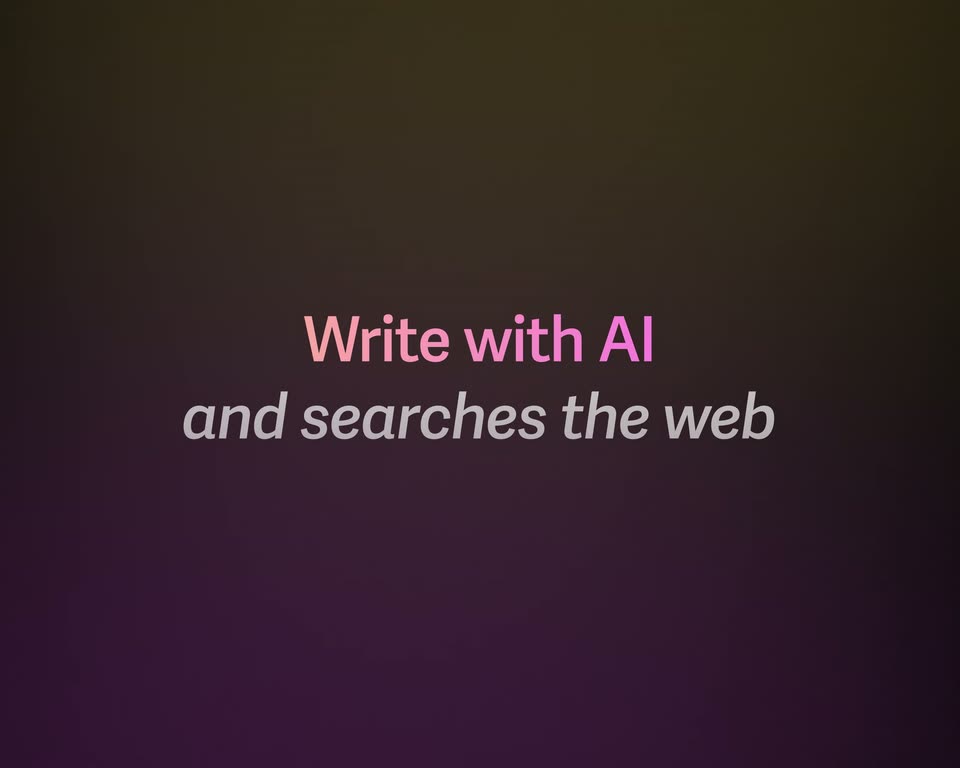
A dark gradient background holds two centered lines of text. The top line, “Write with AI” in a pink gradient, stays fixed while the italic gray line below cycles through short phrases, then both fade out.
On-screen text: “Write with AI”, “Fly through your inbox”, “with Superhuman AI”, “knows your inbox”, “sees your calendar”, “and searches the web”
Techniques: Kinetic type
Camera: Static
“Superhuman Mail Pilot” heads a white email card showing Lisa's message and an empty draft. A hand cursor clicks the ai icon; “reply with vip discount” is typed, status labels cycle, and email subjects scroll behind the field. The generated reply fills the draft, then the cursor clicks Send.
On-screen text: “Superhuman Mail Pilot”
Techniques: Cursor demo, UI zoom
Camera: Pan
A white toast card with “Message sent.” and a close icon scales in on a dark purple background, then vanishes. A two-line headline types in word by word, the second line in a pink-orange gradient, as a phone with an email list slides up from below.
On-screen text: “Turn a few words into”, “fully written emails”
Techniques: Kinetic type
Camera: Static
A phone mockup tilts in 3D against a dark gradient, showing an email titled Security Review. It rotates to face the camera, then the frame zooms into the reply bar as a keyboard and a Write with AI sheet rise.
Techniques: 3D mockup, UI zoom
Camera: Push in
Close-up of a mobile AI composer: a prompt is typed into the field, then a drafted reply fills in with a Trust Center link and meeting times. The view pulls back to the full email, then zooms onto the Send button.
Techniques: Kinetic type, UI zoom
Camera: Pull out
A lavender rounded pill button reading Send with a white arrow icon sits on a white background. It scales down and slides right as a faint outline of the next shape fades in at the left edge.
Camera: Pull out
On a dark gradient background, the gray headline holds center while the pink line types in beneath it. The text then fades as a white interface card slides up from the bottom edge.
On-screen text: “Pick up right from”, “where you left off”
Techniques: Kinetic type
Camera: Static
A two-pane email app interface fills the frame. A hand cursor taps a history row in the left Ask AI panel, which swaps from an empty prompt to a list of past queries, then to a chat answer. The right email pane slides out at the end.
Techniques: Cursor demo
Camera: Push in
A white product interface fills the frame, an Ask AI chat panel on the left and an email thread on the right. The left shows a query bubble and a three-paragraph answer with a Sources link. Both panels scroll slowly upward.
Camera: Static
Close-up of a white input bar on a plain interface. The placeholder Find, write, schedule, or ask anything is replaced by the typed command send plan + travel policy to michelle and zoe. A dark bar pulses at the bottom and Thinking fades in at the top left.
Camera: Static
A status label cycles through Thinking, Matching voice and tone, Writing, then Here's your draft appears as an email types itself into a gradient-bordered card. The camera pulls back to the full draft, pushing in on the SEND and OPEN DRAFT buttons as a cartoon hand cursor points at them.
Techniques: Kinetic type, UI zoom, Cursor demo
Camera: Pull out
A close-up of a chat bar shows a hand cursor hovering over the gray SEND label, beside a lavender button reading OPEN DRA. A pink-to-blue gradient line runs below, above the placeholder text schedule, or ask anything....
Techniques: Cursor demo
Camera: Static
A white toast banner with a lavender left edge fades in at the center of a dark gradient background, holding the dark gray text Message sent. and a gray close icon, then holds still.
Camera: Static
A dark brown-to-purple gradient fills the frame as two centered lines of text fade in and scale up slightly. The first line reads “Get twice as much done” with peach and pink accent words; the second line “with AI-native email” uses a blue-to-purple gradient.
On-screen text: “Get twice as much done”, “with AI-native email”
Techniques: Kinetic type
Camera: Static
A dark olive-to-purple gradient holds a centered headline that snaps from a glitched, fragmented state into a clean line, with SUPERHUMAN in white and MAIL in lavender, then stays locked on a still frame.
On-screen text: “SUPERHUMAN MAIL”, “with Al-native email”
Techniques: Kinetic type
Camera: Static