1:15

Y Combinator - Every company is racing to adopt AI, but many don't know where to sta
Hessian · B2B · May 2026
Spline’s 0:38 launch film runs 23 scenes, about 1.7 s each. The product is on screen from the first frame and 4 features are revealed. The call to action lands at 0:36 (96% in). A dark, near-monochrome feature tour for Hana, the Spline design tool, built as a sequence of centered white title cards that each introduce a capability (MCP, 3D models, agents, direct control) followed by tight UI and 3D demos. The style is defined by flat black title cards, fast 147 BPM cuts, and signature moves: typing prompts, frames populating section by section, and flat grids tilting into 3D perspective with depth-of-field blur, closing on the Hana butterfly logo and the spline.designURL
Is this your launch? to your site or press kit.
Hessian · B2B · May 2026
Warp · Developer tools · May 2026
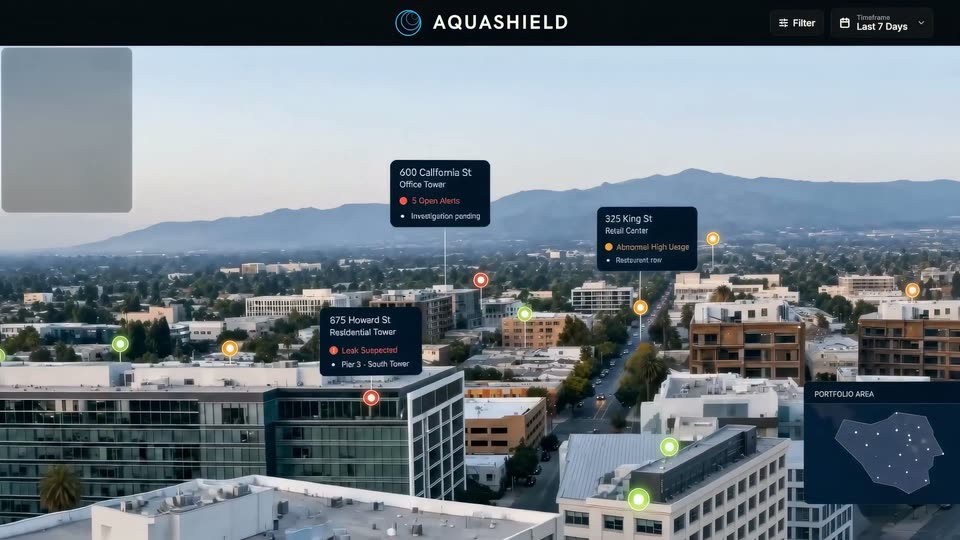
AquaShield · Real Estate and Construction · May 2026
Films whose music sounds like this one, voice left out
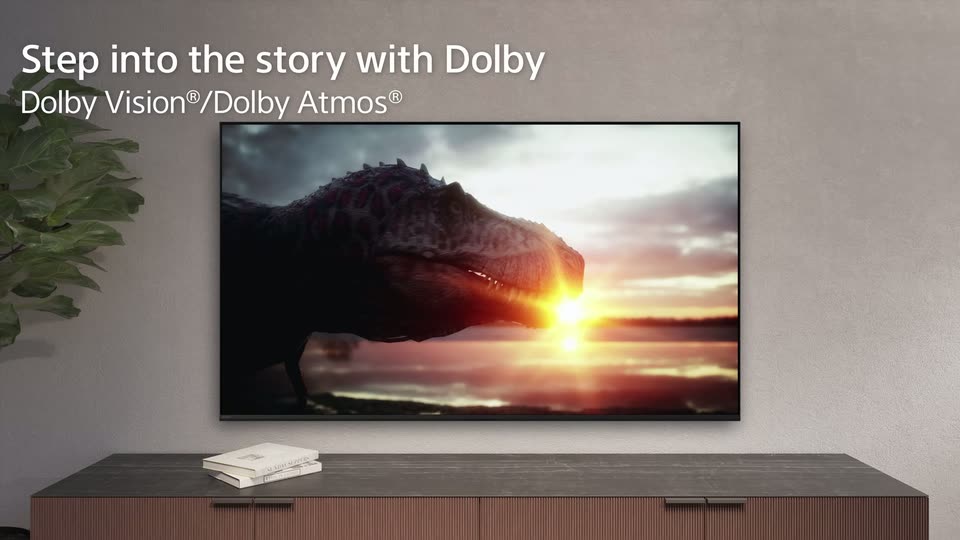
Sony · Electronic Dance Music
Convexia · Electronic, Funk, Disco
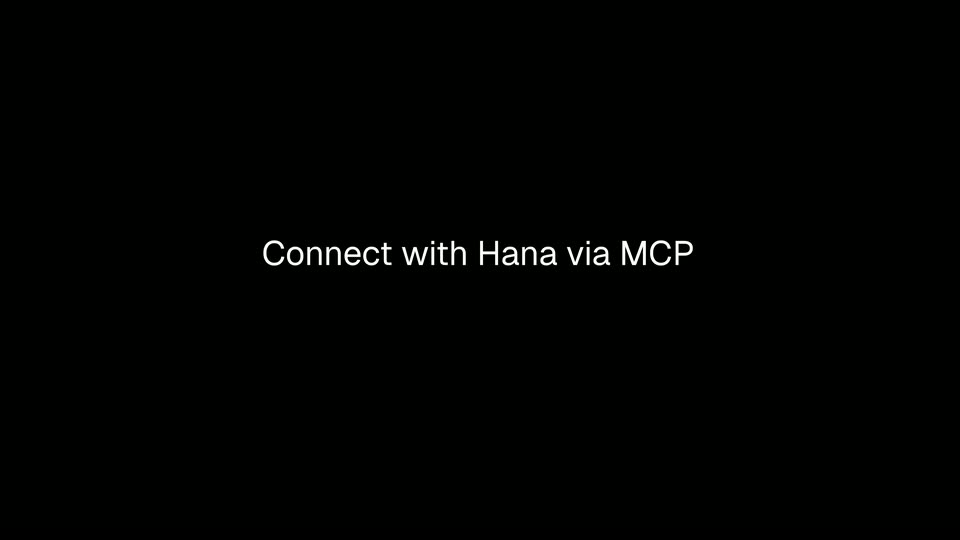
A plain black background holds a single centered white line, “Connect with Hana via MCP”, which settles into place at the start and stays locked for the rest of the shot.
On-screen text: “Connect with Hana via MCP”
Camera: Static
A dark macOS terminal window fills the frame, its prompt line typing out a command. The window then shrinks and slides to the upper-left corner with motion blur, while a caption reads “Connect with Hana via MCP”.
On-screen text: “Connect with Hana via MCP”
Techniques: Speed ramp
Camera: Pull out
A dark design workspace fades to full brightness. A terminal window overlaps the app's left panel, while the canvas holds three colored frames; the center frame populates with a mobile feed screen showing a sunset hero and food cards.
Camera: Pull out
A dark design-tool interface shows a white canvas frame on the right assembling the Web Search screen: a search field types, tag chips and a button fill in, while a terminal window at left logs Claude Code steps line by line.
Camera: Static
A dark design-tool canvas holds a row of angled mono.app screens in 3D perspective, with a terminal window pinned to the lower left. The screens pan to reveal a profile, an image-grid activity feed, a messages list and a search view.
Techniques: 3D mockup
Camera: Push in
A blue file chip labeled headphones.glb shrinks from an overlapping pill into a small tag above a dark prompt bar, which widens while the text Create a design with this 3d model types out with a blinking caret.
Techniques: Kinetic type
Camera: Static
A 3D design tool fills the frame, its layers and properties panels flanking a central viewport. A cursor drags a pair of silver headphones, rotating the model on a grey poster. A second dark poster sits to the right. The camera stays locked off.
Techniques: Cursor demo
Camera: Static
Locked-off view of a design app: layers panel left, dark poster canvas right. A 3D creature in a hooded patchwork cloak, holding a glowing teal flask, turns from profile to face the camera. The poster carries the headline MOSS and the caption AQUA VIRIDIS.
Camera: Static
A dark design-tool interface fills the frame; on the central canvas a 3D Triceratops skeleton rotates in place beneath a white headline, while a layers list sits left and a settings panel right. A cursor hovers over the model.
Techniques: 3D mockup
Camera: Static
On a black background, the phrase resolves in the center, starting as a small blurred fragment and scaling up to full size in a clean white sans.
On-screen text: “Build with agents”
Techniques: Kinetic type
Camera: Static
The workspace canvas holds four vertical frames. As the view zooms in and pans right, each frame fills with a generated landing page: a phone mockup, a dark code hero, a white code hero, and a wealth chart, while a cursor drifts across the canvas.
Techniques: UI zoom, Cursor demo
Camera: Push in
Four vertical fintech website mockups sit side by side on a dark canvas, each inside a colored border with a Generating header, their sections populating one by one. Small colored style tags float at the panel edges and a thin icon toolbar runs down the left.
Techniques: Split screen
Camera: Static
A dark design-tool screen shows an agent panel on the left and three phone mockups in a row, framed orange, yellow and blue. The empty screens fill in turn with album art, track titles and player controls.
Camera: Static
A black screen holds a centered white line that completes from “Refine with” to the full phrase “Refine with direct control.” The text stays locked in place, with no camera move or other elements.
On-screen text: “Refine with direct control”
Techniques: Kinetic type
Camera: Static
Inside a design tool, a cursor rests on the black pause button of a music player card. The frame zooms out twice, first to the full player with its circular artwork, then to a grid of app cards on the canvas.
On-screen text: “Refine with direct control”
Techniques: Cursor demo, UI zoom
Camera: Push in
A dark design-tool window displays a 3x3 grid of widget mockups, weather cards and 3D tiles. The flat view tilts into a steep 3D perspective as the camera swings left and pushes in, the grid angling away with slight motion blur.
Techniques: 3D mockup
Camera: Push in
A rounded photo card sits centered on a pale gray field, showing a red kayak on a misty lake. A white cursor rests over the Save icon in a dark bottom toolbar, the frame held static.
Techniques: Cursor demo
Camera: Static
A dark 3D list of city names with small colored icons tilts in perspective, depth of field blurring the top and bottom rows. The camera dollies down the list, bringing the blue-outlined Rome chip with its toggle to the center while San Francisco and Tokyo pass by.
Techniques: 3D mockup, Parallax, UI zoom
Camera: Push in
A frosted-glass weather card for Meadowfield floats over a sunlit wheat field with a rainbow. A cursor moves off the card to the right as the card drifts right and fades, the stalks shifting with depth.
Techniques: Cursor demo, Parallax
Camera: Push in
A vertical stack of dark pill buttons on a black background scrolls; each button sharpens and brightens as it reaches the center while the others stay blurred and dim. Labels include New UI, Real-time 3D, and Components.
Techniques: Kinetic type
Camera: Static
A grid of phone and web UI mockups on a black background; the camera pushes in and tilts, blurring the outer screens and settling on the central coffee brand card, where a small white logo mark appears.
On-screen text: “Copy Individual Properties”
Techniques: 3D mockup, UI zoom
Camera: Push in
A small white butterfly logo sits centered on a black background, then slides left as a blue-to-magenta gradient sphere scales in beside it, forming the letter o of the white wordmark Hana.
On-screen text: “Hana”
Camera: Static
On black, a multicolored gradient circle in green, blue, and pink rests over the white wordmark spline.design, hiding the letter i. The circle fades out, leaving the plain white wordmark centered on the black field.
On-screen text: “spline.design”
Camera: Static