0:17

Miro - Make Miro part of your Google Docs, with smart chips! Use smart chips
Miro · Productivity · Jun 2023
Presti · May 2026 · 1:45 · Full motion · AI-annotated
Presti’s 1:45 launch film runs 22 scenes, about 4.8 s each. The product is on screen from the first frame and 4 features are revealed. There is no explicit call to action; a voiceover carries the film. Built as a black-framed screen-recording walkthrough: an animated brand wordmark and title card open, one continuous UI demo is narrated by a lower-third gray caption bar, and the same wordmark closes. Signature moves are the wordmark scale-settle with a horizontal ghost trail, blur-to-sharp image reveals, 3D card flips, and a steady 100 BPM cut rhythm.
Is this your launch? to your site or press kit.
Miro · Productivity · Jun 2023
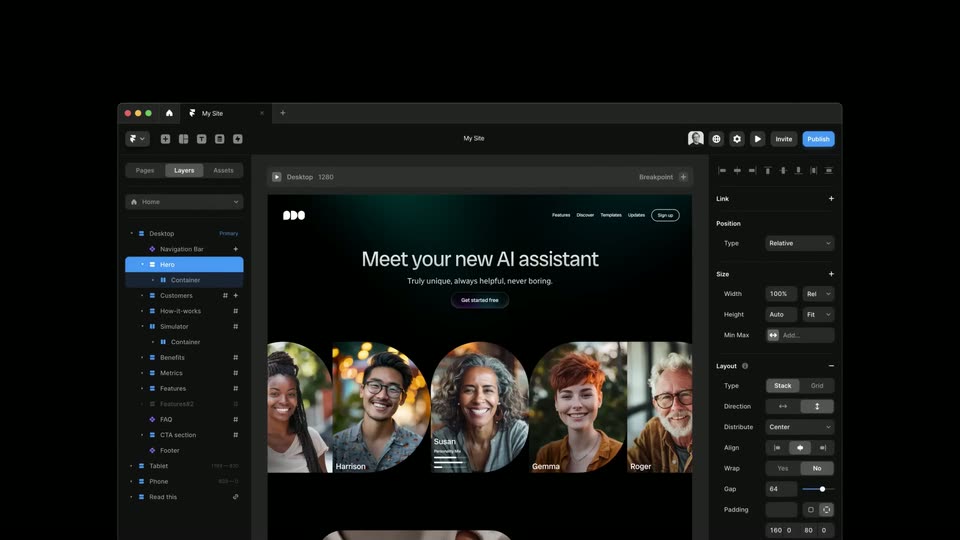
Framer · Design · May 2024
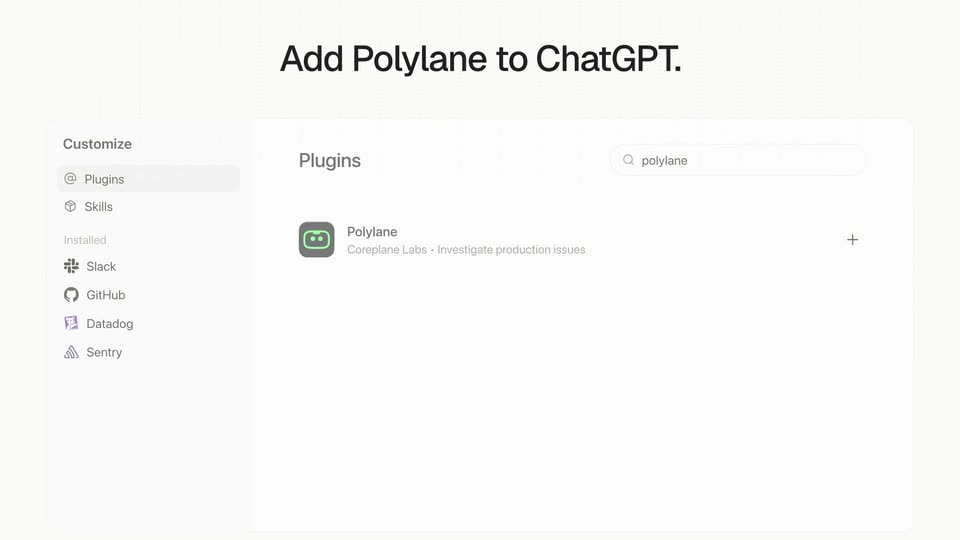
Polylane
Films whose music sounds like this one, voice left out
Pond · Ambient electronic / Corporate tech background
Runway · Modern electronic
On a black background, the white wordmark “Presti” starts oversized and centered, then scales down to its final size. A brief horizontal ghost trails the right edge as it settles into place.
On-screen text: “Presti”
Camera: Pull out
The white Presti wordmark holds centered on a black field, the letter i capped by a detached square. It stays perfectly still for the short shot, a clean sign-off.
On-screen text: “Presti”
Camera: Static
On a black background, the title Presti Scale fades in at center, holds steady for a beat, then fades back to black. No camera movement, the text stays fixed in the middle of the frame.
On-screen text: “Presti Scale”
Camera: Static
A flat dashboard fades in from black. A left sidebar lists navigation items and chat history, while the central panel shows the heading 'What will you create today?' above an empty input field. The view stays static once fully lit.
Camera: Static
A chat interface demo on a black background. A cursor attaches a sofa image, types a prompt, then the agent returns a plan card and two lifestyle photos while lower-third captions narrate each step.
On-screen text: “The first step is to load the input”, “of your choice into the conversation.”, “Here: a sofa.”, “The second step is to ask the agent”, “what you want as an output.”, “That's what we call a prompt.”, “The agent thinks and completes your prompt if needed.”, “It may ask you to clarify your prompt.”, “Read carefully the plan proposed by the agent.”, “You can modify it as you want in the chat,”
Techniques: Cursor demo
Camera: Static
A locked-off view of the app interface with a centered image card that sharpens from a blur into a photo of an orange sofa in a sunlit room. A small dropdown menu opens at the top right, listing a reference image file. A white caption sits at the bottom.
On-screen text: “generated out of the same input.”
Camera: Static
A dark two-panel interface shows an orange couch catalog photo on the left and the same couch placed in a sunlit living room on the right. A reference dropdown closes at the top right while a caption sits below.
On-screen text: “generated out of the same input.”
Techniques: Cursor demo
Camera: Static
A dark Presti interface shows an orange sofa in a white card on the left and a dimmed living room on the right. The left card flips to a chat list while the right output brightens into a fully lit room with the sofa, coffee table and lamp.
Camera: Static
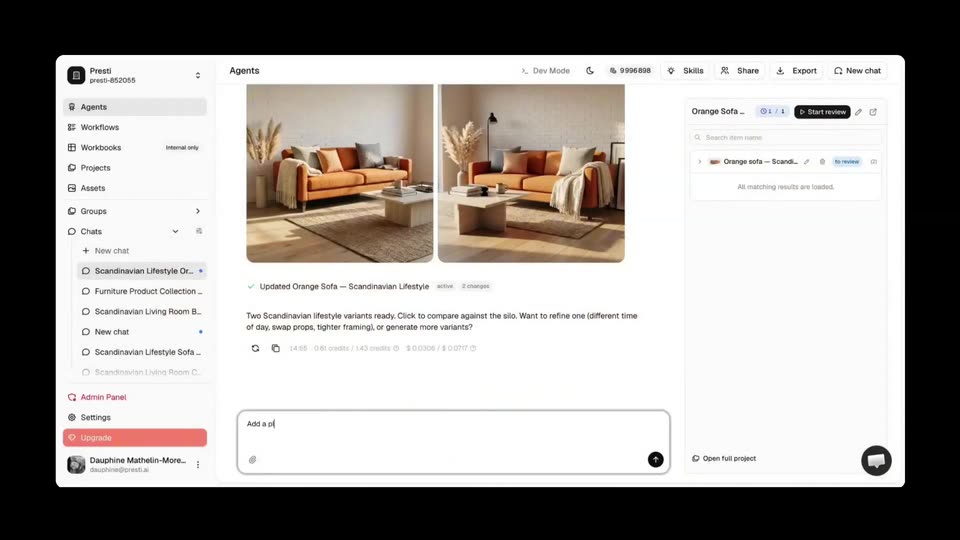
A product chat interface displays two orange sofa renders in the main panel. A cursor moves down to the input field and types 'Add a plant' while a dark gray caption appears at the bottom of the frame.
On-screen text: “You can iterate on your image.”
Techniques: Cursor demo
Camera: Static
A Presti chat screen shows two orange sofa renders with a caption bar reading, then the thread scrolls and a loading box fills with one new render of the sofa plus a plant. Captions swap at the bottom: first about iterating, then about asking to add a plant.
On-screen text: “You can iterate on your image.”, “Let's for example, ask it to add a plant.”
Camera: Static
A dark app interface with a left sidebar stays static while a central lightbox displays a photo of an orange sofa in a sunlit room. A cursor moves to the top-right dropdown and opens it, revealing two file options.
Techniques: Cursor demo
Camera: Static
A dark interface displays a side-by-side comparison of two identical living room photos featuring an orange couch. A dropdown in the top right shows Reference 3 checked and free-slo-1.jpg unchecked, while a cursor drifts toward the right edge.
Techniques: Cursor demo
Camera: Static
A product interface fills the frame as lower-third captions narrate. A prompt is typed and sent in the chat, the agent's chip questions are clicked, a plan card appears, and a generated living-room video plays, ending on a still image.
On-screen text: “Consider that you can ask the agent”, “for anything, even a video, of course.”
Techniques: Cursor demo
Camera: Static
A light app interface with a chat sidebar, a central photo of an orange sofa, and a right panel. The photo swaps to a wider shot, the panel expands to five sofa thumbnails, and a cursor moves to the Start review button as a caption appears below.
On-screen text: “You can find all your assets organized”, “at the right of your board.”
Techniques: Cursor demo
Camera: Static
A light review interface: the central orange-sofa preview flips in 3D between image variants while red reject and green accept badges mark the thumbnails below, and a comment is typed into the right panel. White caption lines swap in at the bottom.
On-screen text: “By clicking on Start Review,”, “you will be able to accept or reject the generated images.”, “This also helps you stay organized”, “with collaborators as you can comment”, “on the generated images.”
Techniques: Morph
Camera: Static
The Presti app interface sits static: a left sidebar lists chats, the center shows a generated living-room image with an orange sofa, and a right panel holds thumbnail variants. A gray caption bar at the bottom reads “on the generated images.” The frame stays locked.
On-screen text: “on the generated images.”
Camera: Static
The product interface shows a Projects list beside a sidebar. A cursor moves to the top row and clicks it, and the screen switches to that project's detail view, showing a conversation and five orange-sofa thumbnails.
On-screen text: “of AI generated images.”, “You can find all of this in the Projects tab, where all your conversations are automatically saved.”
Techniques: Cursor demo
Camera: Static
A flat product interface of the Presti app fills the frame, showing the Projects tab with a row of five orange-sofa scene thumbnails. A cursor drifts down the left sidebar past Agents and Workflows while a gray caption bar at the bottom carries the voiceover line.
On-screen text: “in the Projects tab, where all your”, “conversations are automatically saved.”
Techniques: Cursor demo
Camera: Static
A white app window sits on black. It crossfades from a project board of orange-sofa thumbnails to a chat home titled “What will you create today?” with an empty input field and blinking caret. A gray caption bar at the bottom reads “conversations are automatically saved.” then fades out.
On-screen text: “conversations are automatically saved.”
Camera: Static
On a black field, the white Presti wordmark pops into the center and holds, settling with a faint motion echo trailing off its right edge.
On-screen text: “Presti”
Techniques: Kinetic type
Camera: Pull out
A white Presti wordmark sits centered on a black background, holds, then fades out to black.
On-screen text: “Presti”
Camera: Static
A solid black frame holds for the full duration of the clip. No elements, text or motion appear; the screen stays uniformly dark as a blank transition.
Camera: Static