0:50
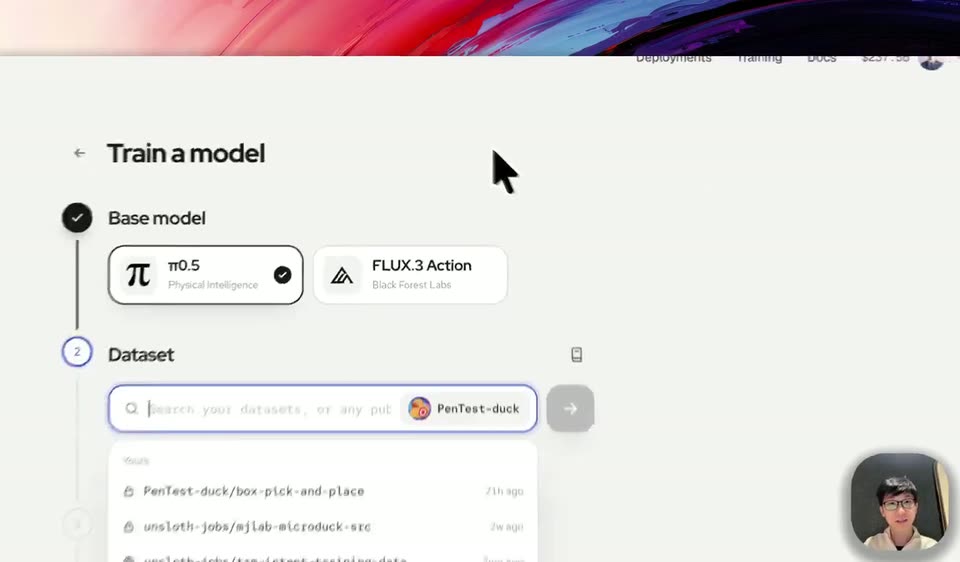

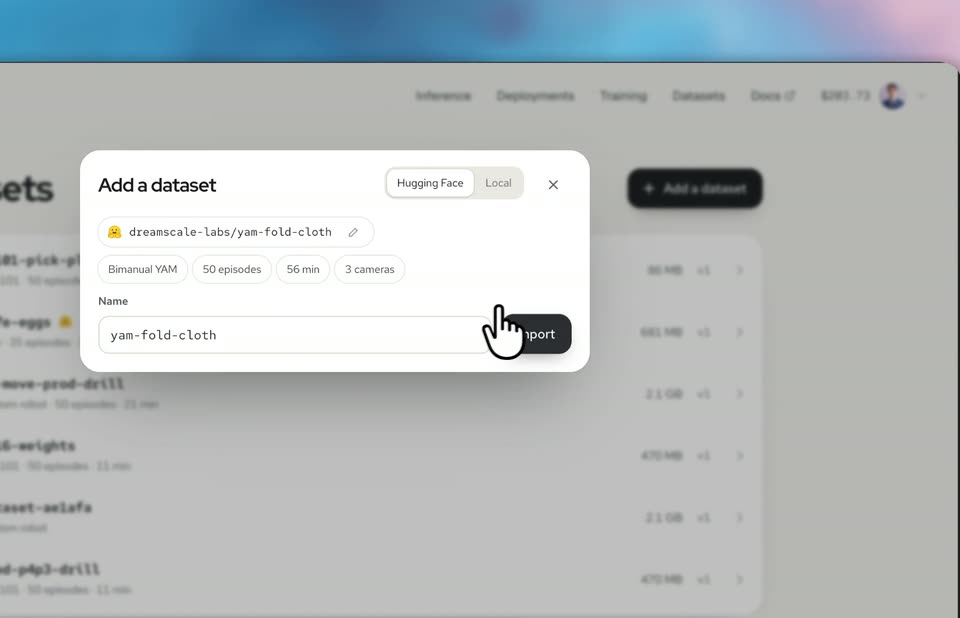
Training is live on Dreamscale! | Dreamscale Labs (YC F26)
Dreamscale Labs · Industrials
Perplexity · Feb 2024 · 0:26 · Code only · AI-annotated
Perplexity’s 0:26 launch film runs 4 scenes, about 6.6 s each. The product is on screen from the first frame and 1 feature is revealed. There is no explicit call to action. The video is one continuous demo: a dark Perplexity window floats over a warm, blurred outdoor backdrop while the camera dollies into each control as a white cursor picks the Mistral Large model and streams in the rewritten answer. Pacing is steady at about seven cuts per minute, with slow push-ins and shallow depth of field as the signature moves.
Is this your launch? to your site or press kit.
Dreamscale Labs · Industrials
Dreamscale Labs · Industrials · Nov 2026
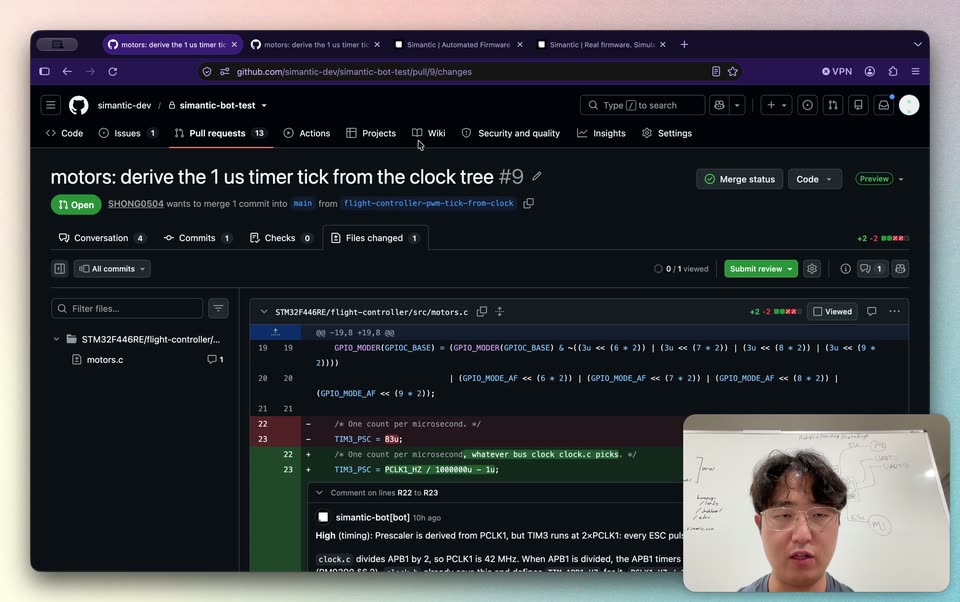
Simantic · B2B · Oct 2026
Films whose music sounds like this one, voice left out
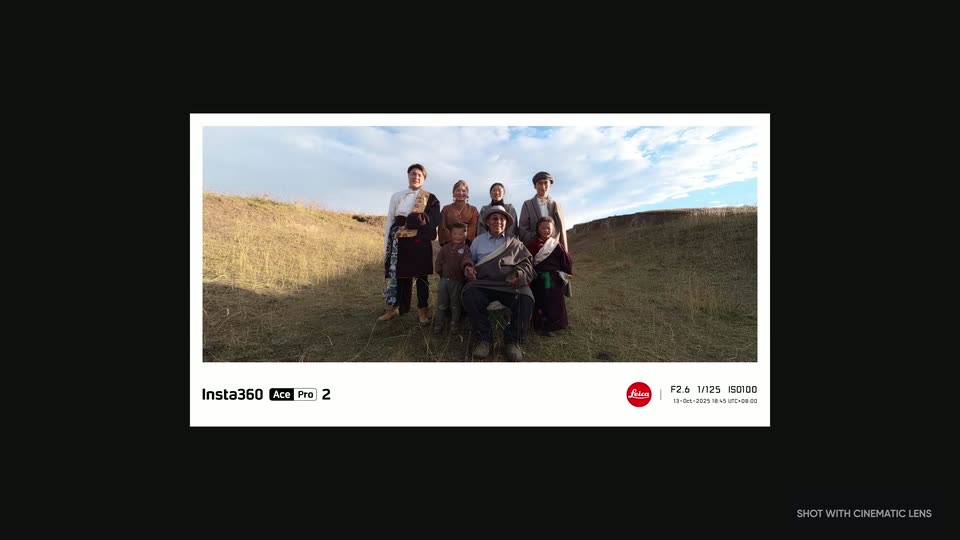
Insta360 · Cinematic ambient and orchestral
Actor Labs · Cinematic electronic and orchestral score
A dark chat window with a Where knowledge begins prompt sits over a blurred sunset field. The view zooms into the lower-left corner as a white hand cursor taps the small pro badge next to a user avatar.
Techniques: UI zoom, Cursor demo
Camera: Static
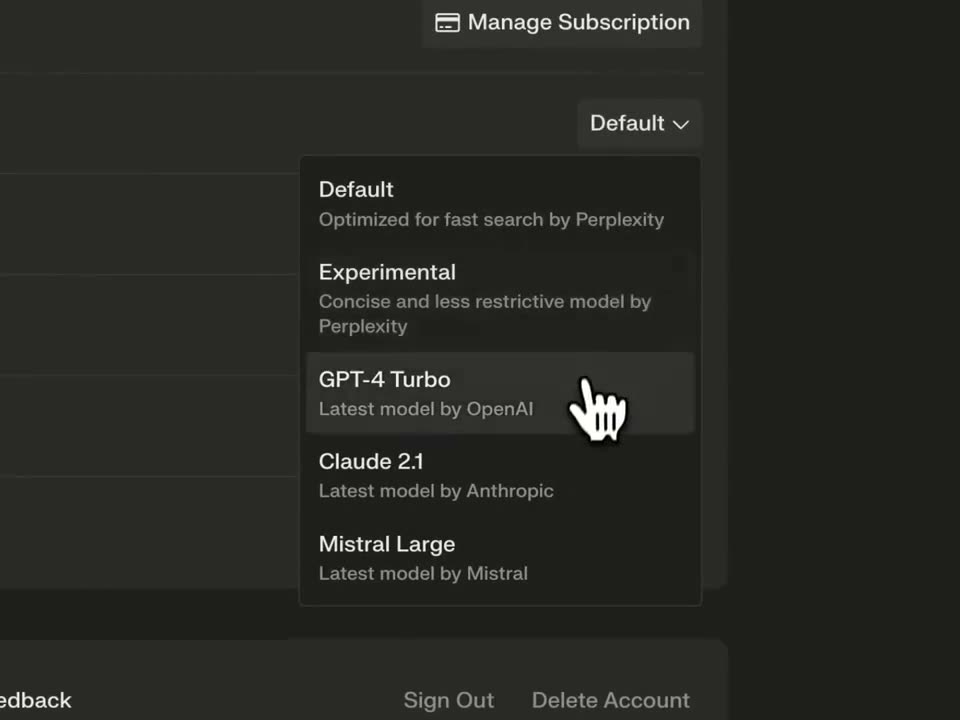
A dark settings window floats in 3D perspective over a blurred outdoor backdrop, then the frame zooms into the AI Model row. A cursor taps the Default dropdown, a list of model options opens, and the cursor glides down the list to highlight Mistral Large.
Techniques: 3D mockup, UI zoom, Cursor demo
Camera: Push in
A dark Perplexity window floats over a blurred, sunlit desk. The camera zooms to the action buttons as the cursor clicks Rewrite, opening a model picker. The view then cuts to a new answer page where paragraphs stream in beneath the Sources row.
Techniques: UI zoom, Cursor demo
Camera: Push in
A dark app window with the headline “Microsoft partners with Mistral”, a sources row and an answer paragraph floats centered over a blurred outdoor background. A cursor rests near the bottom input bar. The frame holds, then fades to black.
Camera: Static