
1:06
Explore
00:00:00 / 02:01:09
- Length
- 2:01
- Scenes
- 26 · 4.7 s avg
- Product on screen
- 0:58
- Features shown
- 4
- Call to action
- 1:50 · 91%
- Voiceover
- Yes
- Views
- 576K on X
as of November 10, 2026
Okibi’s 2:01 launch film runs 26 scenes, about 4.7 s each. The product shows up at 0:58 and 4 features are revealed, with social proof. The call to action lands at 1:50 (91% in), over a voiceover. A talking-head host narrates a fake video-game walkthrough of an AI agent, using a purple HUD, a pixel cursor and a thermometer meter to dramatize the context-overload problem, then cuts to shallow-focus UI close-ups and a building text list to explain how Okibi turns a product into an agent-ready CLI. The style is bright office live action punctuated by neon game overlays and a steady 128 bpm cut rhythm, with the multicolored flame logo and whiteboard sketch as recurring brand marks.
Footage neededEstimated needs: 2 capture groups — your screens or recordings · 1 official logo — reused across the film · 17 filmed passages — shoot, supply or replace · 1 graphic passage — draw or supply · 1 3D passage — build or supply
Is this your launch? to your site or press kit.
More like this
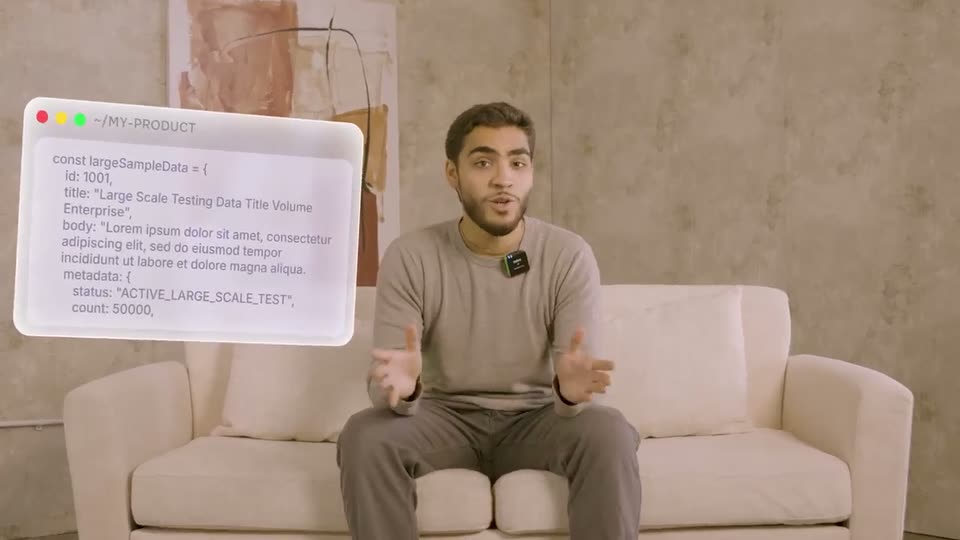

1:35
Dimi Nikolaou - Today AI Video stops being slop. Introducing Wondercraft Video, an A
Wondercraft · Jan 2026
1:06
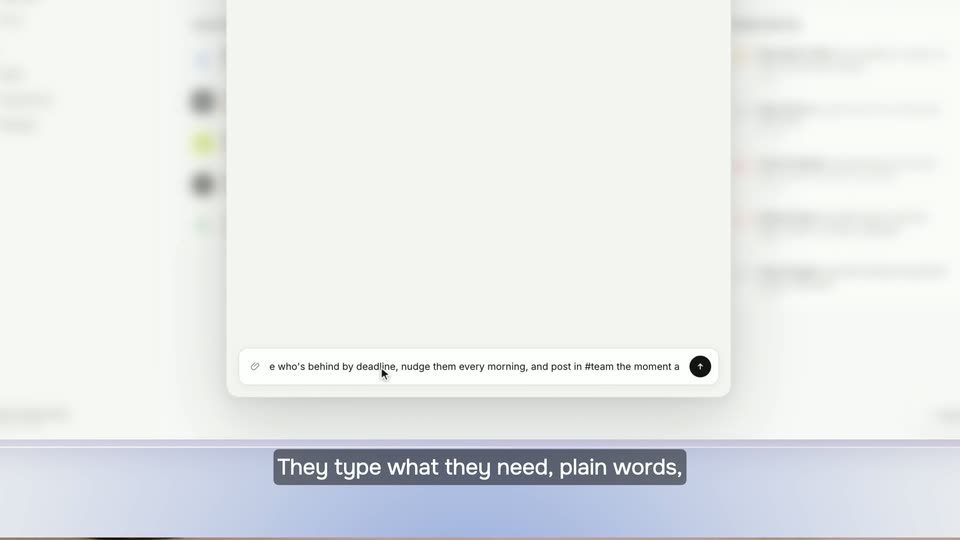
Vendo Launch Video (YC S26) | Unveil Studio
Vendo · Oct 2026
Mahyad - we’re finally launching on YC! most apps were designed for people, n, scene by scene
· 26 scenes as text
01 · Hook · 0:00–0:01
A man with glasses and a black shirt sits centered in a bright office, gesturing with both hands as he talks to camera. A whiteboard and an old monitor fill the background. A black caption bar stays locked at the bottom.
On-screen text: “Hey guys, welcome back to my AI Agent”
Camera: Static
02 · Hook · 0:01–0:03
A man in a black t-shirt and glasses sits in a room with a whiteboard and PC cases, gesturing with both hands as he speaks to the camera. White subtitles on black bars appear at the bottom of the frame.
On-screen text: “Hey guys, welcome back to my AI Agent”, “video game walkthrough.”
Camera: Static
03 · Hook · 0:03–0:07
The host's webcam window shrinks to the top right as a game HUD pops over the office shot: a man labeled Writer sits on his phone between orange arrows, a START button and four colored status bars. A pixel cursor hand moves over the monitor and arrow.
On-screen text: “These days, agents are”, “Writer”, “START”, “getting pretty powerful”, “They can write,”, “research, and code tasks for you.”
Techniques: Cursor demo
Camera: Pull out
04 · Hook · 0:07–0:07
A man sits in an office chair reading a book; a second man appears in a video-call window at top right. A pixel label Researoher hovers above him, a blue START button below, and four colored status bars with star, book, laptop and glasses icons line the right edge.
On-screen text: “Researoher”, “START”, “research, and code tasks for you.”
Camera: Static
05 · Hook · 0:07–0:11
A man sits in an office chair, first holding a book then a laptop, while a game overlay with a START button and progress bars frames him; a video call inset shows a second person top right; the label switches from Researoher to Coder and a pixel cursor clicks START.
On-screen text: “Researoher”, “START”, “research, and code tasks for you.”, “Coder”, “And today, we're working with this guy.”
Techniques: Cursor demo
Camera: Static
06 · Hook · 0:11–0:11
A dark grain field fills the frame with a rounded office video of a bespectacled man in the top right. In the center a small square wipes open to reveal a green icon as a percentage counter climbs from 1 to 31, while a caption sits at the bottom.
On-screen text: “And today, we're working with this guy.”
Techniques: Masking
Camera: Static
07 · Problem · 0:11–0:58
Wide shot of a man at a dual-monitor desk in a bright office, seen from behind, with a presenter in a picture-in-picture box at top right. A purple game HUD with stat bars and a START button spans the bottom. A thermometer meter fills above the monitors as he flails, then a pause icon and a cursor icon pop in.
On-screen text: “And today, we're working with this guy.”, “All right, let's get him”, “to do some actual work..”, “He can't set up my account for me,”, “can't configure anything for me,”, “and can't make payments for me.”, “Okay, let's give him some MCPs.”, “Ah s**t.”, “Now he's got so many”, “tools loaded in his context that he's panicking and choosing random stuff.”
Camera: Static
08 · Feature reveal · 0:58–1:02
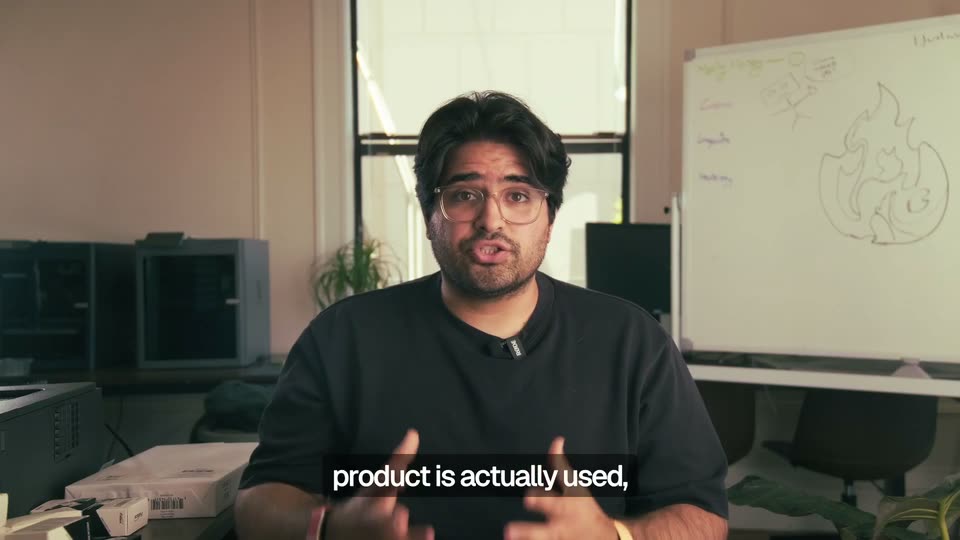
A stylized 3D office shows a person at a desk with a floating purple control bar and two video panels. The scene cuts to a man in a black shirt talking in front of a whiteboard, with white subtitles in a black box at the bottom.
On-screen text: “Okibi researches how your”, “product is actually used,”
Techniques: 3D mockup
Camera: Static
09 · Feature reveal · 1:02–1:03
Extreme close-up of a man's eyes behind black-framed glasses, a faint screen reflection visible in the lens as he looks off frame. A white subtitle line on a dark rounded box sits at the bottom of the frame.
On-screen text: “studies your APIs, SDKs, MCPs, and”
Camera: Static
10 · Feature reveal · 1:03–1:04
Extreme close-up of a person's eye behind black-framed glasses, the eye shifting slightly to the side. A dark caption bar holds the line at the bottom of the frame.
On-screen text: “studies your APIs, SDKs, MCPs, and”
Camera: Static
11 · Feature reveal · 1:04–1:05
A low-angle close-up frames a pair of hands typing on a laptop keyboard set on a wooden desk. The shallow focus blurs the office background, with stacked books at left and a bright window behind. A caption bar sits along the bottom edge.
On-screen text: “studies your APIs, SDKs, MCPs, and”
Camera: Push in
12 · Feature reveal · 1:05–1:06
An angled laptop screen shows the organization-selection UI, with a personal account row, a GitHub URL field and a dashed drop zone, all under shallow depth of field. A dark caption bar at the bottom swaps from one phrase to the next.
On-screen text: “studies your APIs, SDKs, MCPs, and”, “compares existing tools,”
Techniques: 3D mockup
Camera: Static
13 · Feature reveal · 1:06–1:07
A tilted close-up of a screen shows a pink Map it button as a hand cursor hovers over it, and an arrow icon reveals inside the button. A gray caption box reads compares existing tools, locked at the bottom of the frame.
On-screen text: “compares existing tools,”
Techniques: Cursor demo
Camera: Static
14 · Feature reveal · 1:07–1:08
A tight close-up holds on a hand resting on a laptop trackpad. The index finger taps and swipes across the dark surface while the keyboard stays soft and out of focus behind it. Small captions appear over the shot.
On-screen text: “26 repos”, “Map it”
Camera: Static
15 · Feature reveal · 1:08–1:11
An angled close-up of a documentation page with shallow depth of field; the left menu scrolls through command groups while a terminal panel on the right stays fixed. A white caption on a dark bar runs along the bottom.
On-screen text: “then builds the commands”, “with the right standards.”
Camera: Static
16 · Feature reveal · 1:11–1:18
A man in a dark shirt and glasses speaks to camera in an office, gesturing, with a whiteboard behind him. As he talks, a glowing white list builds line by line on the left. Bottom captions read his words in sync.
On-screen text: “Every command gets structured output,”, “Useful Errors”, “useful errors, validation, dry runs,”, “Validation”, “Dry Runs”, “and proper success or failure codes.”, “Success/Failure Codes”
Techniques: Kinetic type
Camera: Push in
17 · Feature reveal · 1:18–1:20
A bespectacled man in a black t-shirt speaks to the camera in an office, gesturing with both hands. A whiteboard with a flame sketch and handwritten notes stands behind him, and old computer hardware sits on a desk to the left. A bottom caption appears.
On-screen text: “And Okibi doesn't stop there.”
Camera: Static
18 · Feature reveal · 1:20–1:22
Close, angled shot of a laptop screen showing a documentation page with a SKILL.md section. The camera is locked off at a shallow depth of field, the screen text soft and the dark desk and keyboard blurred. A white caption on a dark rounded bar reads at the bottom as the page stays still.
On-screen text: “Each CLI is shipped with a skill file.”, “And Okibi doesn't stop there.”
Camera: Push in
19 · Feature reveal · 1:22–1:25
A shallow-focus close-up of a light screen showing a docs view. The filename SKILL.md types itself out beside a thin text caret, then gains a yellow highlight. Subtitles run along the bottom edge.
On-screen text: “Each CLI is shipped with a skill file.”, “So the agent that installs the CLI”
Camera: Static
20 · Feature reveal · 1:25–1:28
A tight, angled close-up of a laptop screen follows a command field as a line of text is typed into it. Fingers tap the keyboard at the right edge while the camera slowly pushes in on the field.
On-screen text: “So the agent that installs the CLI”, “already knows how to use your product.”, “It also comes with Okibi identity,”
Techniques: UI zoom
Camera: Push in
21 · Feature reveal · 1:28–1:34
A man with glasses in a black shirt sits in an office before a sketched whiteboard, talking to camera. Large white words
On-screen text: “It also comes with Okibi identity,”, “Okibi identity”, “which means the agent”, “can set up your account”, “and continue doing its work”, “without you needing to step in.”
Camera: Push in
22 · Feature reveal · 1:34–1:38
A man with glasses in a black t-shirt sits in an office in front of a whiteboard with a flame sketch, talking to camera and gesturing with his hands. White subtitle lines swap in at the bottom of the frame.
On-screen text: “without you needing to step in.”, “And when your product”, “changes, your CLI updates with it.”
Camera: Push in
23 · Social proof · 1:38–1:50
A man in a black shirt and glasses sits in an office, gesturing to camera, a whiteboard with a flame sketch behind him. Brand logos pop in around him as he names companies, then fade. Subtitles run along the bottom; a slow push-in tightens the frame.
On-screen text: “Companies like DoorDash,”, “DOORDASH”, “MERCURY”, “Mercury, Gusto, and Ramp”, “gusto”, “ramp”, “are already shipping CLIs for agents.”, “Because the next generation of software”, “doesn't just need to be readable by AI,”, “it needs to be usable by AI.”
Camera: Push in
24 · CTA · 1:50–1:56
A man in a black t-shirt and glasses sits in an office, gesturing with his hands as he talks to the camera. A whiteboard with a flame sketch and stacked computer towers fill the background. White subtitles on a dark bar swap in at the bottom.
On-screen text: “Turn your product into a”, “CLI and agents into customers.”, “Check out Okibi below”, “and see you guys next time.”
Camera: Static
25 · Outro · 1:56–1:59
A black frame holds, then the okibi mark fades in at center, a multicolor flame icon left of a white lowercase wordmark, haloed by a soft white glow.
On-screen text: “okibi”
Camera: Static
26 · Outro · 1:59–2:01
A black screen centers the Okibi logo: a multicolored flame-like mark beside the white wordmark okibi. The logo remains locked with a soft glow.
On-screen text: “okibi”
Camera: Static