0:43
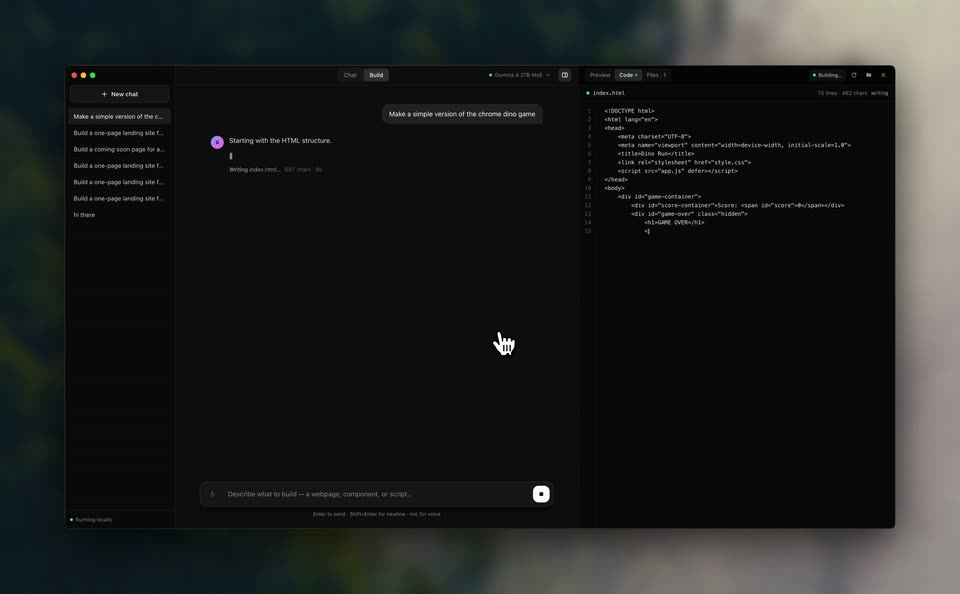

Google Gemma - Offline vibe coding with Gemma 4. This open-source Electron app runs
Google · AI · Apr 2026
NeuraFlow · Jan 2025 · 0:38 · Clip · AI-annotated
NeuraFlow’s 0:38 clip runs 5 scenes, about 7.6 s each. The product is on screen from the first frame. The video is one unbroken screen-recording journey that zooms from the branded Neuropolis dashboard into a document card, opens the PDF viewer, and tours its highlight and connections tools before zooming back out to the grid. Motion is carried by cursor-led zooms, blur transitions and sliding panels on a light off-white interface, with no hard cuts between UI states.
Is this your launch? to your site or press kit.
Google · AI · Apr 2026
Compyle · B2B · Oct 2025
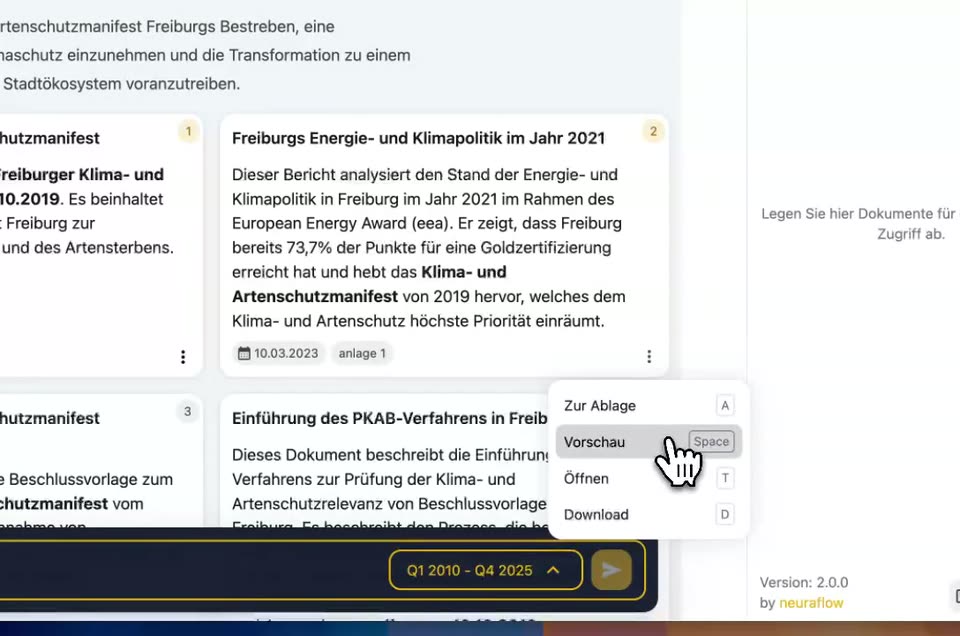
A full browser window of the Neuropolis dashboard shows a generated document answer, then the view zooms into a list of document cards. A hand cursor opens a card's menu and moves down its options.
Techniques: UI zoom, Cursor demo
Camera: Push in
A hand cursor hovers over an option in a context menu next to a highlighted document card, then clicks it. The grid blurs and zooms into a full document viewer, with a metadata panel sliding up at the bottom.
Techniques: Cursor demo, UI zoom
Camera: Pull out
A full-screen PDF viewer shows a page scrolling upward, the title block giving way to body text and a Klimaschutz heading. A bottom panel holds the report title and a summary line, with a hand pointer icon at its right edge. The frame stays locked off.
Camera: Static
A German PDF report sits open in a document viewer at 100% zoom, a yellow highlight marking one paragraph. A hand cursor glides up the page, then a pointer drags across a heading, selecting it in blue.
Techniques: Cursor demo
Camera: Static
A cursor flips through pages of a PDF report in a document viewer, then opens a right-hand connections panel that scrolls through linked agenda items, a meeting date and attendee names. The view zooms out to reveal a dashboard of document cards behind the viewer.
Techniques: Cursor demo, UI zoom
Camera: Pull out