
0:38
Explore
00:00:00 / 00:55:09
- Length
- 0:55
- Scenes
- 19 · 2.9 s avg
- Product on screen
- 0:12
- Features shown
- 3
- Voiceover
- Yes
- Views
- 18K on YouTube
as of November 27, 2026
Microsoft’s 0:55 launch film runs 19 scenes, about 2.9 s each. The product shows up at 0:12 and 3 features are revealed. There is no explicit call to action; a voiceover carries the film. The video opens on the sales pain, names the product with a static title card, then runs three back-to-back feature demos (autonomous research, fine-tuning, lead insights) built from cursor-driven UI screen recordings over a blue gradient, and closes on a tagline card and the Microsoft logo. Pacing is steady at 129 BPM with slow camera pushes and dissolves; the signature moves are the blue gradient wipes, line-art icons, and white title cards set on the blue field.
Footage neededEstimated needs: 3 capture groups — your screens or recordings · 1 official logo — reused across the film · 5 filmed passages — shoot, supply or replace · 3 graphic passages — draw or supply · 1 3D passage — build or supply
Is this your launch? to your site or press kit.
More like this

3:17

Resend - Announcing Headless Webhooks API Programmatically... ▪️ list webhook
Resend · Developer tools · Sep 2026
1:50


Similar soundtrack
Films whose music sounds like this one, voice left out
1:07
Gear Up For Your Game World | Game Fashion 3D Clothing for Character Creator 5
Reallusion · Modern electronic
2:17

Sawyer Covington - This is what having a creative team of 100 could look like. Introduci
General Context Labs · Electronic
1:06
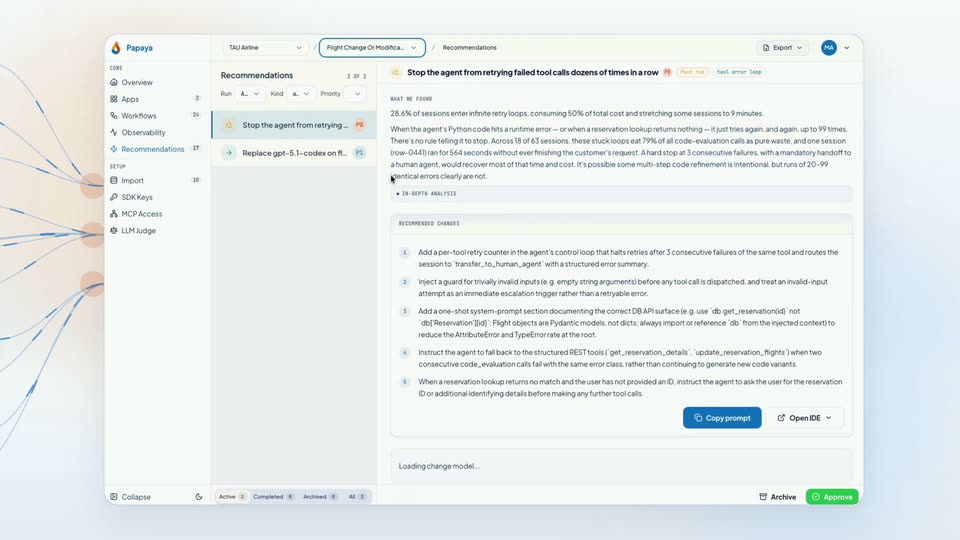

Papaya
Papaya · Electronic Dance Music (EDM)
Introducing the Sales Agent for Microsoft 365, scene by scene
· 19 scenes as text
01 · Problem · 0:00–0:02
A close profile of a dark-haired woman wearing a black headset with a microphone boom, facing left against a blurred office background. She speaks with subtle mouth movement while the camera holds steady on her face.
Camera: Static
02 · Problem · 0:02–0:04
A bearded man in a light blue shirt sits at a white desk in a bright office, holding a phone to his ear and a pen in his other hand. A laptop and printed charts sit before him. The camera slowly pushes in.
Camera: Pull out
03 · Problem · 0:04–0:08
A light blue clock icon sits on a dark blue field as white notification cards pop in around it, each with a photo, name, time and a short inquiry. The cards multiply and fill the frame, drifting toward the edges.
Camera: Static
04 · Problem · 0:08–0:12
On a dark blue gradient with a faint clock face, white email cards carrying avatars and inquiry lines drift outward and dissolve, leaving the empty clock. The central Elvia Atkins card lingers longest before fading.
Camera: Static
05 · Product intro · 0:12–0:13
A laptop on a desk shows the Teams Sales Copilot panel with a chat list and prompt cards, angled in 3D perspective. The blurred left background carries the Microsoft 365 logo, which fades in as the frame stays locked off.
On-screen text: “Microsoft 365”
Techniques: 3D mockup
Camera: Static
06 · Product intro · 0:13–0:16
A shallow-focus, locked-off shot frames a laptop on the right showing the Teams Sales agent view. On the blurred left, white Microsoft 365 sits above a large blue Sales Agent headline, both static.
On-screen text: “Microsoft 365”, “Sales Agent”
Camera: Static
07 · Product intro · 0:16–0:16
A laptop sits angled on a desk in a softly blurred office, its screen showing a Teams chat list and an agent panel. White “Microsoft 365” and blue “Sales Agent” titles hold static on the left. A blue panel wipes in from the right edge to close the shot.
On-screen text: “Microsoft 365”, “Sales Agent”
Techniques: 3D mockup
Camera: Static
08 · Feature reveal · 0:16–0:22
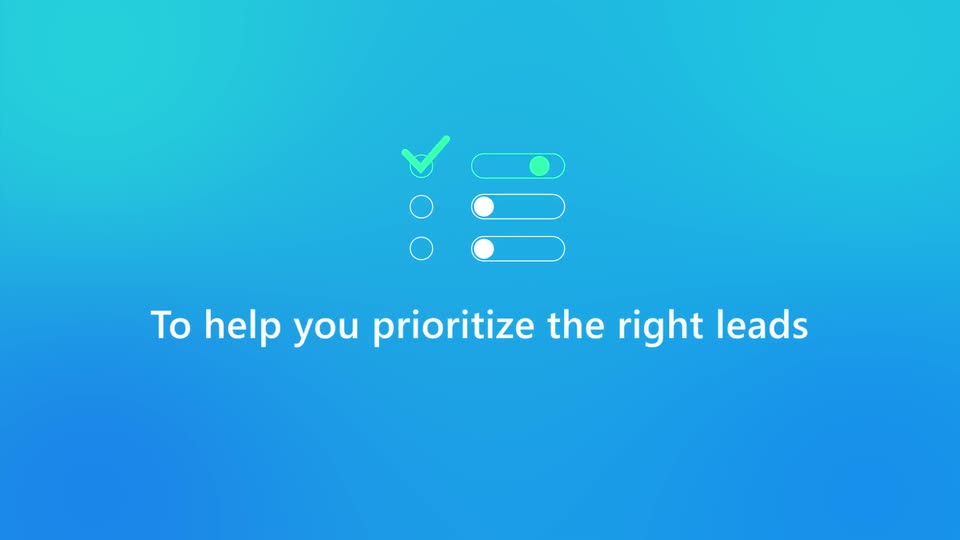
On a blue gradient, a white line-art clock with rotating hands sits above the headline. It is replaced by a three-row list of circles and toggle switches; a green checkmark draws onto the first row and its toggle flips green as the headline changes.
On-screen text: “Round-the-clock research autonomously”, “To help you prioritize the right leads”
Camera: Static
09 · Feature reveal · 0:22–0:23
A browser window shows the Contoso Outdoor Company website. A blue color wash fades out to reveal the page, and a cursor moves in toward the Contact us button.
Techniques: Cursor demo
Camera: Static
10 · Feature reveal · 0:23–0:25
A cursor clicks a Contact us button on a blurred outdoor gear website, opening a centered form modal. The view then dissolves into an Outlook inbox, where a reply email from the customer sits at the top of the list.
Techniques: Cursor demo
Camera: Push in
11 · Feature reveal · 0:25–0:29
A light Outlook window shows an email thread. The reading pane first holds a short inquiry, then a detailed reply with a jacket price quote loads above it, and the frame tightens onto the reply text.
Techniques: UI zoom
Camera: Push in
12 · Feature reveal · 0:29–0:30
An email inbox opens on a thread from Contoso Outdoors to Monika Nayak. The frame starts tight on the message and eases out to reveal the full card, listing a bulk quote for fifty rain jackets. A second reply begins at the bottom.
Techniques: UI zoom
Camera: Static
13 · Feature reveal · 0:30–0:31
A blurred close-up of the Sales agent settings screen sharpens and reframes outward to reveal the full window. The left panel shows the heading Make Sales agent your own with two tabs and a sample-email drop zone, while the right holds an outreach preview card with a sample question.
Techniques: UI zoom
Camera: Push in
14 · Feature reveal · 0:31–0:37
The Sales agent fine-tuning screen shows a drop zone and a lead question card. A sample agent response letter fades in below, the cursor rests on it, then the view zooms into the letter as a blue light bar sweeps across the right edge.
Techniques: Cursor demo, UI zoom, Light sweep
Camera: Push in
15 · Feature reveal · 0:37–0:38
A Teams chat window sits on a desktop over a mountain wallpaper. The Sales thread shows a lead-research card for Amanda Brady. The cursor glides from the conversation list to the View research button and clicks it.
Techniques: Cursor demo
Camera: Static
16 · Feature reveal · 0:38–0:40
A CRM interface showing a lead profile for Amanda Brady is displayed. The screen zooms in slightly, focusing on the What to do next section, which contains three cards detailing actionable insights and next steps.
Techniques: UI zoom
Camera: Push in
17 · Feature reveal · 0:40–0:47
A close-up of a lead profile panel with three insight cards scrolls up, then the frame pulls back to show the full app window on a desktop, the panel docked beside a sidebar. A blue gradient wipe closes the scene.
Techniques: UI zoom
Camera: Pull out
18 · Other · 0:47–0:51
A blurred office shot of four people shaking hands and talking around a table. Centered white text reads “Sales Agent,” then switches to “No lead gets left behind.” The camera stays static throughout.
On-screen text: “Sales Agent”, “No lead gets left behind”
Camera: Static
19 · Outro · 0:51–0:55
The Microsoft logo, four colored squares beside a grey wordmark, holds centered on a plain white field. A static tagline accompanies it; the frame is locked off with no motion throughout the shot.
On-screen text: “No lead gets left behind”
Camera: Static