
0:38
Explore
00:00:00 / 00:30:02
- Length
- 0:30
- Scenes
- 19 · 1.6 s avg
- Product on screen
- 0:00
- Features shown
- 5
- Call to action
- 0:29 · 97%
- Voiceover
- No
- Views
- 284K on YouTube
as of November 22, 2026
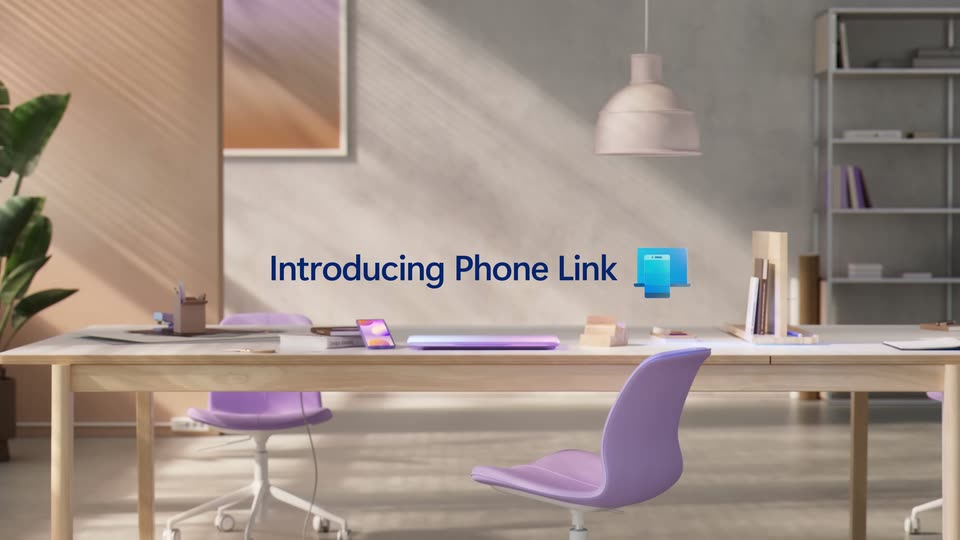
Microsoft’s 0:30 launch film runs 19 scenes, about 1.6 s each. The product is on screen from the first frame and 5 features are revealed. The call to action lands at 0:29 (97% in). Soft pastel 3D product film with a calm, friendly tone, built as a rapid montage of stylized desk sets and abstract gradient tunnels. Pacing is brisk at about 120 bpm with frequent cuts, using slow camera pushes, pulls and orbits, items floating apart into tunnels, and pop-in notification cards as its signature moves, all set against lavender, peach and purple lighting with a clean sans-serif typeface and a light, upbeat musical mood.
No filming indicatedEstimated needs: 18 3D passages — build or supply
Is this your launch? to your site or press kit.
More like this


Similar soundtrack
Films whose music sounds like this one, voice left out
1:00
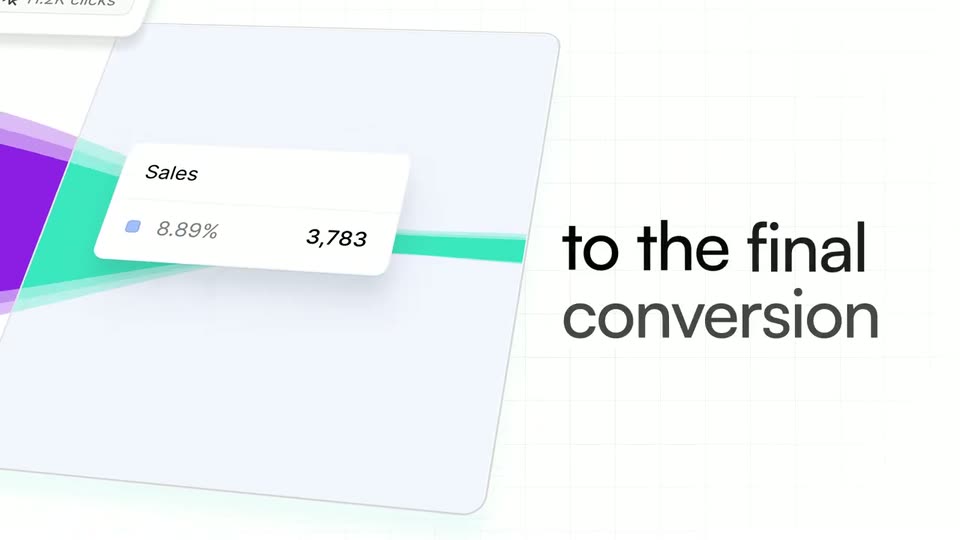

Dub.co - Introducing Dub Conversions 📈 Track how your clicks convert to signu
Dub · Modern electronic, hip-hop, and gospel fusion
0:41
0:47
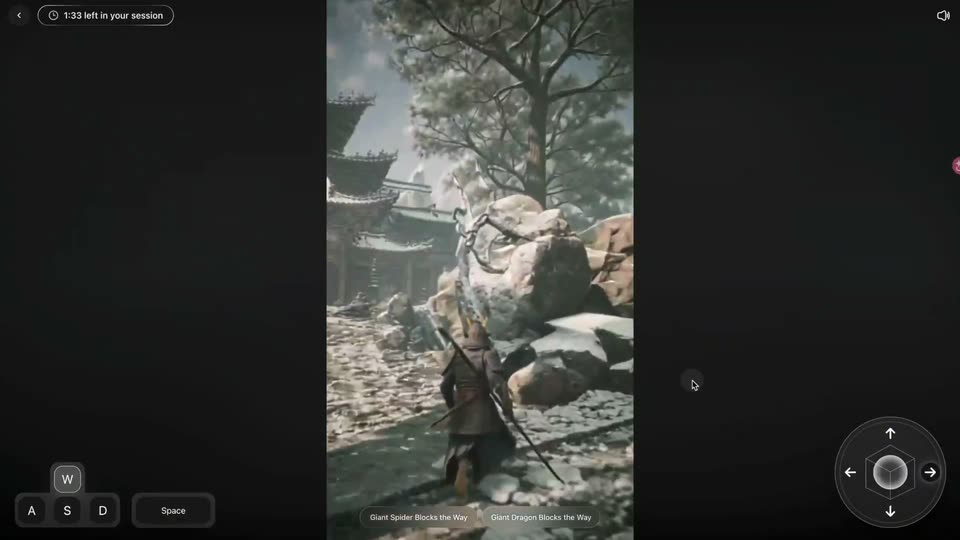
PixVerse - Meet PixVerse R2, our new real-time world model. Explore living world
PixVerse R2 · Lo-fi hip-hop, chillhop, and electronic sound design
Introducing Phone Link, scene by scene
· 19 scenes as text
01 · Product intro · 0:00–0:01
A lavender 3D room with a desk, chair, plant, and couch comes into focus as the dark blue Windows 11 logo and wordmark sit centered, then change to Introducing beside a small blue laptop icon.
On-screen text: “Windows 11”, “Introducing”
Camera: Push in
02 · Feature reveal · 0:01–0:02
A 3D-rendered office with a wooden desk, purple chairs, a potted plant and a pendant lamp under a warm sunbeam. Centered navy text reads “Introducing Phone Link” with a small blue link icon at its right that rotates in place.
On-screen text: “Introducing Phone Link”
Camera: Push in
03 · Feature reveal · 0:02–0:04
A pink laptop with a blue abstract wallpaper sits open on a wooden desk in a sunlit 3D room with a shelf, lamp and chair. A dark blue headline types out above the laptop, then vanishes. The camera holds still.
On-screen text: “Stay connected on your PC”
Techniques: 3D mockup, Kinetic type
Camera: Push in
04 · Feature reveal · 0:04–0:04
A clear-cased phone rests on a stack of books beside a translucent blue laptop, its screen showing a contact card with a profile photo and a shared media list. The camera drifts slowly around the desk, tilting the phone into a steeper angle.
Techniques: 3D mockup
Camera: Pull out
05 · Feature reveal · 0:04–0:06
A tight shot of a phone screen showing a contact card pulls back to a 3D desk. The phone floats upright beside a laptop displaying a grid of avatars and a coffee cup, while green leaves, teal shapes and small portrait chips drift through the air.
Techniques: 3D mockup, Particles
Camera: Pull out
06 · Feature reveal · 0:06–0:07
A 3D peach-toned desk: a coffee cup sits on pink and purple notebooks, a smartphone displays an incoming call screen, and an open laptop rests to the right. The camera pulls back while the phone leaves a translucent trailing duplicate.
Techniques: 3D mockup
Camera: Pull out
07 · Feature reveal · 0:07–0:09
A purple phone on a stand rests on a desk beside a translucent purple laptop and a purple book. A white message card pops up on the phone screen, scaling in. The camera slowly pushes in on the setup.
Techniques: 3D mockup
Camera: Static
08 · Feature reveal · 0:09–0:10
A purple 3D desk holds a laptop, phone, stylus and guide; the camera pulls back as the items float apart into a tunnel around a glowing square, the phone screen showing a message card.
Techniques: 3D mockup, Parallax
Camera: Pull out
09 · Feature reveal · 0:10–0:12
A 3D desk in dappled daylight holds a translucent purple laptop and phone beside books and scissors. Message cards pop out of the phone screen and drift upward as the camera slowly orbits the set.
On-screen text: “Connecting Spaces”
Techniques: 3D mockup, Parallax
Camera: Pull out
10 · Feature reveal · 0:12–0:15
Floating 3D notification cards, linked by coiled purple tubes and thin white lines, drift among abstract shapes on a cream-to-lavender gradient. A dark blue headline scales in at the center as the camera slowly pushes in.
On-screen text: “Stay on top of your notifications”
Techniques: Kinetic type, 3D mockup, Parallax
Camera: Pull out
11 · Feature reveal · 0:15–0:17
A pastel 3D desk scene with a pink notebook, a pen and small sculpted shapes on a wooden board over peach cloth. The camera pulls back slowly while the blue caption “Take and make the call” holds centered.
On-screen text: “Take and make the call”
Camera: Pan
12 · Feature reveal · 0:17–0:19
A centered dark blue serif headline sits over a light blue gradient field of floating 3D elements: circular contact photos, blue and teal blobs, droplets, rings, capsules and leaves. The coins and avatars drift and scale toward the camera while the text stays fixed.
On-screen text: “Your favorite contacts”, “in one place”, “Take and make the call”, “CS”
Techniques: 3D mockup, Parallax
Camera: Pull out
13 · Feature reveal · 0:19–0:21
A white rounded card bearing the line “Keep up with your chats” floats at the center of a 3D tunnel of nested blue rounded frames. The camera tilts and pulls back through the tunnel while 3D emoji props, a pink speech bubble, a sunglasses face and a donut, orbit around the card.
On-screen text: “Keep up with your chats”, “Your favorite contacts”, “in one place”
Techniques: 3D mockup, Parallax
Camera: Static
14 · Feature reveal · 0:21–0:21
A glowing tunnel of concentric rounded squares in blue and purple, with the headline centered in the bright core. The camera pushes through the tunnel into a 3D bedroom while a kiss emoji, a star-eyed emoji, a pink fuzzy ball and a chat card drift past.
On-screen text: “Keep up with your chats”
Techniques: 3D mockup, Parallax
Camera: Push in
15 · Demo · 0:21–0:22
A purple-lit 3D home office: a laptop on a wooden desk displays a profile page with a connection list and stacked cards. A phone, glass lamp and potted plants surround it. The camera pushes in from a wide room shot to a close-up of the desk.
Techniques: 3D mockup
Camera: Push in
16 · Demo · 0:22–0:24
A 3D desk set settles from a cross-dissolve into a still shot: a coral laptop shows a contact list, a phone stands to its left with a contact card, and a lamp, mug, books and glasses fill the desk under a wall shelf.
Techniques: 3D mockup
Camera: Pull out
17 · Demo · 0:24–0:25
A light blue laptop on a wooden counter shows a contacts and calendar interface, ringed by floating 3D objects: a phone, book, coffee cup, cereal bowl and toast. The camera pushes in slowly while small particles drift on the right.
Techniques: 3D mockup, Parallax, Particles
Camera: Static
18 · Demo · 0:25–0:29
A 3D desk holds a translucent purple laptop and a phone beside books and stationery. The laptop screen shows a Phone Link app list, then switches to the Windows wallpaper. A blue headline fades in above the laptop, and fine print appears along the bottom.
On-screen text: “Make the everyday easier”, “Phone Link for iOS requires iPhone® with iOS 14 or higher, Windows 11 device, Bluetooth connection and the latest version of the Phone Link app. Not available, ”, “MacOS®. To experience the full functionality on Android™ devices, mobile phones must be running Android 7.0 or later. Microsoft Phone Link and PC both need a Wi”, “otherwise data restrictions may apply. Device compatibility may vary. Regional restrictions may apply. Trademarks are the property of their respective owners.”
Techniques: 3D mockup
Camera: Static
19 · CTA · 0:29–0:30
A plain lavender end card holds the dark blue Windows 11 logo lockup centered, with a small tagline beneath it. The frame is locked off and static for the full duration.
On-screen text: “Windows 11”, “Get started now”
Camera: Static