

0:23
Explore
00:00:00 / 01:34:28
- Length
- 1:34
- Scenes
- 13 · 7.3 s avg
- Product on screen
- 0:00
- Features shown
- 1
- Call to action
- 1:22 · 87%
- Voiceover
- Yes
- Views
- 24K on YouTube
as of November 27, 2026
Microsoft’s 1:34 launch film runs 13 scenes, about 7.3 s each. The product is on screen from the first frame and 1 feature is revealed. The call to action lands at 1:22 (87% in), over a voiceover. The video alternates between live action office footage and screen capture UI, joined by soft dissolves, with the cursor driving a mind map that grows branch by branch on a white grid. Pacing is slow and steady with long holds on each state, and the human high five bookends the demo before a static logo end card with a URL.
Footage neededEstimated needs: 1 capture group — your screens or recordings · 1 official logo — reused across the film · 6 filmed passages — shoot, supply or replace · 1 3D passage — build or supply
Is this your launch? to your site or press kit.
More like this



Similar soundtrack
Films whose music sounds like this one, voice left out
3:33
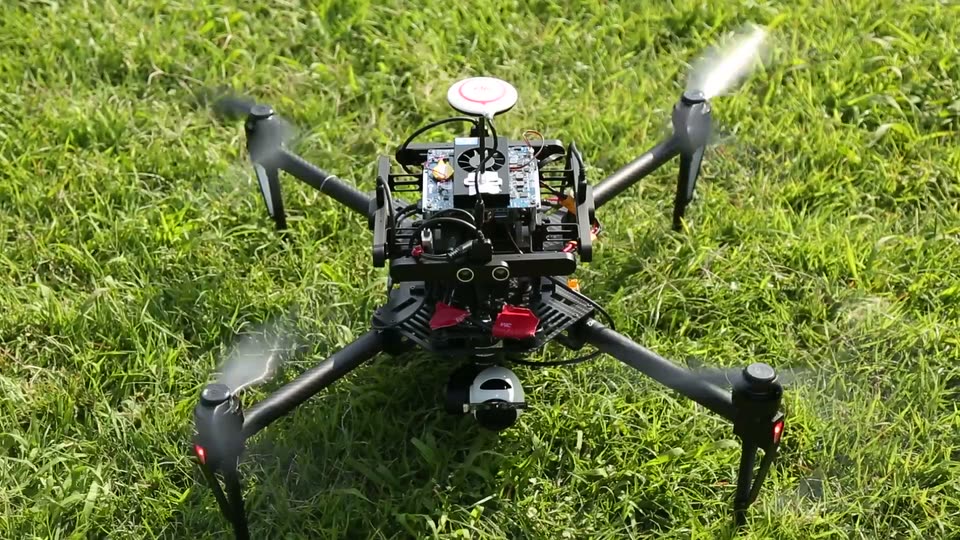

DJI - Introducing the Matrice 100 and Guidance
DJI · Modern electronic
1:46


Introducing Google News Showcase
Google · Modern corporate electronic
0:52

Welcome to Rove Miles
Rove · Upbeat, modern electronic
Introducing mind maps in Microsoft Visio for the web, scene by scene
· 13 scenes as text
01 · Product intro · 0:00–0:07
A purple-to-orange gradient holds the headline on the left beside a large curved orb on the right. The card stays still for most of the clip, then dissolves into a live-action shot of a team working at a table with laptops.
On-screen text: “Introducing Mind Maps in Microsoft Visio for the web”
Camera: Static
02 · Problem · 0:07–0:09
A pale gold headline reads over an office group at a table with laptops, then fades as the shot dissolves to a woman in a grey suit at a desk while a colleague points at a whiteboard.
On-screen text: “Introducing Mind Maps in Microsoft Visio for the web”
Camera: Static
03 · Problem · 0:09–0:20
A presenter in a yellow sweater draws a diagram on a flipchart while four colleagues watch over laptops and mugs. The shot dissolves to a woman typing on a laptop at a sunlit table, camera drifting slowly right.
On-screen text: “KIK”
Camera: Push in
04 · Feature reveal · 0:20–0:21
An open laptop rests on a wooden table in a blurred cafe, its screen filled with a colorful mind map, an iced coffee cup at the left edge. The shot holds static with no on-screen motion.
Camera: Static
05 · Feature reveal · 0:21–0:22
A silver laptop sits on a wooden table next to an iced coffee cup. The screen displays a mind map diagram with a central node and multiple colored branches extending outward.
Techniques: 3D mockup
Camera: Static
06 · Feature reveal · 0:22–0:33
A faint laptop overlay dissolves out of the Visio window. On the empty grid canvas, a cursor drops a capsule node labeled Business Planning and drags it across the page. The left shape panel then collapses into a slim icon rail.
Techniques: Cursor demo
Camera: Static
07 · Feature reveal · 0:33–0:43
A Visio screen with a five-person video call strip on top and a chat panel at right. A cursor builds a mind map on the grid canvas, the single Business Planning node branching out into a full tree of labels.
Techniques: Cursor demo
Camera: Static
08 · Feature reveal · 0:43–1:20
A mind map canvas fills the frame beside a video call participant strip. The cursor drags the SWOT branch down the left side, links reflow, a right-click menu opens, then a color palette recolors the branches green, red, blue and purple.
Techniques: Cursor demo
Camera: Static
09 · Feature reveal · 1:20–1:21
A translucent mind map whiteboard overlay dissolves out of a meeting room, revealing a man typing on a laptop as a woman across the table raises her hand and high-fives him, colleagues smiling behind.
Camera: Static
10 · Feature reveal · 1:21–1:22
A group of colleagues at a wooden table exchange a high-five, a man in a white shirt and a man in green raising their hands while two others smile in the background. A laptop and a water bottle rest on the table, shot with shallow depth of field.
Camera: Static
11 · CTA · 1:22–1:23
A team high-fives around a wooden table; the footage blurs and pales as the blue Visio logo and a two-line call-to-action fade in at the center.
On-screen text: “Learn more about Visio in Microsoft 365 and”, “other Visio plans at aka.ms/visioplans”
Camera: Static
12 · CTA · 1:23–1:32
A static end card holds the blue Visio logo, a white V on overlapping blue shapes, centered on a white panel over a gray gradient. Two lines of blue text sit below, and the frame stays locked with no motion.
On-screen text: “Learn more about Visio in Microsoft 365 and”, “other Visio plans at aka.ms/visioplans”
Camera: Static
13 · Outro · 1:32–1:34
A pale blue Visio logo and a two-line gray caption fade out on a white background, then the gray Microsoft logo with its four-color square mark fades in at center and holds.
On-screen text: “Learn more about Visio in Microsoft 365 and”, “other Visio plans at aka.ms/visioplans”
Camera: Static